
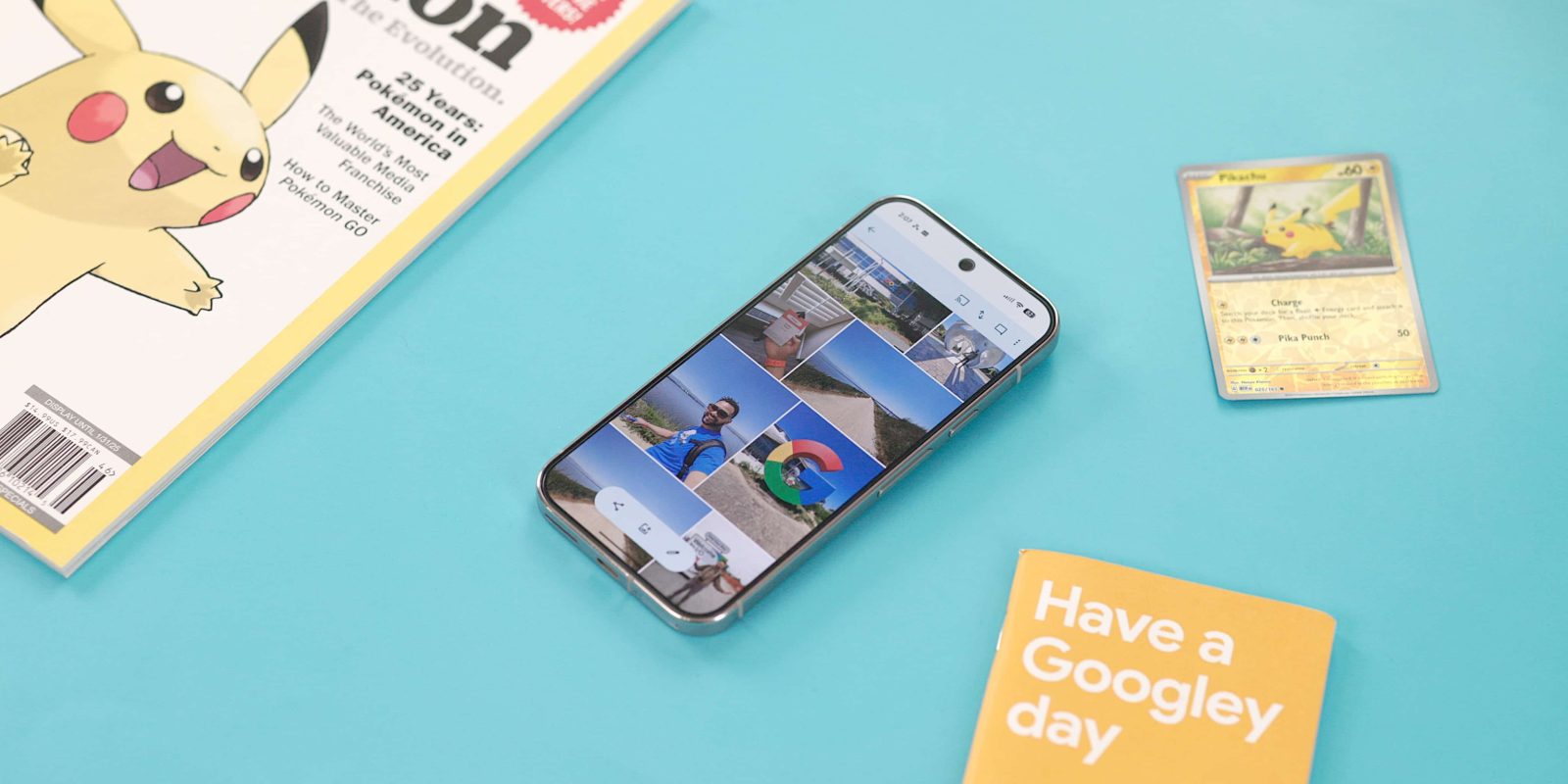
Google Photos for Android is adding a rather convenient shortcut to access your local folders from anywhere in the app.
In the top bar, you’ll get a file folder icon to the left of the ‘plus’ and notification bell icons.
Tapping takes you directly to the existing “On this device” page that lists your local folders for Screenshots, Quick Share, Movies, etc. Previously, you had to first navigate to the Collections tab and then open that grouping.
This new shortcut is available from all the app’s four tabs. The app’s top bar is getting a little cluttered, especially with the persistent backup indicator pill at the left, but it provides a handy shortcut.
We’re seeing this rolling out with version 7.64 of Google Photos on multiple devices today. However, it’s not yet widely rolled out.

More on Google Photos:
- Google Photos rolling out floating toolbar to replace bottom bar
- Google Photos brings ‘Create with AI’ templates to iPhone
- Google Photos upgrading ‘Photo to video’ with custom prompts, audio
- Google Photos rolling out AI-powered ‘Me Meme’ generator


FTC: We use income earning auto affiliate links. More.



Comments