
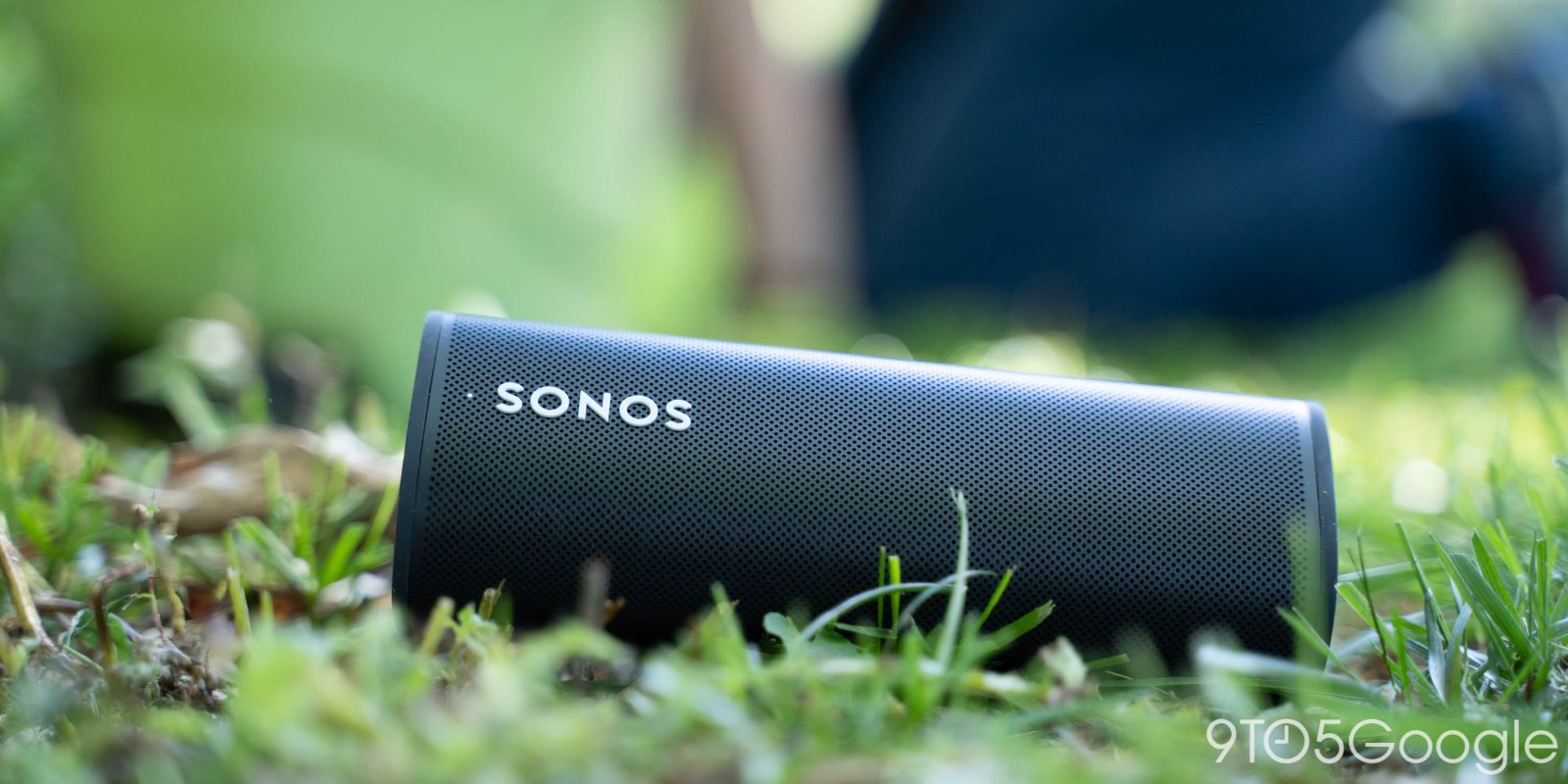
Alongside the debut of its new speakers, Sonos has updated its Android app to finally revive support for the system’s built-in media player and lockscreen controls, as well as volume controls using the buttons.
Media apps of all sorts almost universally support Android’s media playback controls, which includes support for both notification/Quick Settings and lockscreen controls. You’ll find it basically everywhere, which is why it’s pretty frustrating that the Sonos app has lacked support for this for the past couple of years after it was stripped away.
Finally, though, it’s back.
Sonos has confirmed that, as of this week, the latest Sonos app for Android update has widely revived support for the platform’s media player controls. Users started noticing this over the past week, but it’s apparently now widely available to everyone – you can check for updates in the Play Store if you’re still not seeing it.
The updated implementation shows your currently-playing media from the Sonos app as well as showing which speakers/groups are being used for output. Volume controls also work just as you’d expect for casting media, even if the app isn’t open, and using the phone’s physical buttons.
This comes just in time for the latest Sonos releases in the “Play” portable speaker as well as the Era 100 SL, which is a more affordable $189 home speaker.
More on Android:
- Google Pixel phones adding ‘Transit mode’: How to set up
- Galaxy S26 Ultra vs. Pixel 10 Pro XL: Same phones, different year [Video]
- Here’s how hard it is to make a cheap Android phone during the RAM shortage
Follow Ben: Twitter/X, Threads, Bluesky, and Instagram


FTC: We use income earning auto affiliate links. More.


Comments