
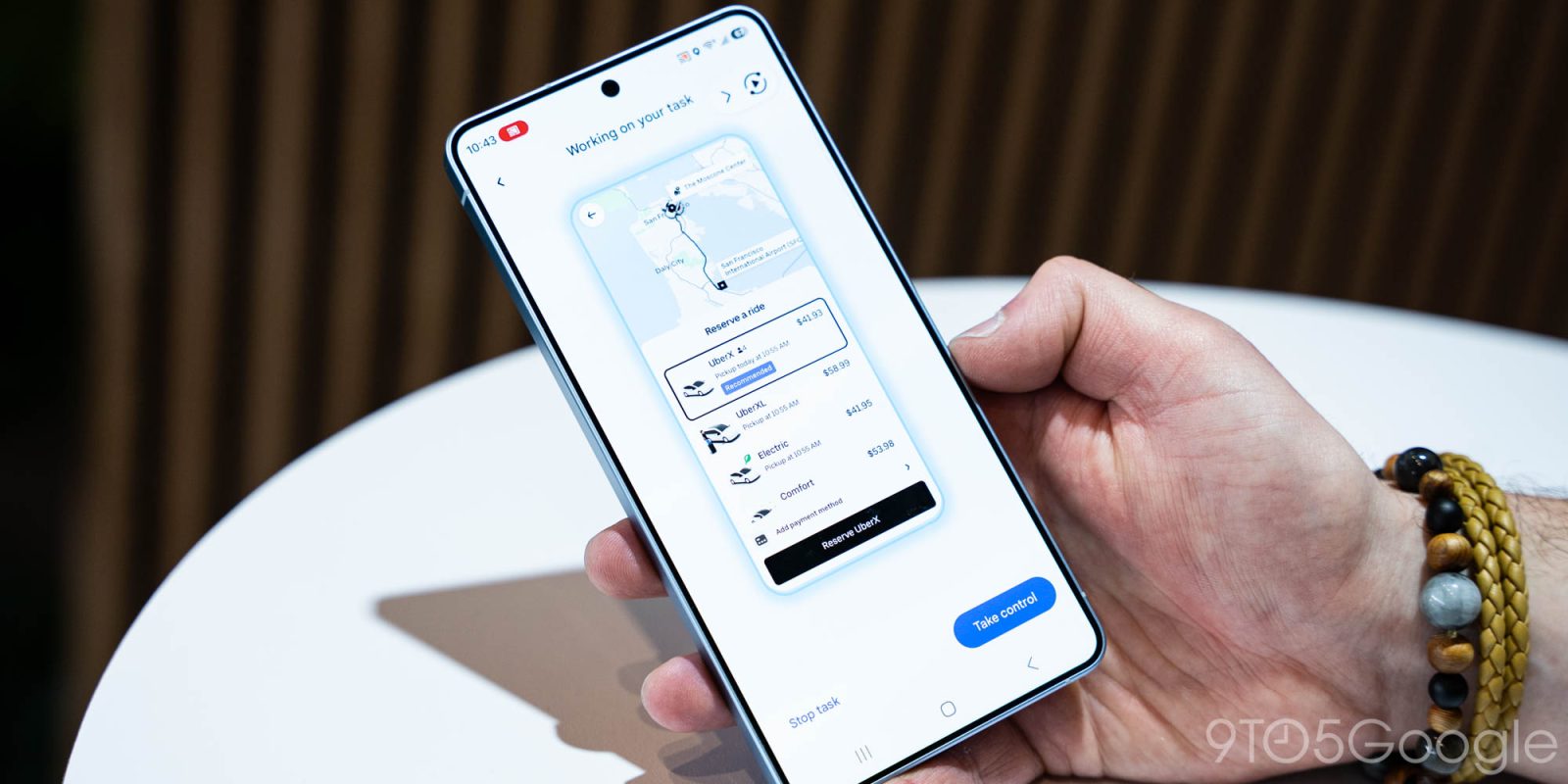
Gemini has a new trick up its sleeve with agentic task automation, with the AI able to use an app on your behalf to perform certain tasks, and it’s now live on the Galaxy S26 series.
Rolling out now to the Galaxy S26 series, Gemini task automation – also referred to as “screen automation” – hands control over certain Android apps to your AI assistant. We got a preview of this when the feature was announced alongside Samsung’s new phones, but now it’s actually live and working.
In testing Gemini task automation out on Galaxy S26 Ultra, we were able to ask for Gemini to “order a spicy chicken sandwich from Popeye’s on Uber Eats” and, as expected, automation took over and started the process in the background. Gemini will add items to your cart, but it won’t finalize checkout. When it reaches that point, it’ll send a notification (including a strong vibration) and hand the controls back over to you to finalize the process. It even skips the add-on pages in Uber Eats, skipping straight to the end of the process where you select a driver tip and actually place the order.
It seems to work well enough, though in one test the preview “broke” the phone by locking us into a fullscreen preview of the automation that we couldn’t leave without forcibly rebooting the phone.
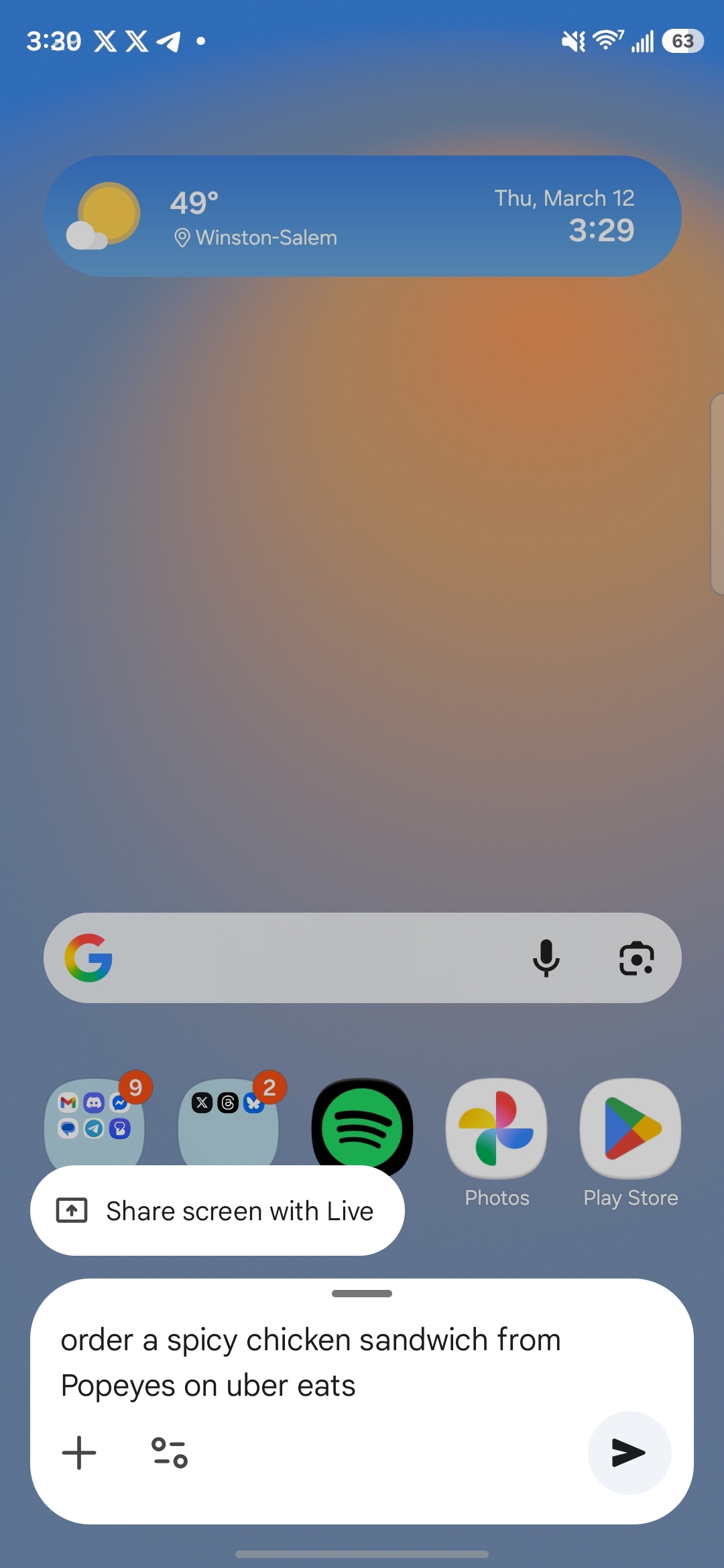
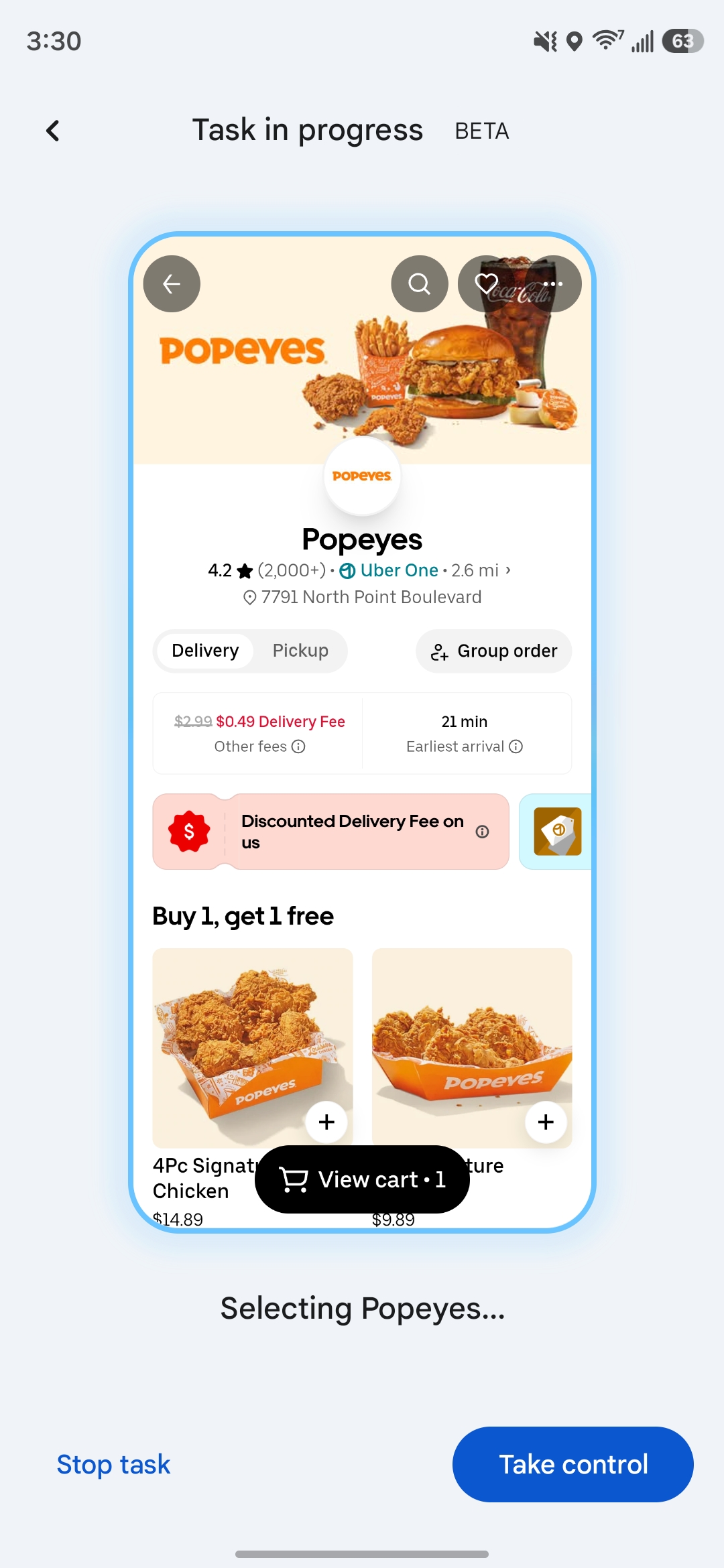
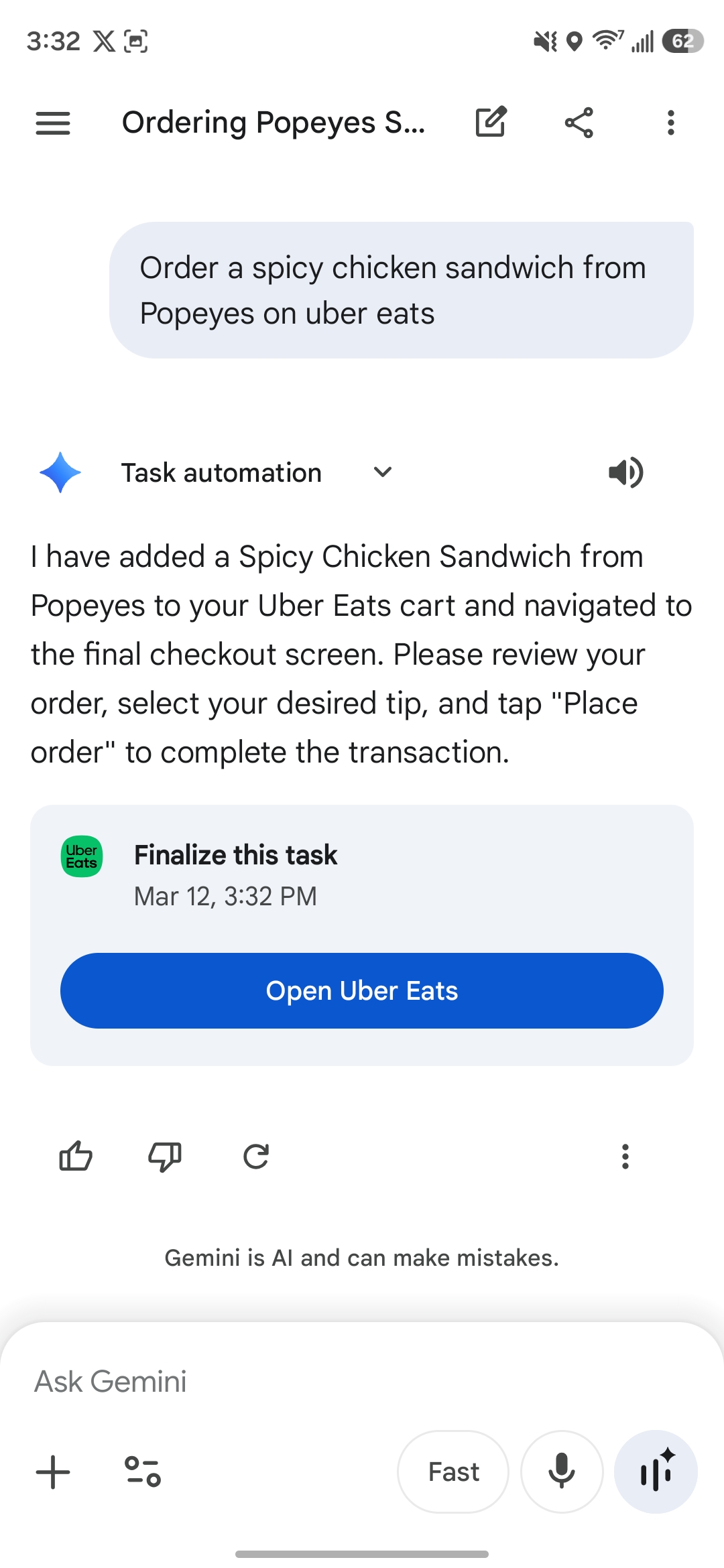
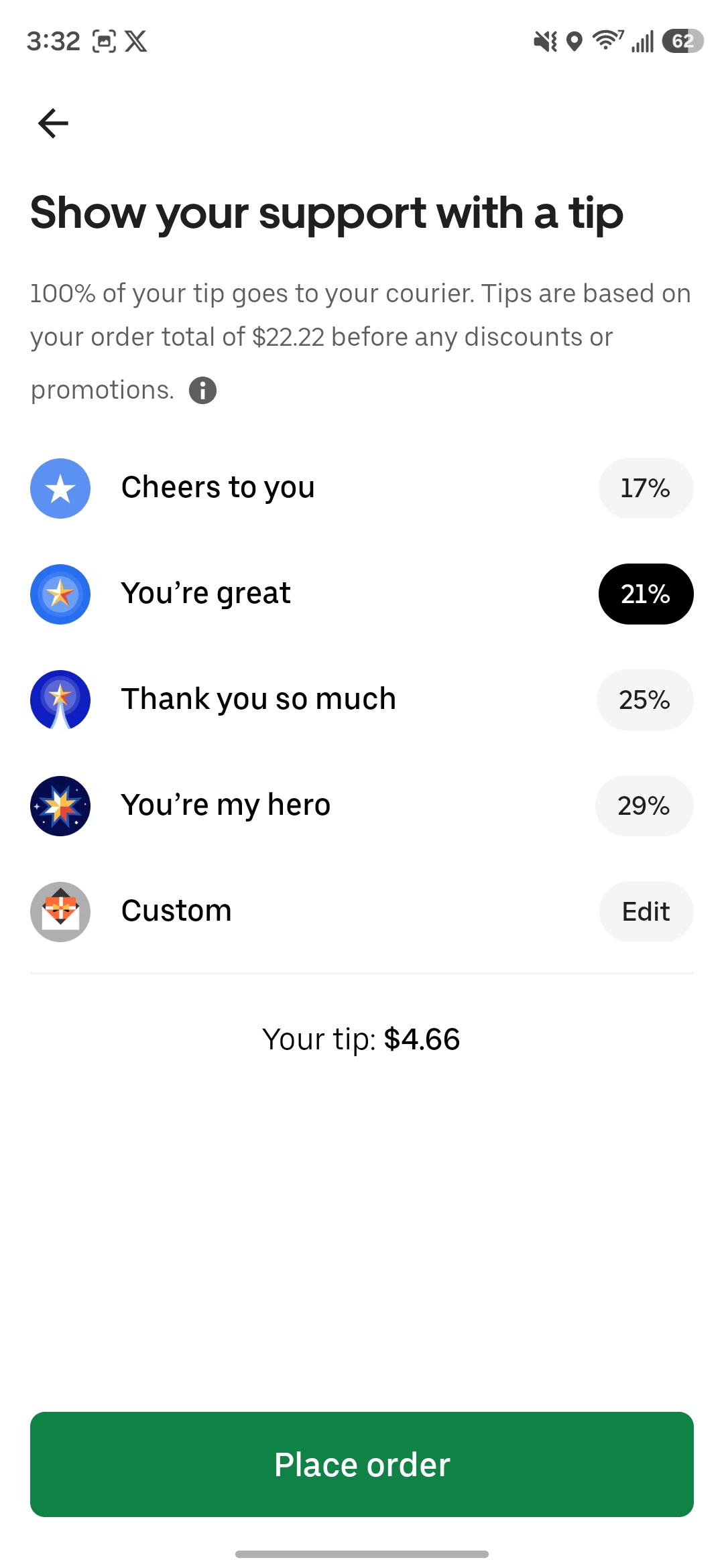
Is this faster than just adding items to the cart yourself? Not really, but I would personally say that the bigger use case here is just having Gemini do the grunt work of adding things to the cart – or setting locations in the case of rideshare – using a simple voice command, doing that part in the background while you’re doing other things.
Right now, Gemini supports task automation with the following Android apps:
- Lyft
- Uber
- Grubhub
- Doordash
- Uber Eats
- Starbucks
There are other obvious apps that should be added eventually, like Instacart, but they’re not available just yet. A list of compatible apps will appear in Gemini’s settings, but it’s specific to what apps are currently installed on your phone. Google has opened the door to more apps to be added, too.
As far as device support goes, Google is also set to launch this feature on Pixel 10, Pixel 10 Pro, and Pixel 10 Pro XL, but it doesn’t appear to be live just yet. You’ll want to look for “screen automation” in the Gemini app’s settings, as that’s what first clued us in to the rollout last night.
More on Gemini:
- Gemini in Chrome gets first international expansion
- ‘Immersive Navigation’ is the biggest Google Maps driving update in a decade
- Gemini Live rolling out floating pill redesign
Follow Ben: Twitter/X, Threads, Bluesky, and Instagram


FTC: We use income earning auto affiliate links. More.


Comments