

Following the announcement at the start of this month, Real-time Location Sharing in Google Messages for Android is more widely rolling out.
Once available, you’ll notice that the ‘plus’ menu in conversations is badged with a dot. There’s a new “Real-time Location” pill that has a green icon. It stands out from all the other attachment options.
Google has retained the previous sharing option that creates a Google Maps link as “One-time Location.”

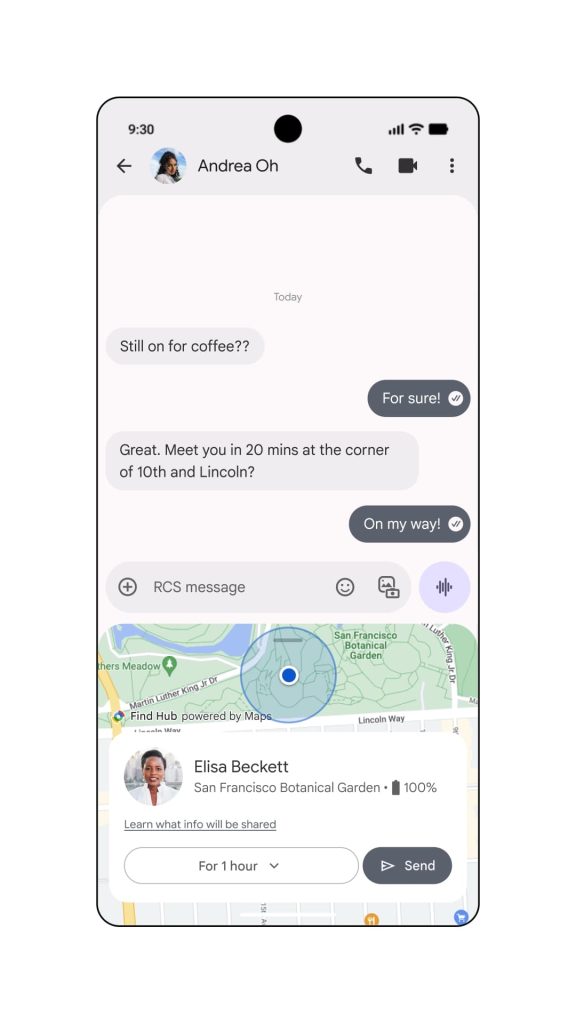
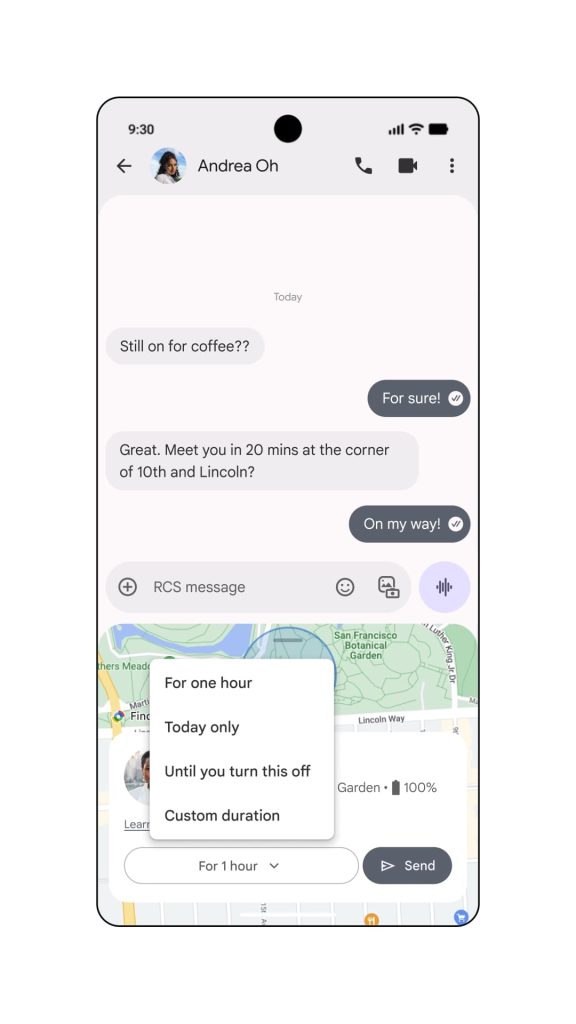
Tapping brings up a live map that you can expand to take up most of the screen. The card at the bottom notes what you’re sharing with a dropdown menu to select: For 1 hour, Today only, Until you turn this off, or Custom duration.
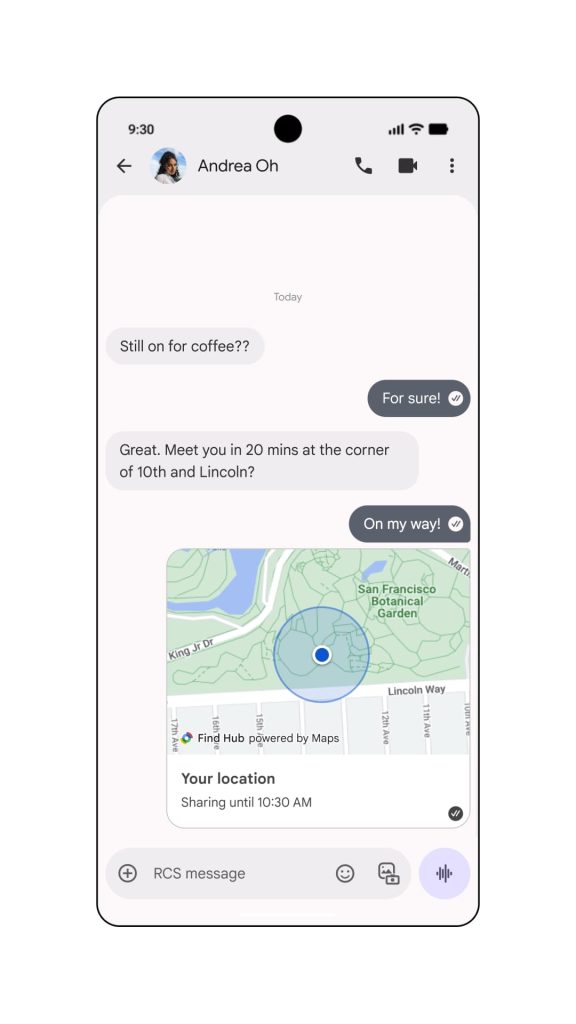
“Send” will add a real-time map to the conversation thread that the recipient can expand. The recipient will see “See my real-time location” as the message notification.
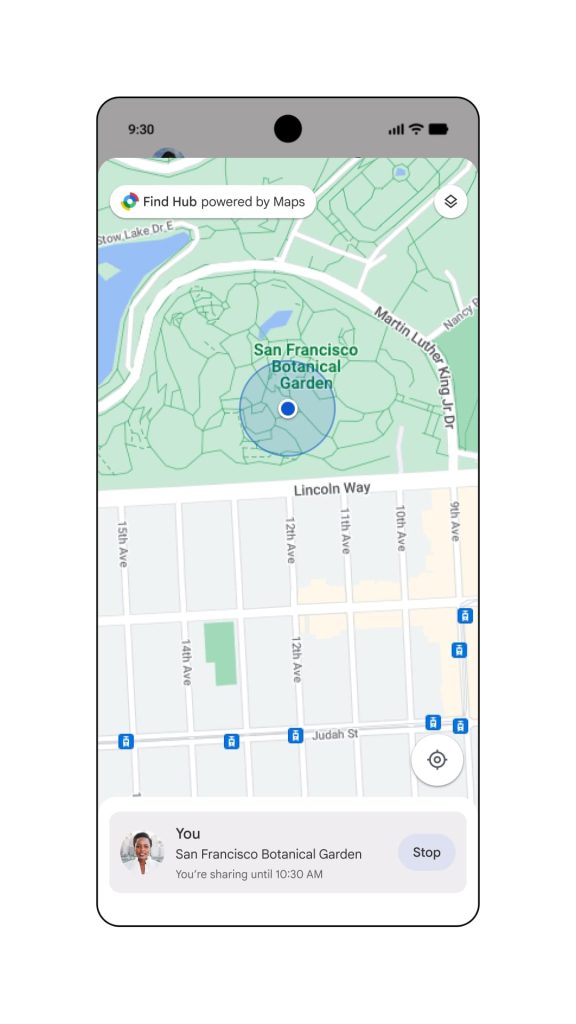
On the privacy front, there is a prominent banner below the app bar that notes whether location is being shared and until what time.
We’re seeing wide beta and stable availability of Google Messages Real-time Location over the last few days.

The Google Messages dot
To inform people about this feature, Google badges it with two dots. To remove both, someone needs to share their location with you. For whatever reason, it does not disappear if you’re the only one sharing.
This is either a bug or an amusing growth hack that is somewhat dastardly.


FTC: We use income earning auto affiliate links. More.




Comments