
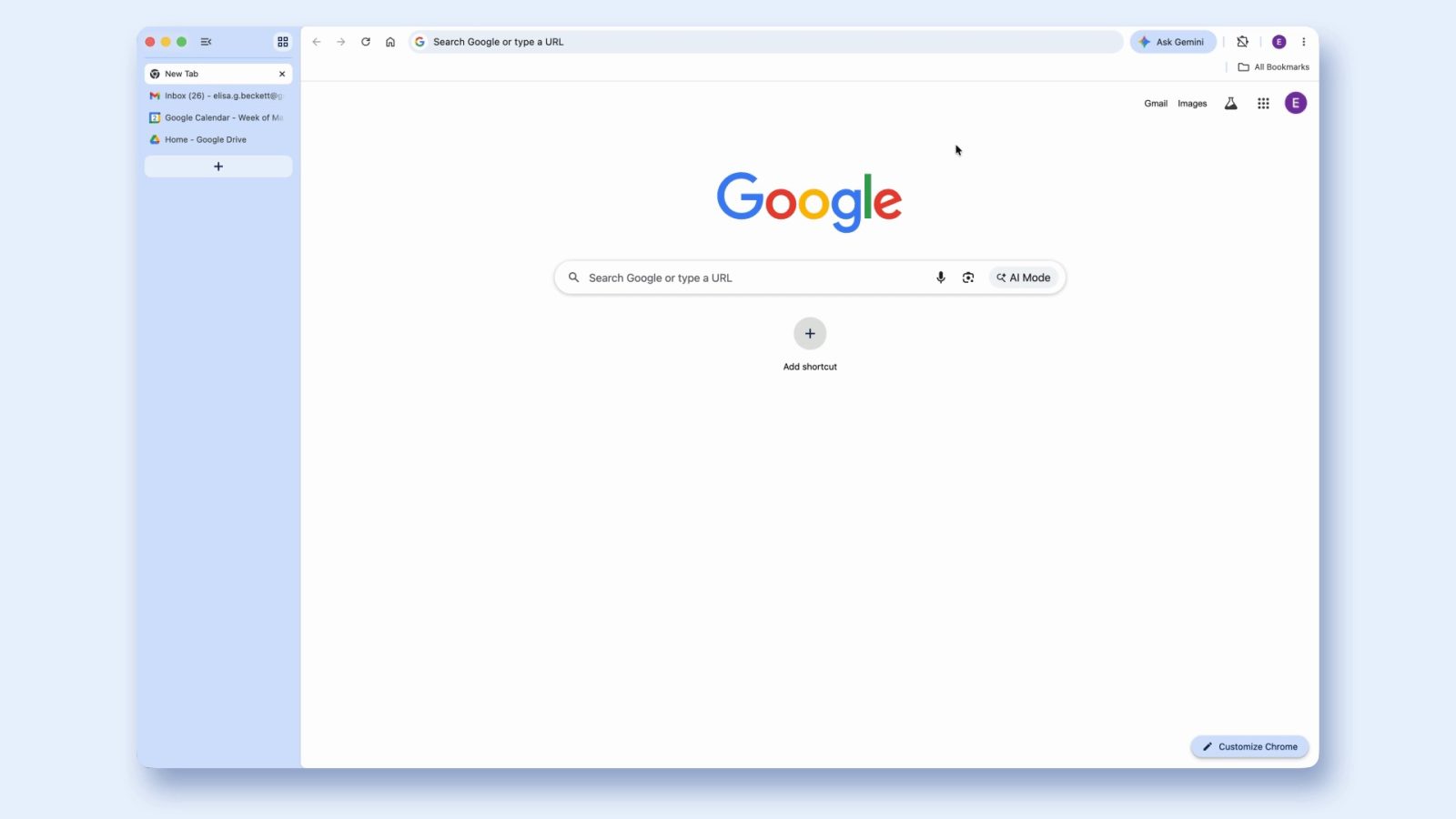
Google is introducing two big updates for desktop Chrome with vertical tabs and immersive reading mode.
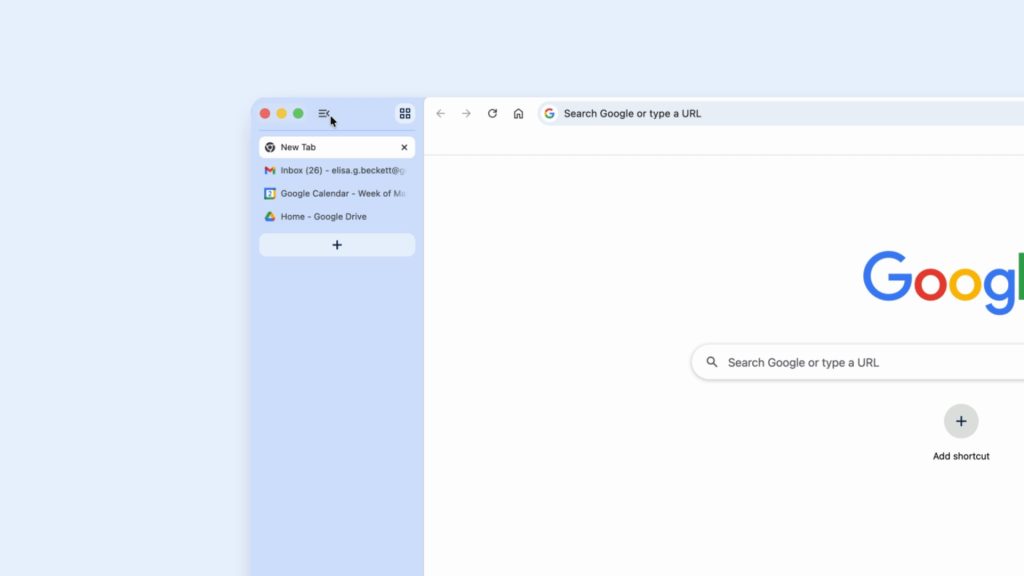
Vertical tabs are an alternative to the horizontal tab strip that has been in place since Chrome launched. You get a list of open tabs on the left side of the screen. This lets you read full page titles “even when your tab count hits double digits,” while Tab Groups are easier to organize this way.
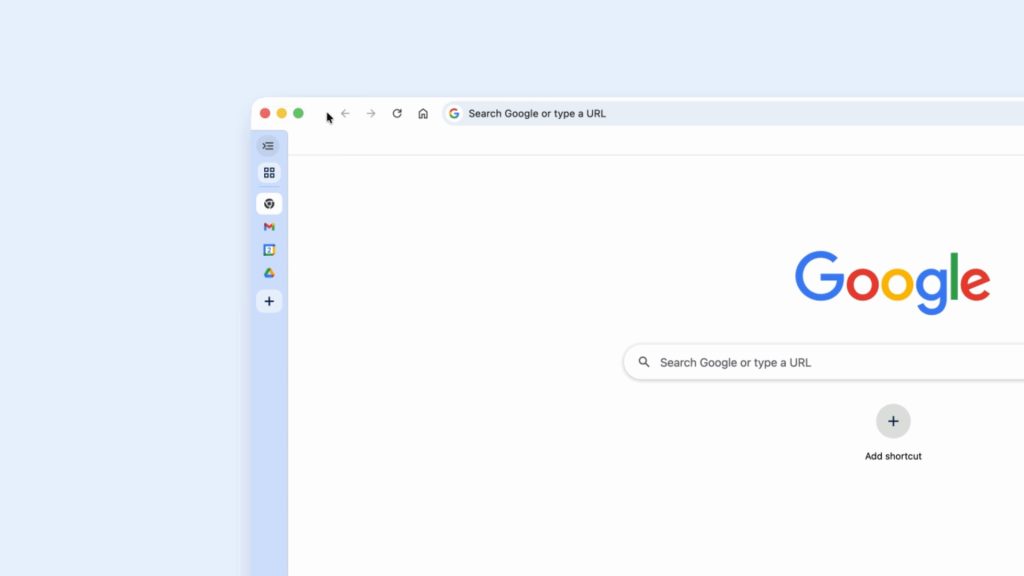
You can also minimize the vertical tabs to just a column of favicons. Google says this “layout is perfect for multitasking, saving you time by making sure you never lose a tab.”
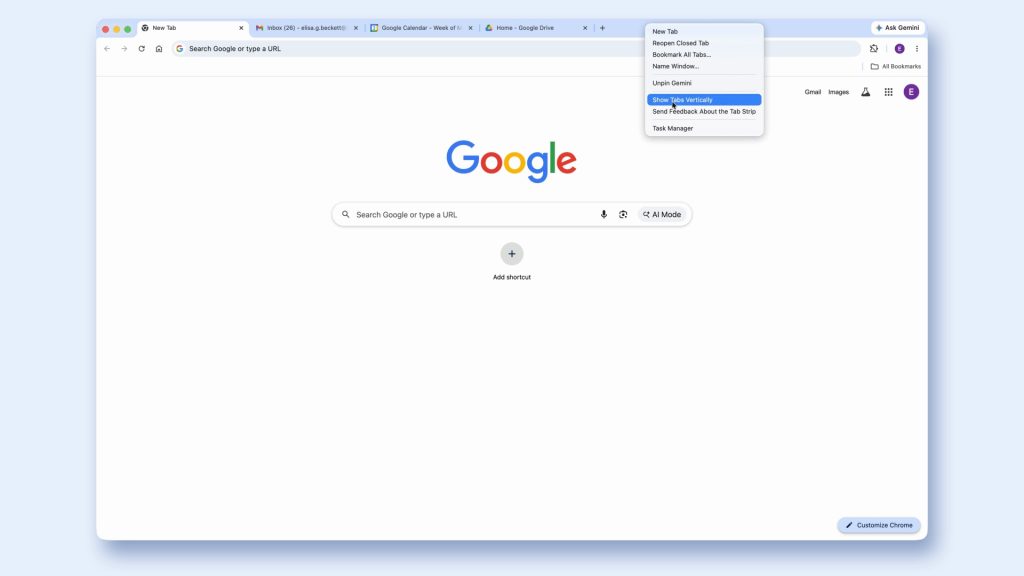
To access, right-click the top of any Chrome window for “Show Tabs Vertically.” It’s easy to switch back and forth.
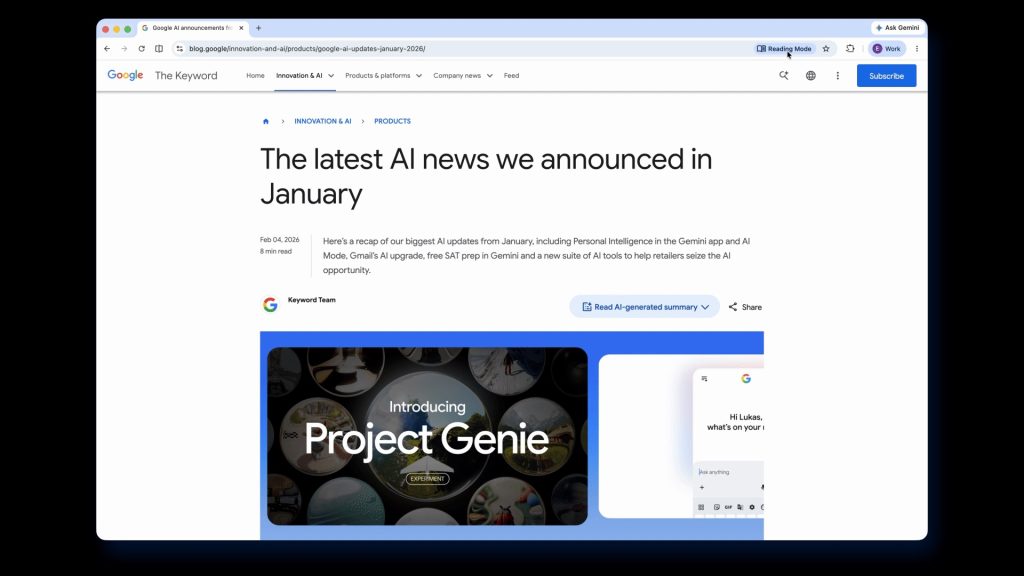
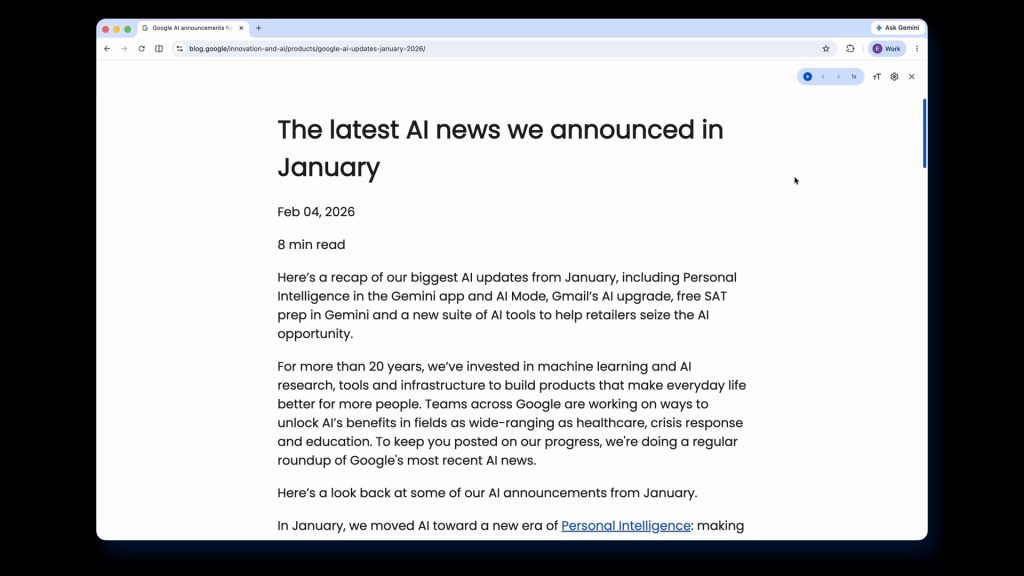
Meanwhile, immersive reading mode gives you a full-page interface rather than just a side panel. This will “remove visual distractions and transform a busy webpage into an immersive, text-focused reading experience.”
Right-click on any page for “Open in reading mode” or tap “Reading Mode” in the address bar. From the top-right corner, you can start text-to-speech and customize the view.
These two Chrome features are rolling out starting today.
More on Chrome:
- Chrome for Android gets Material 3 Expressive Settings
- You can now add the bookmarks bar to Chrome on Android tablets, foldables
- Gemini in Chrome gets first international expansion


FTC: We use income earning auto affiliate links. More.



Comments