
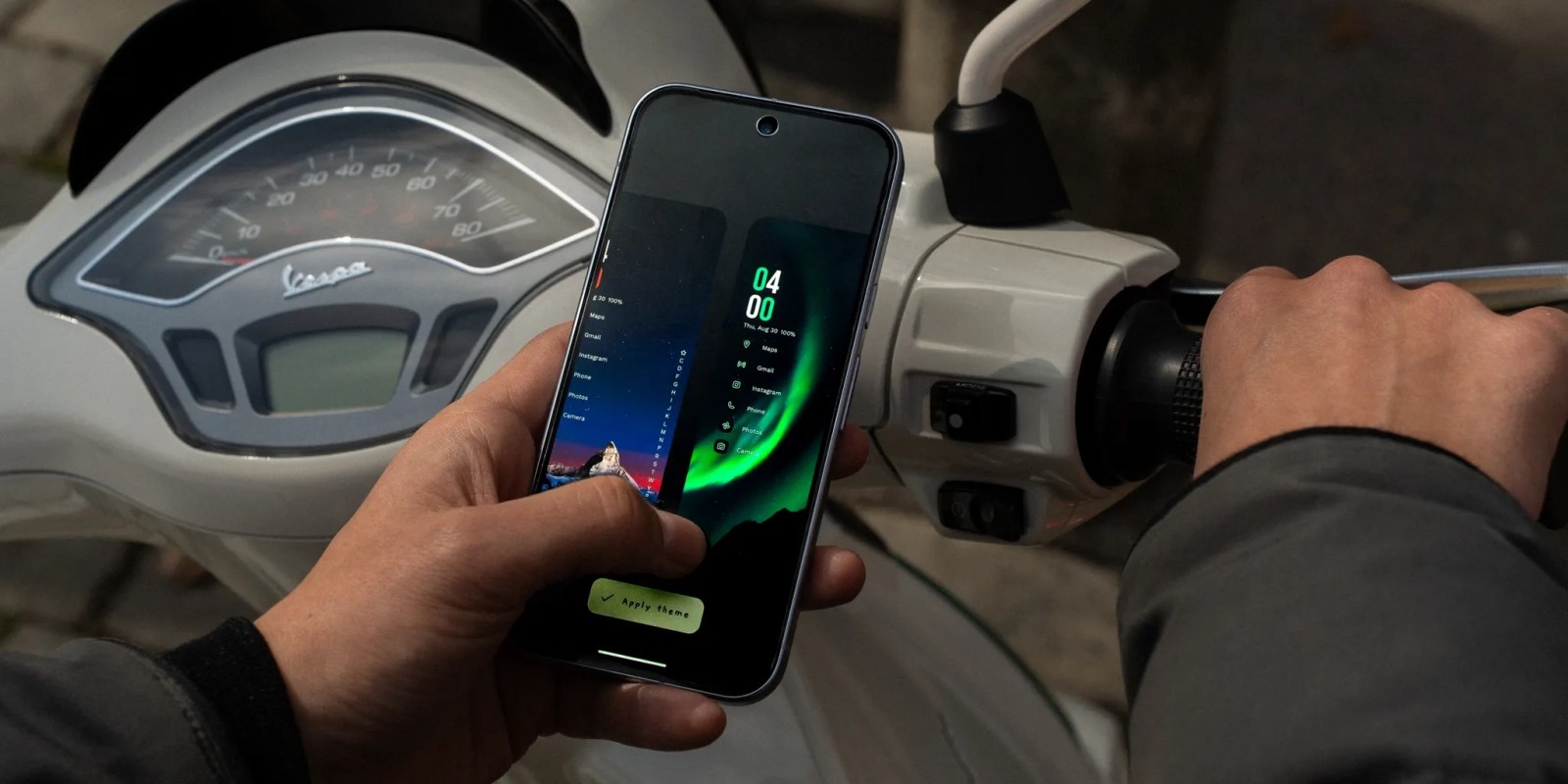
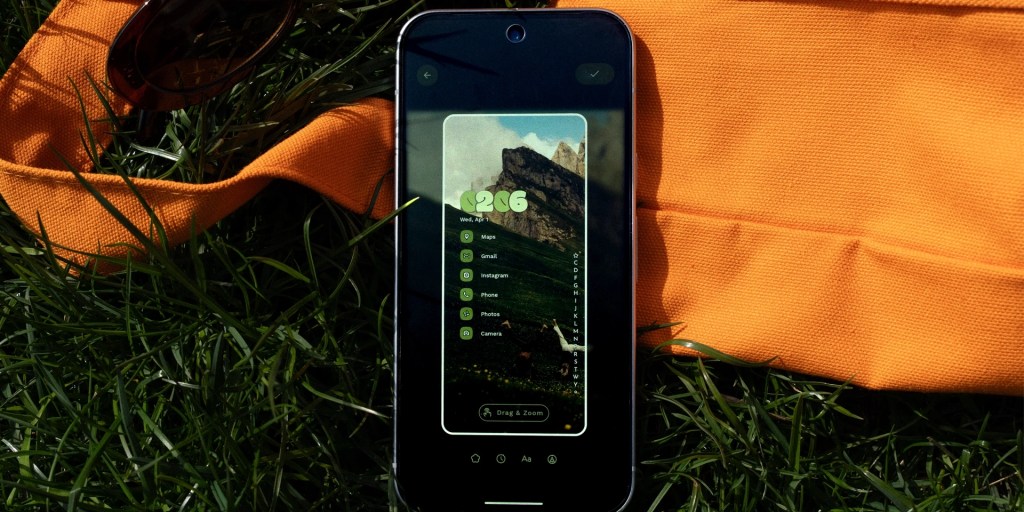
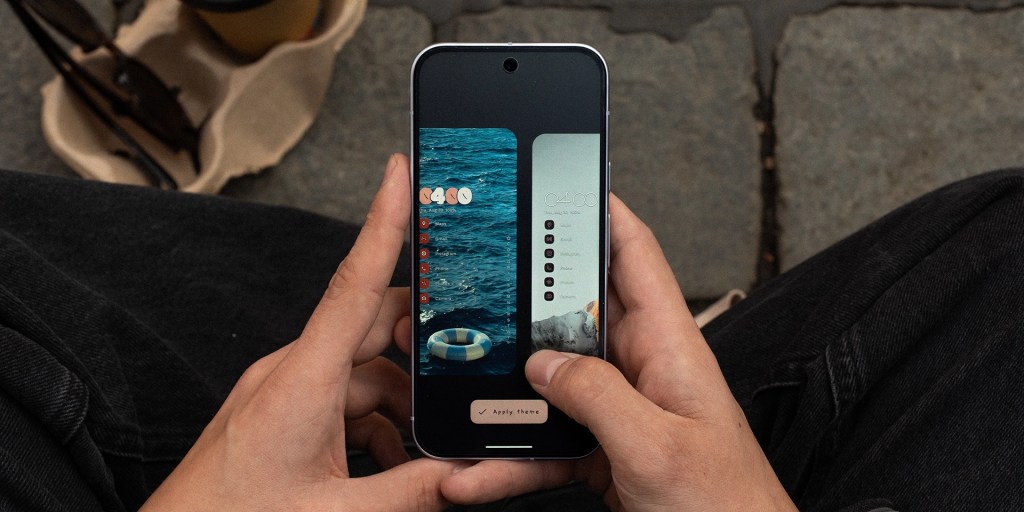
The popular and unique third-party Android homescreen replacement, Niagara Launcher, is today introducing “Theme Studio” as a new way to not only create, but sharing your custom-built themes.
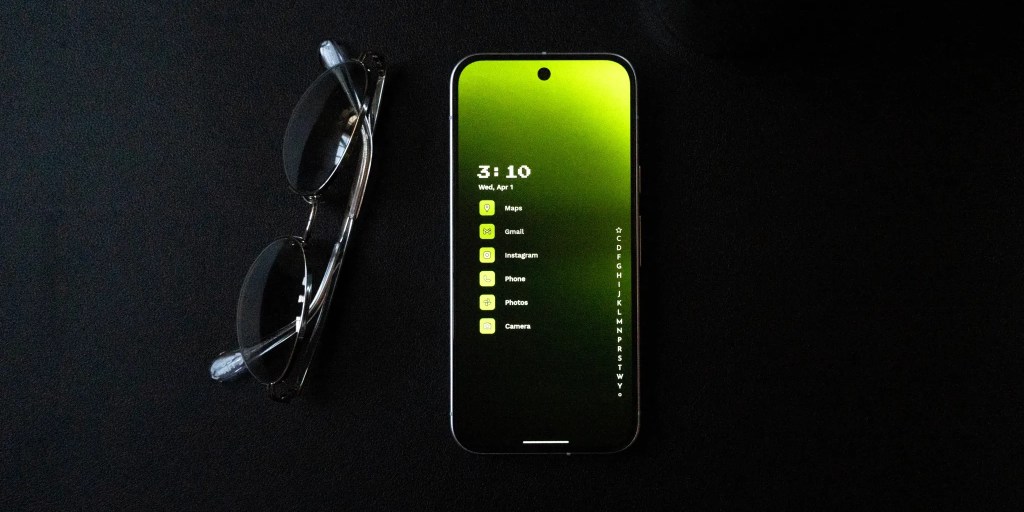
Available today in beta, “Theme Studio” in Niagara Launcher builds on the launcher’s theme collection that launched in November 2025. That previous debut saw a curated collection of themes designed by artists, with themes optimzed to perfectly fit Niagara’s layout and keep things clean.
Now, that’s expanding to you.
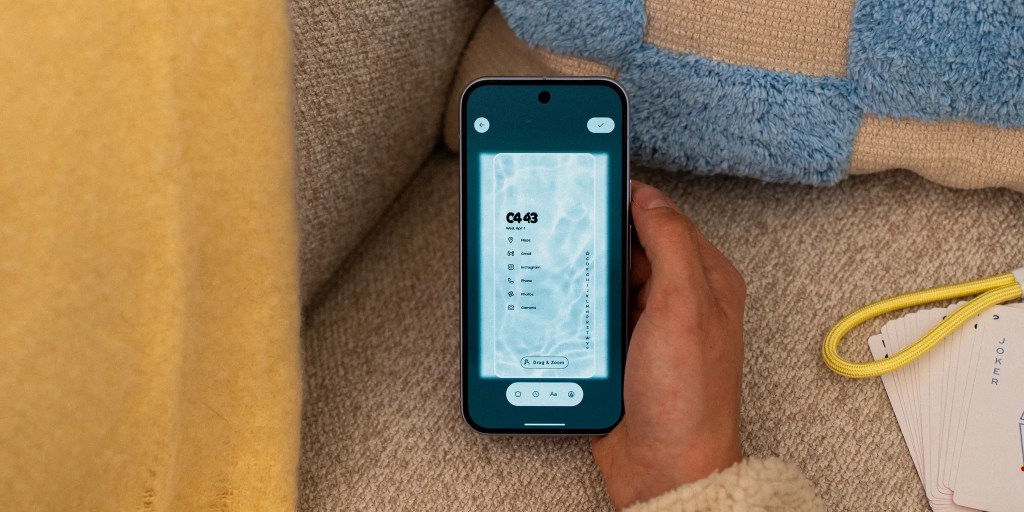
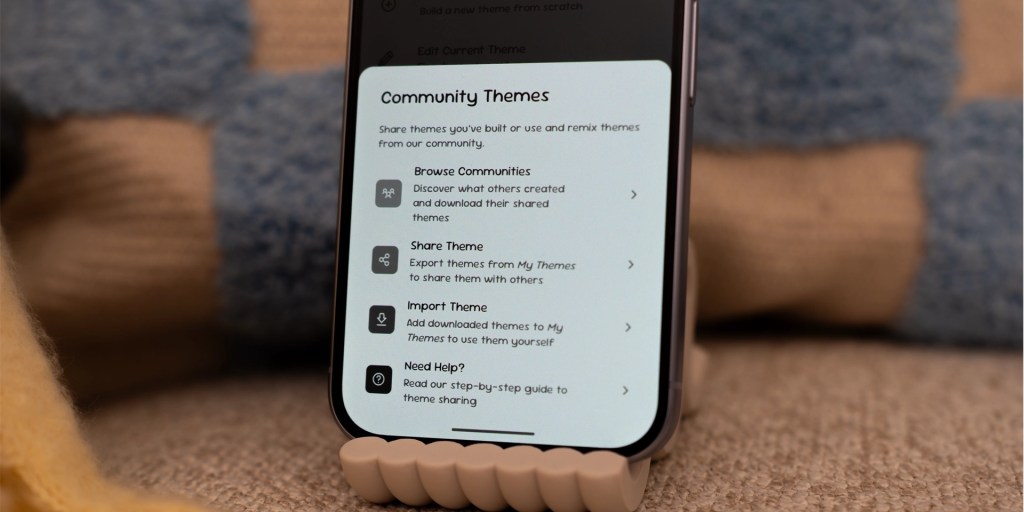
The new “Theme Studio” gives you the tools to create your own themes in Niagara Launcher, with the ability to save and quickly switch between your custom creations. You can also share themes with other Niagara users.
This update comes as Niagara Launcher celebrates its tenth anniversary – time flies – and is now creating a new brand name in “Mellowdrop Studio” while introducing a new logo, too. Ownership isn’t changing, but it sounds like the door is open to further ideas and projects in the future.
Niagara Launcher is available on the Play Store, but you can sign up for the beta directly through Niagara’s website.
Follow Ben: Twitter/X, Threads, Bluesky, and Instagram


FTC: We use income earning auto affiliate links. More.


Comments