
At The Android Show today, Google previewed Googlebooks as a new category of laptops that takes the best of Android and ChromeOS.
Google shared three tentpoles behind Googlebooks, starting with how it’s built with Gemini Intelligence at the core. These AI features are meant to provide “personal and proactive help when and where you need it.”
Magic Pointer lets you “Select anything to ask Gemini.” After wiggling the cursor, pointing at something will show “quick, contextual suggestions.” It also lets you add anything on your screen to a Gemini prompt.
Point at a date in an email to set up a meeting, or select two images — like your living room and a new couch — to instantly visualize them together. It lets you go from idea to I’m done in just a few clicks.
Another Gemini Intelligence feature is Create My Widget. Also coming to phones, this generative UI capability lets you place custom pieces of information on your desktop. It draws from the web and your Gmail, Calendar, and other Google apps. There’s a guided creation process or the ability to enter a prompt.
Planning a family reunion in Berlin? Gemini can organize your flight and hotel information, restaurant reservations, and even a countdown in a single, helpful spot on your desktop, making your desktop your truly personalized home.
The second tentpole is how Googlebooks fit with your Android phone. Cast my apps lets you access any application on your phone on the laptop’s bigger screen.
- For instance, what if you’re in the zone on your laptop but start to get hungry? You can tap a phone app, get that order out quickly and get back to it.
- Or if you get a reminder for your daily Duolingo language lesson, you can pop over and finish it without ever leaving your screen.
Quick Access enables you to retrieve files no matter where they are stored. The file browser on Googlebooks lets you browse the files on your phone and insert from your laptop.
Top comment by DiamondMaster115
This looks like a good refinement of ChromeOS, and has a very clean UI, but there still needs to be more of an incentive for power users and professionals to switch than just the magic pointer and being able to access apps and files from your phone.
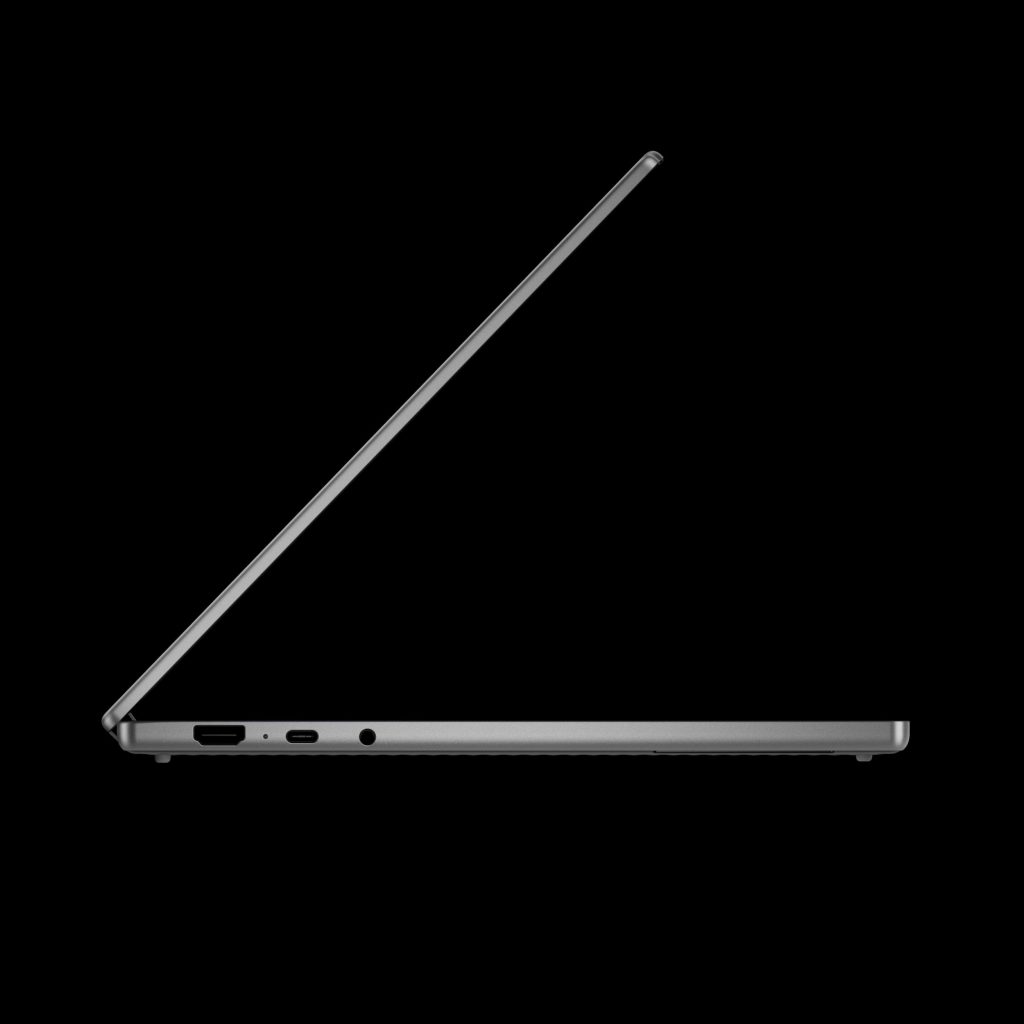
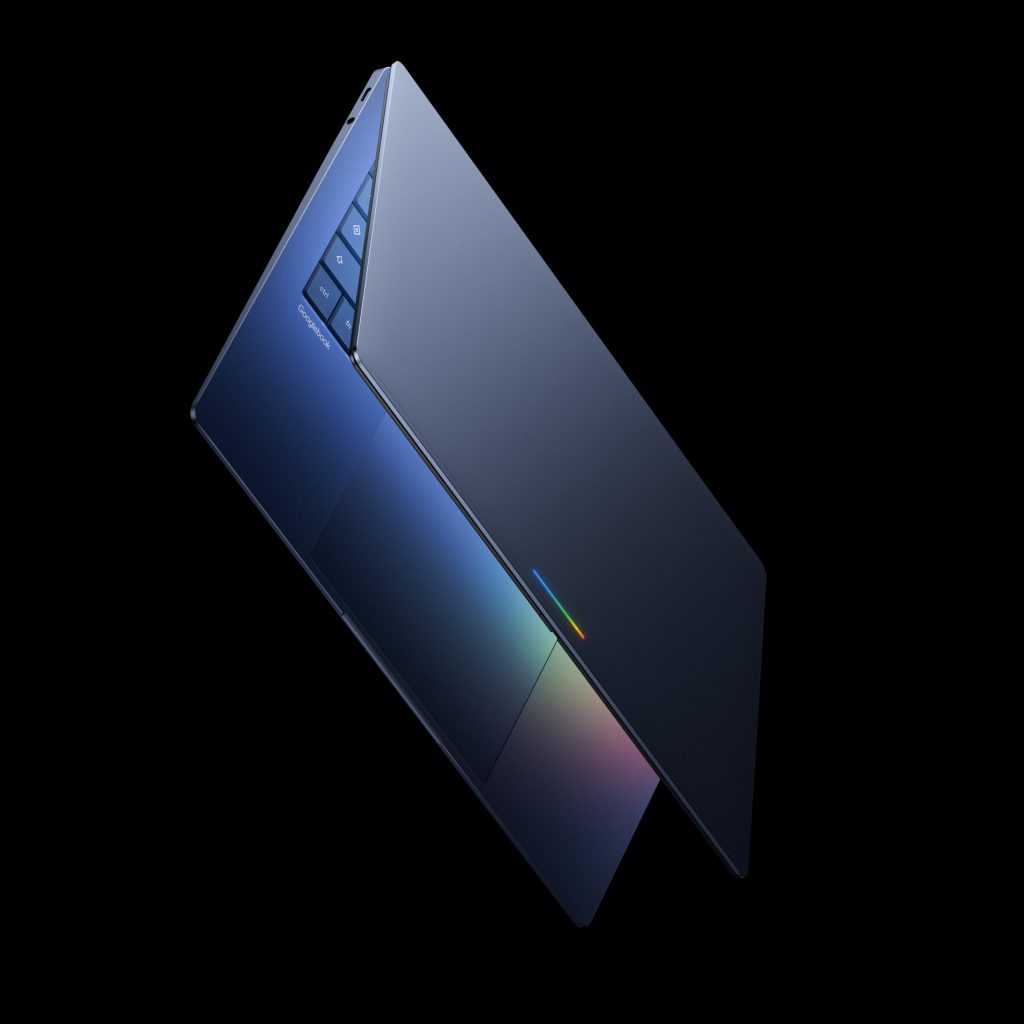
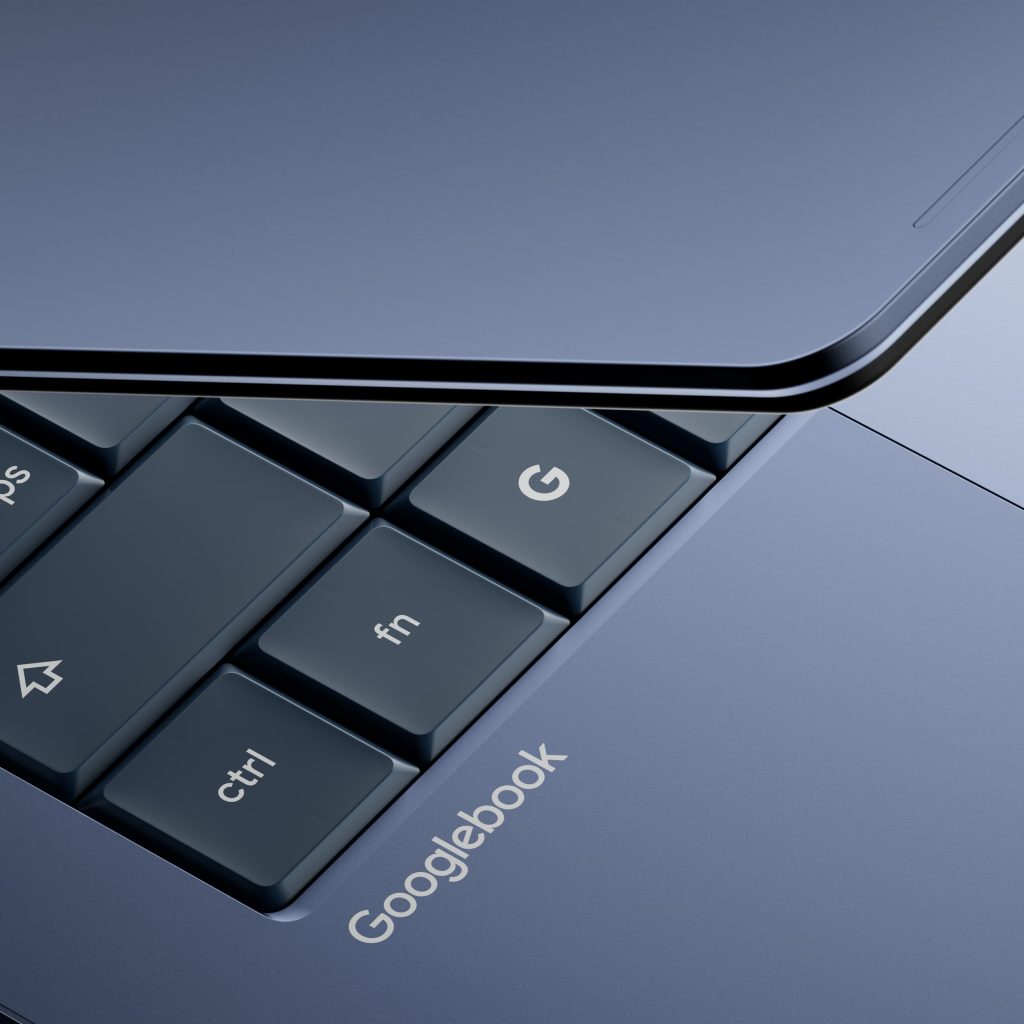
Finally, Google is working with Acer, Asus, Dell, HP, and Lenovo on Googlebooks. Coming in a variety of shapes and sizes, every device is said to be “built with premium craftsmanship and materials.” All Googlebooks will feature a distinctive “Glowbar” — in a throwback — that is “both functional and beautiful.” That said, Google hasn’t specified the capabilities of this light bar.
In terms of the user interface, Google didn’t really go into detail today, but there are several shots. The time, day, and date appear in the top-left, with app notification icons appearing next. Battery, Wi-Fi, notifications, and a Gemini button are located at the top-right corner. There’s a bar for apps at the bottom of the screen, while the Files app is straight from ChromeOS.
The first Googlebooks will be available this fall, with more information coming before then.
In terms of what’s happening to ChromeOS, Google says Chromebooks “will continue to receive support through their device’s existing date commitment, and many Chromebooks will be eligible to transition to the new experience.” More details will be available before the Googlebook launch.


FTC: We use income earning auto affiliate links. More.


Comments