
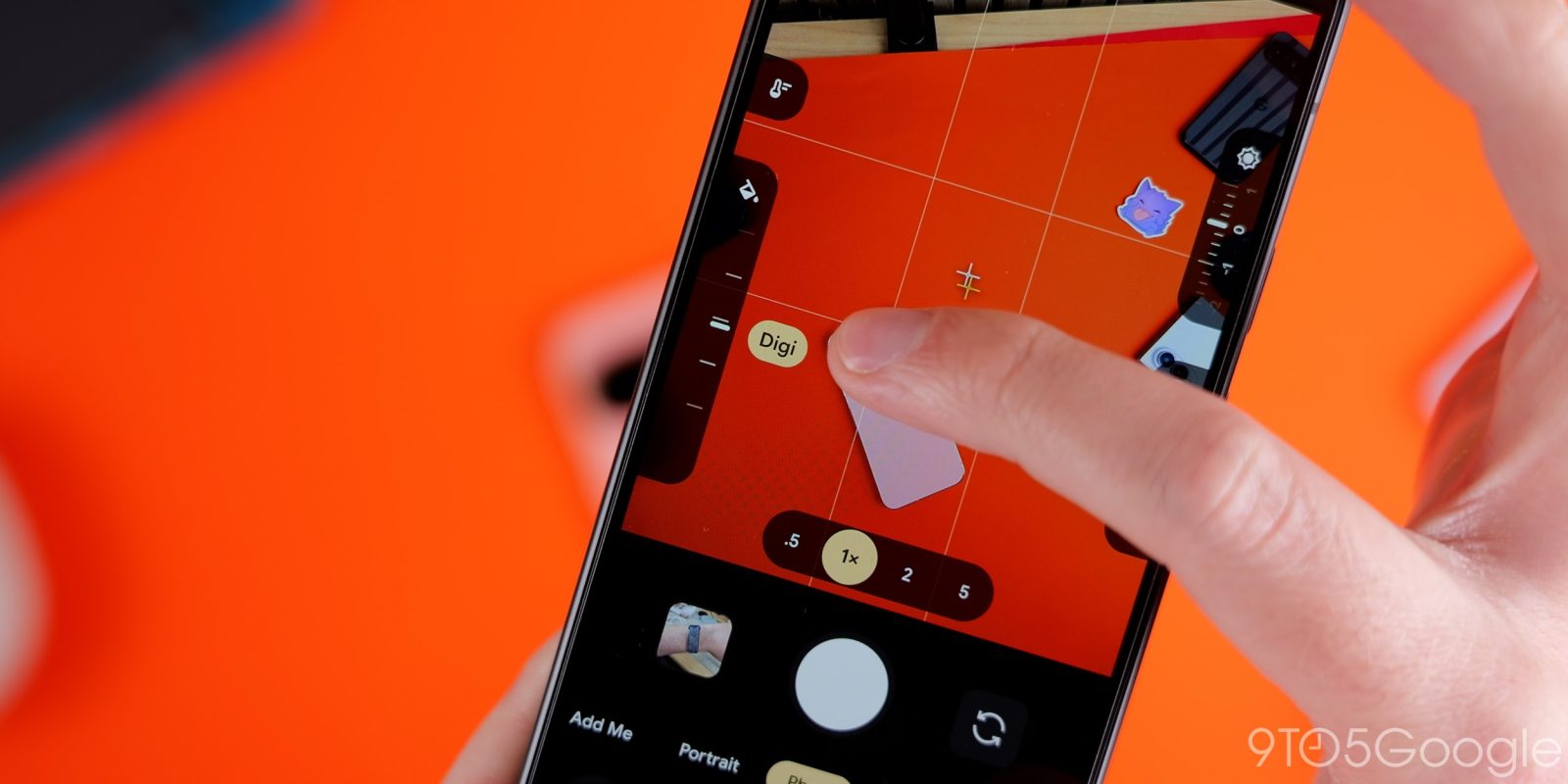
The Pixel 11 series is out in the hands of plenty of (hopefully) happy users, and for the most part, I can count myself among them. This generation marks a massive shift for the camera in particular, as Google has finally loosened up its HDR-centric grip on processing. Really, the only big downsides with Camera Looks appeared to be how it saved your default look — and, as it turns out, there’s a setting to fix that, too.
This tip-slash-correction comes via Google’s PR team, which reached out to me last night to let me know that, despite what I found during my hands-on time with Camera Looks, you actually aren’t limited to Google’s four “default” looks as, you know, your default. While Original, Natural, Shadows, and Vanilla are all available under a “Default Look” dropdown menu, if you prefer some of the Pixel 11’s more unique styles — Velvet, Classic, Digi, etc. — those can be saved as your standard preset option.
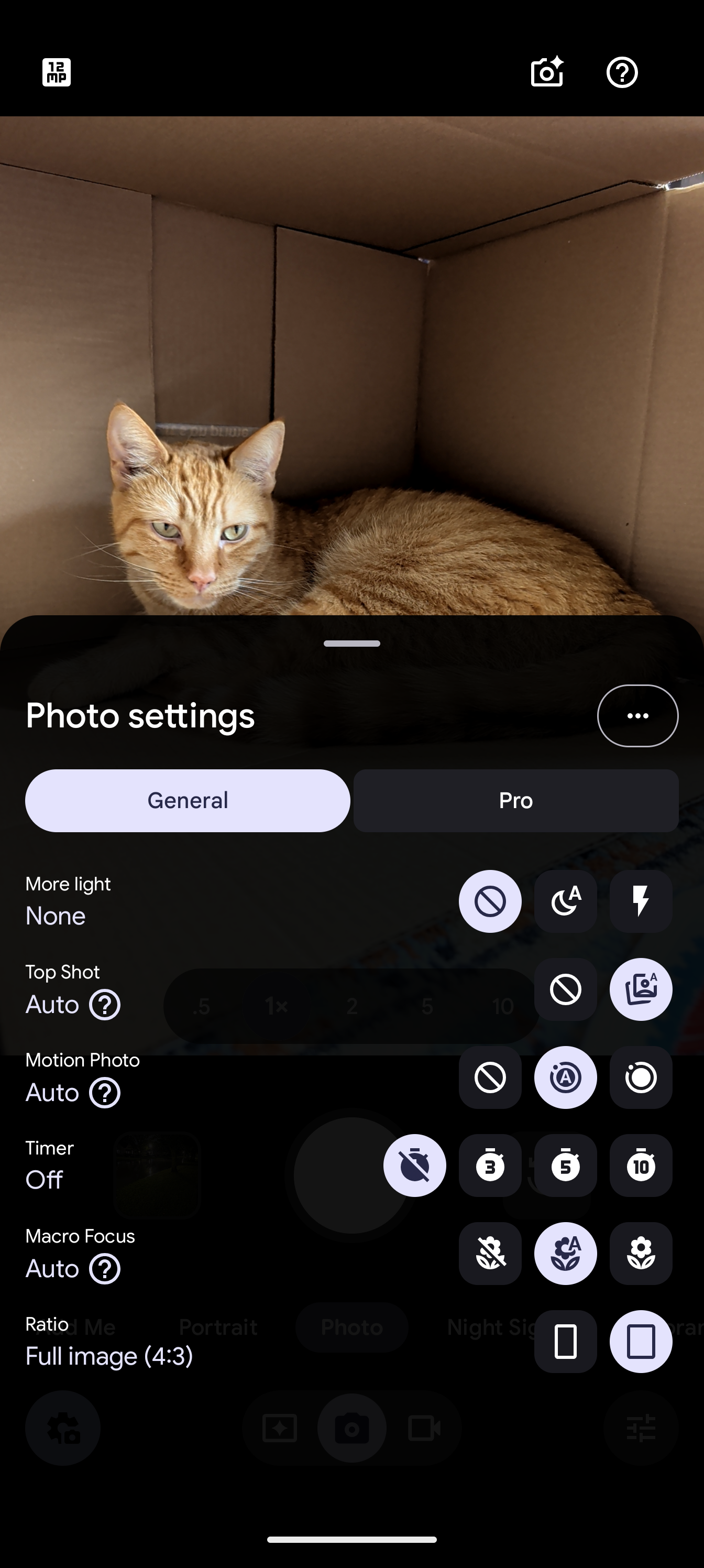
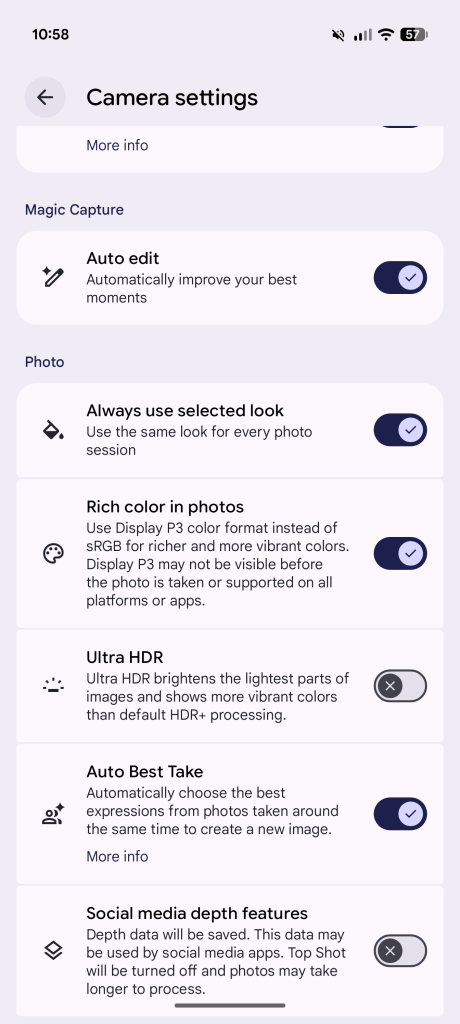
If you’d rather have complete control over your default, grab your Pixel 11, tap the settings icon in the lower-left corner of the camera app, then tap the triple-dot overflow menu icon in the upper-right. Towards the bottom of the list, look for the Photo menu options, then toggle “Always use selected look” on.
Now, if you return to the Looks menu, selecting any of Google’s non-default options will still be saved as your preference when you leave the app. Whenever one of these more stylized options is selected as your main shooting mode, you’ll see its name briefly appear in the lower-right corner when opening the app, along with a purple Looks icon that sticks around indefinitely. Unlike with one of Google’s four standard processing modes, that permanent Looks icon drops you directly into this menu; you’ll have to hit Back from here to return to other settings like exposure and white balance.
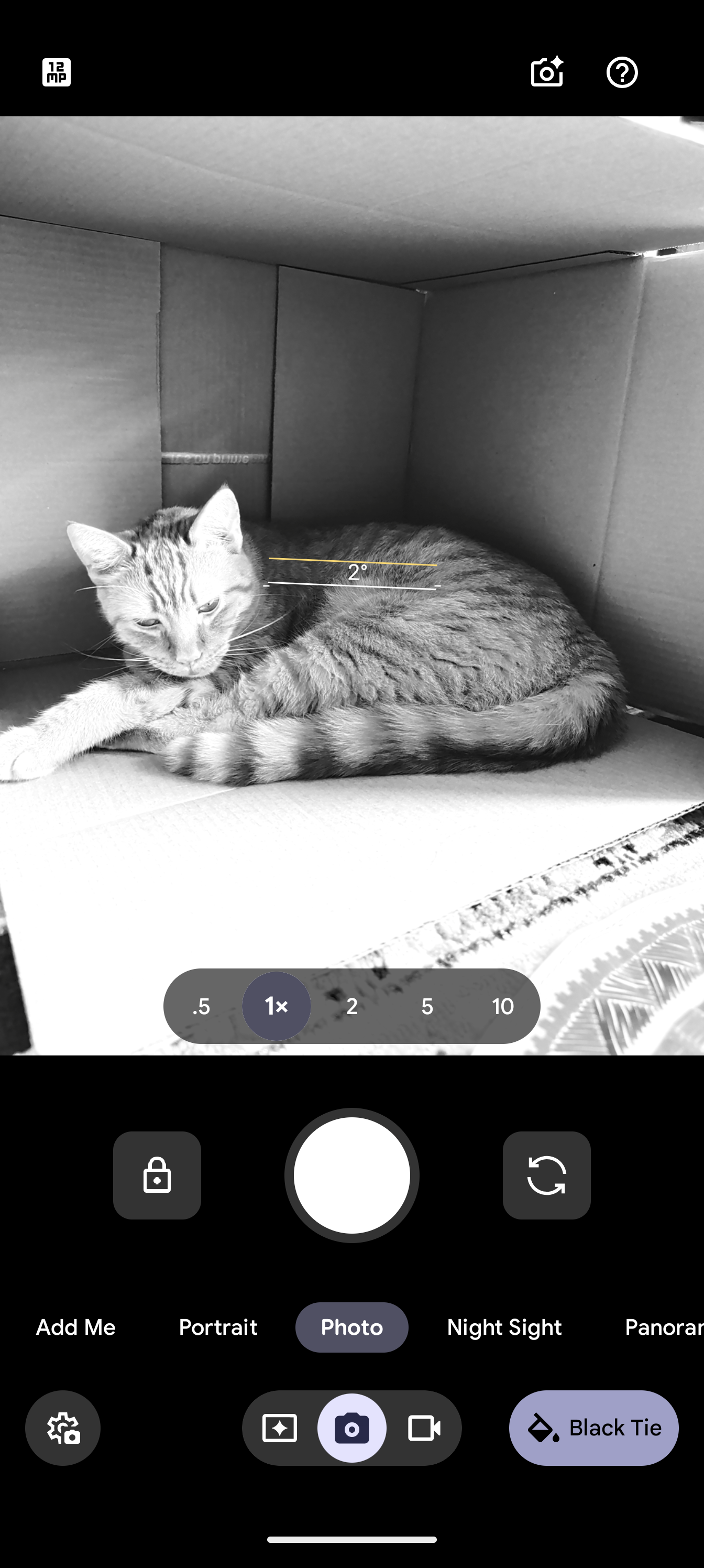
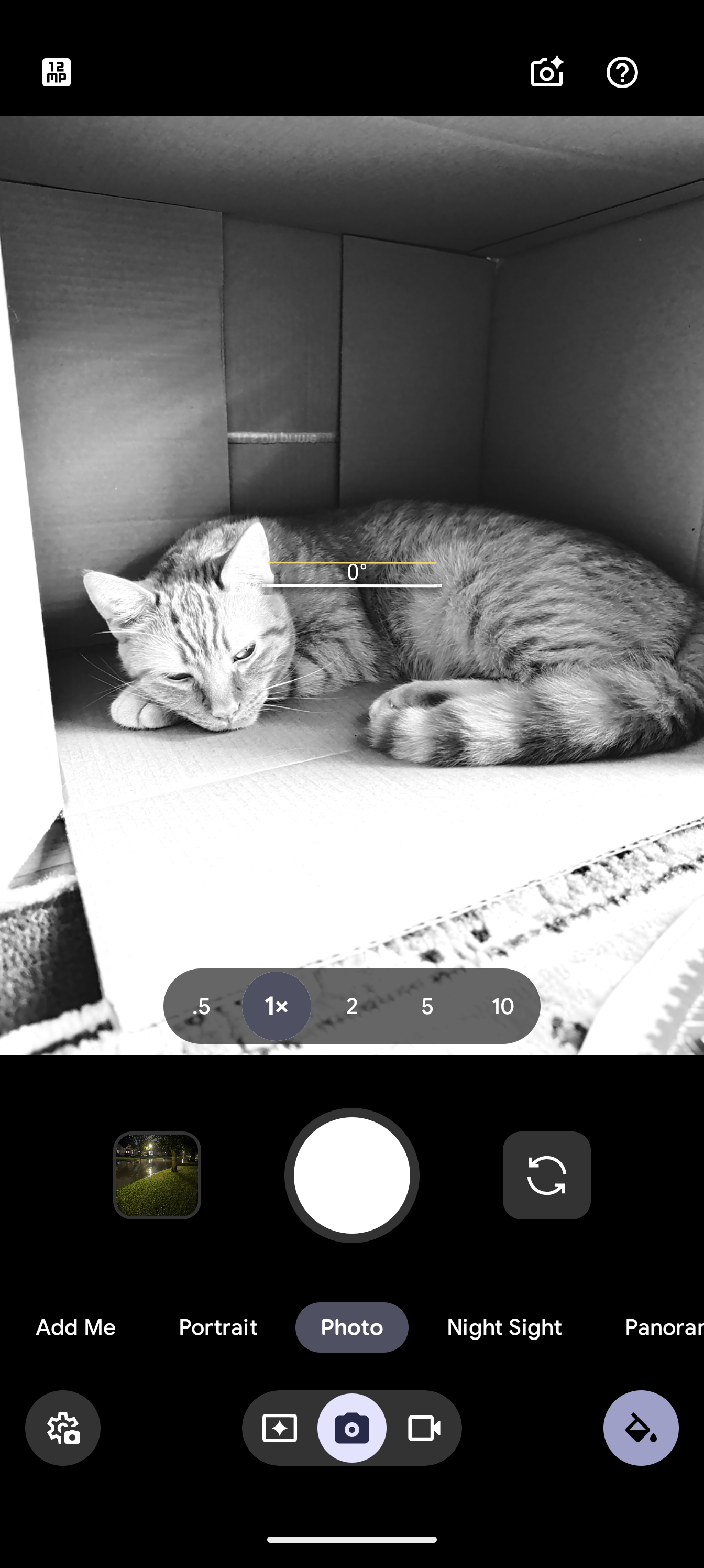
It’s honestly great to see that Google does allow Pixel 11 users to save any of these shooting modes as what’s available immediately upon launching the camera, though I won’t pretend it’s not a bit convoluted to split default preferences into two completely different experiences. But hey, it’s early days for Camera Looks — maybe the Pixel 12 will launch with a more refined UX that unifies this into one slightly-more organized package.


FTC: We use income earning auto affiliate links. More.


Comments