
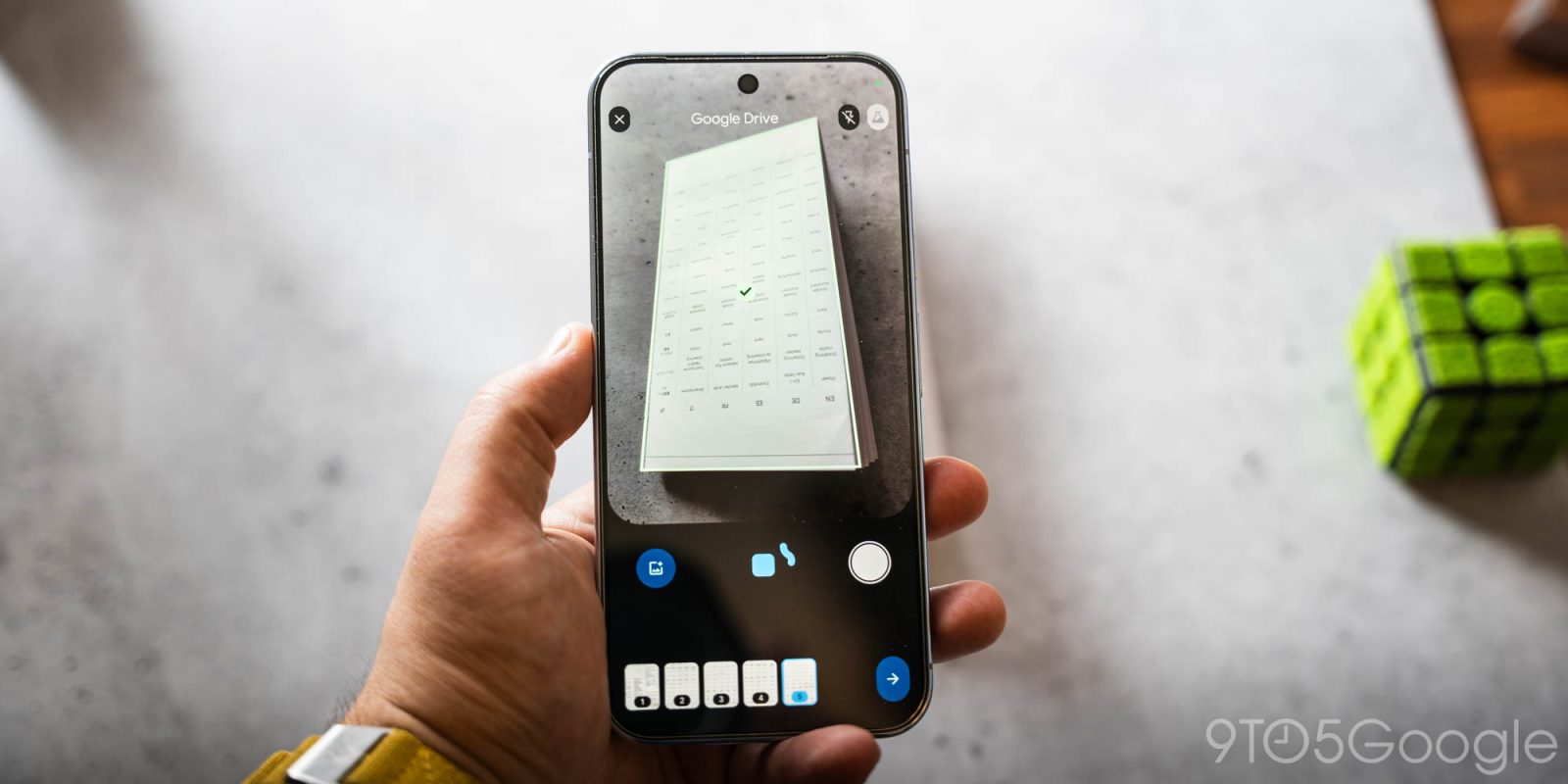
After testing got underway last year, Google Drive is now rolling out a redesigned document scanner on Android with powerful, on-device features.
This has been available as a beta for the past several months, with users having the option to switch back to the old scanner. From the screen recording shared by Android’s Sameer Samat below, the beaker icon in the top-right corner is gone.
Besides the Material 3 Expressive viewfinder, Smart Batch Scanning lets you simultaneously scan multiple pages by just hovering. It’s more like recording a video than taking individual images. A preview immediately appears at the bottom of the interface.
Old vs. new


Top comment by Emmanouil Avramidis
The problem was always that Google drive scanner does not allow to store documents as jpg on my device (pixel 9). Files scanner allows to store on device only as pdf. Since I use Google photos to share albums for my work, this has been the only reason to use paid apps. I also would like to use pixel camera and have the same potentiality as with Google Drive scanner, plus local storage of jpg.
You have the option to disable auto scanning by hitting the pause button to the right of capture. The system file picker is also available on the left for images you’ve already taken.
With Auto-Best Frame, Google will “automatically swap out blurry scans for the highest-quality frame available.” Duplicate Detection works to skip pages you’ve already captured.
The new document scanner leverages on-device processing for “lightning-fast performance, offline availability, and total data privacy.” As such, it only works on Android devices with at least 8 GB of RAM.
This new document scanner is powered by Google Play services and also available in apps like Files by Google.


FTC: We use income earning auto affiliate links. More.



Comments