
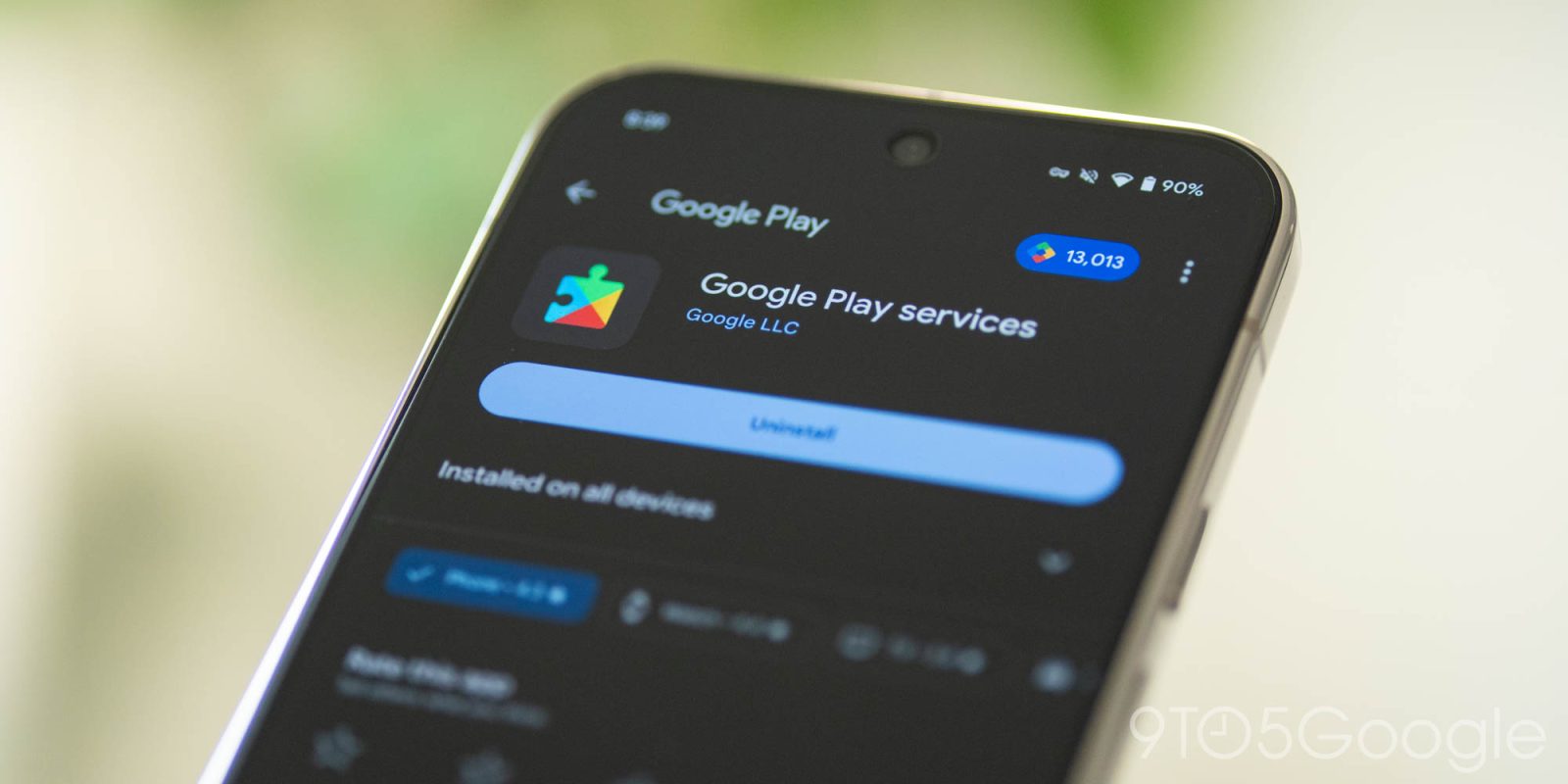
The monthly “Google System Release Notes” primarily detail what’s new in Play services, Play Store, and Play system update across Android phones/tablets, Wear OS, Google/Android TV, Auto, and PC. Some features apply to end users, while others are aimed at developers.
The following first-party apps comprise the “Google System”:
- Adaptive Connectivity Services: Search the “All apps” list in Settings and open App info for the version number
- Android System Intelligence: App info
- Android System Key Verifier: App info
- Android System SafetyCore: App info
- Android System WebView: App info
- Android TV Core Services
- Device Health Services: App info
- Google Partner Setup: App info
- Google Play Protect Service: App info
- Google Play services: App info
- Google Play Services for AR: App info
- Google Play Store: App info
- Google Play system update: Settings > About phone > Android version
- Private Compute Services: App info
- Quick Share Extension
- Settings Services: App info
- SIM Manager: App info
- System parental controls: App info


To update, open the Settings app > tap your name at the very top for “Google services” (on Pixel) > All services tab > Privacy & security > System services.
A feature appearing in the changelog does not mean it’s widely available. Some capabilities take months to fully launch.
Google Play services v26.21 (2026-06-01)
Developer Services
- [Phone] New developer features for Google and third party app developers to support Maps related processes in their apps.
Security & Privacy
- [Phone] You can now import and export passwords and passkeys between Google Password Manager and third-party password managers with the Credential Exchange standard.
Google Play Store v51.7 (2026-06-01)
- [Phone] With this update, sales prices and discount details, such as offer and dates, are clearer and more visible across the Play Store.
- [Auto, Phone, TV] You’ll get a refreshed design in Play Store dialogs when you get or buy an app to continue.
- [Phone] With this update, pre-registration and auto-install use a single flow.
- [Phone] You can now receive notifications about monthly challenges through Play Store pop-up banners.
- [Phone] You can now receive notifications for Loyalty MAX challenges via pop-up banners on the Google Play Store.
- [Phone] You can now find app content on installed app store listing pages in the Play Store and visit Play Collections to browse similar content.


FTC: We use income earning auto affiliate links. More.
You’re reading 9to5Google — experts who break news about Google and its surrounding ecosystem, day after day. Be sure to check out our homepage for all the latest news, and follow 9to5Google on Twitter, Facebook, and LinkedIn to stay in the loop. Don’t know where to start? Check out our exclusive stories, reviews, how-tos, and subscribe to our YouTube channel


Comments