
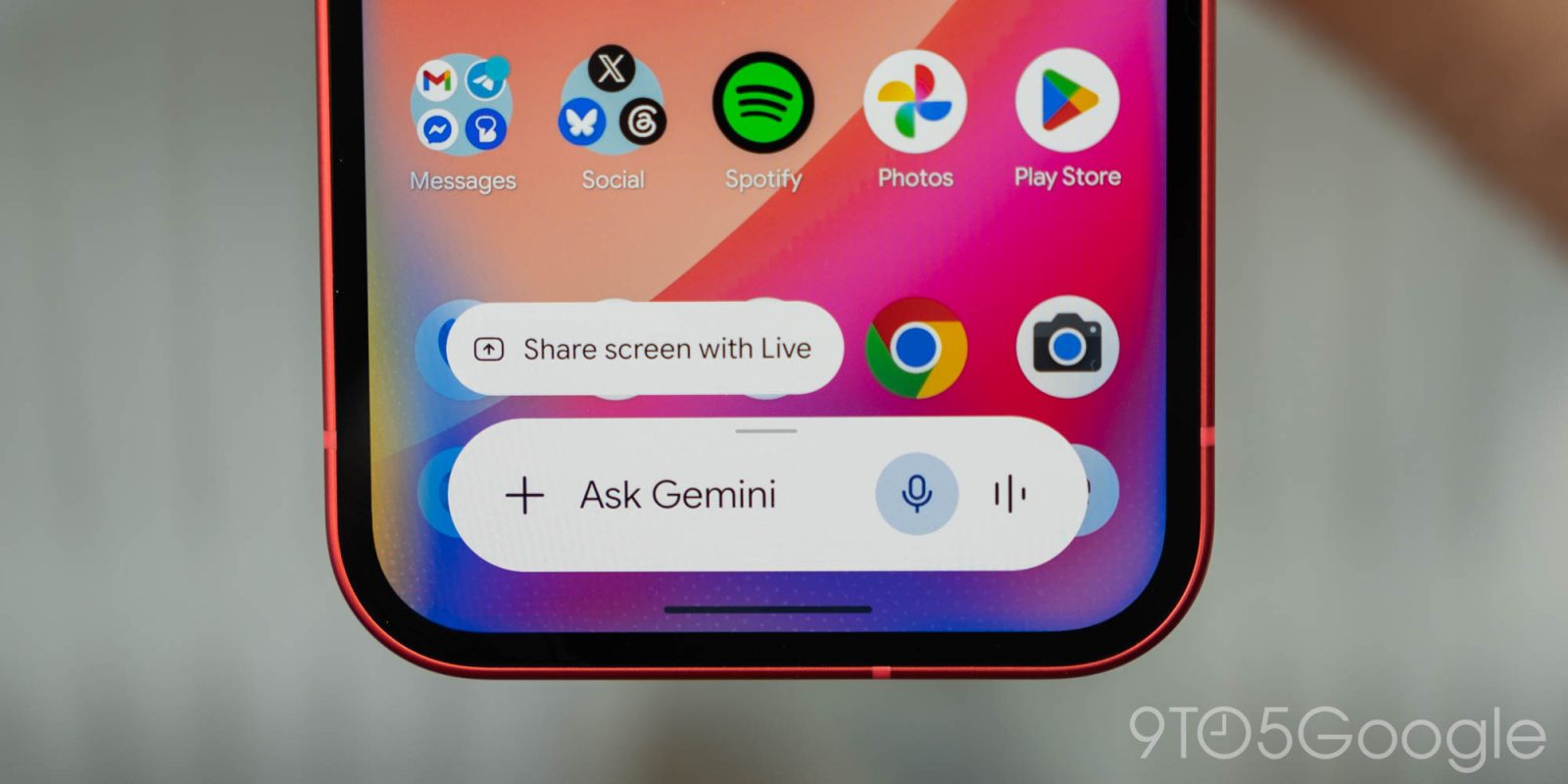
Following the big Neural Expressive redesign at I/O 2026 last month, Google is rolling out some tweaks to the Gemini overlay on Android.
Update 6/6: Dynamic Color for the Gemini overlay is now rolled out to stable users with version 17.28 of the Google app.
Original 6/2: The Gemini overlay now makes use of Dynamic Color. This theming is most apparent in dark mode, where the text field and any accompanying chips are no longer gray.
Old vs. new


Top comment by Pete4live
Great to see there is still love for dynamic color even in Neural Expressive.
With a light theme, the overlay pill barely changes (except for the microphone), but you can see the difference when opening the ‘plus’ menu. The sheet is tinted, while the carousel options are more prominently themed.
You can also open the Gemini app to compare, with no Dynamic Color available in the full chat experience. This change is rolling out with Google app beta version 17.28.


The “Screen content” option that captures your current display and adds it to the prompt is now part of the main carousel alongside Photos, Camera, Files, Drive, and Notebooks for a more compact experience.
It previously appeared in the list of tools with Images and Personal Intelligence. This change is widely rolled out in the stable channel (version 17.26). Be sure to Force stop the Google app if you’re not seeing it yet.

More on Gemini app:
- Gemini Spark rolls out to Google AI Ultra in the US: How it works
- Google adjusts Gemini’s new usage limits in response to complaints
- New Gemini Live voices rolling out, Android widget gets Neural Expressive icons


FTC: We use income earning auto affiliate links. More.


Comments