
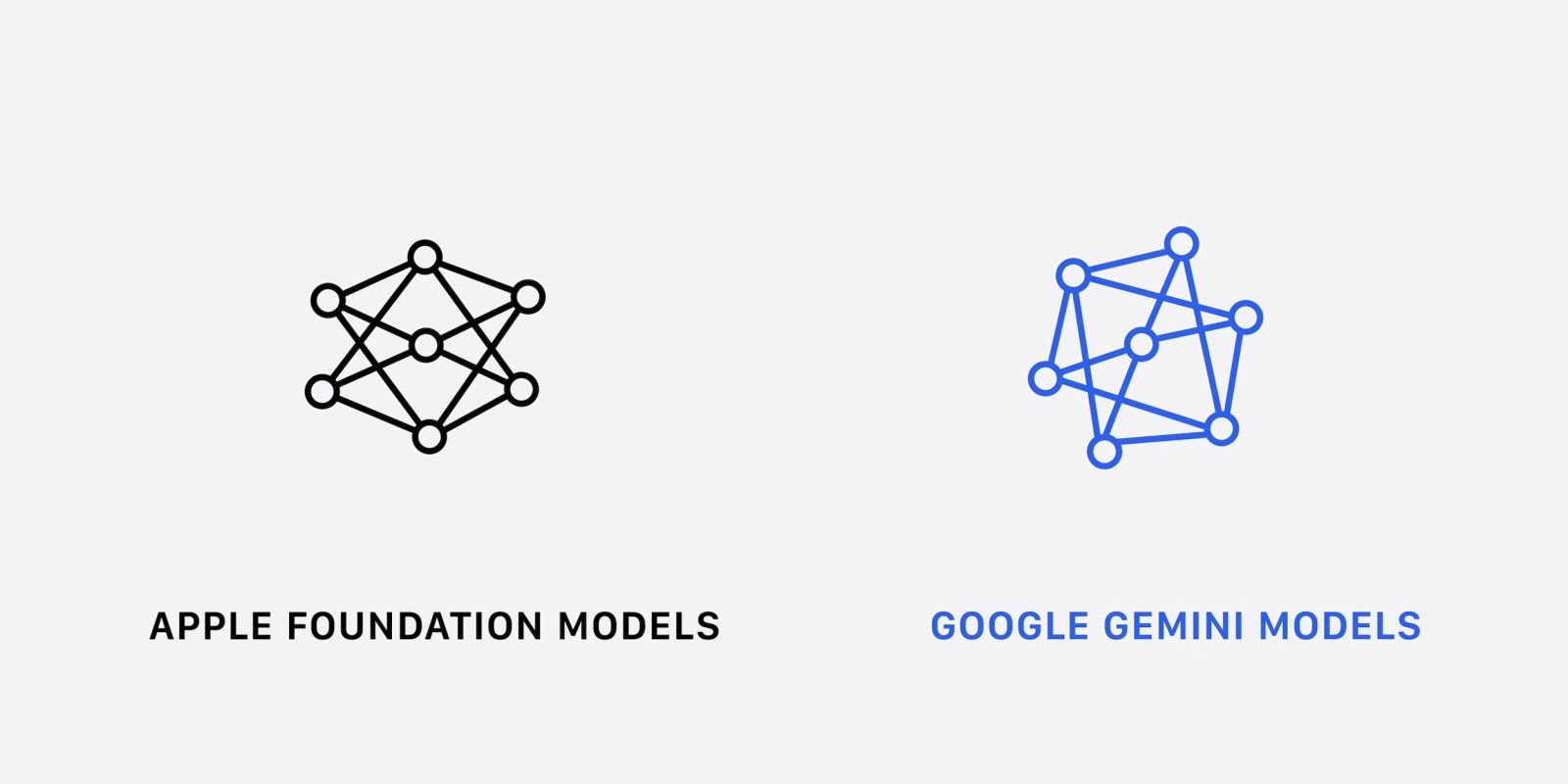
At WWDC 2026, Apple announced Siri AI and a new wave of Apple Intelligence features powered by Gemini at the underlying level.
Google Gemini models
Apple today said it “embarked on a deep collaboration with Google, leveraging the technologies behind their Gemini family of models.”
This resulted in the “next generation of Apple Foundation models” for Apple Intelligence and what’s being referred to as “Siri AI.”

Siri AI vs. Gemini app
The jump from Siri to Siri AI is like the transition from Google Assistant to the Gemini app. Apple now has modern features like “personal context understanding, app actions, on-screen awareness, image understanding, and access to broad world knowledge,” as well as conversational back-and-forth capabilities.
Visually, Apple’s Gemini overlay equivalent is the Dynamic Island with answers expanding from the top of the screen versus below on Android. The text of the response and any visuals appear there, with users able to swipe down to have the answer take over the entire screen.
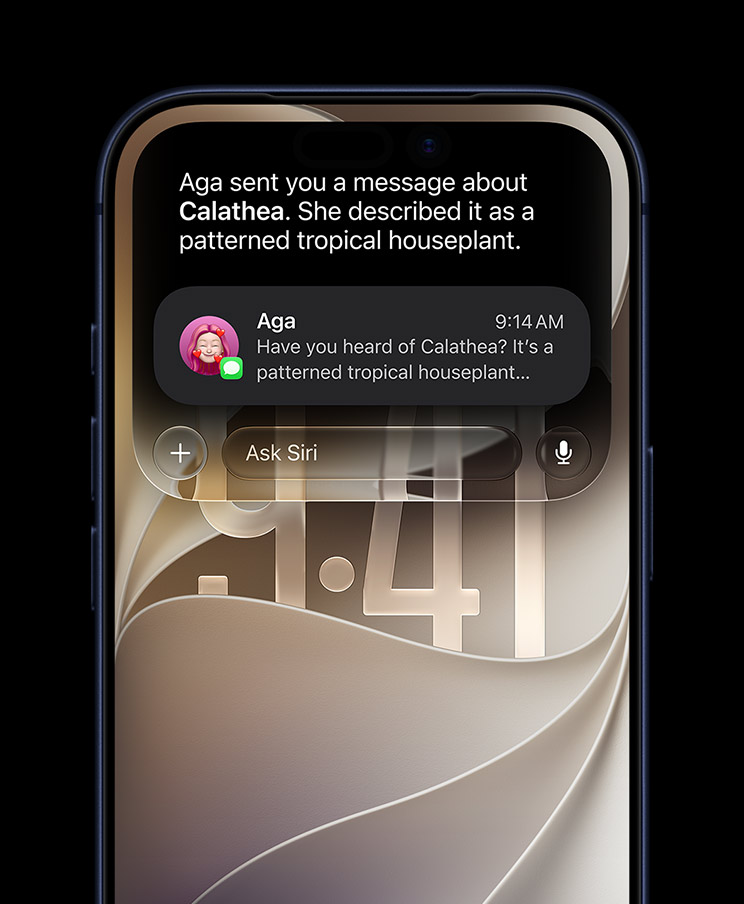
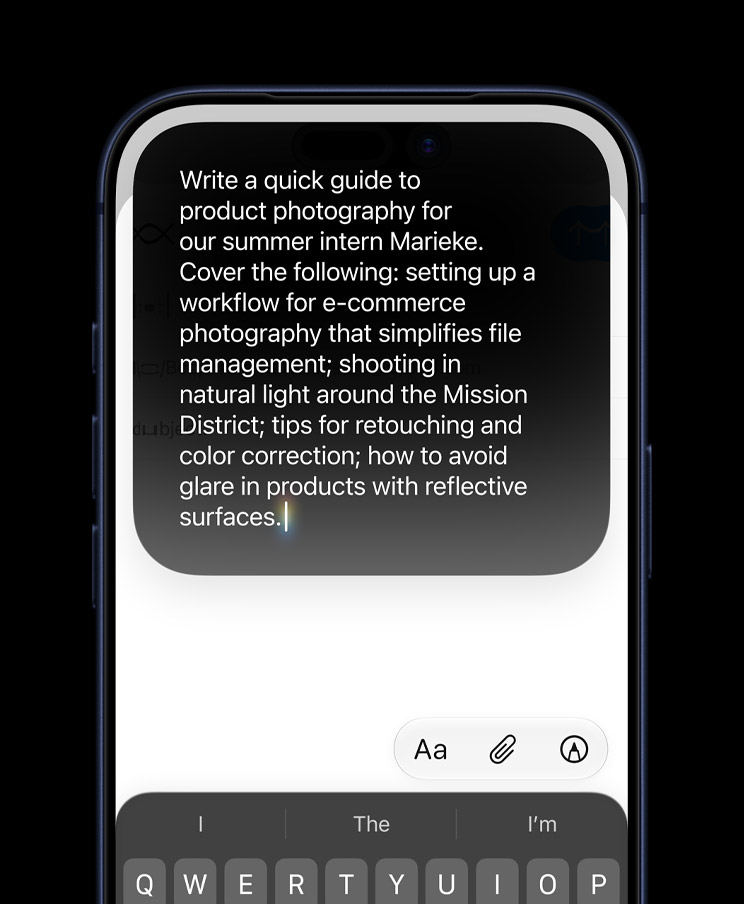
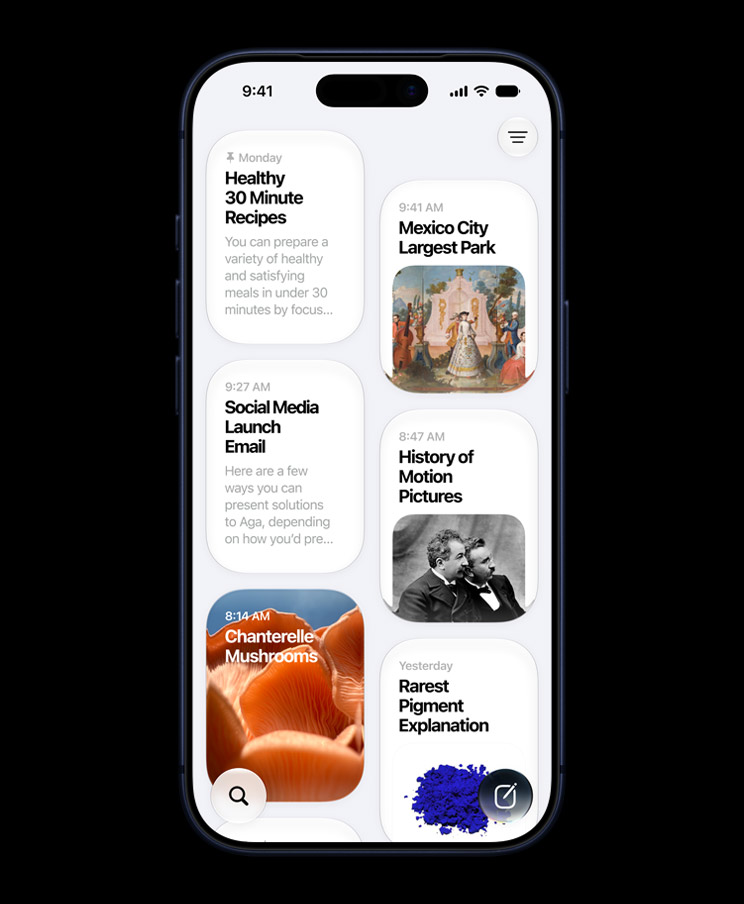
Swiping down from the pill-shaped cutout is another way to get into the new experience and start typing alongside long-pressing the side button and the “Hey Siri” hotword. Apple also offers a dedicated Siri app to show conversation history. The homepage of this experience shows past chats in a Google Keep-esque card feed.
Siri vs. Gemini voices
Apple announced a more expressive Siri voice with several options and sliders for Pace and Expressivity. At I/O 2026, Google announced that Gemini will soon gain regional dialects. (The videos below are timestamped to the voice demos.)
Apple dictation is getting a “major boost in accuracy” that’s “more precise in capturing what you say from spelling to punctuation and capitalization.” Gboard Rambler coming to Gemini Intelligence devices later this year appears to be more advanced in that “you don’t have to worry about getting your words exactly right before you start.” Google will understand the intent, context, and nuance of what you’re saying and make a concise message out of it that sounds like you.
Siri mode in Camera vs. Google Lens
Apple is adding a new “Siri” mode to its Camera app. Compared to Google Lens with AI Mode or adding an image to your prompt in Gemini, Apple appears to be offering a more guided experience. For example:
- …you can point your iPhone at a plate of food to get nutritional insights
- … if you’re grabbing a bite with friends, you can point your iPhone at the bill, then select what you ordered to split the tab with Apple Cash.
- … if you’re looking at a schedule, just bring up Visual Intelligence, and it suggests relevant actions like adding multiple events to your Calendar all in one go.


Safari vs. Chrome
Safari uses Apple Intelligence to organize tabs into topics. Google Chrome was testing this feature in 2024.

Meanwhile, Apple’s browser can automatically monitor a page for you with “Notify Me.” Gemini users can replicate this with Scheduled actions or Spark, but the Safari experience is a bit more guided.
You can use natural language to tell Safari what you’re looking for, and then close that tab with peace of mind. And later, when Safari detects the change, you’ll get a notification so you can take action.

The Passwords app leverages Apple Intelligence and Safari to “agentically” navigate “through each website to sign in and fix your passwords.” Google announced a similar password agent in Chrome last year.
Another Safari feature that vaguely approaches generative UI is “Describe an extension.”
Simply describe what you want in natural language, and Safari can create a custom extension that adapts web pages just for you.

More apps
Messages: Apple Intelligence is leveraged to “understand the context of your conversations and offers one-tap suggestions, making it easier than ever to get things done, like creating a reminder or a note.” Google Messages has offered this capability pre-AI, while Magic Cue on Pixel can also surface photos if somebody texts you about it.


Calendar: When adding an event, Apple offers a text field to add events conversationally. This can be done with Gemini.

Phone: “Call Context can proactively surface relevant information from across your apps.” Like Google (Magic Cue), Apple’s example was calling an airline and having the confirmation code appear right there.


Home app: Apple Intelligence is used to combine multiple alerts into one notification that stays up to date. The Home app can now summarize camera clips, while you can search in a similar manner. This matches the Gemini-powered Google Home.


Top comment by DiamondMaster115
I love how like 90% of the features they announced were ones that have already existed as a feature powered by Gemini. Which makes sense, since they're basically just relying on Google's models, just with a different coat of paint.
Shortcuts: Can turn natural language prompts into shortcuts, with Android still not having a system-level equivalent.

Image Playground: Can now create photorealistic images. Apple did not specify what the underlying model is. All this is possible in the Gemini app, but having a dedicated app offers a more guided experience.
Photos: Uses the “more powerful image models of Apple Intelligence” to upgrade the quality of Clean Up (with more realistic infill) and Extend (expand images). Spatial Reframing lets you change the perspective of a shot as if you “repositioned the camera in the original scene.”


iCloud+ vs. Google One
Like Google, Apple’s subscription unlocks increased access. The company’s only example was how image generation has daily usage limits “because they rely on powerful server models.”


FTC: We use income earning auto affiliate links. More.


Comments