
After delays and frustrations, the “full” version of LineageOS 23 is available. Does it make sense to flash in the big 2026? Here’s everything you need to know.
We’ve held back from talking about LineageOS 23 until the 23.2 build dropped. In the interest of this deeper dive, we’re referring to that build in this post and accompanying video.
Table of contents
For more video content, subscribe to 9to5Google on YouTube.
No AI, no problem
There are AI haters and AI skeptics who simply want to return to a time when Pandora’s box was never even conceived, let alone opened. LineageOS 23 offers the intrepid owner to find a pocketable safe haven from updated models, prompts, tokens, and lots of rehashed trash powered by data-hungry servers burning through resources.
Gemini is nowhere to be found unless you need to use it. This is one of the biggest reasons you might finally want to try Lineage on your phone. GApps are available as an add-on package. I have tested with and without, with little effect on the overall experience, save for enhanced privacy protection.
Delays due to Google
Sadly, as we’re already living in a post-Android 17 world, LineageOS 23 has been in a state of flux. Google shifted to a quarterly AOSP release, with knock-on effects. One of those is that Lineage is coming in six-month release cycles.
It has been a few months since all the QPR1 functions were merged into LineageOS 23. The changes are mostly visual, but there are some performance enhancements that could breathe new life into an older supported handset.
Material 3 Expressive overhaul
Last year, with Android 16 QPR1, Google introduced a new visual design language called “Material 3 Expressive.”
Think of this as just a more playful interpretation of what your phone operating system should look like. Bigger icons, new icons, just more color, but not in ways that affect how your phone will work. As noted, when LineageOS 23 was originally released, this was missing. After a brief delay, the source code was made available, and it took until early 2026 for the late-2025 build to be properly integrated into LineageOS.
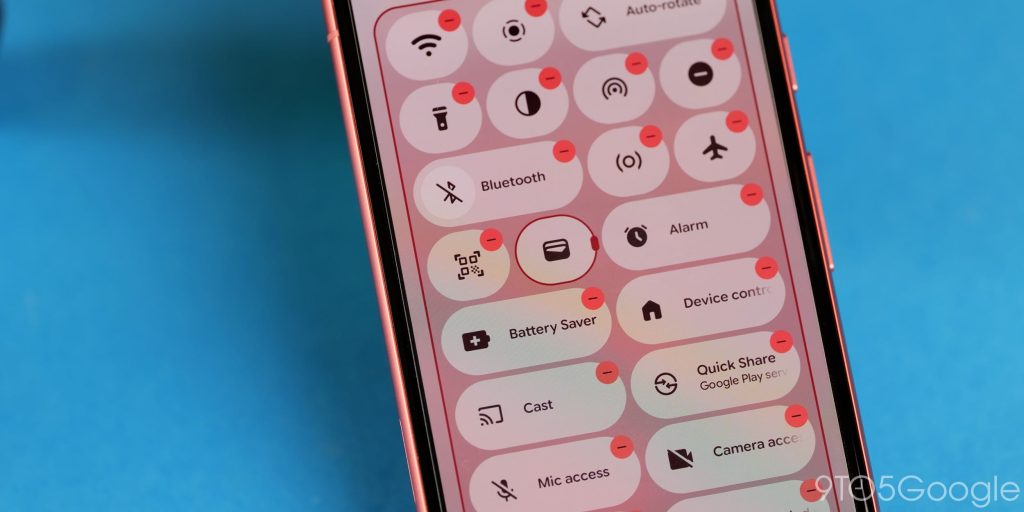
Material 3 Expressive is most evident in Android’s interactive elements. Quick Settings and resizable tiles are here, which flesh out the usability in ways that Android 12 had inhibited a long time ago. Being able to resize tiles from 2×1 to 1×1 squares is not only a throwback, but it is also utility-rich thanks to LineageOS 23 being stuffed to the brim with functions not available in stock Android builds. It looks good and works good to boot.
You’ll probably also spot that the status bar has been altered. This is merely cosmetic and just builds on what has been there for a long time previously.
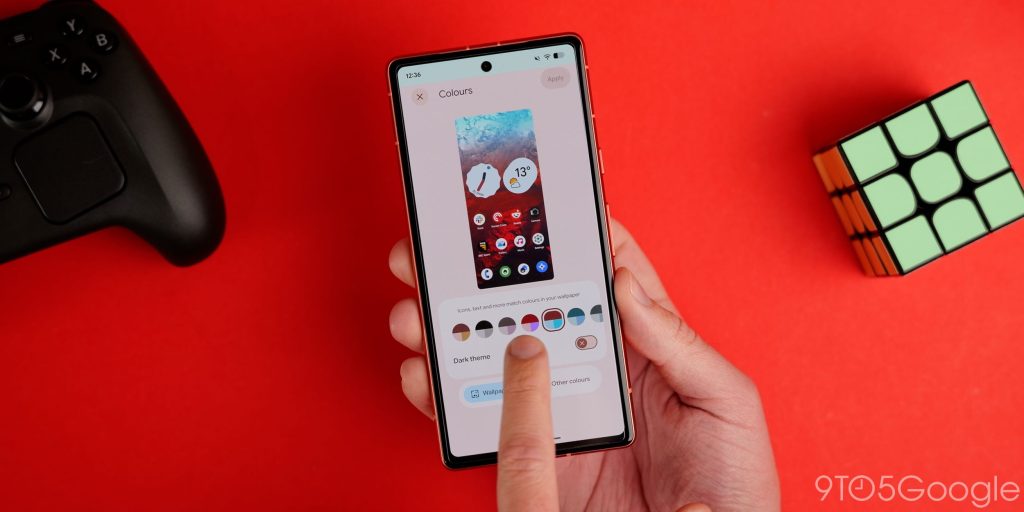
Dynamic Color theming works better here with better tonal mapping if you choose to theme based on your on-device wallpaper. Although technically not related, the Expanded Dark theme is also present here to force apps that don’t support dark theming or dark mode to work when toggled. These touches extend to animations, menu structure, and overall, Lineage has never felt this fluid, even on older devices like the Pixel 7a.
What’s interesting is that a number of functions I expected to be omitted are here in LineageOS 23.2, including Notification Summaries, which is called “Notification organizer” here. If you were unaware, this groups your notifications based on the content into preset filters like “Promotions,” “News,” “Social,” and “Suggested.”
Widgets can be added to your lockscreen as part of the “Hub mode.” This might not be all that useful to everyone, but it is an older feature re-added and re-integrated here in LineageOS 23.
While limited to specific handsets, you can even enable off-screen fingerprint scanning with this build. This isn’t ordinarily possible on some Pixel phones, and while your mileage may vary, it’s these things that really set LineageOS apart from the “default” experience with Pixel phones in particular.
The LineageOS app suite
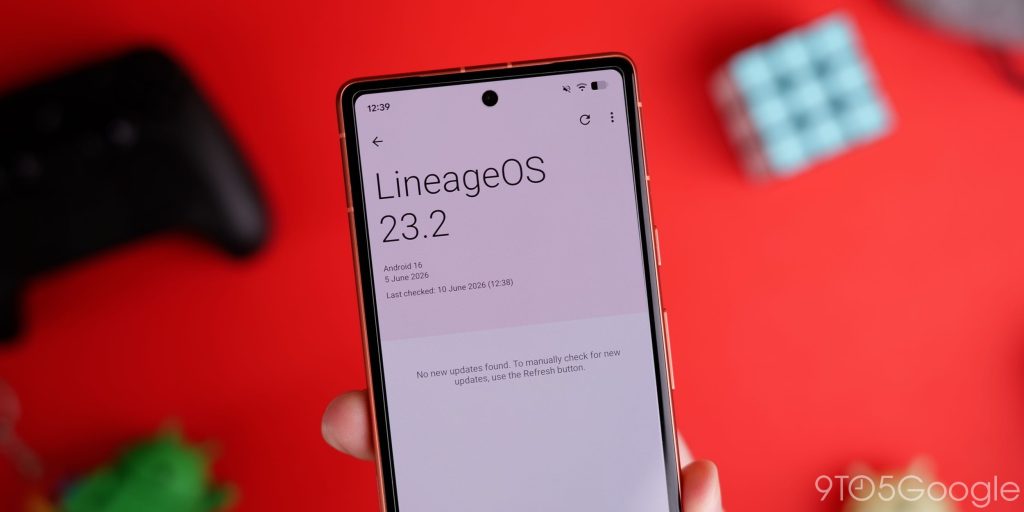
An improved Updater app is coming, but it isn’t yet ready. However, this will be a welcome change, as while updating your phone is as simple as it is, it’s great to see extra care and attention paid to the “functional” areas of this ROM. I’m hopeful it’s worth the wait.
Like the Updater application, not all of the default system apps have been fully updated yet. A selection has received some touches of Material 3 Expressive, but more will get visual tweaks in the coming months.
The Twelve music player has integrated a number of new elements as part of the Expressive UI. Larger button toggles are instantly visible, making it easier to tap, adjust, and skip tracks. There’s also a dose of extra color that follows the enhanced Dynamic Color theme settings. Visually, it’s a departure, but it looks a lot fresher and up to date, even when compared to the previous redesign.
It also now has a “Play random songs” functions, playback statistics, and MIDI playback support to boot.
According to the changelog, the Calculator app has received a lick of paint. I must admit that I have struggled to determine just what is new. Font is bolder, and the text is larger. Everything else is practically identical, although there are some UI elements that are slightly broken – such as the AC button. It’s merely a more brash take on the default application.
Similarly, the default clock app has also been updated. Again, I am struggling to see changes despite mention in the official LineageOS 23.2 changelog. There is mention of improved animations, but it feels identical. That said, I don’t spend every day using Lineage like I would have done a decade ago.
I am looking forward to other applications getting various updates and changes. Outside of Google’s first-party app suite, very few developers have integrated Material 3 Expressive changes. In fact, far too many have just leaned into Liquid Glass as a guiding design principle, and that is a great shame for Android with such a distinct design language to grasp and run with. Kudos to the LineageOS team for doing so, and doing so for the default app suite.
While the Aperture camera app hasn’t changed visually, it has gained some neat new tricks. Finally, there is support for Ultra HDR, RAW, and RAW+JPEG capture simultaneously. While it is a limited camera suite, it has become a very robust alternative that at least gives you more options than ever before. This means that HDR content is now fully supported in both stills and video for the first time.
Should you install LineageOS 23 on your device?
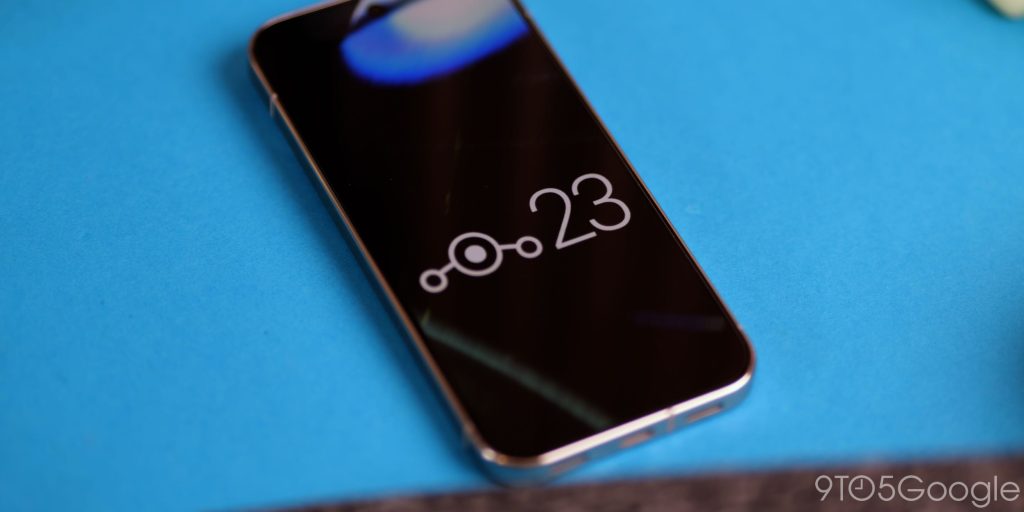
At a time when it’s getting harder and harder to avoid AI, a phone that just does the basics, uses the apps you want, and gives you a clean, cohesive experience is becoming harder to find. LineageOS 23 offers a liferaft for those looking to just go back to basics without sacrificing quality.
Sure, it’s never going to be for everyone. Custom ROMs have always been and will always be one of the best ways to make your tech last longer. I don’t need to tell you that, but at a time when fatigue surrounding big tech feels at an all-time high, it’s just a pleasure to see projects like this continue to provide a valuable utility.
I’m glad I waited to try the “full” iteration, but the exciting part is that more is to come. We can lament Google’s slow AOSP releases as of late, but in the interest of positivity, maybe this could put Lineage in a stronger position moving forward. The increased polish allows the project to put out easy-to-recommend ROMs for a multitude of devices.
What’s more, LineageOS is likely going to provide faster, more regular updates than many OEMs. The fact that we’re still seeing phones released that’ll only get a solitary system upgrade is criminal in 2026 – and beyond. If I were shopping on a budget, I would certainly be looking to throw LineageOS on right away, and I would urge others to at least consider it.
To get started with LineageOS 23 and 23.2 and see all supported devices, click here.


FTC: We use income earning auto affiliate links. More.


Comments