
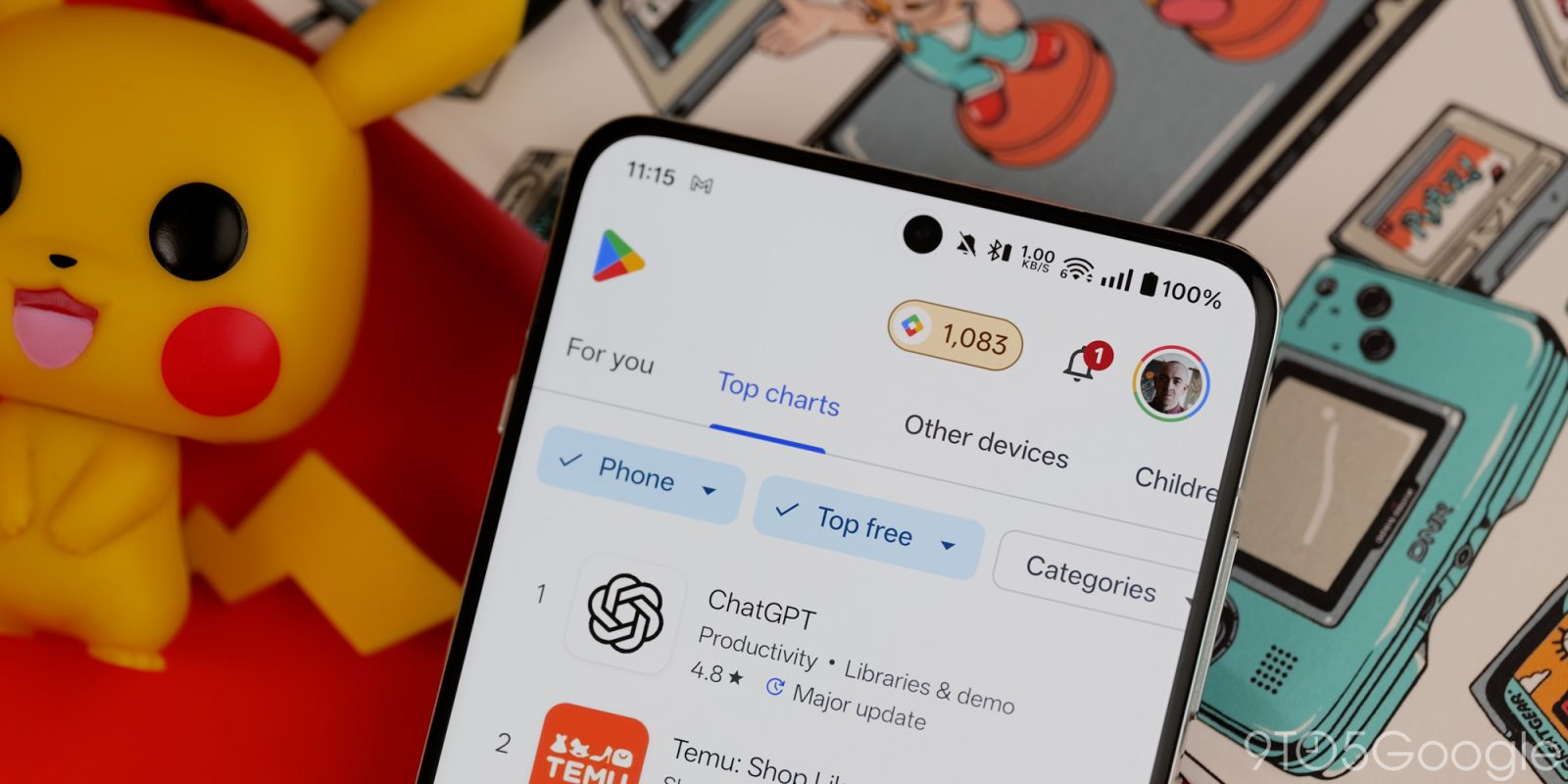
Following a long battle in court, Google has opened the floodgates to third-party app store distribution via the Play Store in the US.
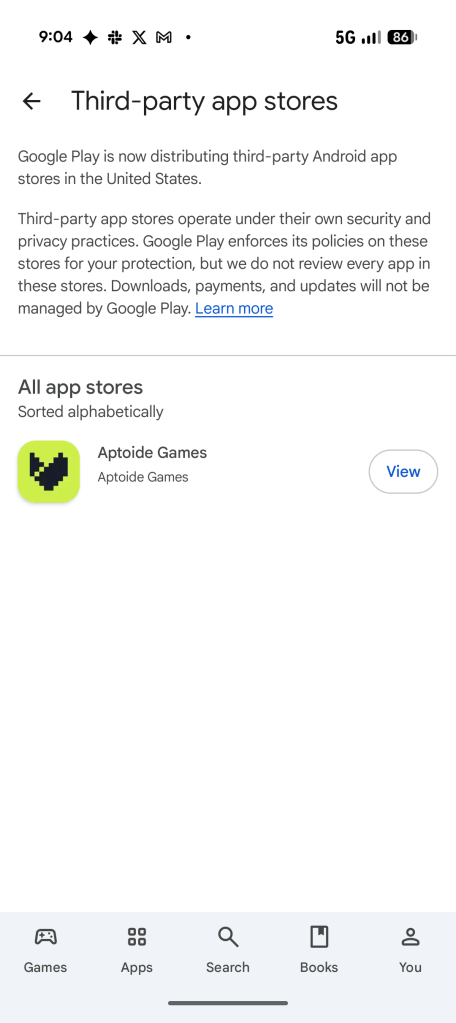
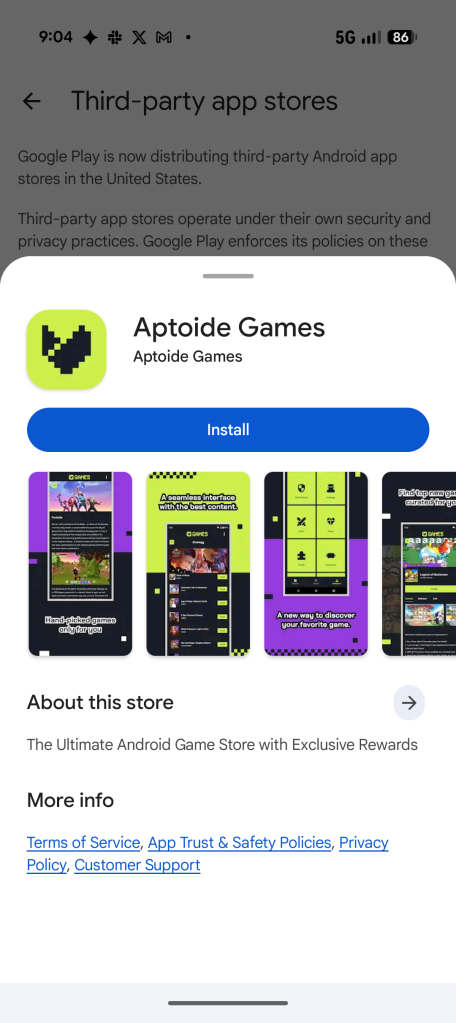
Starting with just a single option, Aptoide Games, the Google Play Store will host and install third-party app and game stores on Android. This applies solely in the United States and third-party stores won’t show up everywhere – they’re only accessible via links or direct searches.
Google explains on a support page:
You can discover and download third-party app stores through a dedicated landing page in the Play Store. This is accessible via deep-links, your account menu in Google Play, the apps category page or via search queries (e.g., searching for “App Store” or for a specific store).
Google adds that it “enforces its policies” from the Play Store on third-party stores, but that Google does not “review every app in these stores” nor manage updates or payments.
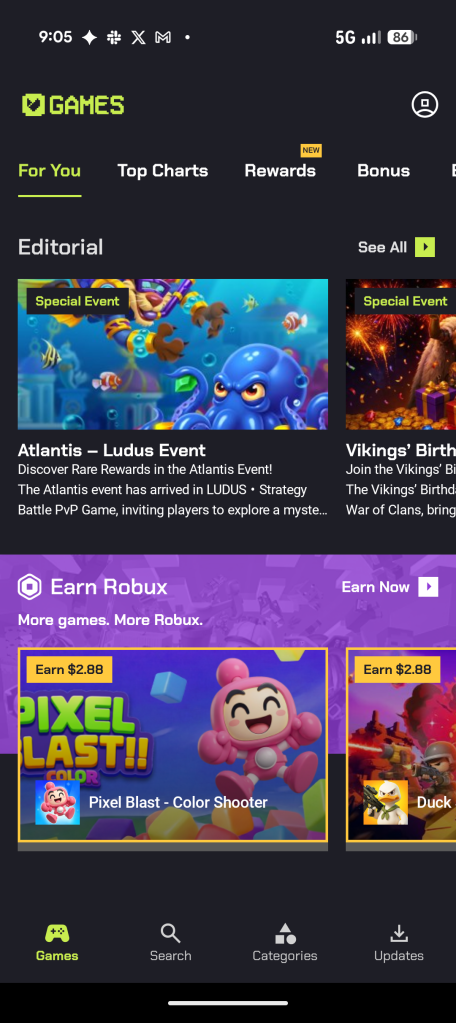
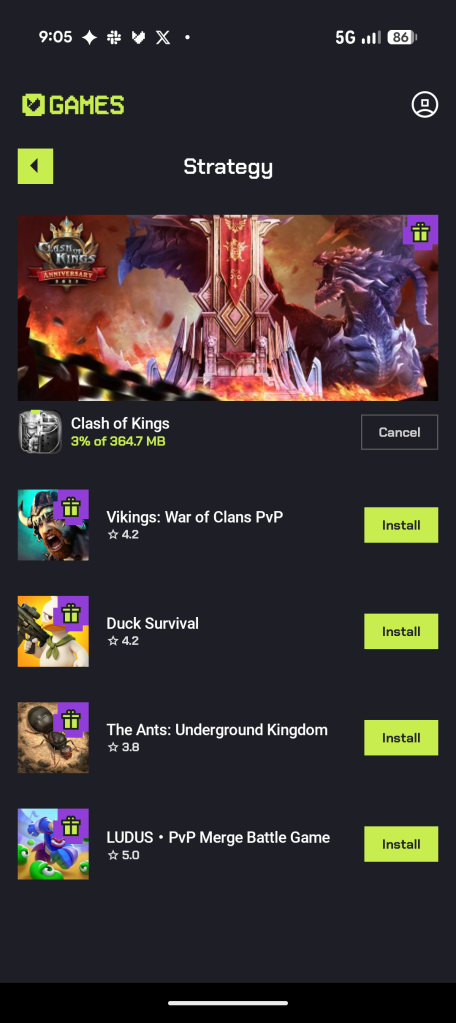
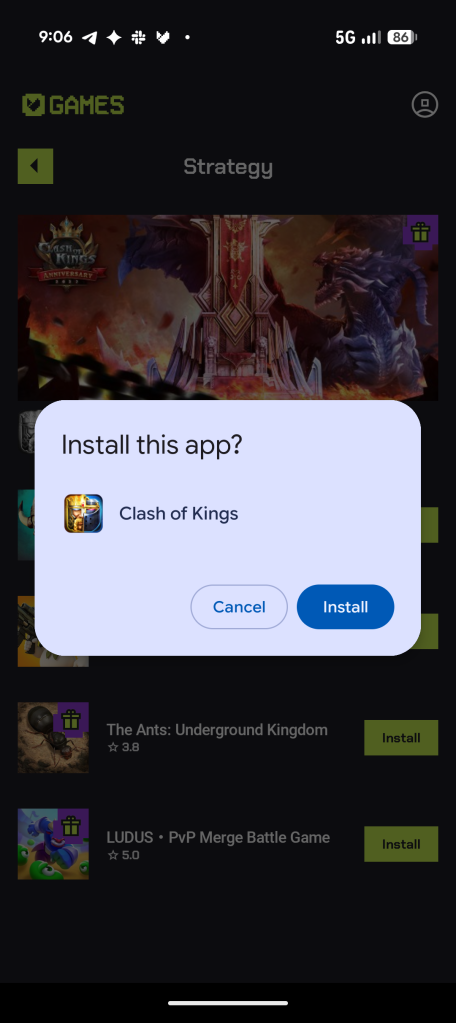
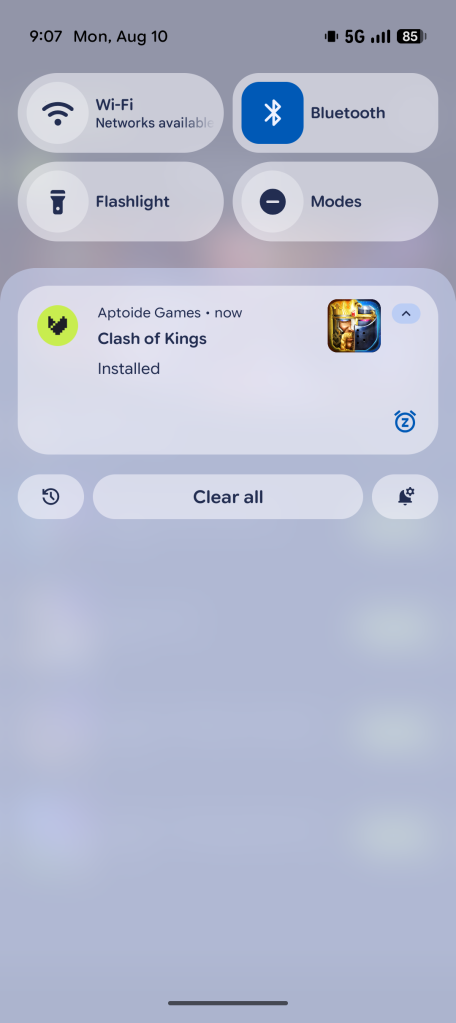
As mentioned, the first store available is Aptoide Games, a mostly game-specific store full of free and paid titles. Installing the store works more or less like any other Android app, and, once installed, there are no additional security measures required for installing apps. We tested this by downloading “Clash of Kings” from Aptoide, and it works rather seamlessly. The only additional step is accepting the “Install” prompt when it shows up after the app is downloaded.
So, while Epic Games was beat to the punch, it did get its wish. A way of getting third-party app stores a clean, frictionless way to install apps and games.
More on Android:
- Android’s upcoming ‘App Handles’ will bring clever multitasking to Pixel Fold [Video]
- Google Assistant shutting down on Android and Wear OS in September
- Google pushes for Android apps to better support ‘ultra-wide foldables’ like Galaxy Z Fold 8
Follow Ben: Twitter/X, Threads, Bluesky, and Instagram


FTC: We use income earning auto affiliate links. More.



Comments