
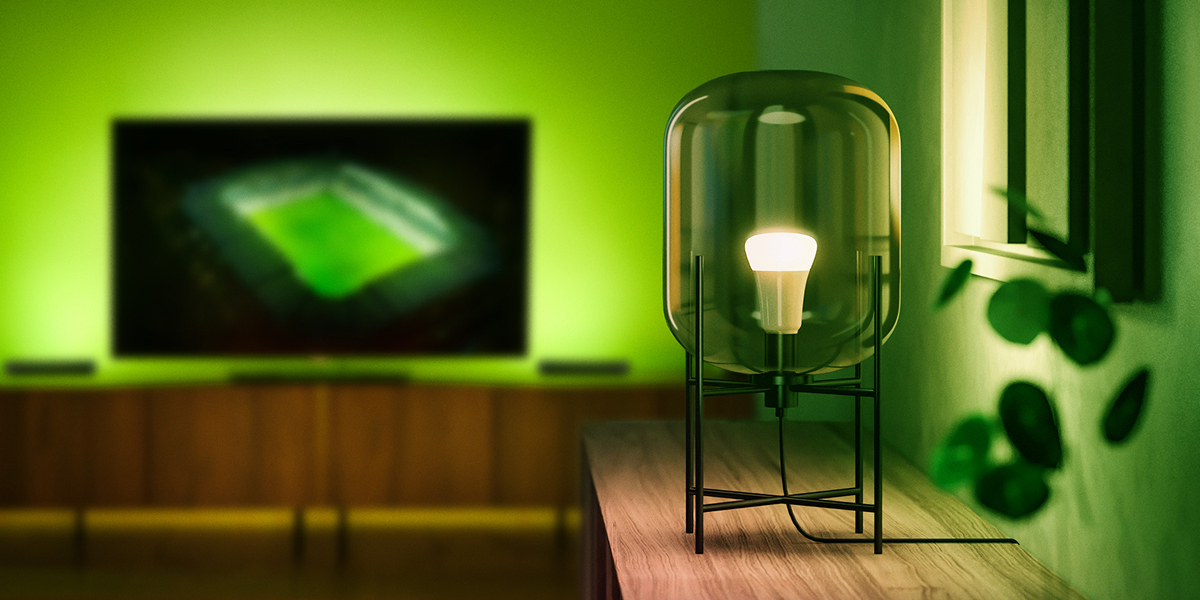
Colored lighting is a really fun way to expand what lighting in your home can do, and Philips Hue is arguably the best in the business. Now, Philips Hue is rolling out “Sports Live” as a new experience that can integrate with sporting events such as the upcoming World Cup.
Rolling out widely this month – and over the past few weeks as our sister site 9to5Mac points out – “Sports Live” on Philips Hue allows your lights to change colors and effects to match up with live sporting events, bringing the stadium feel directly into your living room.
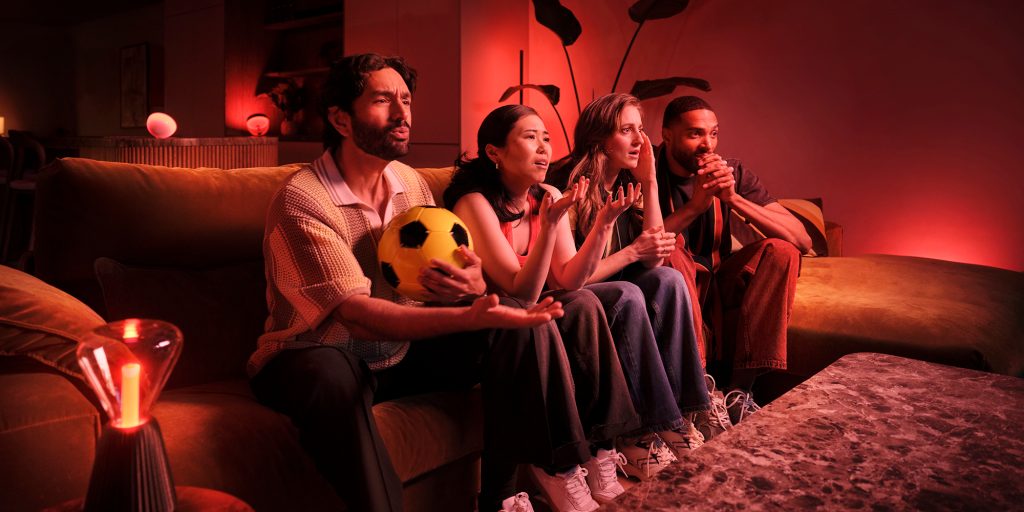
As Philips Hue explains, this new feature includes flashes of color for “key moments” such as yellow or red cards, a countdown to kickoff, an animation of colors celebrating the winning team at the end of the match, and more.
With compatible smart lighting, Sports Live can bring matches to life beyond the screen, from a dramatic kickoff countdown to flashes of color for key moments, including goals, yellow and red cards, set pieces and penalties. Through integrations with leading smart home platforms, including Samsung SmartThings, users can incorporate dynamic lighting effects into broader matchday routines that coordinate devices across the home and extend the experience beyond the TV screen. The result is a fully immersive experience that allows fans to not just watch the game, but to feel part of it.
Detailed on a support page, this requires at least one color-capable light, but you don’t have to have a color-only room to use it.
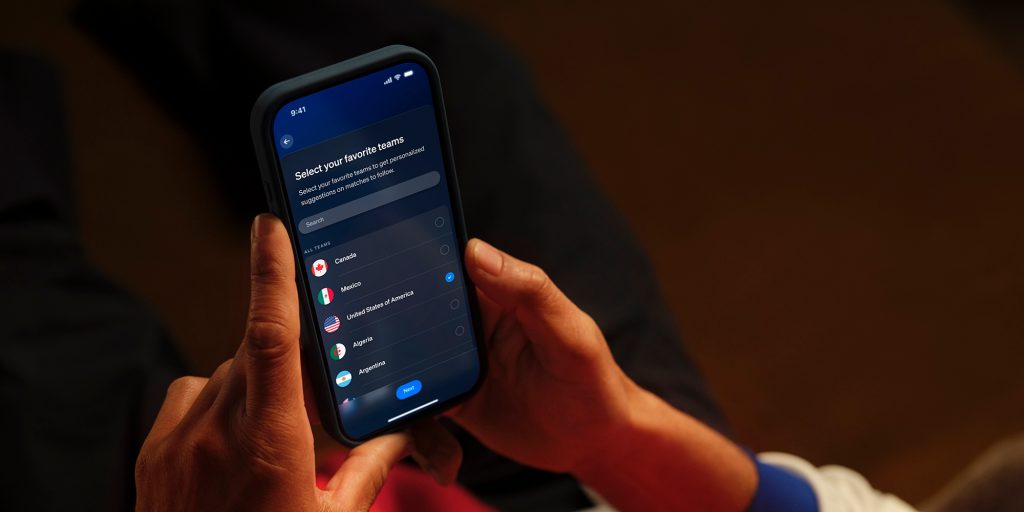
Setup apparently takes “5-10 minutes” and includes customizations such as following your favorite team and selecting a room that syncs to the experience.
If you’re new to Entertainment setups:
- Open the Sync tab in the Hue app.
- Tap Get Started.
- Select Sports Live – Championship 2026 and follow the steps.
If you already use Hue Sync or other entertainment features:
- Open the Sync tab.
- Tap the What button in the bottom left corner.
- Tap the blue “+” button.
- Choose Sports Live – Championship 2026.
During setup you’ll:
- Choose your favorite team (optional, but helps the app tailor match suggestions)
- Select the room that will host your lighting experience
- Pick your preferred match scene (you can change the scene/brightness later during the match)
There’s deeper integration with Samsung TVs here as well, but you don’t need it to get the lighting effects. All you’ll need to do is install the latest Philips Hue app update and go through the setup workflow.
Philips Hue gear is available from retailers such as Amazon, Best Buy, Crutchfield, and the Philips Hue store, among others.
More on Philips Hue:
- Philips Hue rolling out these upgrades in early 2026 including ‘SpatialAware’ scenes
- The Philips Hue Wall Washer is a versatile but pricey way to fill a room with color
- Philips Hue Bridge Pro launches for $99 alongside ‘Essential’ bulbs from $25
Follow Ben: Twitter/X, Threads, Bluesky, and Instagram


FTC: We use income earning auto affiliate links. More.


Comments