
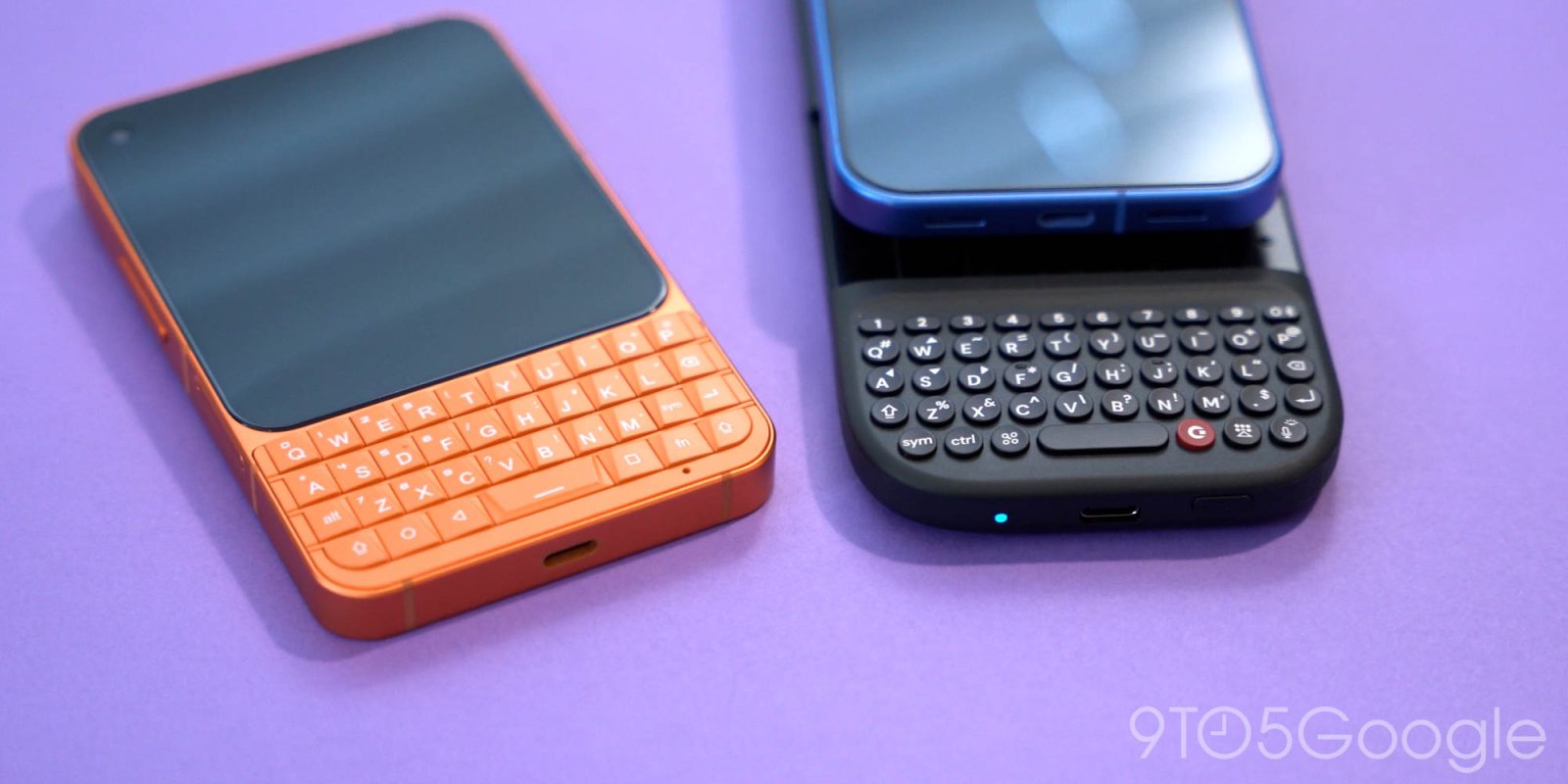
There’s a bit of an obsession out there with resurrecting the BlackBerry-style physical QWERTY keyboard but, after trying a couple of the latest attempts, I still struggle to see the appeal in 2026, and I’m really not sure who’s buying these.
The era of the physical smartphone keyboard is one I barely grew up in. My first phone without a traditional T9 setup was the Samsung Alias 2, a two-way flip phone that opened up to an e-paper QWERTY keyboard. It’s from that that I moved on to the touchscreen Android phones I’ve spent the past decade writing about and living with day after day. So the nostalgia play doesn’t really work with me. I’ve very much enjoyed my time with the repeated attempts to revive BlackBerry as a brand, but physical keys are not something I find myself immediately gravitating towards.
But, clearly, there are some people out there who really want these devices.
Enough that there’s still hardware being built for that market.
Two of those devices have crossed my desk as of late, starting with the Unihertz Titan Elite 2. This is a dedicated QWERTY Android phone that made its first appearance earlier this year and, as BlackBerry reboots go, it’s pretty solid.
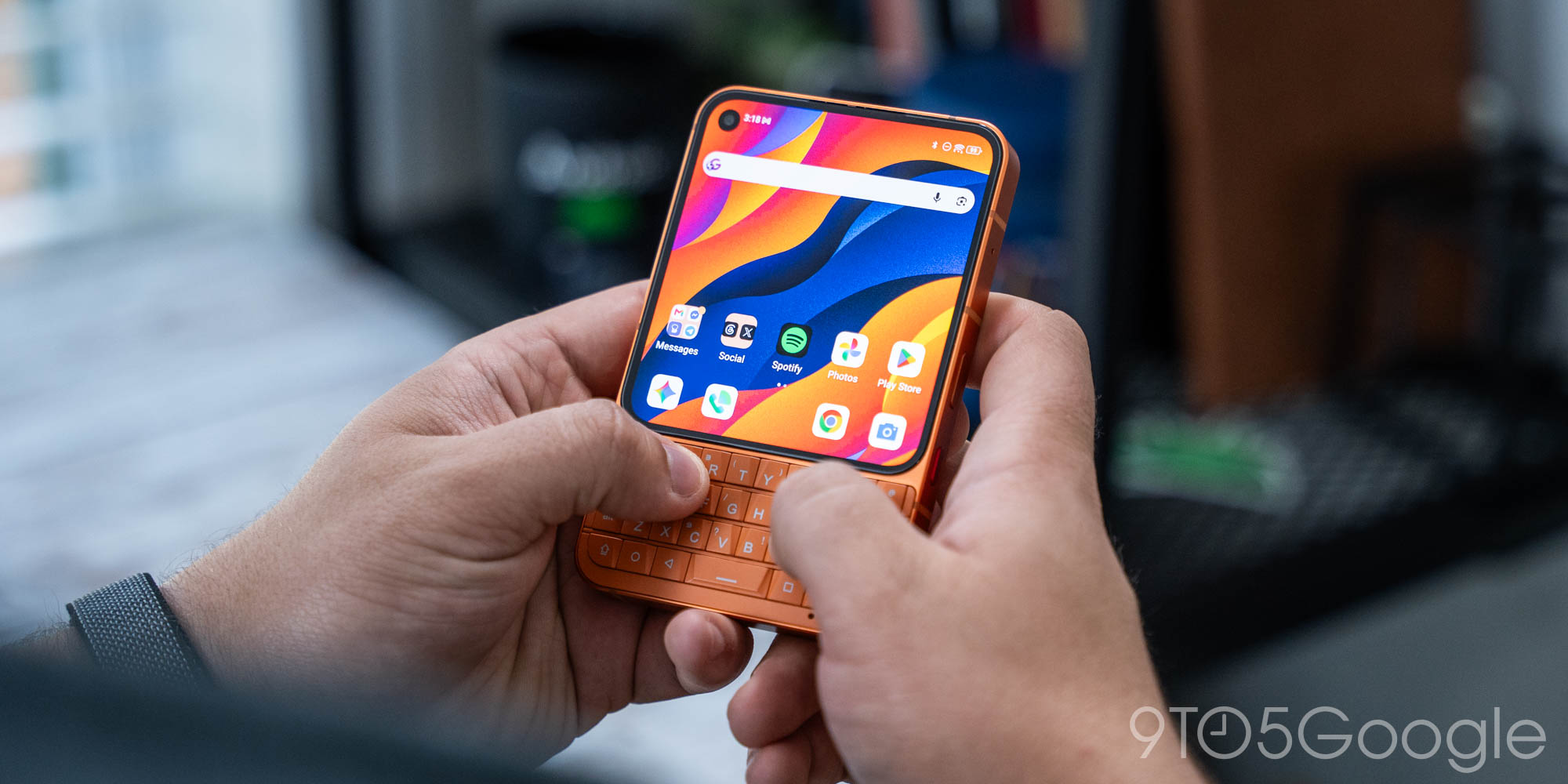
The form factor here is compact and comfortable, with a full keyboard that feels comfortable under my thumbs. There’s a certain charm to the simplicity of the hardware, which is only emphasized by the vibrant orange colorway. But the lack of polish doesn’t help matters. The keyboard backlight only kicks in when you’re actively typing (or after a long slide gesture), making texting in a dark room inconvenient at best and virtually impossible at worst. The software is pretty messy too. On top of the inherent restrictions that come with using a phone that has a screen this tiny, Unihertz’s tweaks to Android 16 feel a bit rushed and unfinished.
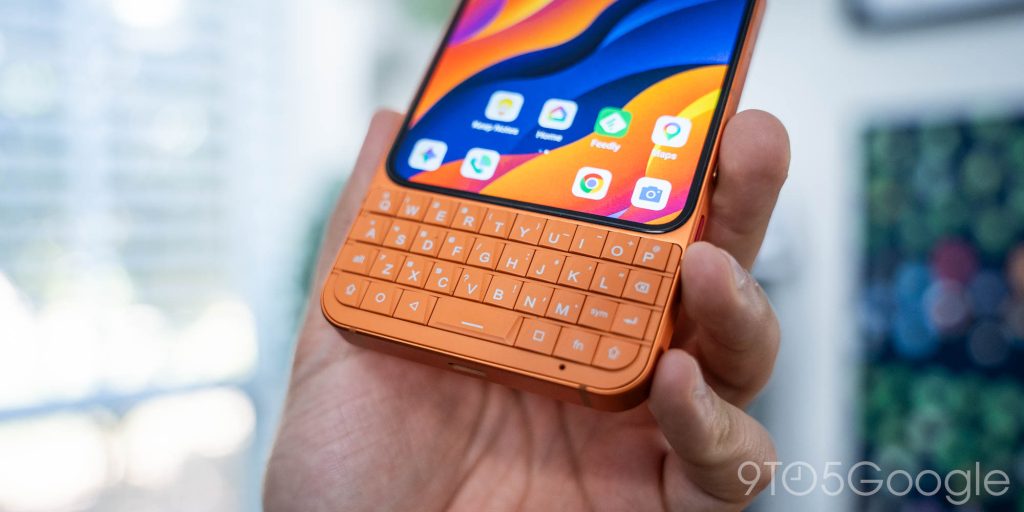
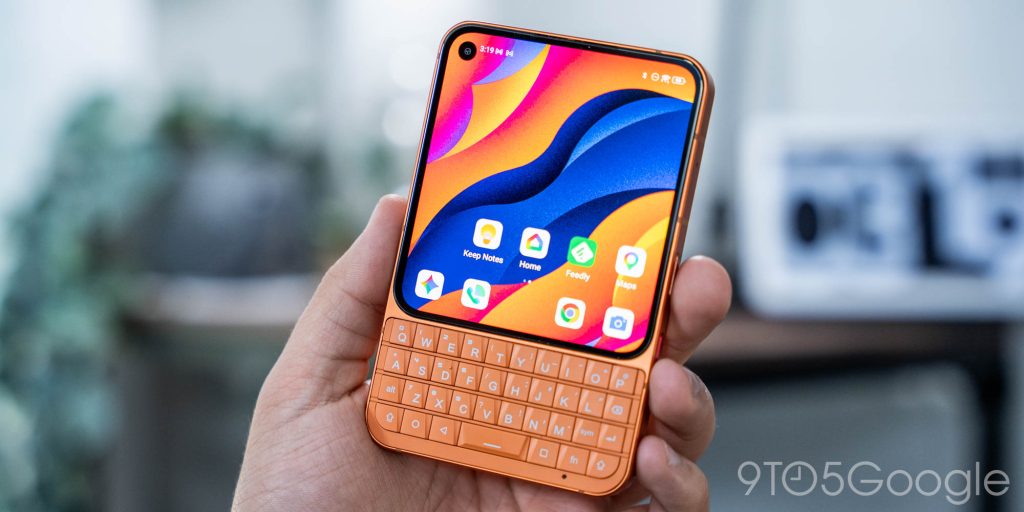
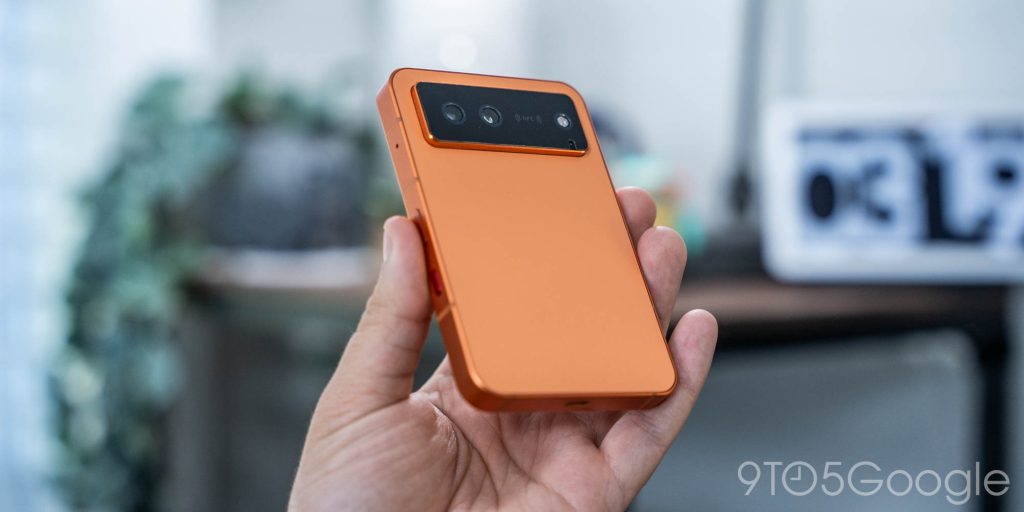
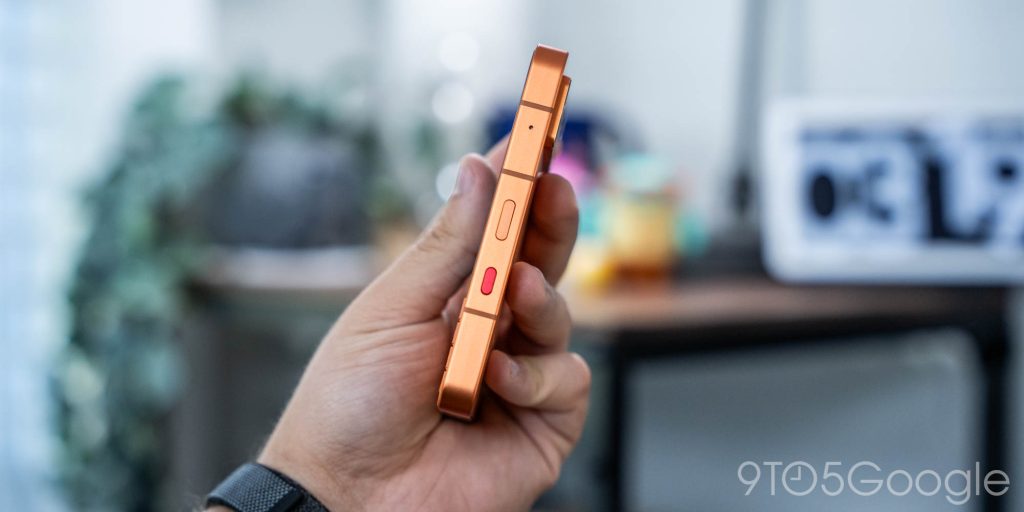
It’s a good concept, and for $489, it’s certainly a way to scratch that BlackBerry itch.
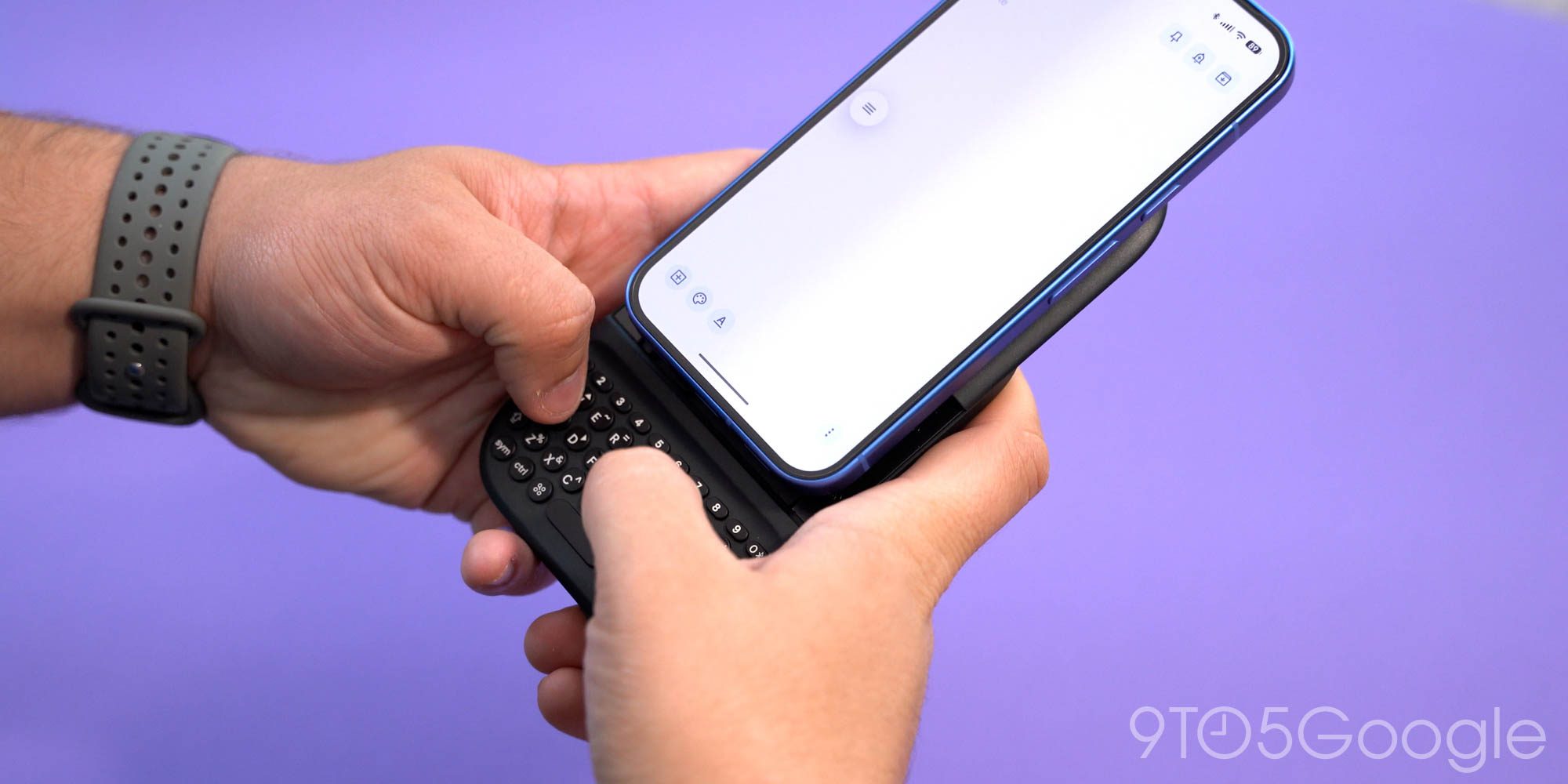
Personally, though, I was more intrigued by the Clicks Power Keyboard – enough to have bought one myself.
The $119 add-on is a BlackBerry-style keyboard with a built-in battery and Qi2 attachment, working with your phone over Bluetooth to type things out. It works very well, and the keyboard itself is surprisingly easy to get the hang of despite the keys being so tiny. The attachment point extends to best match your phone, which on my Pixel 10 pretty much just meant having it fully extended.
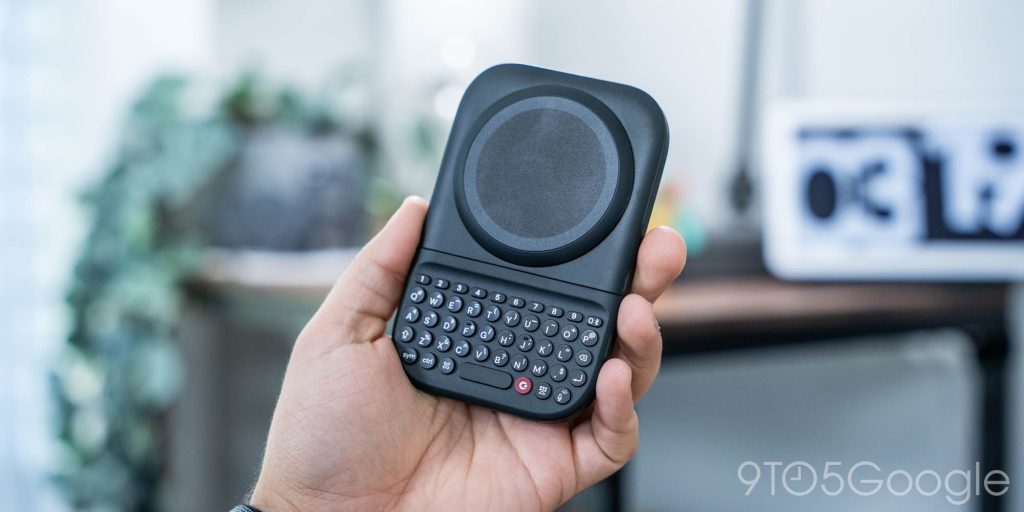
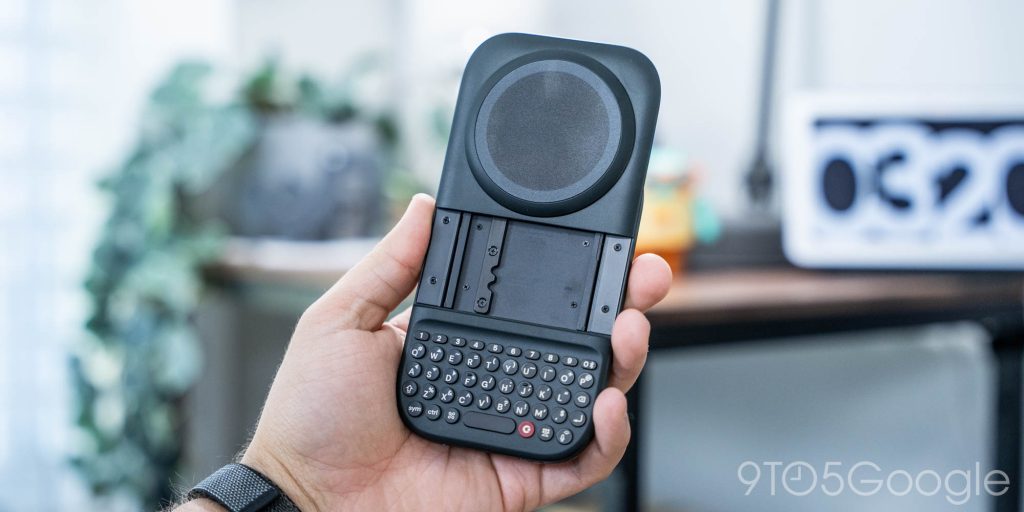
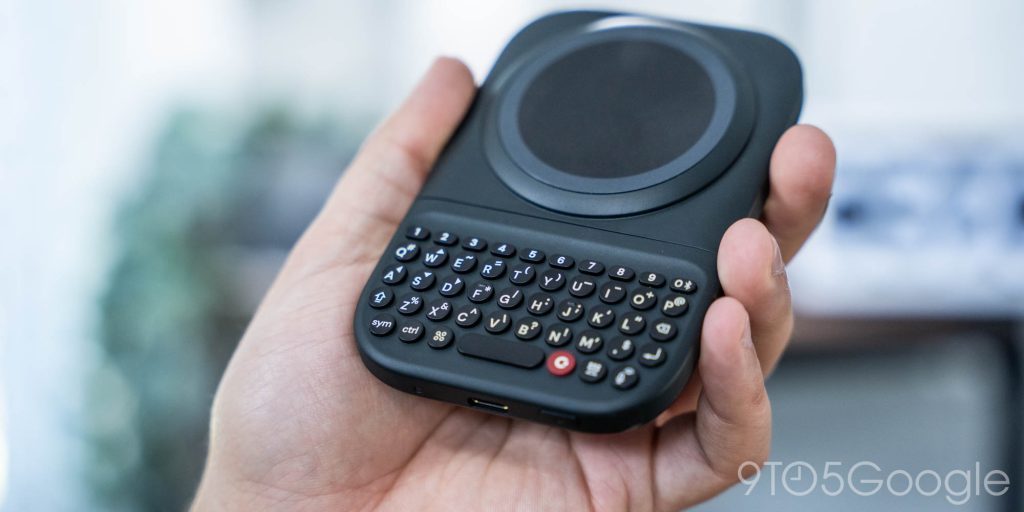
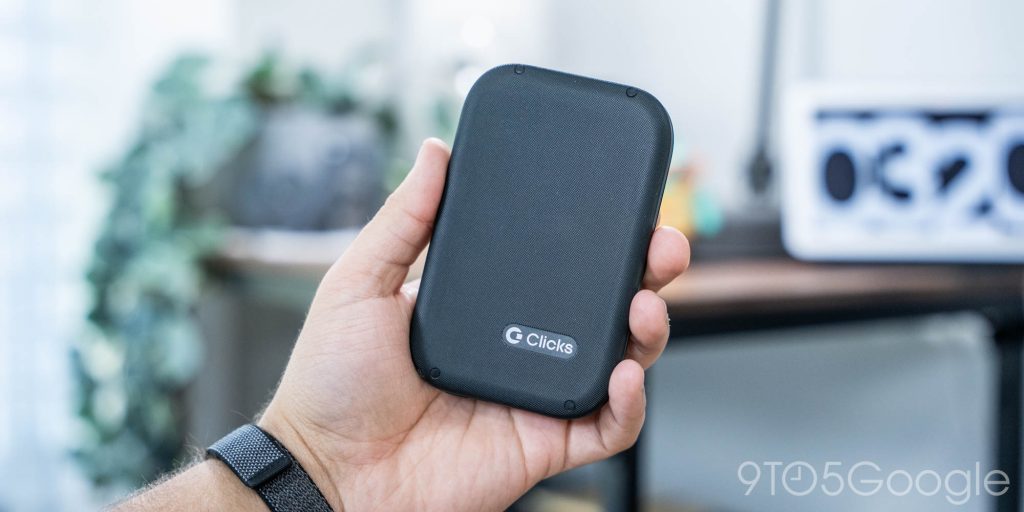
With my Pixel 10, it works very well, though my real hang-up here is just that the overall form factor feels very clunky. Extending out the phone is very satisfying, but makes it hard to balance the weight of the keyboard and the phone together, which takes away from the ease of typing. It’s somehow worse when the phone is in landscape, which is the opposite of what I expected.
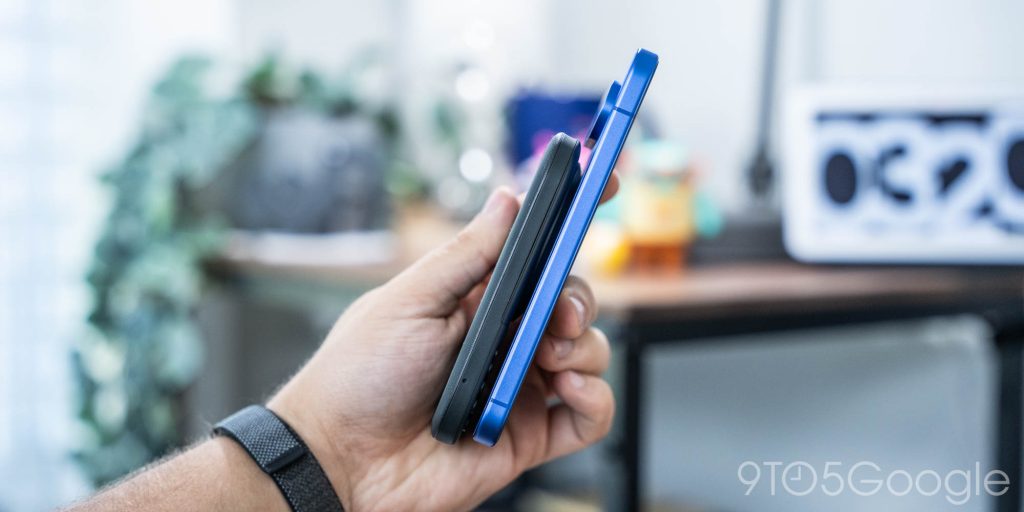
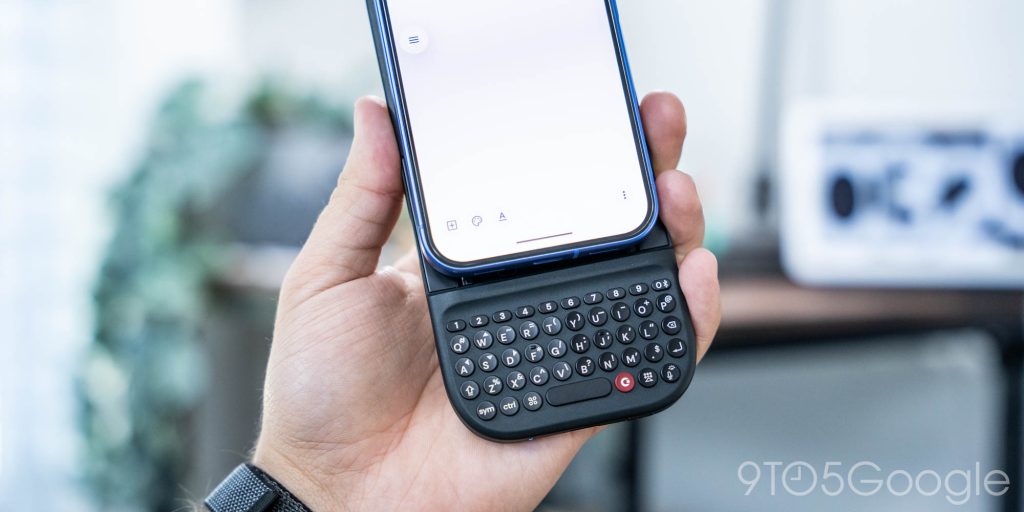
These are all things you can adapt to, but they put me off of the idea of carrying this around with any frequency. It’s a really good idea and perhaps the best way to quickly get that BlackBerry feeling back, but it really just cemented something for me – I think I just don’t want a physical keyboard anymore.
And it’s a shame.
I really thought the Power Keyboard would be the thing that split the difference for me and help me find that love for a physical keyboard.
Top comment by Jim McKeever
No I am not interested in adding a physical keyboard to my existing phone. But I will one if the two keyboard phones to be released. There is a big difference between an addin and being built in.
These devices just aren’t for me, and I think that’s going to be true of a lot of people. The past decade of touchscreen-only smartphones has mostly eliminated that muscle memory for physical buttons. Don’t get me wrong, I love a good physical button, but the pros outweigh the cons when it comes to a digital keyboard for me. Better layouts, faster emoji/symbol access, and more just make it hard to take that step back into a physical keyboard.
Where the Unihertz device very much feels like a “hey guys, we made a modern BlackBerry” play, Clicks at least is thinking outside of the box. The Power Keyboard makes a ton of sense as a magnetic accessory that can be used wirelessly with devices other than just your phone, while the upcoming Clicks Communicator pitches itself as a companion device dedicated to, well, communication, and I like that angle. On both, I’ll absolutely still struggle with the usability that comes with a tiny physical keyboard in the year 2026, but I appreciate that Clicks is taking a smart approach.
What do you think? Are you in that niche of customers who want a physical QWERTY keyboard in 2026?
Follow Ben: Twitter/X, Threads, Bluesky, and Instagram


FTC: We use income earning auto affiliate links. More.



Comments