
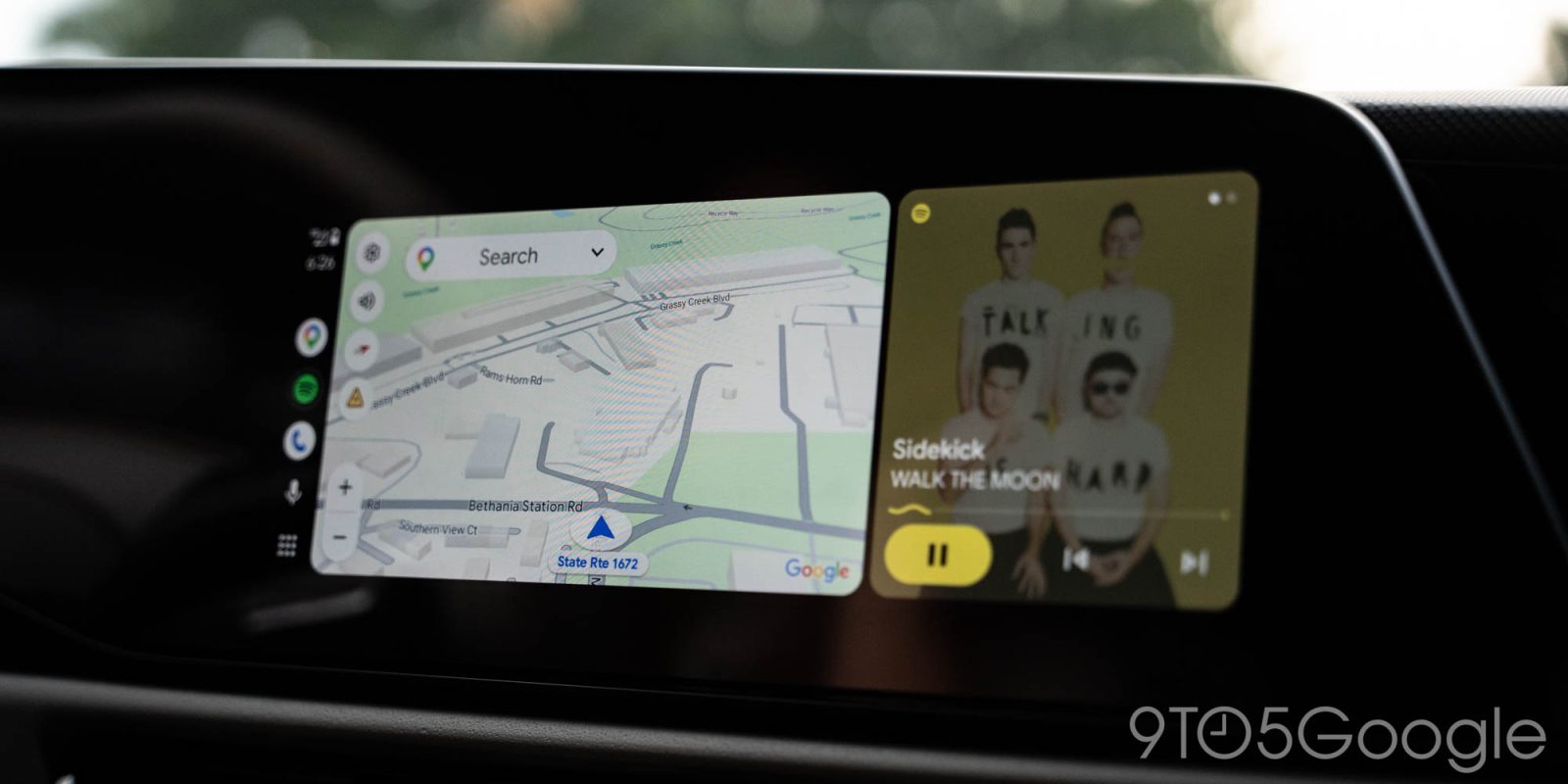
It’s anything but wide at this point, but we’re finally seeing signs of Android Auto rolling out support for a live speedometer.
It took ages for Google Maps to roll out support for speed limits, but it’s taken even longer to bring a live speedometer to show your current speed on Android Auto. And the reason isn’t particularly clear, as Google introduced support for this in July 2024 for Apple’s CarPlay, and it’s been live on Android phones for a long time as well.
Finally, though, it seems like we’re making progress.
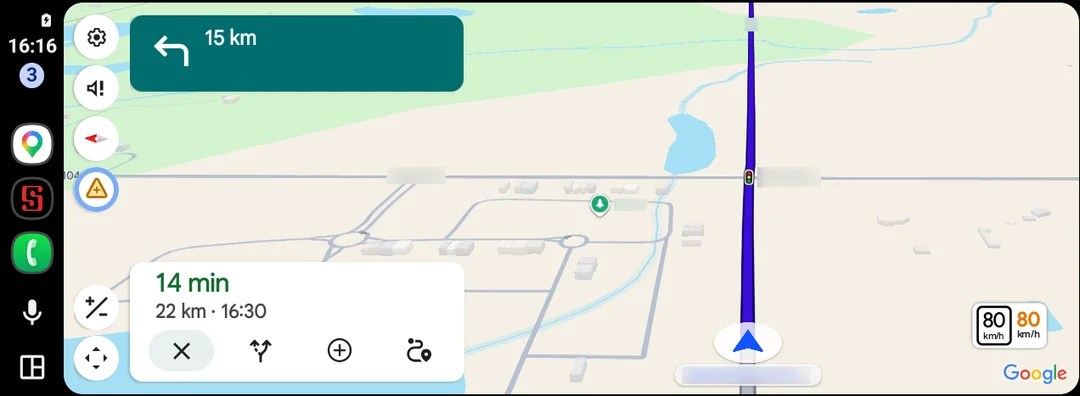
At least a couple of Android Auto users on Reddit report seeing the speedometer appear on their dash. This user is located in Canada and was using app version 26.29.02.946673643, available in the beta program.
Top comment by Arun Topez
Don't you mean bring BACK the speedometer? It used to be there for the longest time, then they removed it for whatever reason when the app started getting lots of issues. Now it's back.
Also, they introduced a new annoying problem - if you have "Avoid tolls" on, it includes toll routes, even as the first recommended route... even when there there's countless (and faster) non-toll routes that it would previously suggest no problem. They seemed to changed their algorithm recently to be even worse where it now doesn't listen to any of the 3 "avoid" options properly.
We’re not yet seeing this on our end, and there aren’t other reports floating around either. So, at least for the time being, we can’t say this is widely available. But after years of waiting, it’s great to see this finally happening. As with any Android Auto feature, though, it could take ages for this to roll out to everyone.
Let us know in the comments below if you’re seeing a speedometer on Android Auto in Google Maps.
Of course, Waze has supported a speedometer on Android Auto for years…
More on Android Auto:
- Android Auto is preparing a redesigned media player with quicker access to more buttons [Gallery]
- Android Auto gets navigation optimized for motorcycles, CarPlay too
- Google still hasn’t fixed my biggest problem with Gemini on Android Auto [Video]
Follow Ben: Twitter/X, Threads, Bluesky, and Instagram


FTC: We use income earning auto affiliate links. More.



Comments