
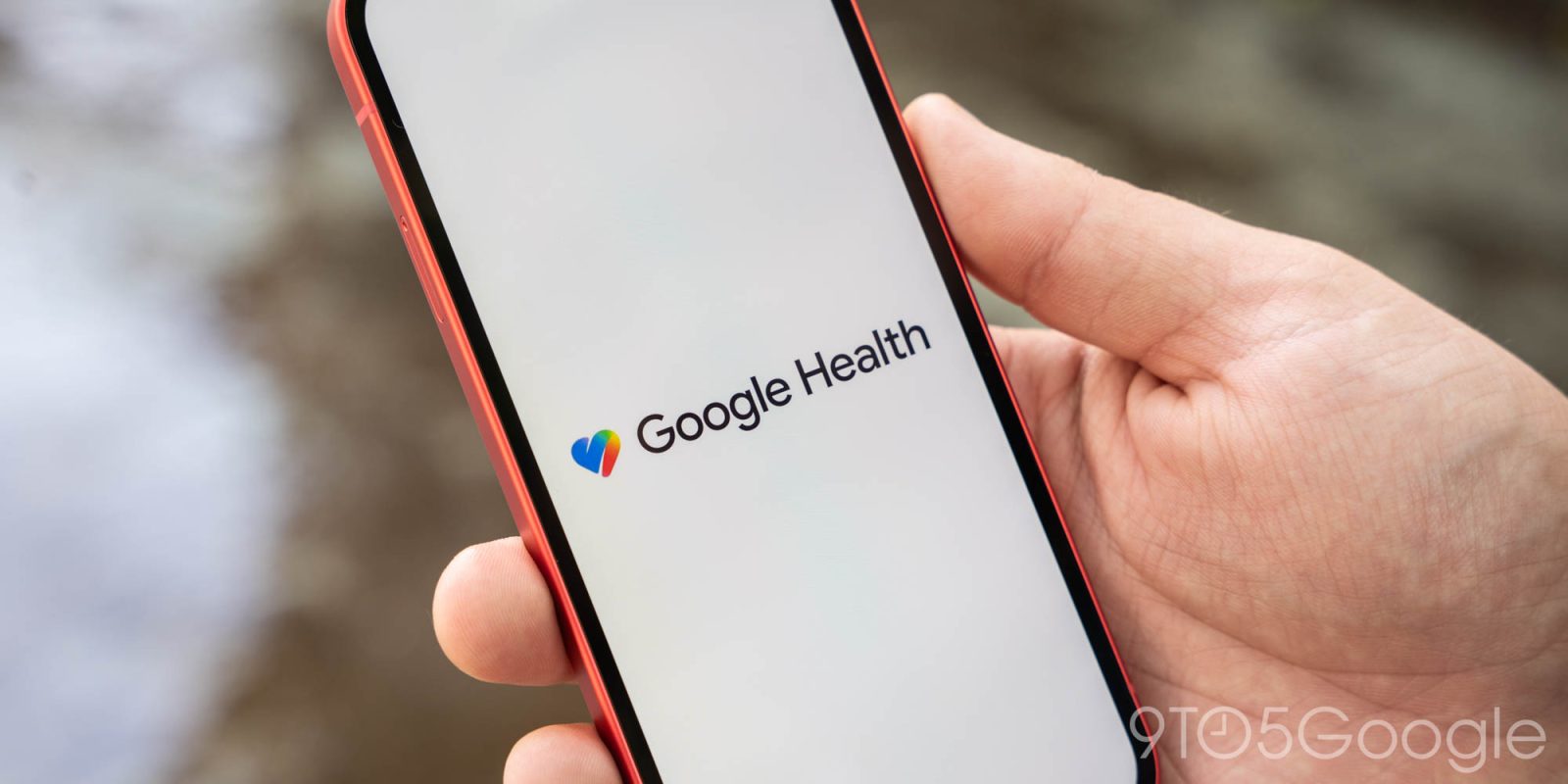
Google Health 5.06 is rolling out on Android and iOS to let you control what Health Coach guidance appears in the Today tab.
Since launch, the Google Health Coach has shown “proactive, conversational insights and daily summaries” in the Today tab. That remains the default “Standard” setting, but there’s now “No Coach insights” to just see activity and sleep summaries.
After updating, go to Google Health settings and then the “Coach” menu to set.
The full list of improvements and fixes is organized into two categories:
New Google Health Coach Settings
We’re introducing new settings that give you more control over how your Google Health Coach appears on your Today tab. You can now customize your daily view to match your preferred level of guidance. You can choose from two options:
- “Standard” (default): Enjoy the full Google Health Coach experience with proactive, conversational insights and daily summaries directly on your Today tab.
- “No Coach insights”: Keep a streamlined Today tab focused on activity and sleep summaries, without coaching insights.
On-demand access always stays on: In either mode, you can still ask your Coach questions anytime and access your active fitness plans on the Fitness tab.
To manage your settings, tap your profile icon, then “Google Health settings”, and then “Coach”.
Fitness and Activity Updates
- Improved Maps: We have resolved issues that prevented maps from displaying correctly and fixed errors related to how heart rate zones and pace are shown on maps.


FTC: We use income earning auto affiliate links. More.


Comments