
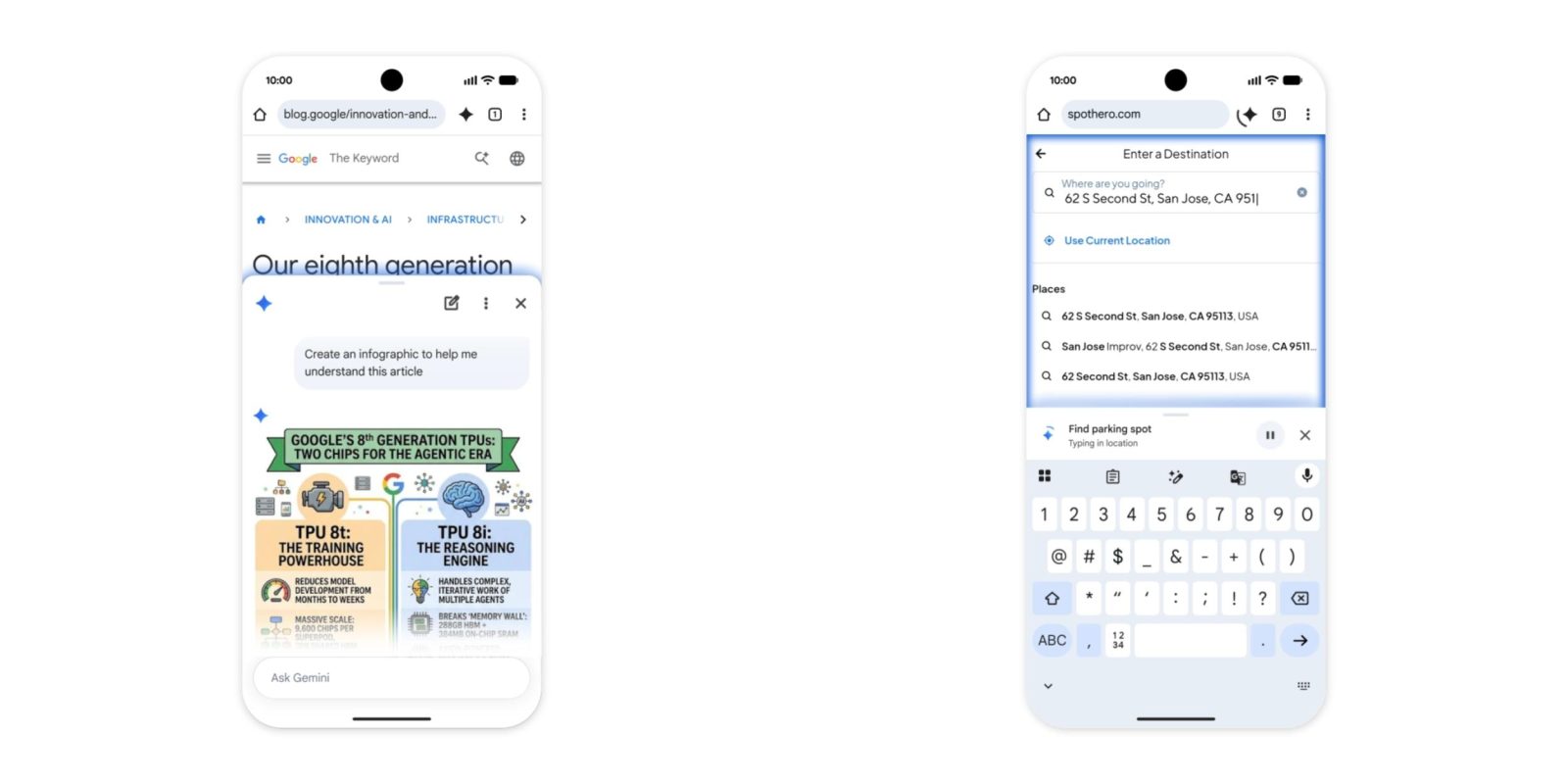
After previewing in May, Google has now finished rolling out Gemini in Chrome for Android users in the US.
Gemini in Chrome is available as a toolbar shortcut to the right of the address bar (you can only have one), or in the three-dot overflow menu near the bottom. Tapping the spark icon slides up a sheet that’s nearly identical to the desktop interface.
Your current page can be added to the prompt as context, with the option to disable this behavior in Settings. The tools menu lets you enable/disable Personal Intelligence, which includes Calendar, Keep, and other connected apps. You can slide the sheet down and have it remain docked to the bottom of your screen.


Gemini in Chrome can summarize pages and answer questions about what you’re viewing, while Nano Banana integration lets you edit images.
Meanwhile, Google AI Pro and Ultra subscribers can use auto browse to agentically “handle tedious everyday tasks for you.” Examples include: “book parking for an event, update a recurring online order, or organize travel for your next vacation.” Sensitive tasks like purchases require explicit user confirmation.


FTC: We use income earning auto affiliate links. More.




Comments