
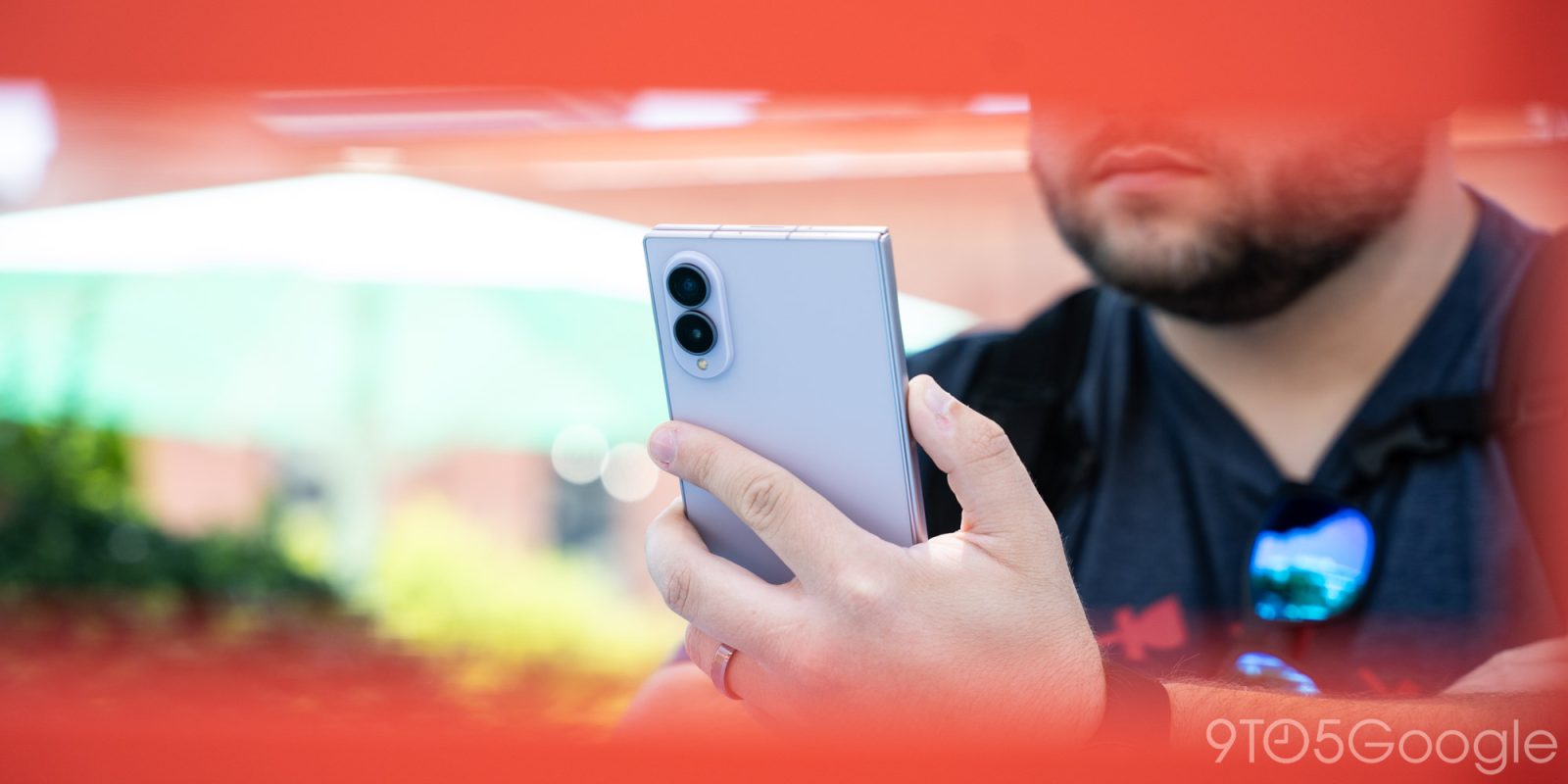
An issue with Google Messages appears to be breaking RCS for some users, with much of the problem tracing back to Samsung Galaxy devices.
Update 8/20: Google, confirming this is a carrier issue, says that it is working with partners to fix this problem, providing the following statement to 9to5Google.
We’re aware of this issue and are working with our carrier partners to get it fixed as soon as possible.
Over the past few days, a number of Reddit threads have popped up from Google Messages users who are unable to use RCS to send or receive messages. But this doesn’t appear to be any kind of widespread outage, but rather something to do with those on Galaxy phones, especially when switching to a new device or network.
Affected users are seeing error code “3100” in the Google Messages app, which a Google account says is “Trouble connecting. Awaiting retry.” In other words, the device isn’t properly connecting to RCS servers. Those affected appear to either be upgrading to a new device – the Galaxy Z Fold 8 in two posts – or moving to a new carrier. The same account brings out the potential that this could be an error between porting numbers for one user, or Samsung’s Smart Switch having “transferred corrupted cache files” in the other.
So, there’s no clear cause for this just yet.
Top comment by matteventu
This is the sort of thing that will make someone who switched from iPhone go right back.
Google seriously needs to stop with these continuous bugs everywhere.
The problem has only shown up for Galaxy users thus far, implying that could be part of the problem.
Google’s troubleshooting steps include turning RCS off, clearing data for “Carrier Services,” rebooting the device, and then turning RCS back on, but success seems hit or miss. Android Authority notes that one user details a six-step process that includes temporarily turning off 2-step verification and clearing Play Services data. While it apparently works, you should probably try Google’s steps before doing anything with 2FA – and you should turn that back on immediately if you do turn it off.
We’ll update this article if Google provides any further details about what might be wrong. Let us know if you’re running into this problem, and what device you’re using.
More on Google Messages:
- What new Google Messages features are rolling out [August 2026]
- Google Messages rolling out long-press menu redesign with precise copying
- Google Messages will let you customize the shortcuts grid
Follow Ben: Twitter/X, Threads, Bluesky, and Instagram


FTC: We use income earning auto affiliate links. More.



Comments