
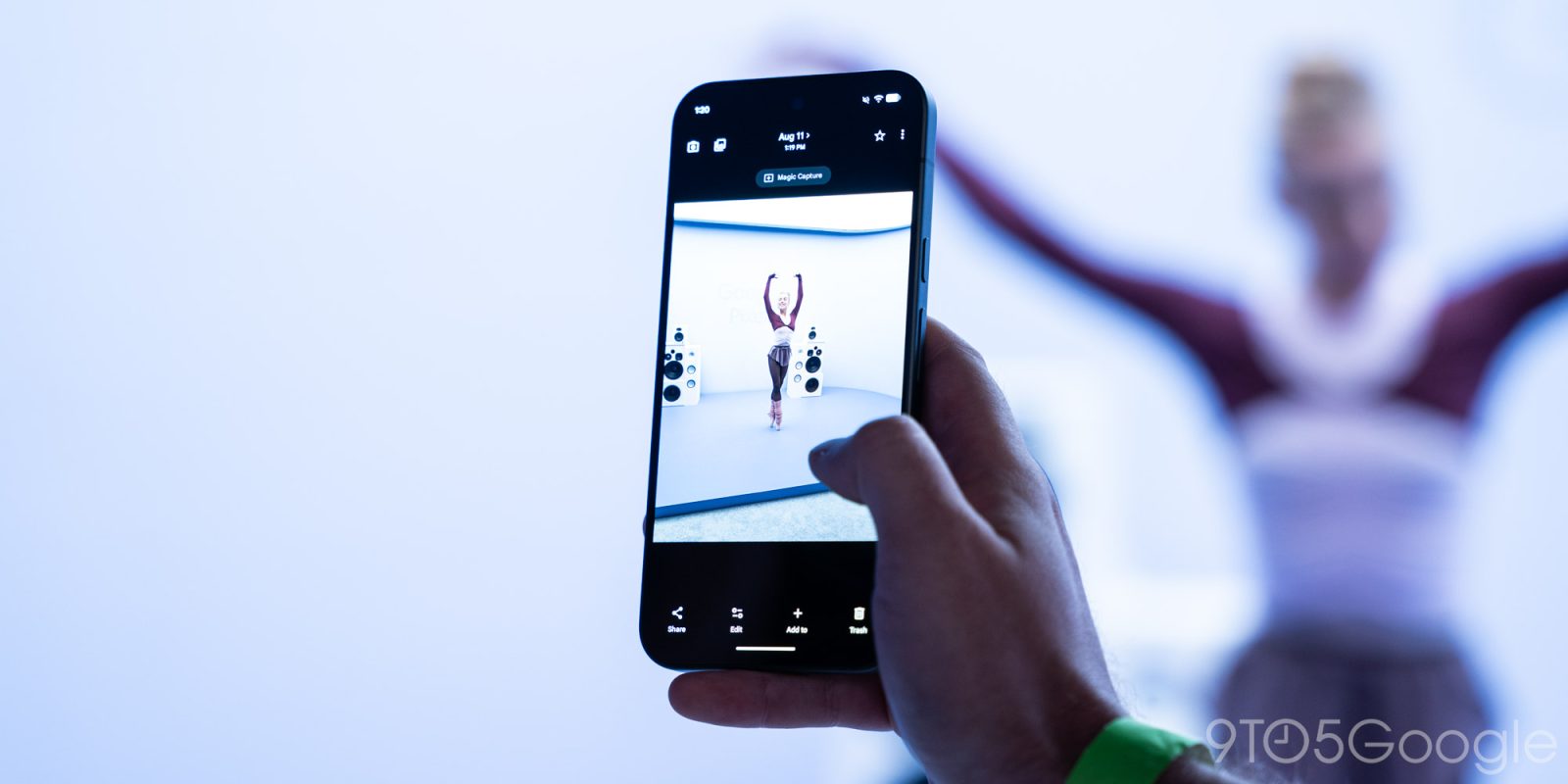
Over the past week, I’ve probably shot more video of my kids than in the previous year combined. I’m a photographer, so I take photos — thousands of them — but rarely swipe over to that tempting toggle that displaces the moment for momentum.
The dichotomy between photo and video has existed as long as there have been cameras capable of doing both. Many attempts have been made to bridge the gap, from HTC Zoe in 2013 to Apple’s Live Photos and Google’s subsequent Motion Photos years later, but most technical limitations have largely kept the two functions separate.
Magic Capture doesn’t eliminate that friction entirely, but like so many notable technological improvements, it pares it back just enough to make it feel invisible. Debuting on the Pixel 11, it’s an entirely new mode that ostensibly captures video for up to two minutes, but adds a pipeline that prepares the video for photo processing, editing, and AI-powered extraction.
If that sounds complicated, let me get specific: I was at the park the other day and my daughter, who is seven and loves to pretend she’s singing to an arena of 80,000 people, serenaded me with one of her many takes on Taylor Swift’s oeuvre. Normally I would shoot a regular video and then, a few seconds later, take some stills for posterity. With Magic Capture, I shot two minutes of video and got five perfectly framed photos free of charge, at the camera’s full 12 megapixel resolution.
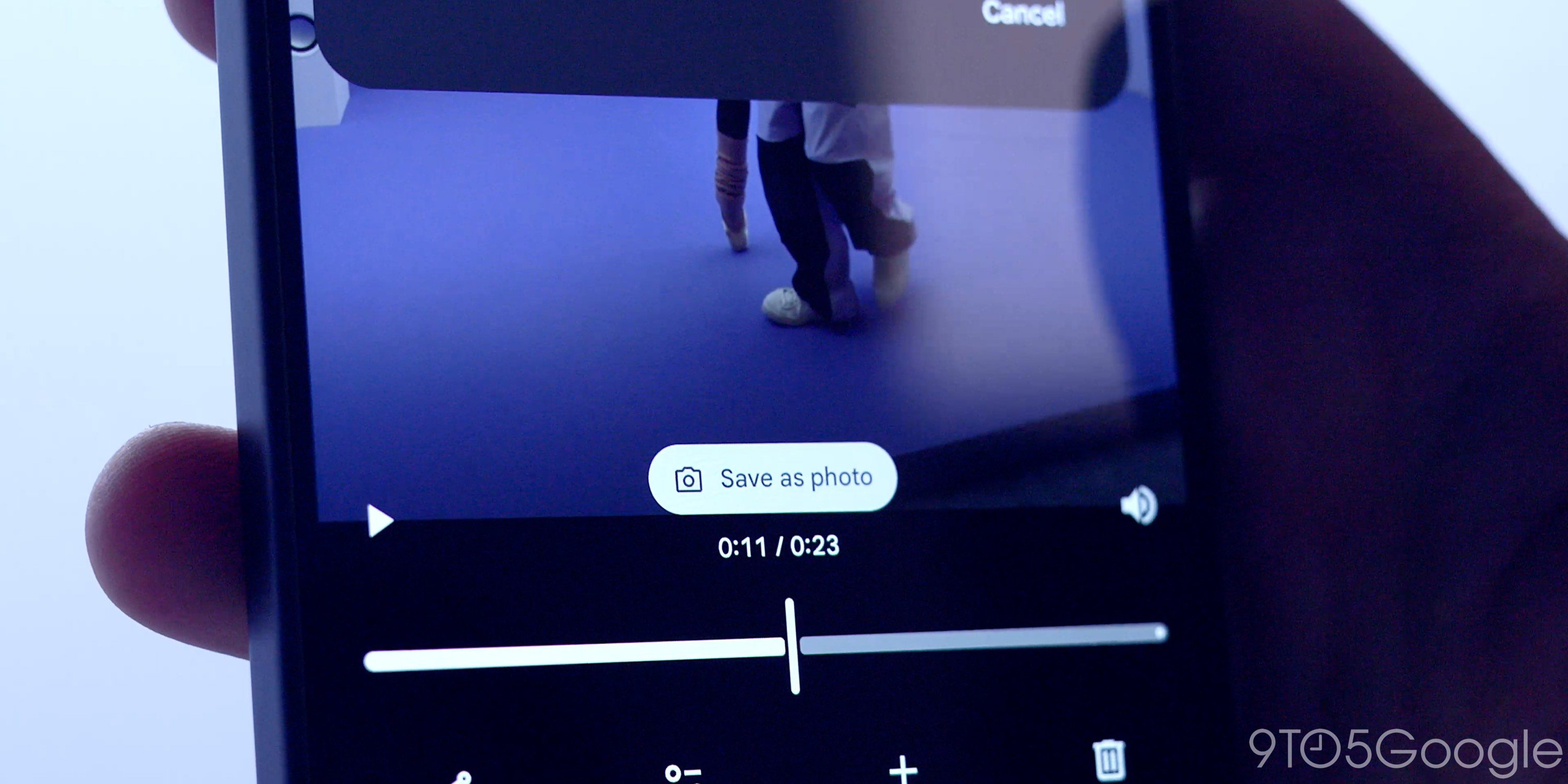
Magic Capture’s success rests on its simplicity; because you don’t have to distinguish between framing a photo and shooting a video, you can attempt to do both. You have two minutes to move around, bring the camera to different heights and distances from the subject, and know that your effort will be paid off handsomely. I’ve shot a dozen or so videos using this method and the tool has pulled out at least one good photo every time.
It’s important to make that distinction, though: you’re shooting the video and leaving Google’s AI to decide, based on factors that aren’t quite clear, what constitutes a good photo. In its defense, though, Google has been doing this same thing consistently well since Top Shot debuted in 2018. The company says that it analyzes up to 400 frames per capture to determine which ones win the prize, but thankfully it’s simple to pluck additional stills from the video itself if you want more.
Magic Capture has a few understandable limitations: video output is 4:3 at 1080p, and I’ve noticed that while the metadata shows an output of 24fps, the actual number is considerably lower, leading to skipped frames and judder, particularly when the camera is moving.
Top comment by Morgrain
The idea is definitely a cool one, this is a great feature in theory for any type of activity, with pets or kids or even sport. Though the whole video boost thing does make me question whether this feature even needs a pixel 11, or if its just artificially software locked (again) to boost sales of their newest phone, instead of giving older pixel users the same goodies. Maybe later with a feature drop, who knows. Though I doubt it, its too big a feature to pass on the extra sales.
Thankfully, the video can go through the same Video Boost pipeline as regular content, but upscaling and sharpening won’t fix mediocre video, and that’s what you’re getting with Magic Capture.
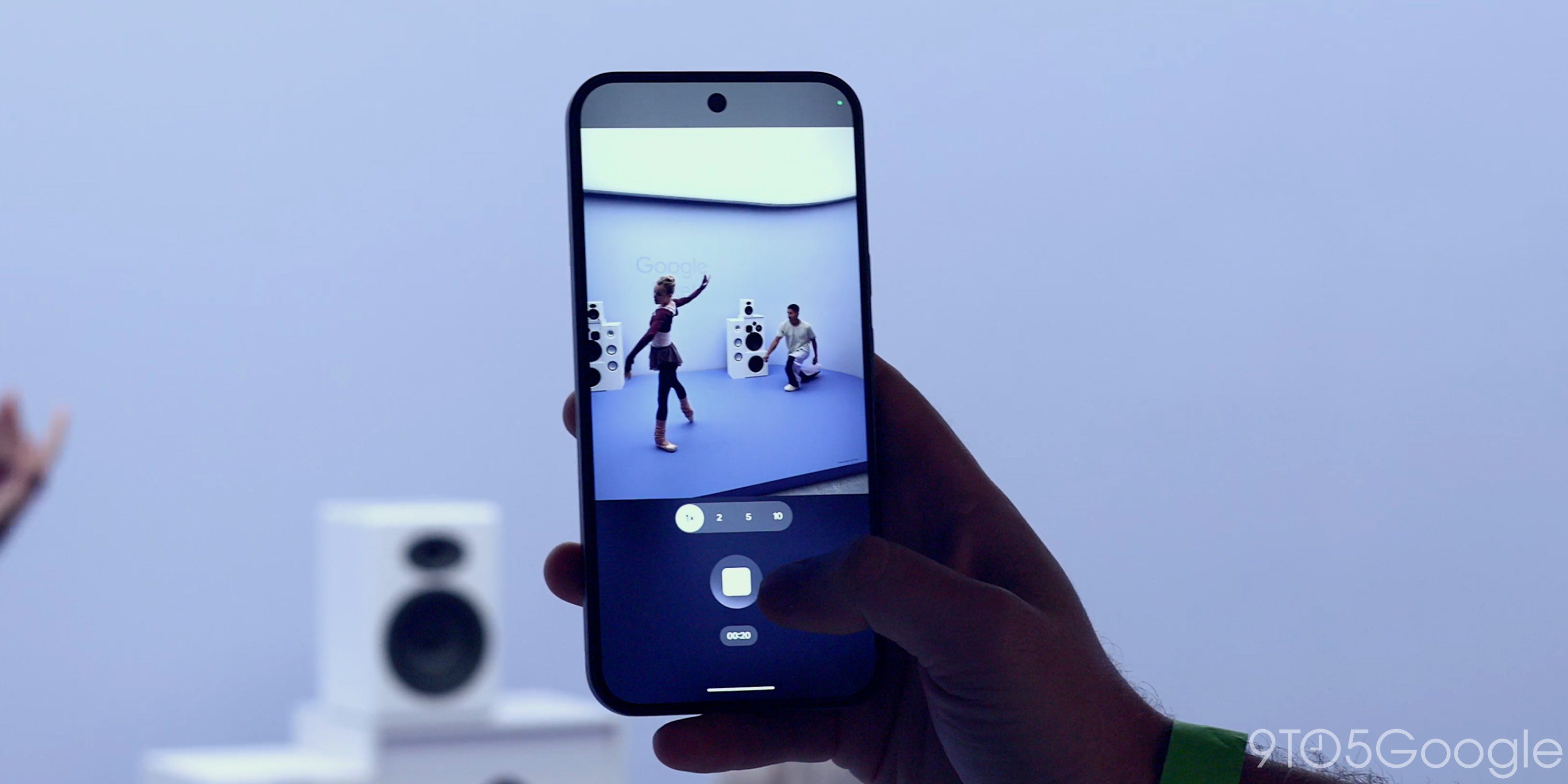
It’s for these reasons that Google likely made Magic Capture a separate third mode next to Video and Photo in the camera app. As a toggle inside the video mode, it would be less useful and more confusing, introducing compromises that users may be unhappy with. At the same time, that it’s a separate mode entirely will require some retraining on the user’s part.
The good news is that it’s worth dealing with the cognitive overhead of remembering to slide over to Magic Capture instead of Video whenever you want the best of both worlds. I’ve even set my camera app to default to it so it’s ready to go when I first open the app. I’d rather have a few seconds of mediocre video and AI-selected photos than miss a photo or video entirely because I couldn’t make up my mind.


FTC: We use income earning auto affiliate links. More.


Comments