
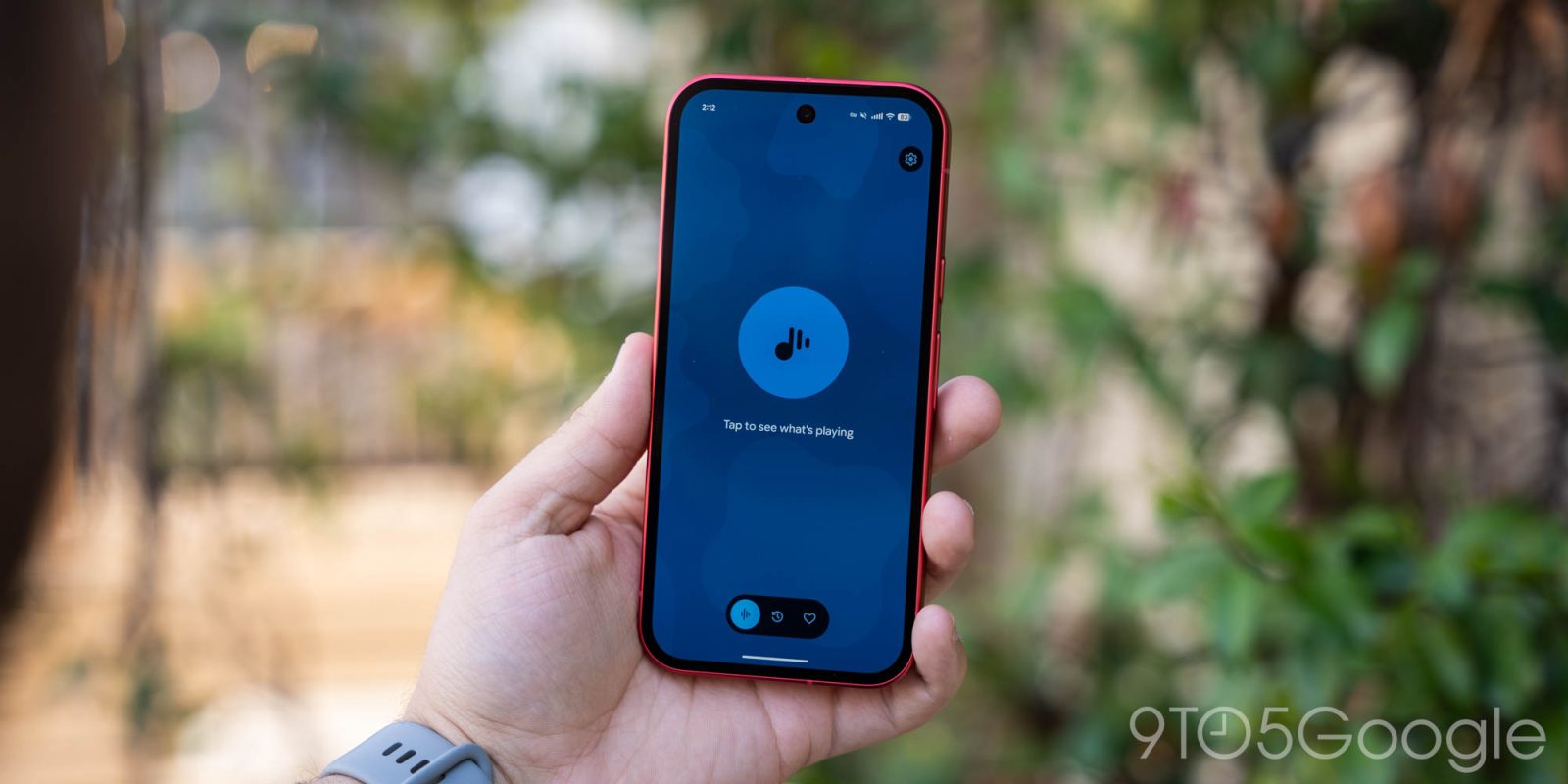
The next wave of Pixel app updates is starting with Google rolling out the latest version of Now Playing with interface tweaks.
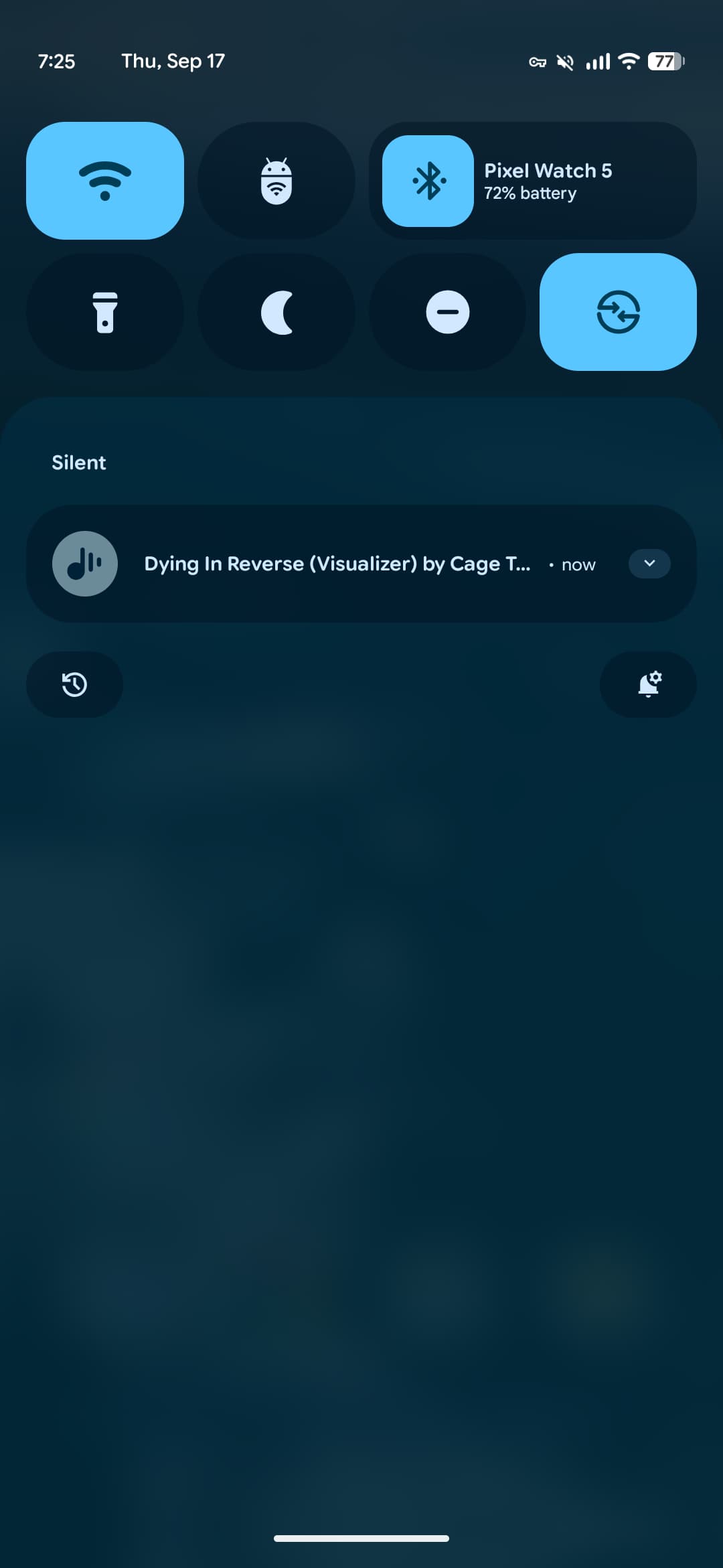
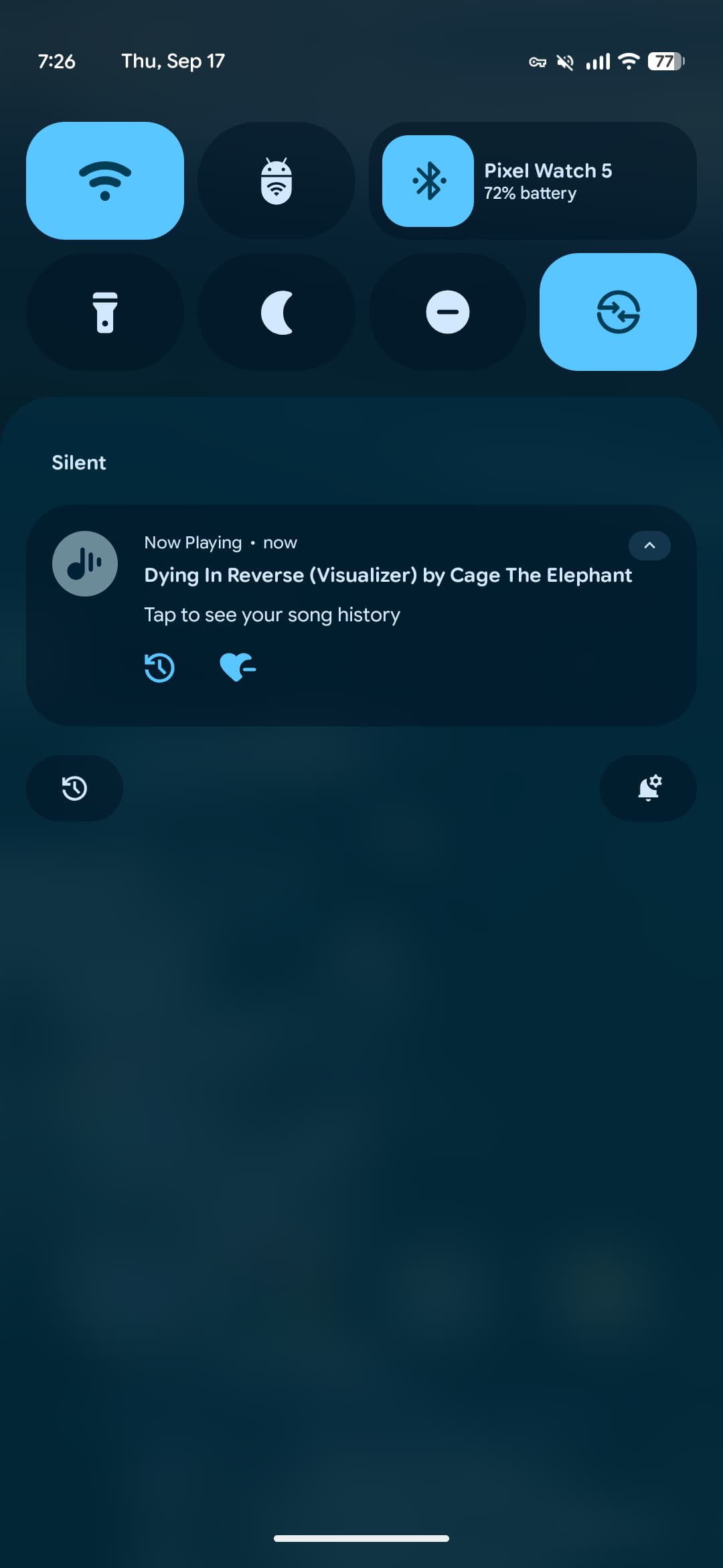
Update 9/17: Following a server-side update, Now Playing 2026.08.27x and Android System Intelligence C.6 reintroduces Recognized Music Notifications. These silent alerts let you see what’s playing without having to open the app or checking the Quick Settings Tile. Expanding the notification lets you jump to the History tab and favorite songs.
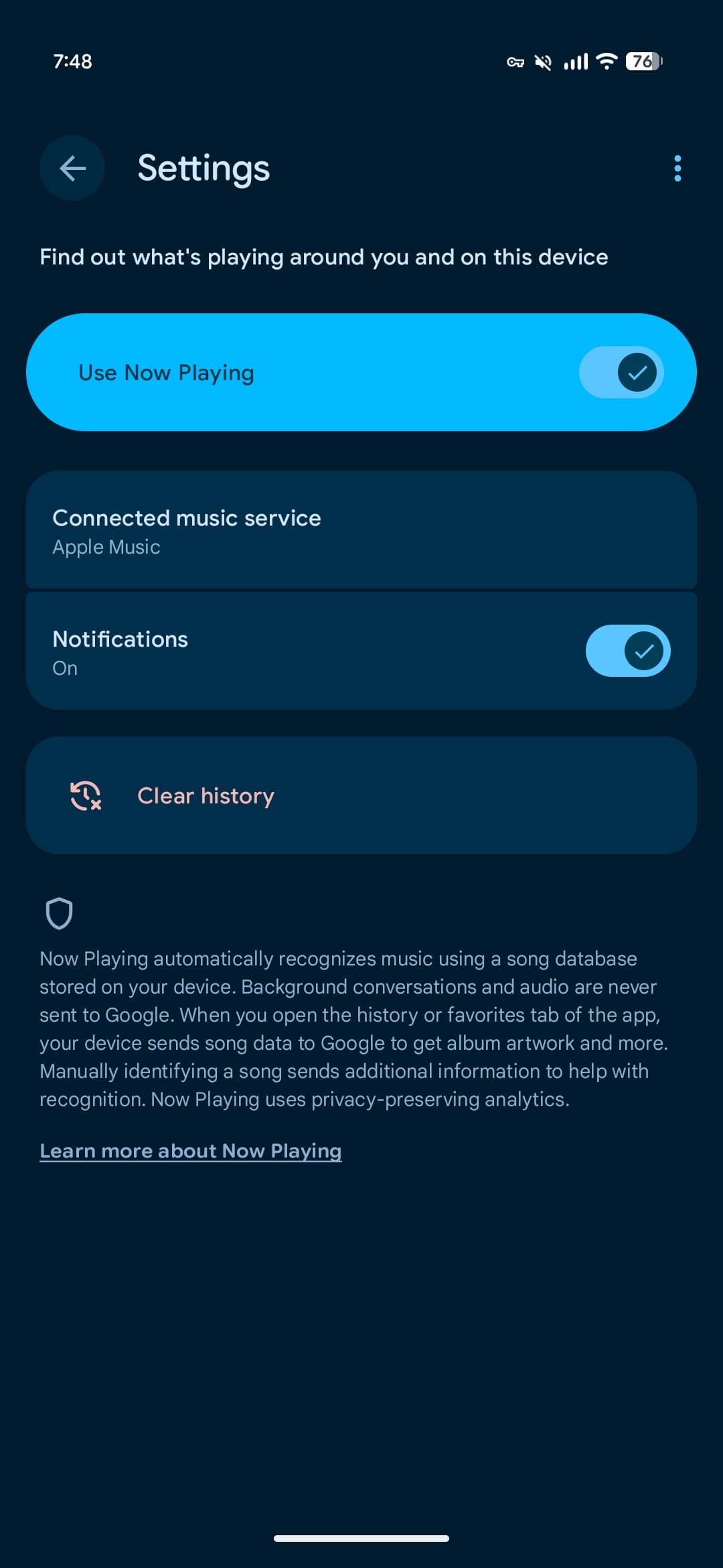
Enabled by default, you can disable them in Now Playing Settings > Notifications.
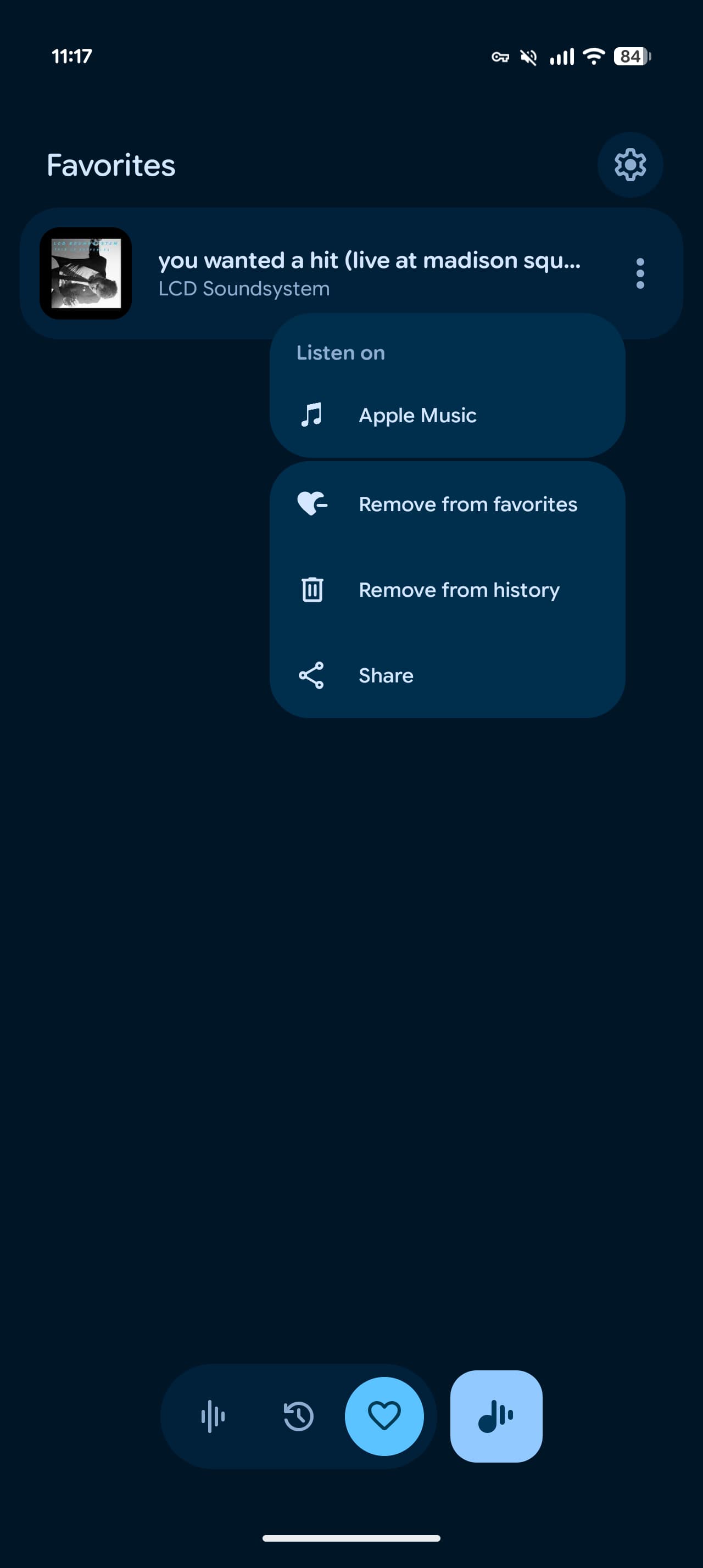
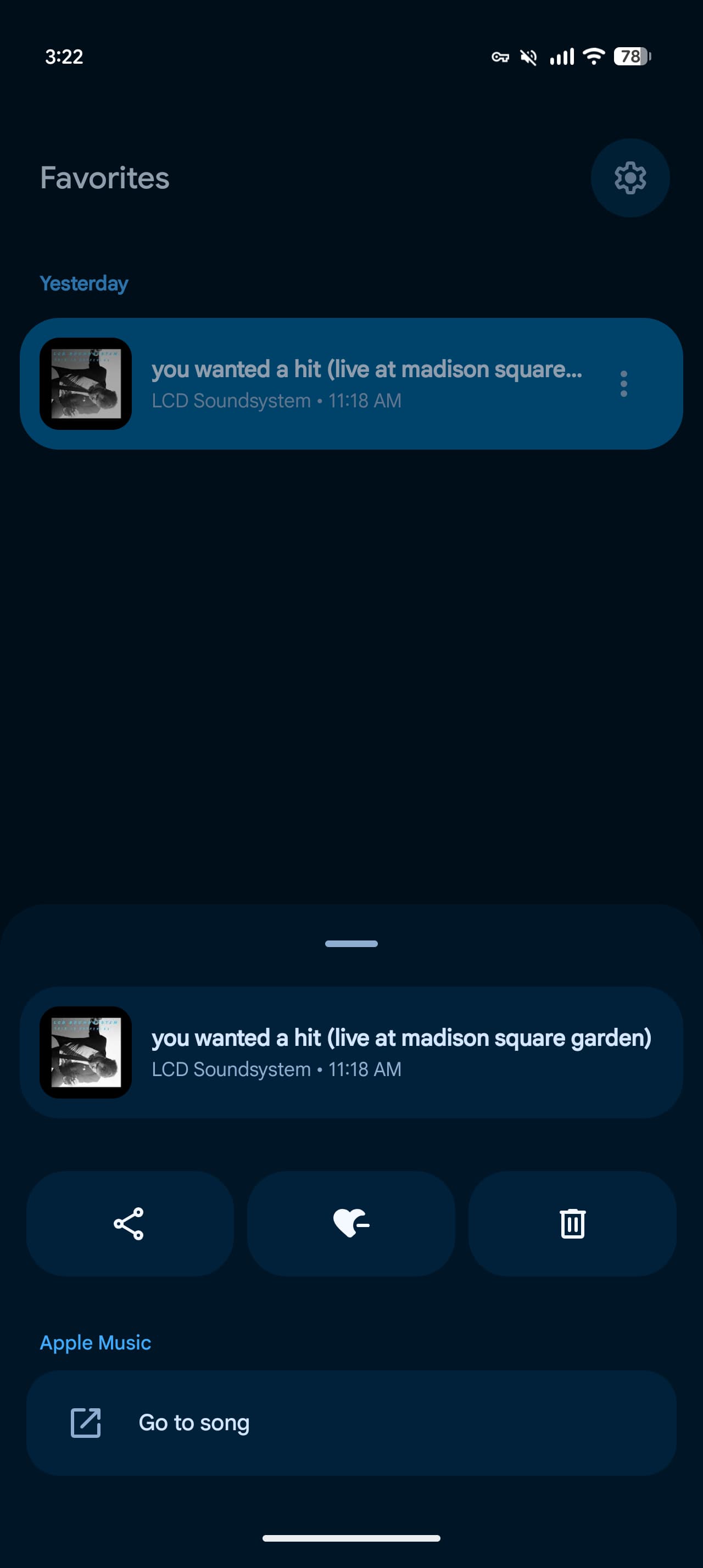
Original 9/2: When tapping on an identified song’s three-dot button, Now Playing slides up a bottom sheet. This replaces the floating menu and is better for one-handed navigation.
You’ll see track information with side-by-side buttons for Share, Add to favorites, and Remove from history. This is followed by a button to play the song and any shortcuts specific to your connected music service.
Top comment by matteventu
Two other things I've noticed in this new version which aren't mentioned in the article:
An ugly shadow effect is added under the separate, square "now playing" button (button which only appears if you are in the favourite or history screens). It genuinely looks awful as the "navigation pill' that's right beside it lacks any sort of shadow effects. Screenshot: https:// ibb. co/ CpkGGd2T
While I like the new card that pops up from the bottom, that new UI is an actual regression in terms of features. I use different music services and I didn't have any of them linked as the default one for Now Playing. Previously, when tapping on the overflow menu on a song, I could launch that song directly in any of those music services (straight from the overflow menu). Now that is no longer possible, as when you attempt to launch a song (with the single button left - as the multiple line items for the several music services have been removed in the new UI) it will force you to select a default music provider in order to proceed. You can't proceed without selecting a single default music service.
Usual half-baked Google software.
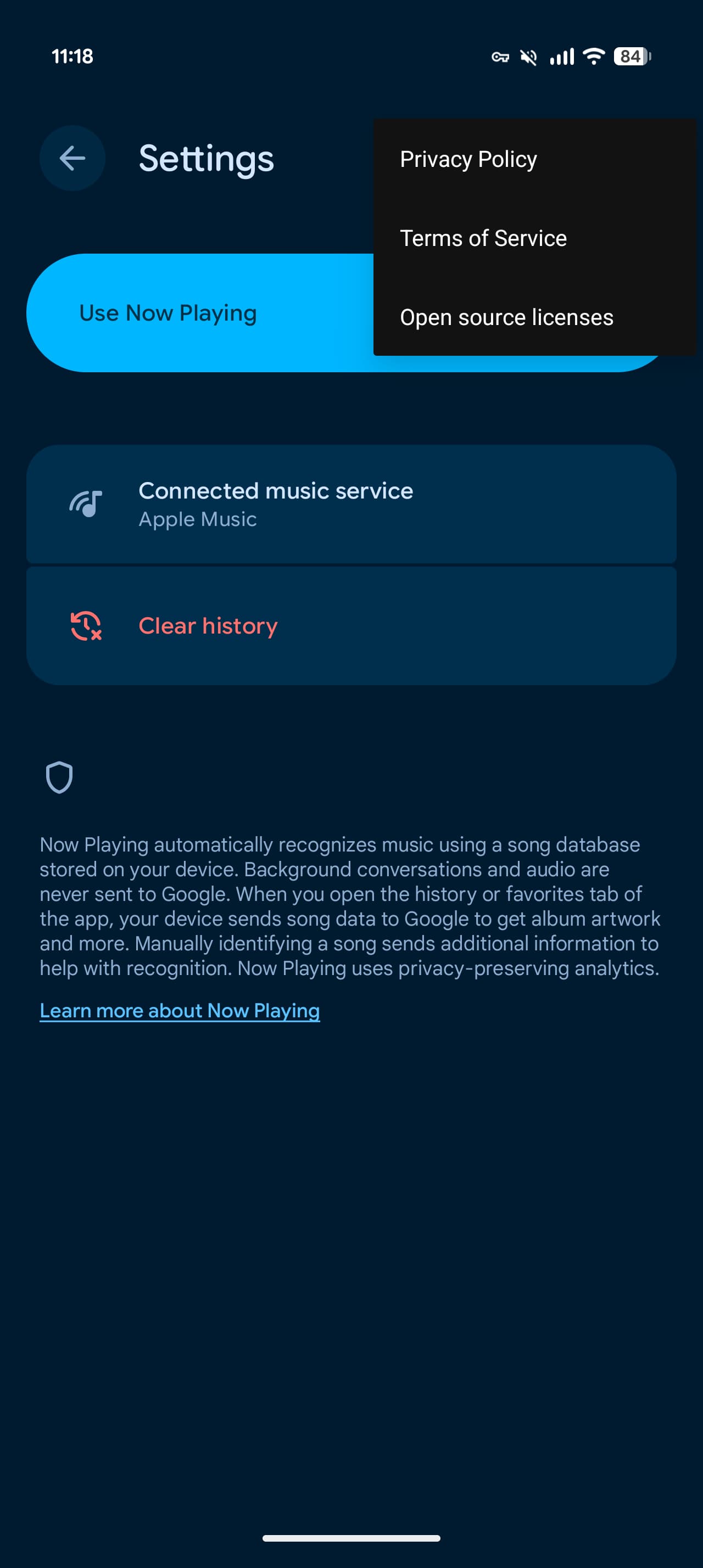
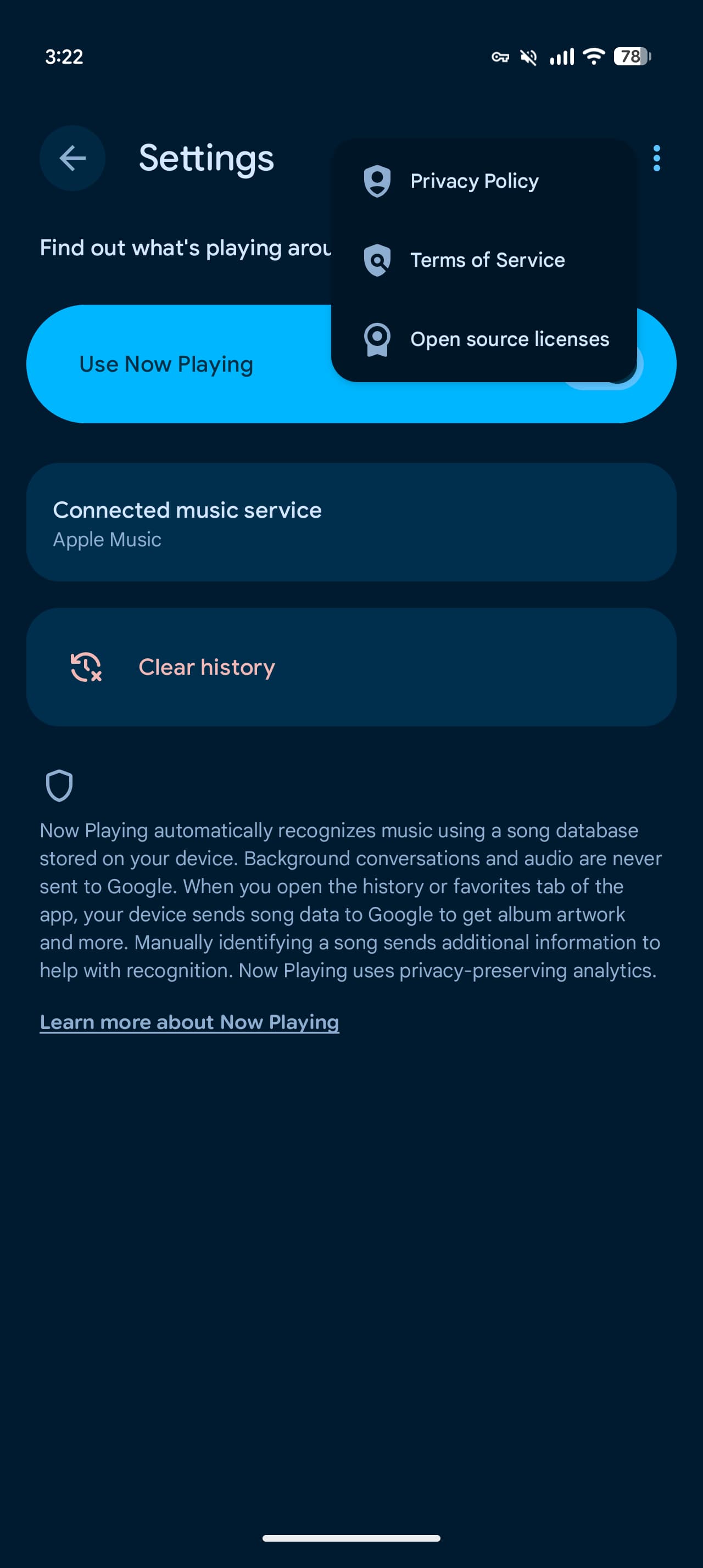
Meanwhile, the Favorites tab now includes dates and times like the History feed. There are also icon and spacing tweaks in Now Playing Settings.
The redesigned Now Playing launched in March, while Google in April reintroduced the “Tap to see what’s playing” shortcut on the lockscreen.
Version 2026.08.27.x of Pixel Now Playing is widely rolling out via the Google Play Store.
This follows last month’s updates to Pixel Journal that added more tools and Screenshots (extra filter options), as well as new icons for Google Calculator, Clock, Pixel Magnifier, Recorder, and Weather.


FTC: We use income earning auto affiliate links. More.


Comments