
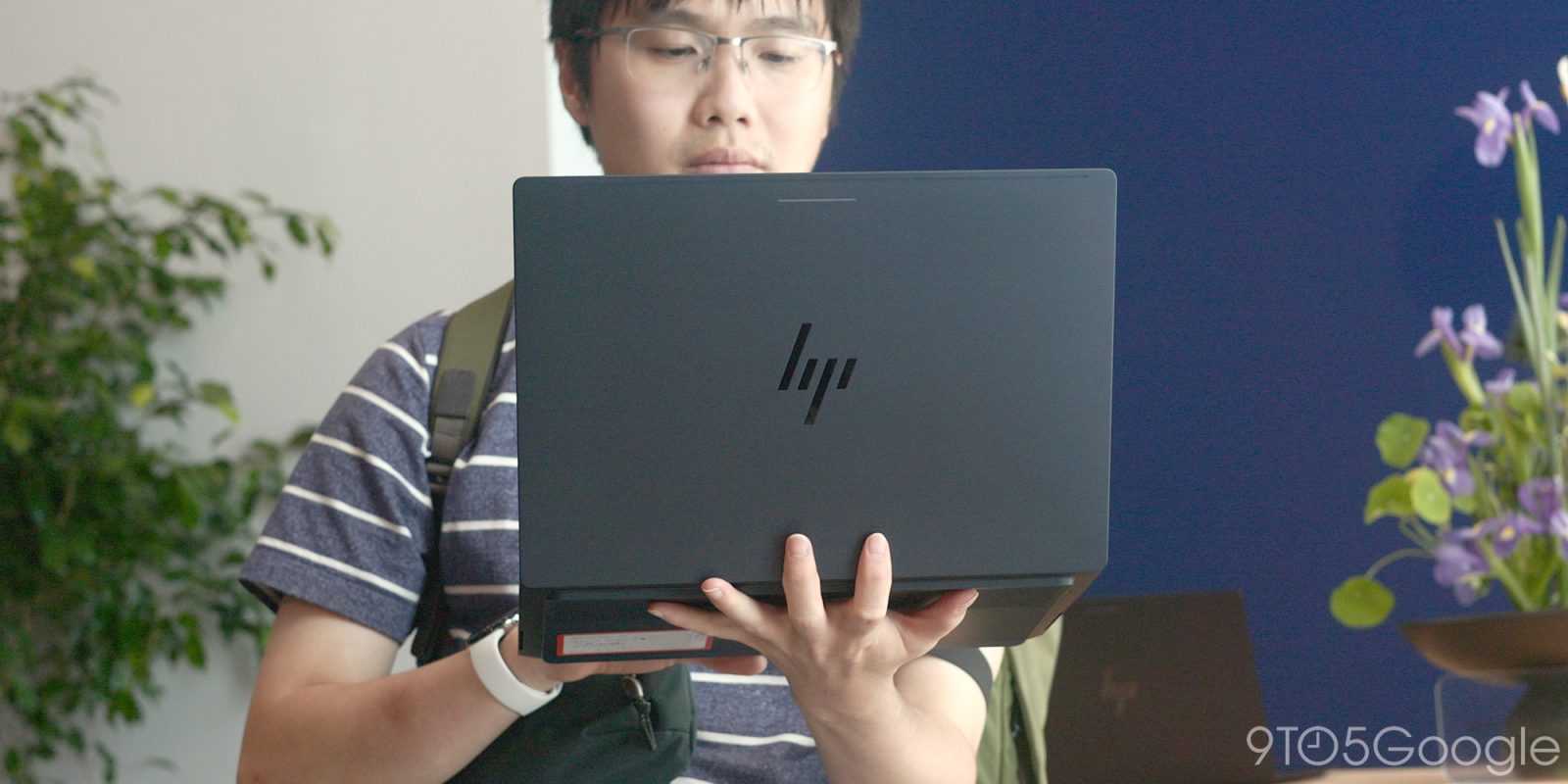
After a protracted wait, the first wave of Googlebooks is now official. Having spent a brief period testing, here’s what it’s like to use one.
I didn’t quite spend as much time with the software as my colleague Abner, so for a full set of impressions on these laptops running Googlebook OS, please read his extensive thoughts. This is a little more focused on the hardware side, with a sprinkle of software.
The good news right up top: My initial worries have almost completely been washed away, save a few minor complaints about two specific devices; there’s more here to like than I ever expected. Notice I said “almost” as there are still concerns in the back of my mind, but despite lots of, I guess, negativity surrounding and preceding this launch, the entire lineup of Googlebooks has exceeded my fairly low expectations.
For more video content, subscribe to 9to5Google on YouTube.
I do believe that this is largely due to my mixed experience with various Chromebooks across the entire price spectrum, combined with the ultimately lackluster or barebones “Desktop mode” that was added to Pixel devices over the past year.
This time, we have fewer SKUs to deal with, and of the five Googlebook devices, there appear to be fewer pinch points – save the pricing. These are not going to be cheap, with prices “starting at” $899 and, in most cases, are going to be more expensive. That is likely where a portion of you are going to stop reading and just dismiss these entirely. I can completely understand why.
Without glossing over or forgiving the frankly inflated asking price, I do believe this comes with one distinct benefit. There is less compromise in quality, which is something that worried me, given the mixed history of Chromebooks and the pitfalls of the cheapest model becoming the flag-bearer for the “default” experience.
I spent around 45 minutes prodding and poking the lineup, and there are two standouts.
Right off the bat, the Dell XPS and the HP Googlebook were the most impressive launch devices here. That said, each of the five laptops has its own merits.
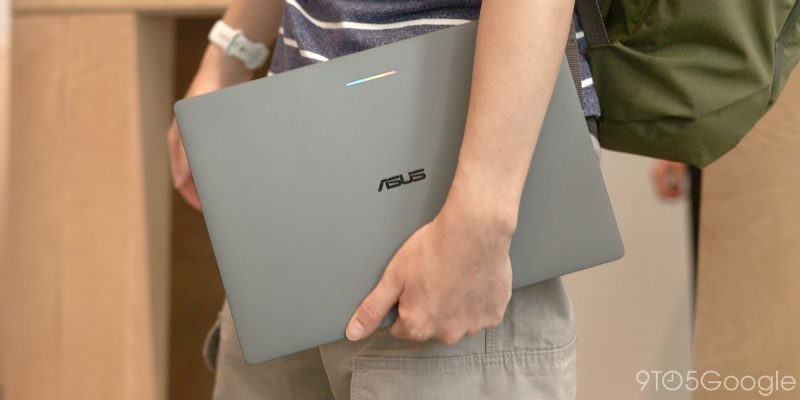
ASUS’ Googlebook, Lenovo’s Googlebook 15, and Acer’s Googlebook 14 offer, in my opinion, are marginally lesser but still fairly decent takes on the first wave of hardware. The Lenovo in particular takes some design cues from previous Chromebooks and pairs with a bright HDR display. It was really easy to see despite lots of glare and jostling in the testing area.
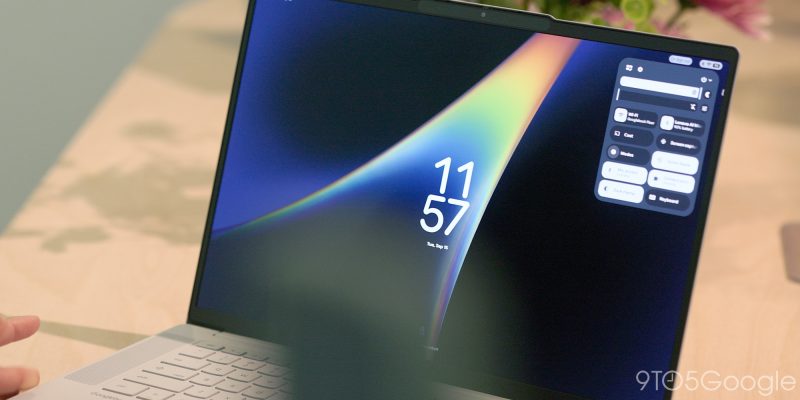
I will state that I am personally not a fan of 2-in-1 laptops, but Googlebook OS, as it’s being styled, just turns the Acer model into arguably the best touchscreen laptop-tablet hybrid on the market. In fact, all of these laptops have excellent touchscreens that run at 120Hz. I was worried ahead of time that we’d get 60Hz screens, so it was very good to see a baseline of 120Hz.
Windows and ChromeOS have always struggled with touch inputs, while MacOS doesn’t allow for user interface control with your hands – or stylus. How many elite touchscreen experiences exist on a laptop? I wager until now, none. This is where Android, in my opinion, is being leveraged in the potentially best way possible. Swipes, taps, prods, it’s all just like using your phone or a tablet.
Just dipping back into a specific device in the lineup for a second, the matte display on the Acer Googlebook 14 was a great touch. It just eliminated glare almost entirely and reminded me of the recently released iPhone Duo. My only gripe was that it was covered in greasy fingerprints and smudges after a few minutes of usage.
Lenovo, ASUS, and Acer are utilizing Intel Core Ultra “Pantherlake” chips, while Dell and HP are going with the Snapdragon X Elite chipset. All come with at least 16GB of RAM for optimal performance. Some SKUs might offer up to 32GB of RAM, but my session made no mention of storage capacities, and there is no way to expand storage using external storage like a microSD card. There could be a really easy way to get people onside by offering these in future SKUs; for now, it’s business as usual.
More good news: The performance is excellent. Every Googlebook felt especially snappy. These are desktop-level chips running Android, which sort of is to be expected.
If anything, I was shocked at how responsive the experience was. It helps that each device has almost identical specifications. You can pick the laptop that suits your specific needs and still expect performance parity. Given my trepidation due to how Chromebooks have been treated by OEMs, this was very refreshing. It’s a good sign right at launch, but let’s hope Google holds more cards this time to almost force device makers to hit base specifications once cheaper models arrive.
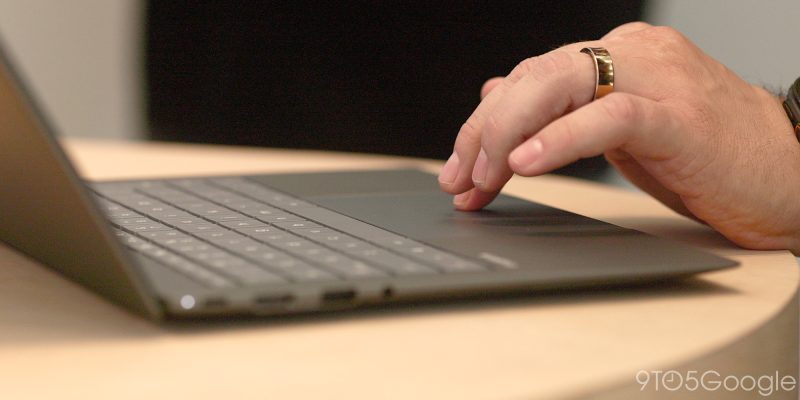
The touchpads on all of the models are genuinely impressive. There’s some level of haptics, but MacBooks still reign supreme here. Every keyboard felt tight and responsive, and I liked stabbing away at the keys however briefly. None of the five models felt mushy or squishy under my fingers, and the layouts were instantly familiar to my battle-worn MacBook Pro battered fingertips. I didn’t have too long to test out the two unique keyboard G and odd Caps Lock keys, but they’ll no doubt take a while to get used to if you’re coming from Windows or Mac.
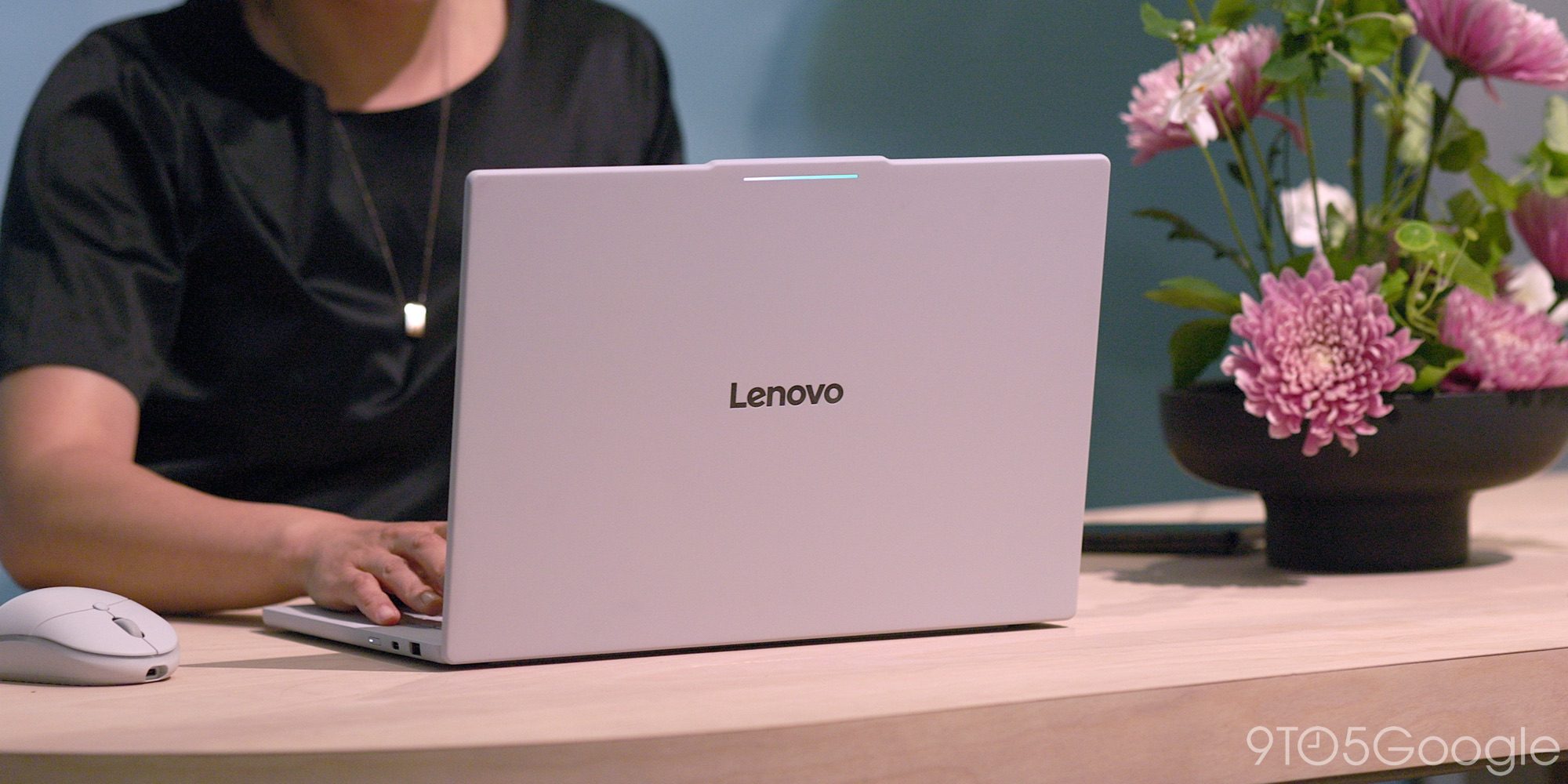
We saw ahead of launch that the lightbar is a key branding differentiator on the Googlebook. Sure, it looks nice, but it didn’t seem to do much beyond, well, look kind of cool. Google is planning on opening this LED strip up to developers in the coming months, so I’m sure we’ll get various takes on notifications, DND mode, and more that I probably haven’t thought of.
Something that I hope isn’t missed here is that the XPS Googlebook from Dell is the first such laptop from the company to come without Windows pre-installed. I think, given how mediocre the Dell Chromebook line was, this feels like a real statement of intent for a product line that is widely heralded as the best alternative to a MacBook. The company wouldn’t stake the XPS line on a mediocre product. It’s a gorgeous small-form-factor laptop, and one I really hope to spend some extended time with soon.
Can Android fill in the gap Chromebooks leave behind?
There are so many question marks over the Googlebook lineup, most notably who the platform is going to suit best or how it’ll fit into someone’s existing computing lineup. Some will ship with HDMI ports; there’s no room for a single SD card slot, or at least one that I remember spotting. I’d love to know what the experience is like using a secondary display or taking that experience elsewhere.
I feel like the software is much better than I had anticipated for a launch product. Yes, we’re missing a few top-level professional tools, but the full desktop Chrome browser might dispel some pre-launch detractors. I installed an extension I use every day, and it wanted to track my cashback while I was visiting a few of my favorite online shopping haunts. That reduced some of my initial fears of mobile Chrome on a laptop form factor.
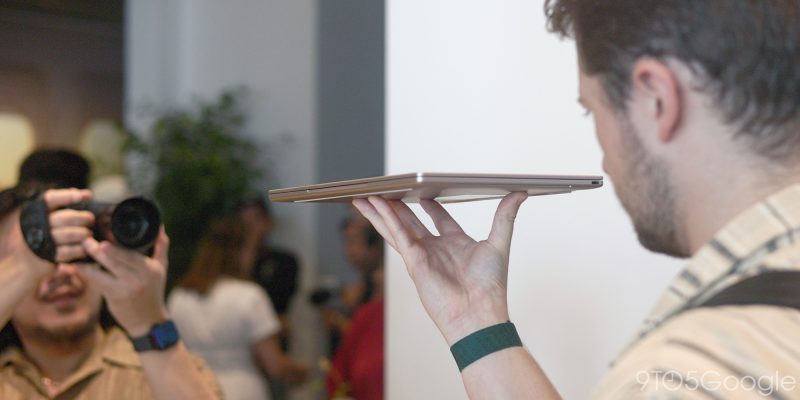
What I cannot fault is the launch hardware. It is solid.
I went in with some preconceptions likely based on some of the leaks and, I’ll be honest, a mediocre unveil during the Android Show earlier this year. The devices have done a lot of the talking, which is an interesting prospect, as they already feel like a fluid expansion of Android into a new form factor.
Right now, I am likely not the target market. I need certain pieces of software, but ask yourself: do you have one key piece of software that is locking you into your current laptop or tablet? If that is the case, you probably were never looking at making a switch to a new desktop platform on launch day anyway.
My overriding early thought is that a Googlebook is an option for someone who has no allegiance to a desktop OS, but has a strong urge for their phone to expand into a bigger, more competent portable display. That might be a tiny portion of the market, but it could also be huge given that many people still use a phone for 95% of their day-to-day tasks. I don’t have a crystal ball or next week’s lottery numbers, but we have a new operating system to choose from, and I can’t be too negative about it. Any challengers to Windows, Mac, or Linux are good in my book. We just need things to start moving fast right out of the gate.
I think back to the early era of the smartphone. I imagined being able to take my phone, plug it into a screen, and have access to everything I need or use most. If that really worked, we’d all be using Samsung DeX, but we’re all still using separate laptops and desktops instead.
The modern smartphone is a hub for payments, photos, emails, entertainment, and the “right hand” of most people. Here’s what is different: The Googlebook takes your Android phone and turns it into a laptop. Whether you want it is ultimately up to you.


FTC: We use income earning auto affiliate links. More.


Comments