
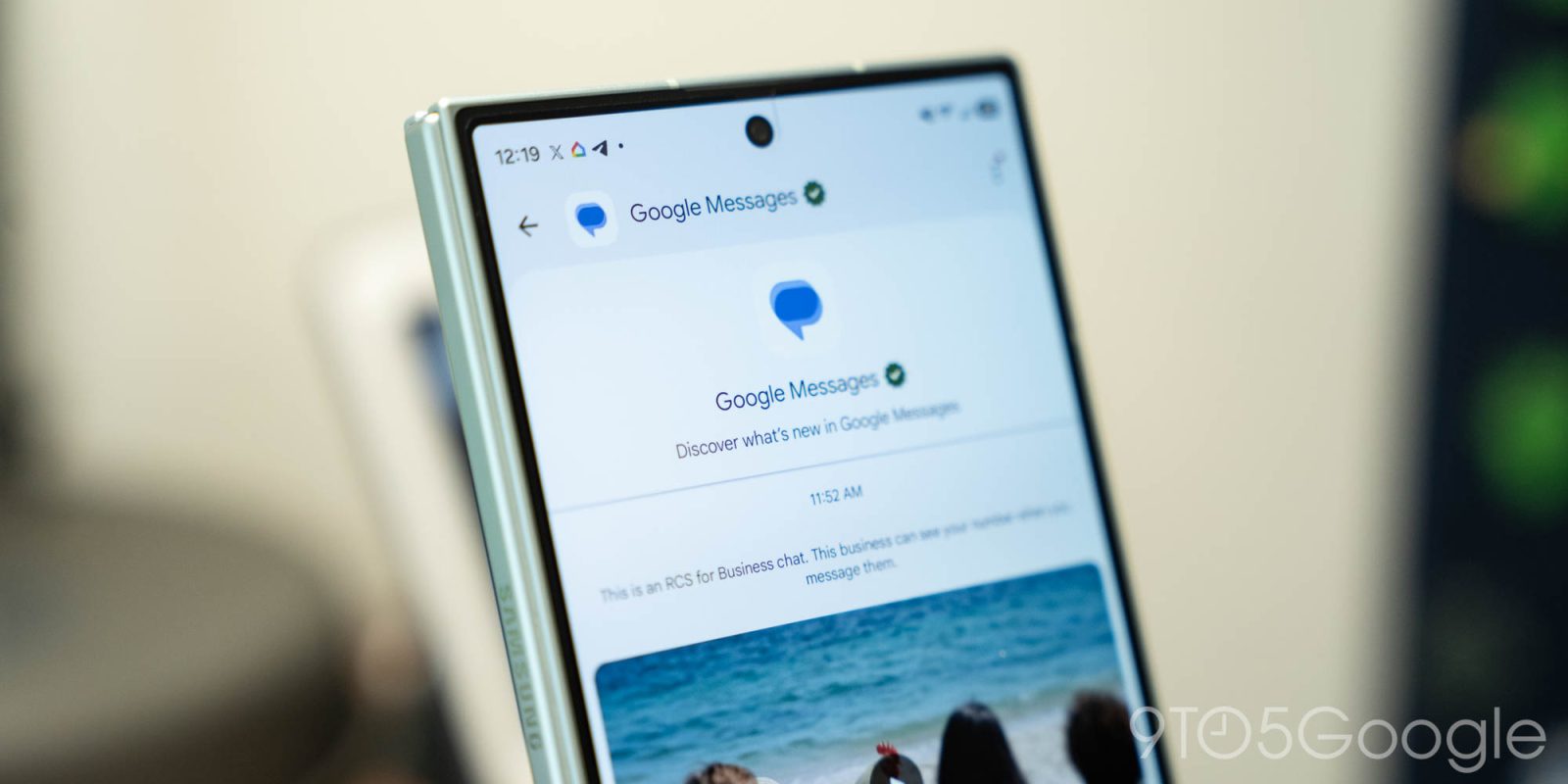
If you open Google Messages, you might see a prompt on the main screen to join the “official chat” that delivers a WhatsApp-like thread for official updates on new features.
Through an “RCS for Business” chat thread, Google Messages is offering an official place to “discover what’s new in Google Messages.” The chat thread is available via a pop-up on the main screen.
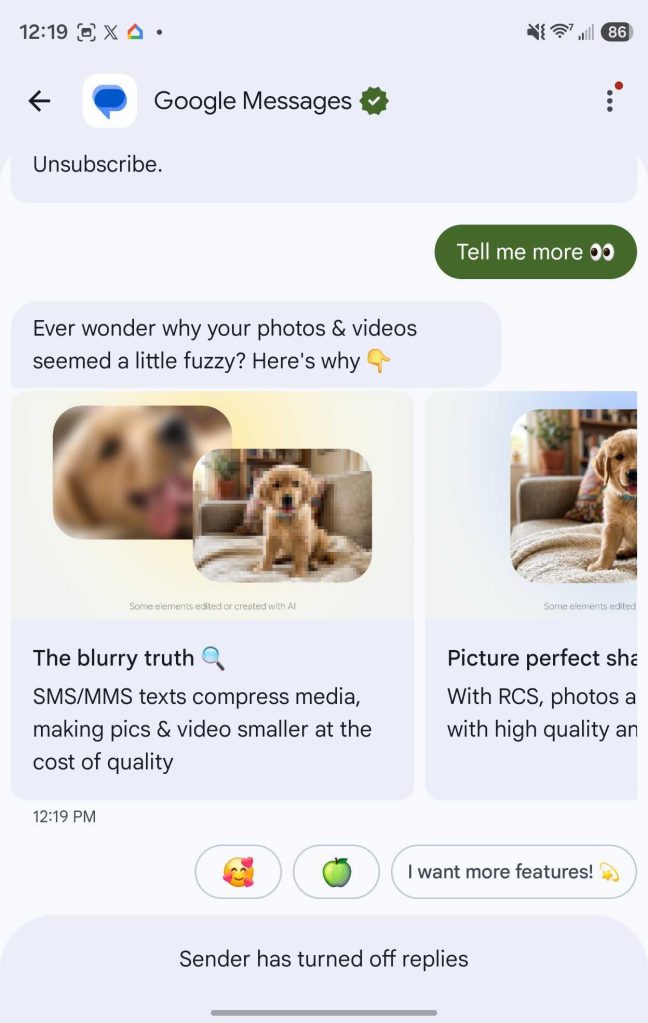
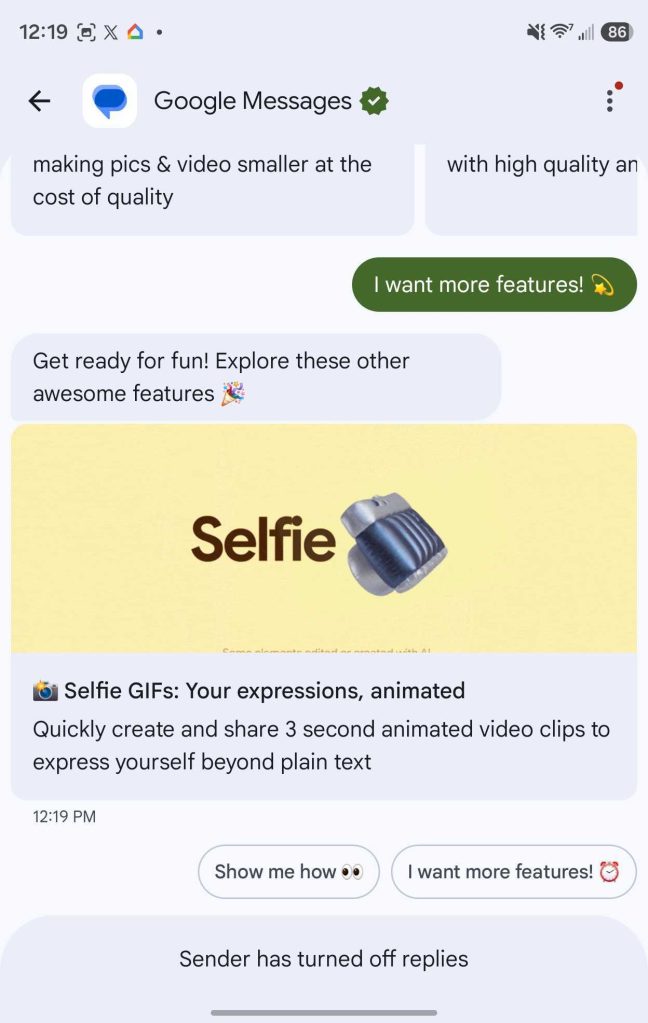
So far the only message sent in the thread is about how RCS delivers improved picture and video quality. You can also interact with the chatbot to get summaries of other new features. Google will presumably also be using this thread to
We’ve received reports of this new addition that date back as far as early September, but it appears to be rolling out slightly more widely now – we’re seeing it today on a Galaxy Z Fold 8, and our Andrew Romero saw it within the past week or so as well. The folks at Droid-Life also noticed it today. It’s still not showing up for everyone, but the rollout is certainly underway.


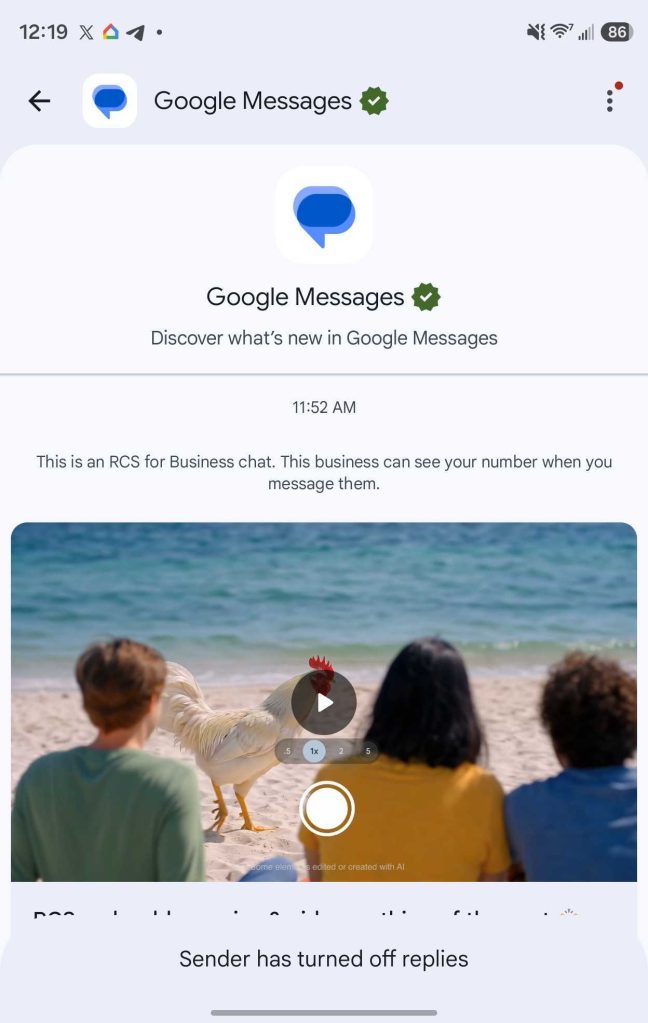
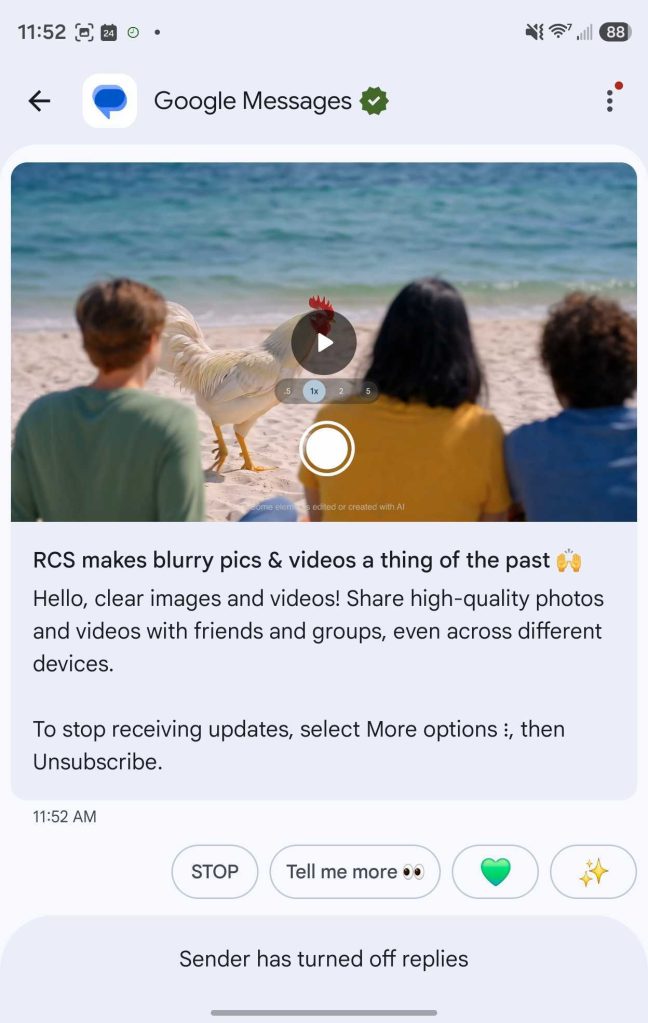
WhatsApp and Telegram offer similar official threads for alerting users to new features. Google’s version seems to be more interactive and designed for onboarding new users, but it’s easy to see where this might be used more in the future.
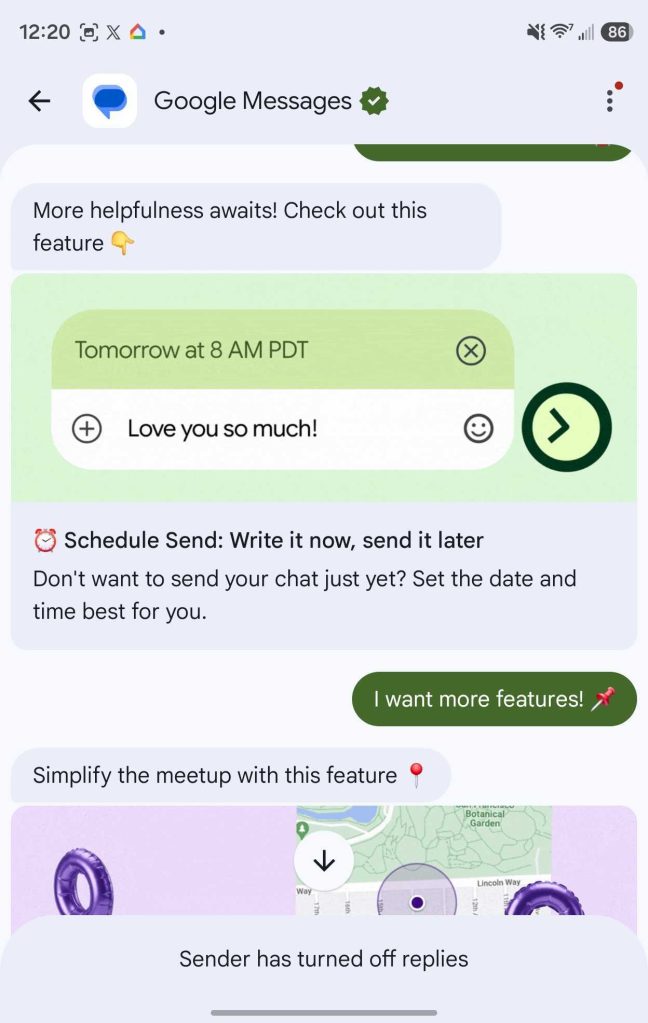
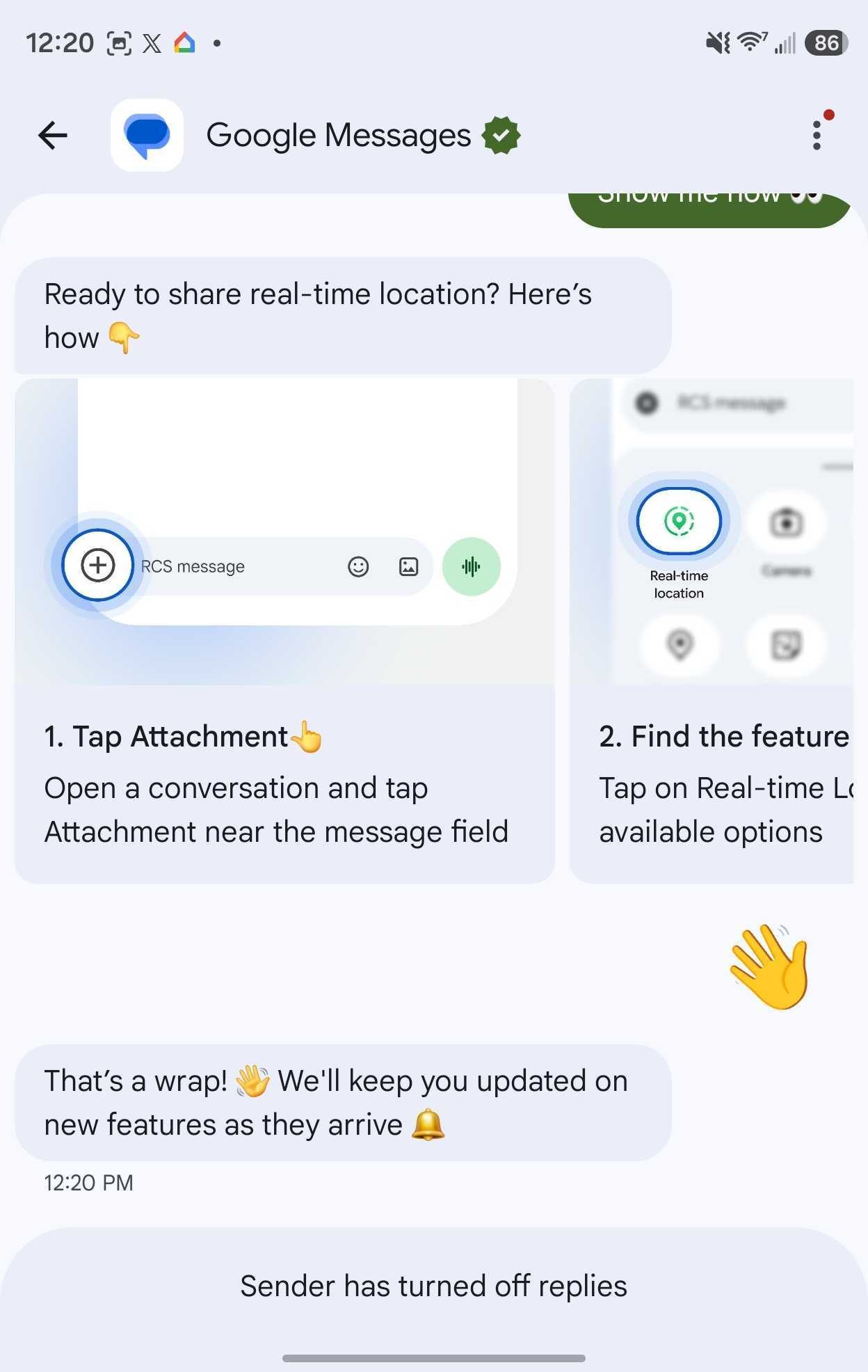
If you continue to prompt the chat to show more features, it breaks down others including:
None of these are the latest additions – you can see our Abner Li’s in-depth breakdown of the latest Google Messages features for the most up-to-date information.
More on Google Messages:
- Google Messages rolls out Keep Notes integration on Android
- What new Google Messages features are rolling out [September 2026]
- Google Messages slowly rolling out fix for bug that randomly sends old texts to other people
Follow Ben: Twitter/X, Threads, Bluesky, and Instagram


FTC: We use income earning auto affiliate links. More.


Comments