
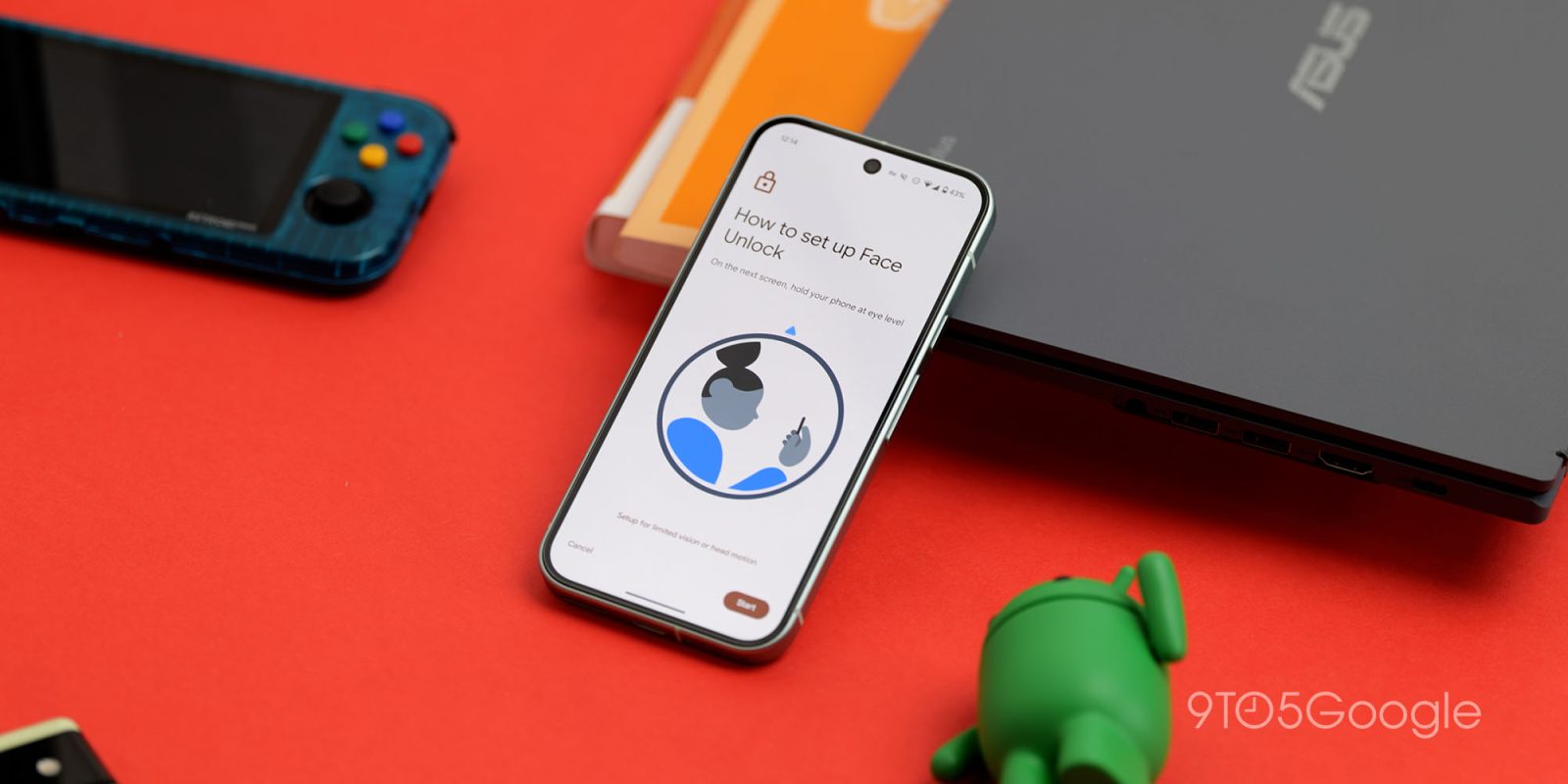
Google’s Face Unlock feature on Pixel phones works really well, until the lights go out. The company appears to be building out a new upgrade to this with “active illumination” which is… just turning up the screen brightness.
Face Unlock as it exists on Pixel 8 and newer relies on the camera and Google’s software to deliver biometric authentication that’s actually strong enough to let you unlock secure apps such as banking and password manager apps.
While the fingerprint sensor serves as a fine backup, not having Face Unlock in dark rooms can be a tiny bit frustrating. And Google’s solution appears to be just raising the screen brightness.
The folks over at Android Authority uncovered a new option being built out in Android 17 QPR3 Beta 2 which is simply titled “Brighten screen in low light.” Google’s summary of the feature reads:
Automatically boost screen brightness so Face Unlock works in dim lighting.
Sounds fun in a dark room.
An assortment of strings related to the feature further detail what to expect, with Google seemingly set to offer granular settings around if the feature is used when Bedtime mode, Do Not Disturb, or driving is detected, as well as a setting to tailor just how bright the screen can get.
“Reliable” sounds like it might turn up the brightness higher to ensure an accurate reading from Face Unlock, while “Comfortable” seems to trade brightness for, well, not blinding you.
Some of the strings mention:
- Brightness level – Reliable, Comfort – Lower settings may reduce reliability
- Complete darkness – Can brighten to find your face when it’s too dark. When turned off, only brightens if your face is partially visible
- Bedtime mode – Can brighten when Bedtime mode is on
- Driving – Can brighten when a car ride is detected
- “When this feature is turned on, the following accessibility settings may temporarily behave differently: extra dim, remove animations, or color inversion”
- “Can brighten when Do Not Disturb is on”
It still doesn’t sound like a particularly elegant solution, but it’s certainly better to have the option available. As for when Google might roll this feature out, that also remains to be seen.
Would you opt to have your screen brightness raise for the sake of using Face Unlock on a Pixel? Let us know in the comments.
More on Google Pixel:
- Google gives Pixel 9 another year of free Satellite SOS connectivity
- Google releases officially refurbished Pixel 9 devices starting at $499 with an extra perk
- Google Pixel at 10: Successes, failures, and fun along the way [Video]
Follow Ben: Twitter/X, Threads, Bluesky, and Instagram


FTC: We use income earning auto affiliate links. More.


Comments