
Google looks to be widely rolling out Android’s new Theft protection features that “protect your personal data if your device is stolen.” This includes Theft Detection, Offline Device, and Remote Lock.
You can access the new “Theft protection” menu from your phone’s Settings app > Google > All services tab > Personal & device safety (near the bottom). Alternatively, you can just search for “theft” in Settings.


If “someone abruptly takes your phone and runs away” while it’s in use, Theft Detection Lock kicks in to turn off the display and require authentication before regaining access. Device sensors, Wi-Fi, and smart device connections are leveraged.
Similarly, “if someone steals [your device] and turns off the internet to prevent location tracking,” Offline Device Lock activates.
After your phone is stolen, Remote Lock lets you visit android.com/lock, which is now active. You provide your pre-confirmed phone number and a security challenge to lock the device, with Google believing this is faster than signing into Find My Device. You’ll also see a link to Remote Lock on the Find My Device settings page.
With both Offline Device and Remote Lock, Google says the “screen can be locked up to twice a day.”

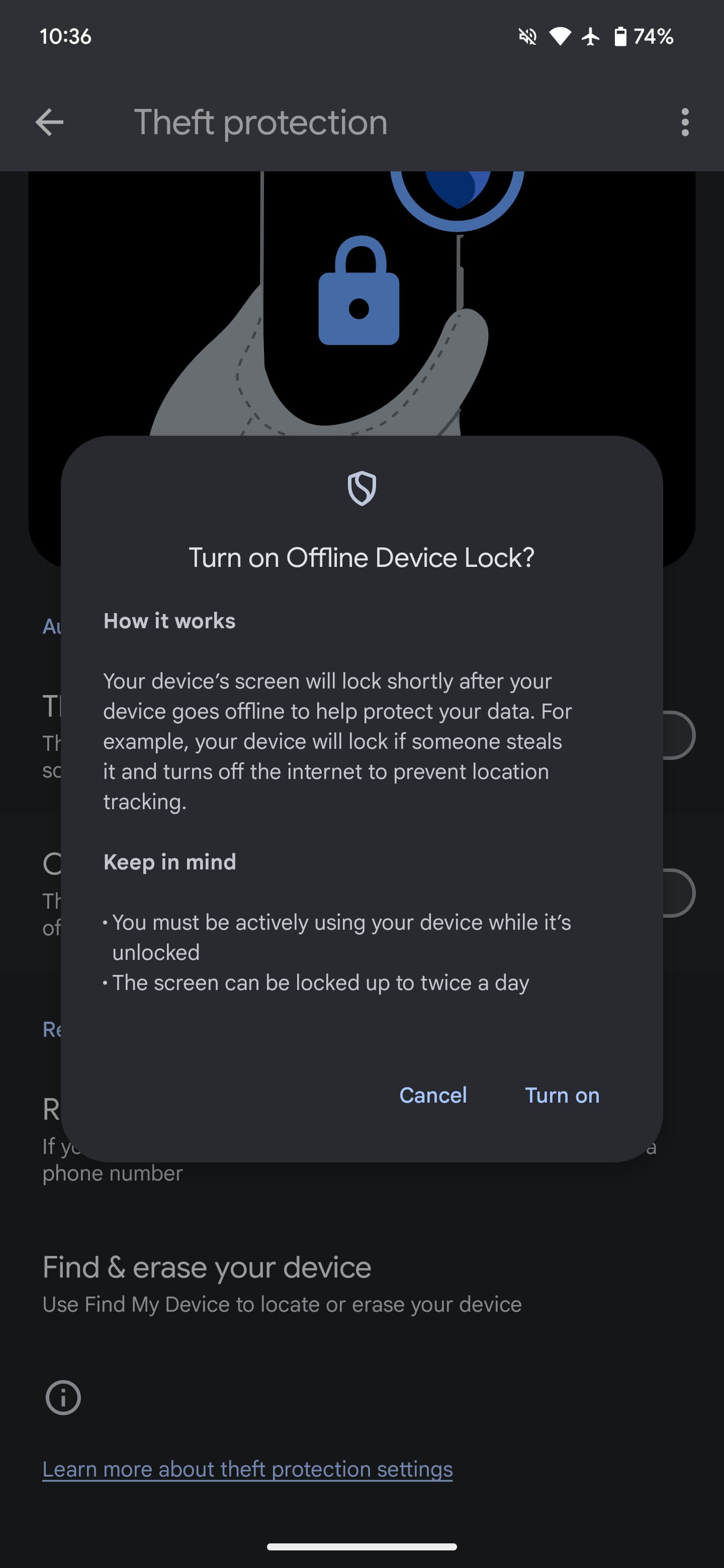
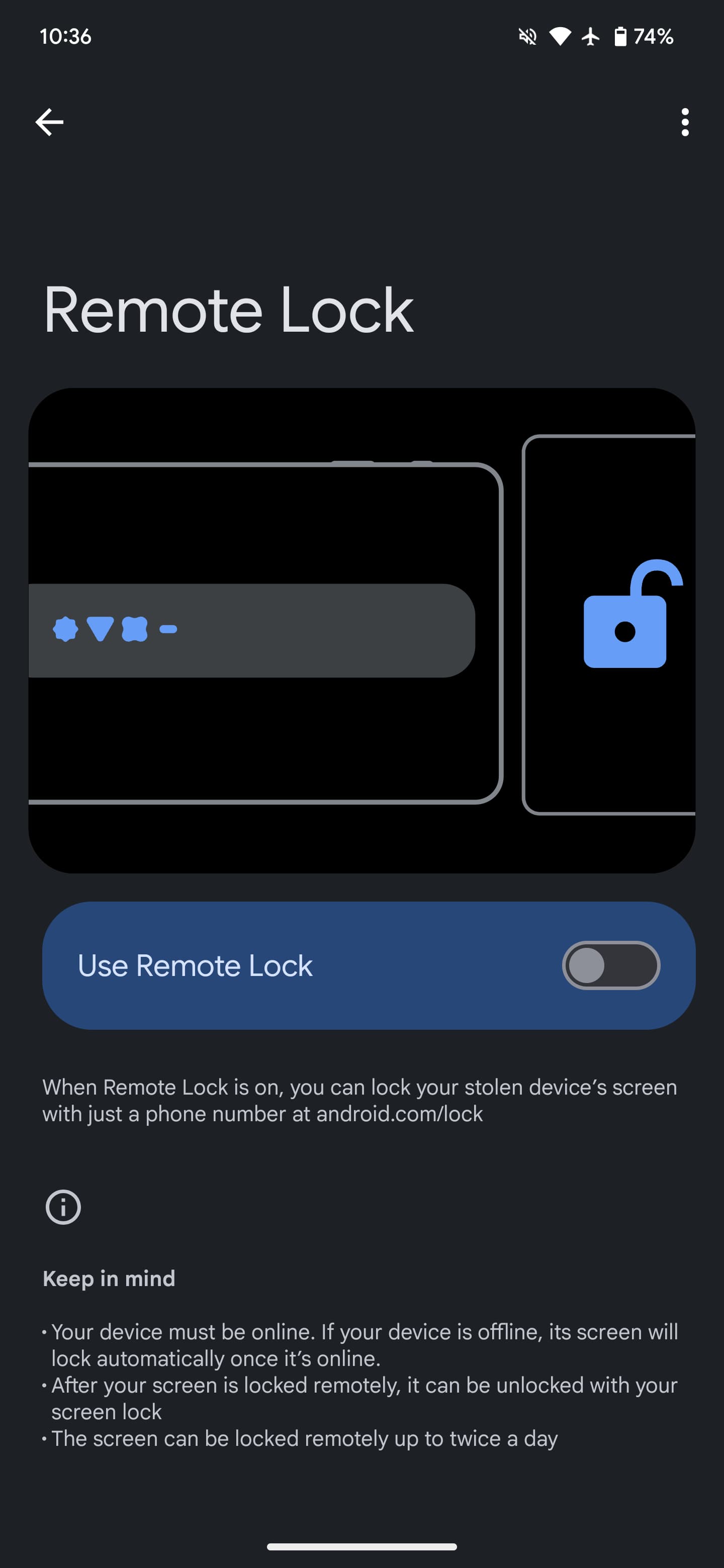

You have to enable each feature ahead of time, as well as set-up Remote Lock by making sure “Phone Number Verification” is enabled. If you decide to turn off a capability, you’ll be asked to authenticate with biometrics.
After appearing for some users late last week, Theft protection is now widely appearing on Android devices around the world today. It’s appearing on Pixel and Samsung devices, while we don’t have it on tablets.
Since it’s powered by Google Play services, it will be available on Android 10 and newer. Google announced Theft protection at I/O 2024 in May and started testing this feature in Brazil this June.


FTC: We use income earning auto affiliate links. More.



Comments