
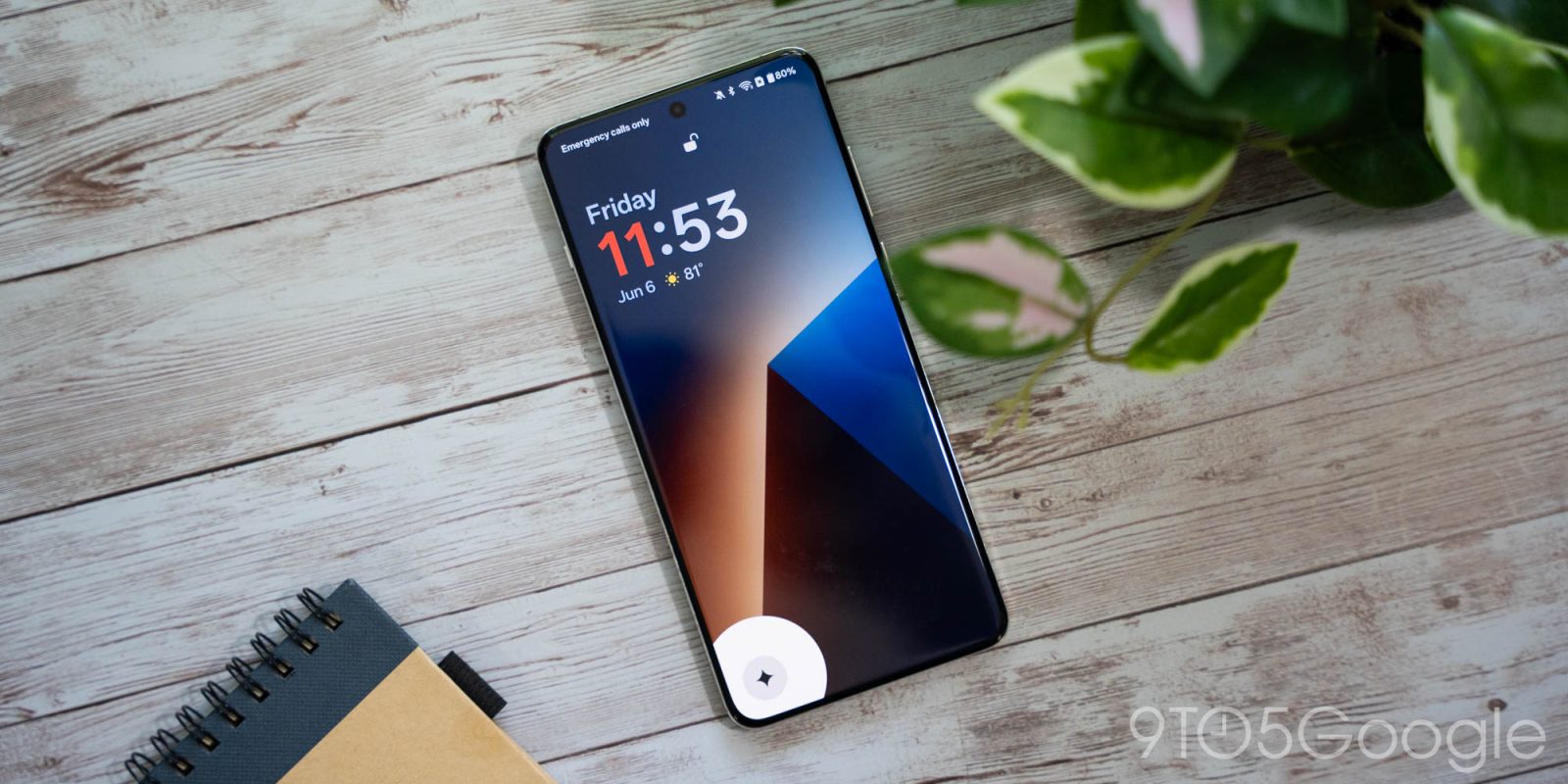
OnePlus phones have had a Gemini shortcut on the lockscreen for a while now, something devices from Google and Samsung still lack, as highlighted by the company’s latest launch.
Gemini has taken the place of Assistant on Android for the most part, and there’s no shortage of ways to access the feature. Most Android phones support a swipe gesture, power button long-press, hotword, and other means of access for Gemini. But one that’s missing from most is a lockscreen shortcut.
OnePlus supports exactly this, with one of the many options for its lockscreen shortcuts being the “Digital assistant from Google,” aka Gemini.
This feature was recently highlighted by Android Authority who noted it on the OnePlus 13s, but it’s far from exclusive to that device. Rather, it’s already available on other devices, such as the OnePlus 13, and seems to have been for a while. In lockscreen settings, we spotted this same option and were able to immediately turn it on. This isn’t even on the latest software update, as the OnePlus 13 we’re seeing this option on is running a version of OxygenOS with the February 1, 2025 security patch.

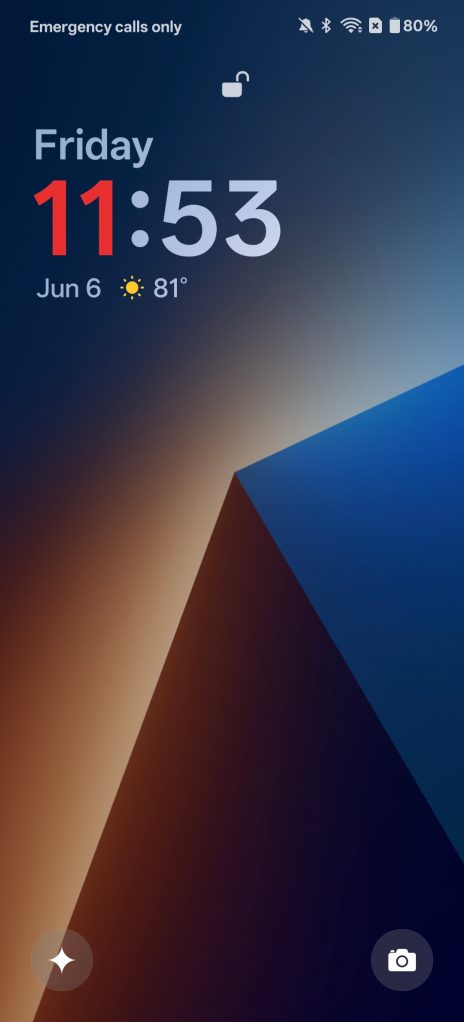
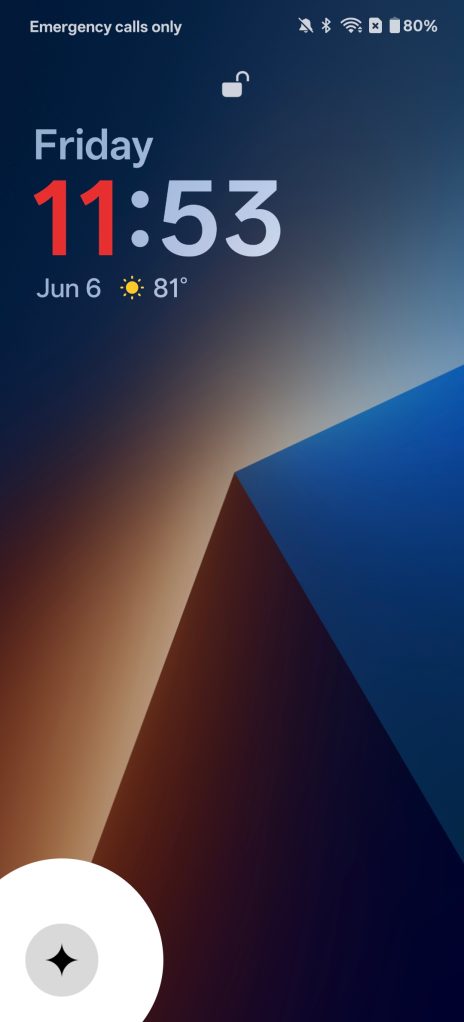

This “new” feature is just a replacement for the Google Assistant shortcut that existed previously. That doesn’t change its utility, nor how much we wish it was still supported on other Android phones, but it’s worth pointing out that it’s widely available on OnePlus devices.
Do you use Gemini integration on your lockscreen, or wish you had it?
More on Gemini:
- Gemini app gets UI tweaks, swipe left to launch Live gesture
- Gemini Live rolling out captions for quiet conversations
- Gemini (Live) coming to Google Chrome for Mac and Windows
Follow Ben: Twitter/X, Threads, Bluesky, and Instagram


FTC: We use income earning auto affiliate links. More.




Comments