
The Google Home app is adding support for transferring all of your old Nest gear to the new app with a single tap, instead of repeating the process over and over again.
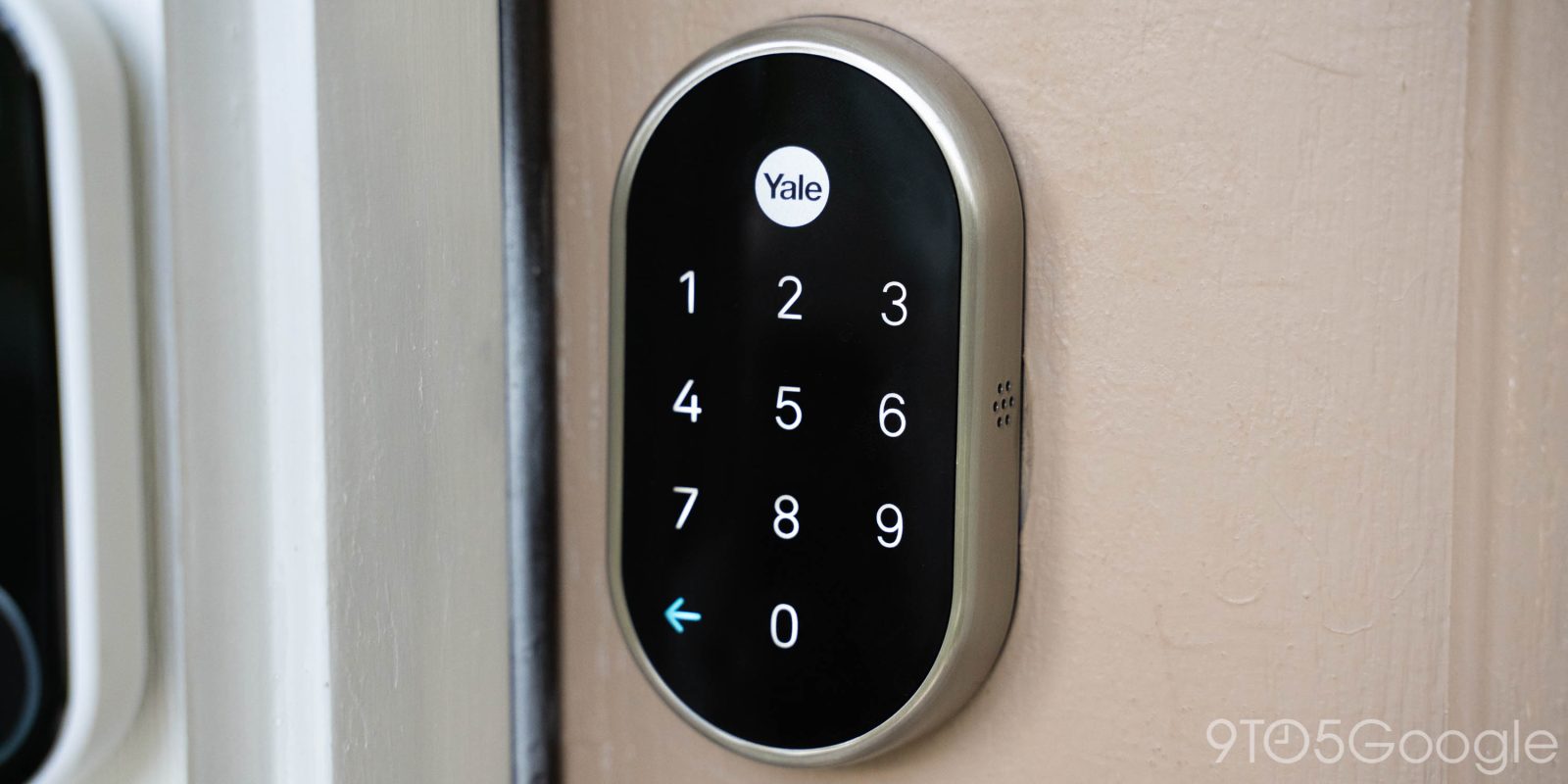
Detailed on its ever-growing changelog, Google says that the Google Home app has added support for transferring multiple Nest devices at once from the old Nest app to the Home app. This includes older models of Nest Thermostat, Nest Cam, as well as the Nest x Yale Lock and Nest Protect smoke alarms. Previously, this was a one-at-a-time transfer, meaning you needed to choose each device and perform the process multiple times.
This comes not long after Google touted its improved support for older Nest gear in the Home app. Some recent additions include better Thermostat and Nest x Yale Lock support.
- Google Home app now fully supports older Nest thermostats with scheduling
- Google Home improving European Nest Thermostat support, more climate device controls
- Nest x Yale Lock controls finally appear in the Google Home app
Google says:
Automatically transfer Nest app devices [Public Preview]: All Nest cameras, thermostats, locks, and smoke alarms since 2015 are now available in the Home app. For the first time, you can transfer all of your devices from the Nest App with one tap, including multiple cameras at once.
As noted above, this is only for Public Preview users for the time being, but will presumably be rolled out more widely in the coming weeks and months. No screenshots were provided of the functionality, so it’s not entirely clear where the option appears.
Support for older Nest gear in the Home app allows for a cohesive ecosystem for longtime Nest users, though it’s not always without hiccups. One recent example includes first-gen Nest Cams going offline in the Home app repeatedly.
More on Google Home:
- Gemini for Home upgrade seemingly breaks some automations, but not for everyone
- New AT&T Connected Life security system uses Google Home, Nest hardware
- Google says Gemini for Home is now rolling out ‘within 24 hours’ on smart speakers and displays
Follow Ben: Twitter/X, Threads, Bluesky, and Instagram


FTC: We use income earning auto affiliate links. More.


Comments