
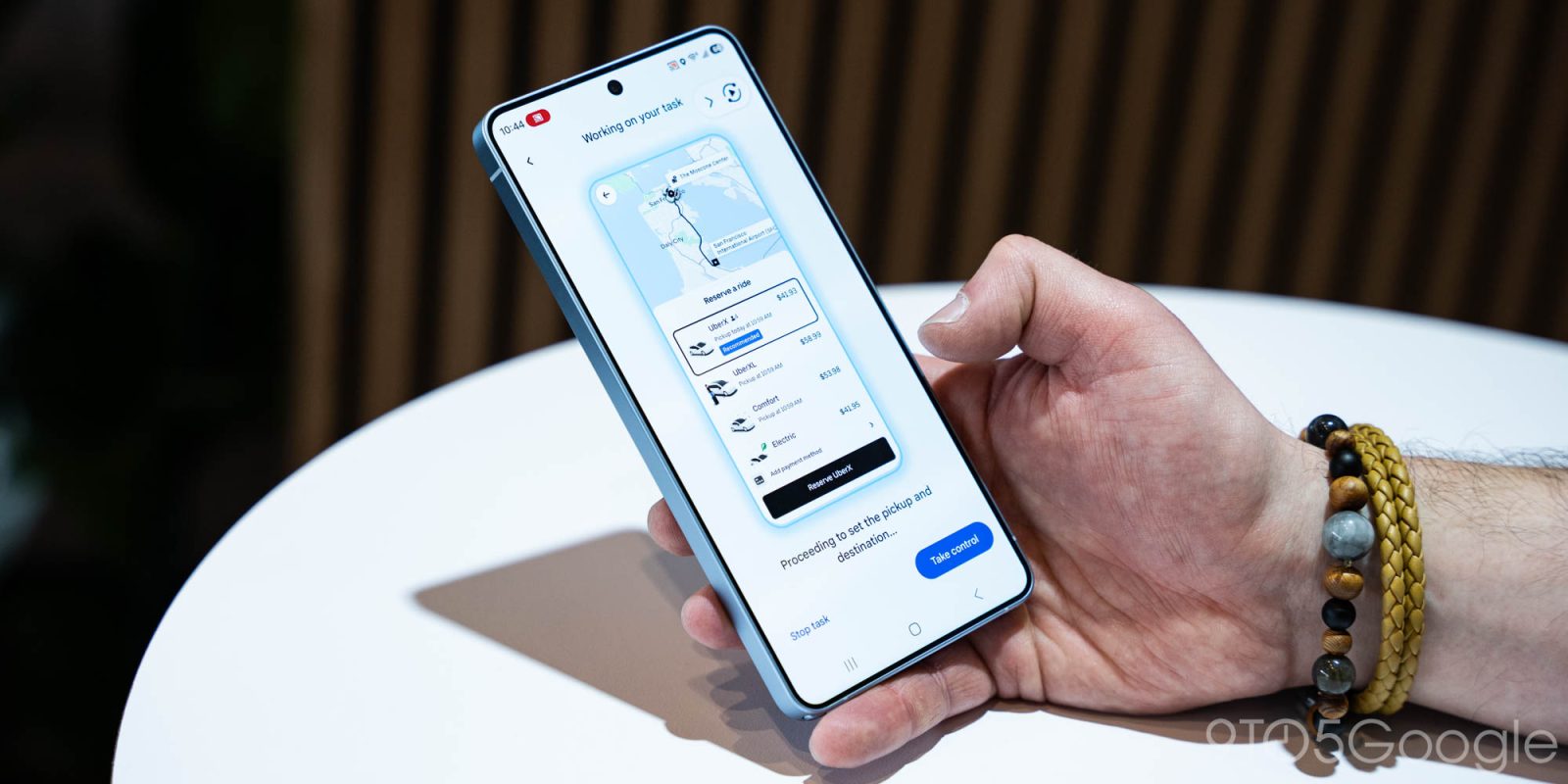
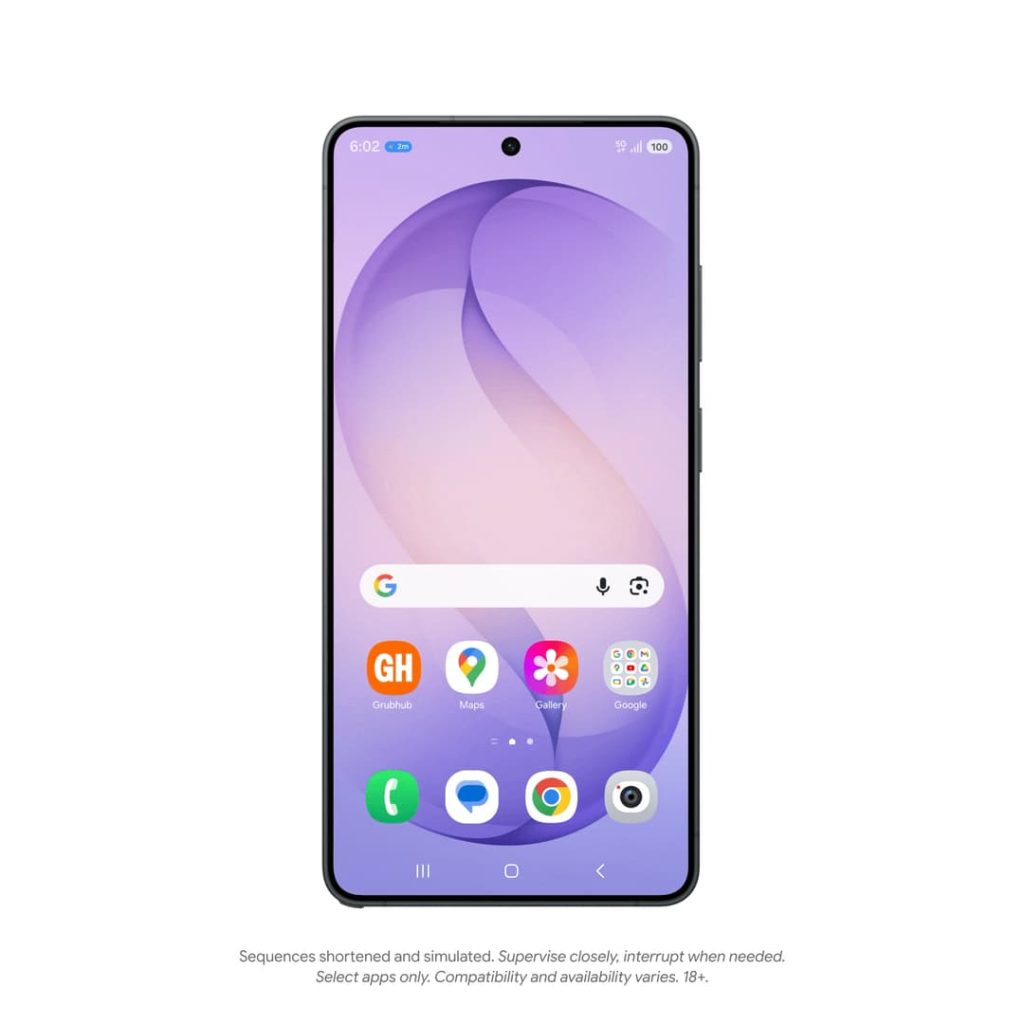
At Samsung’s Galaxy Unpacked, Google announced agentic automation capabilities for the Gemini app on the Galaxy S26, as well as the Pixel 10.
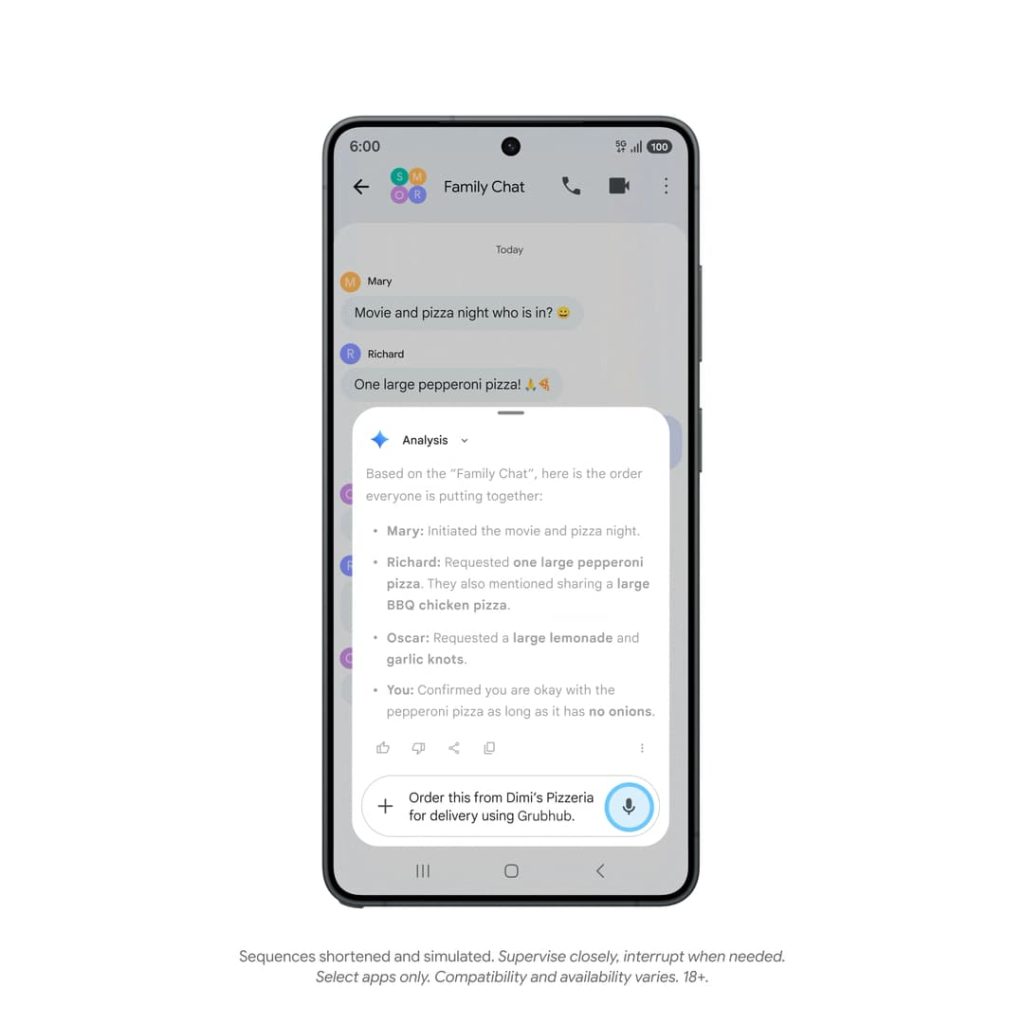
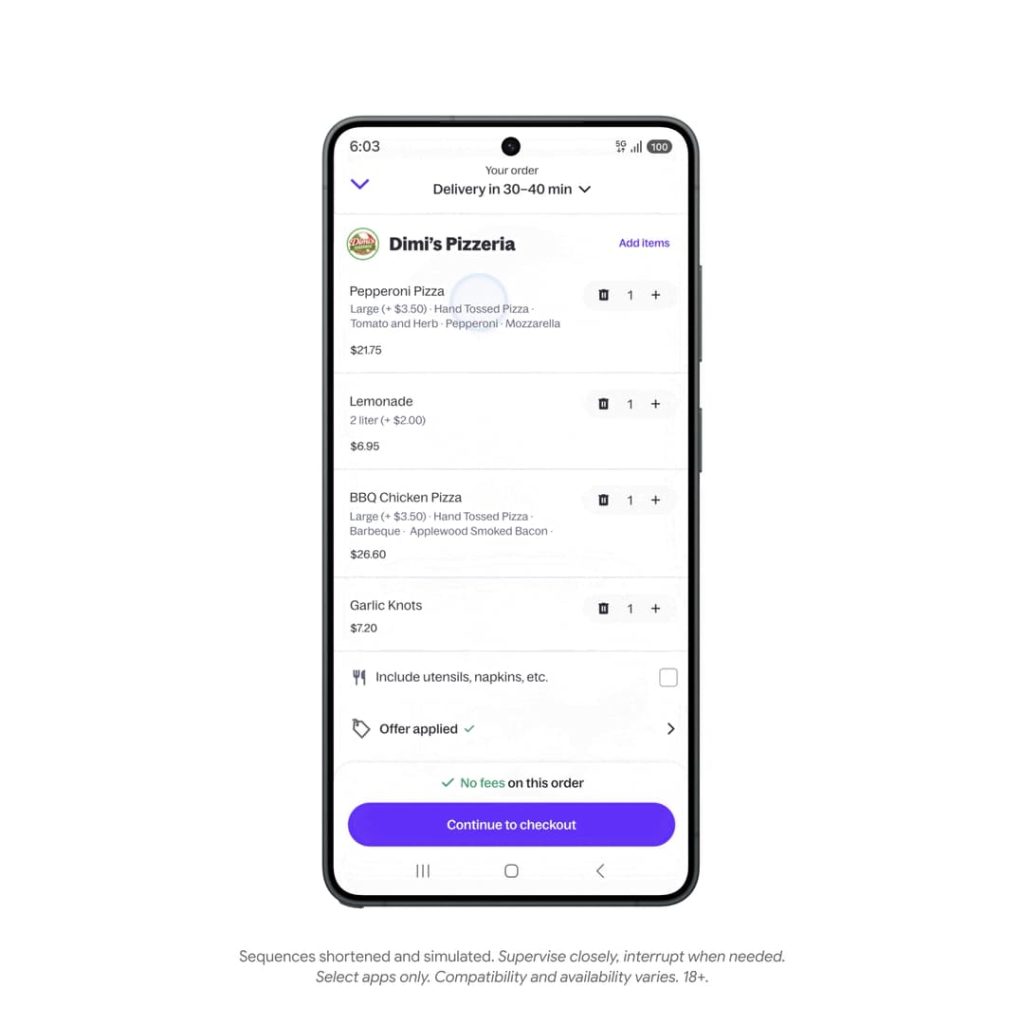
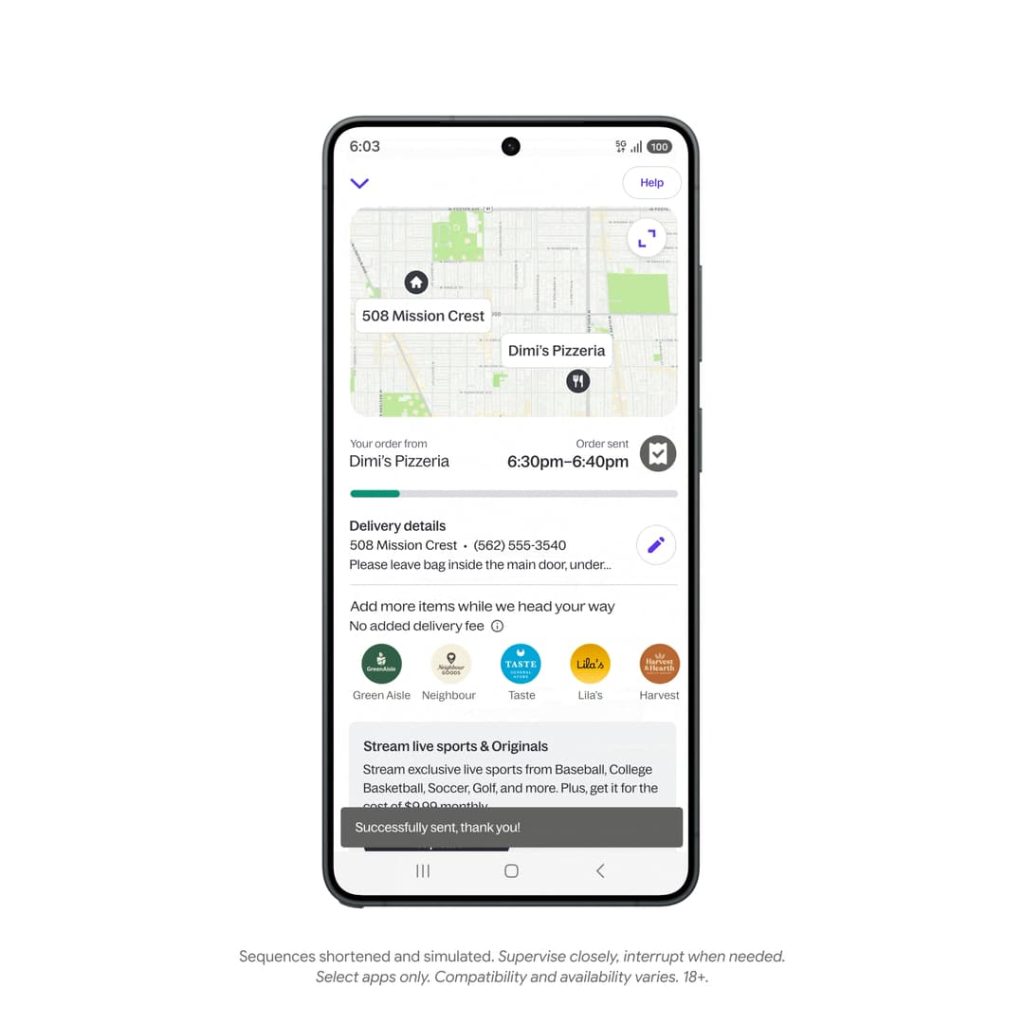
As expected, the Gemini app can complete multi-step tasks in supported food, grocery, and rideshare apps, including Uber, Doordash, and Grubhub. Google refers to this functionality as “automation.”
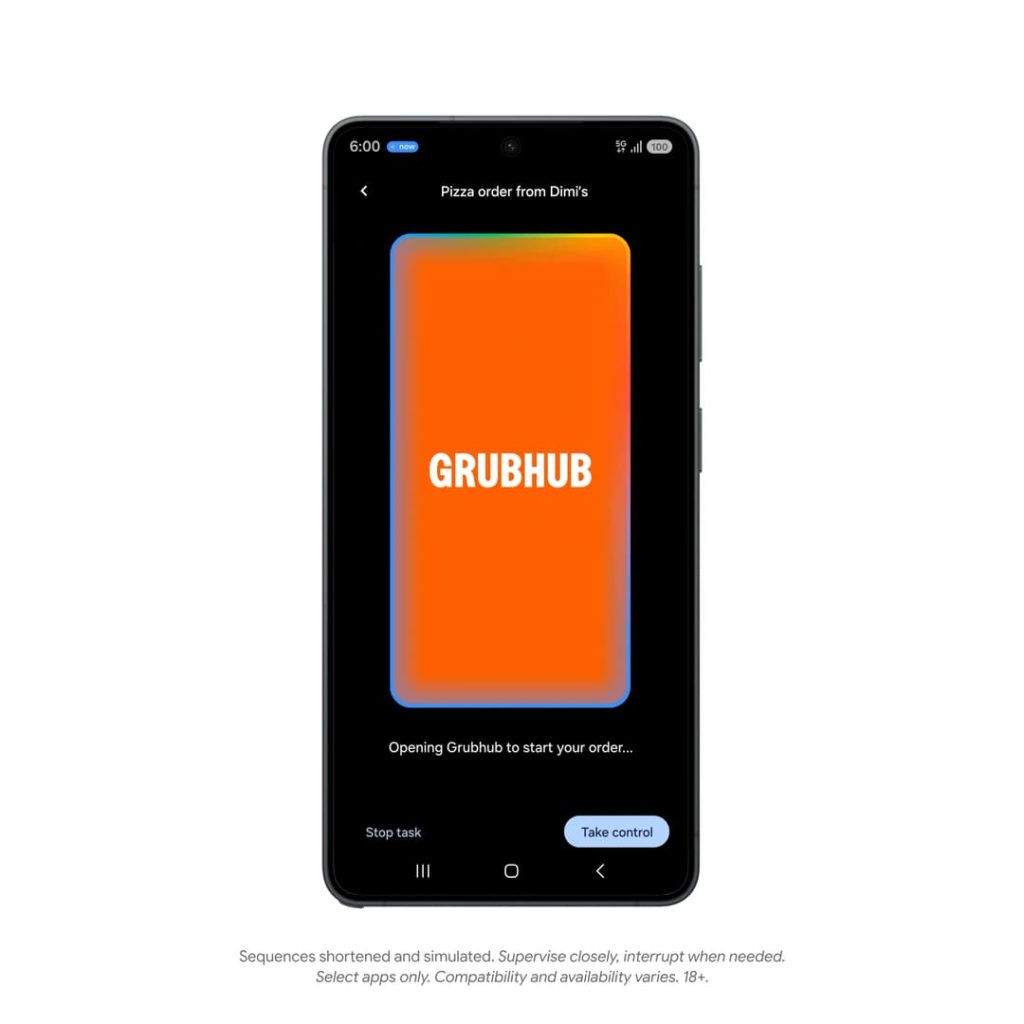
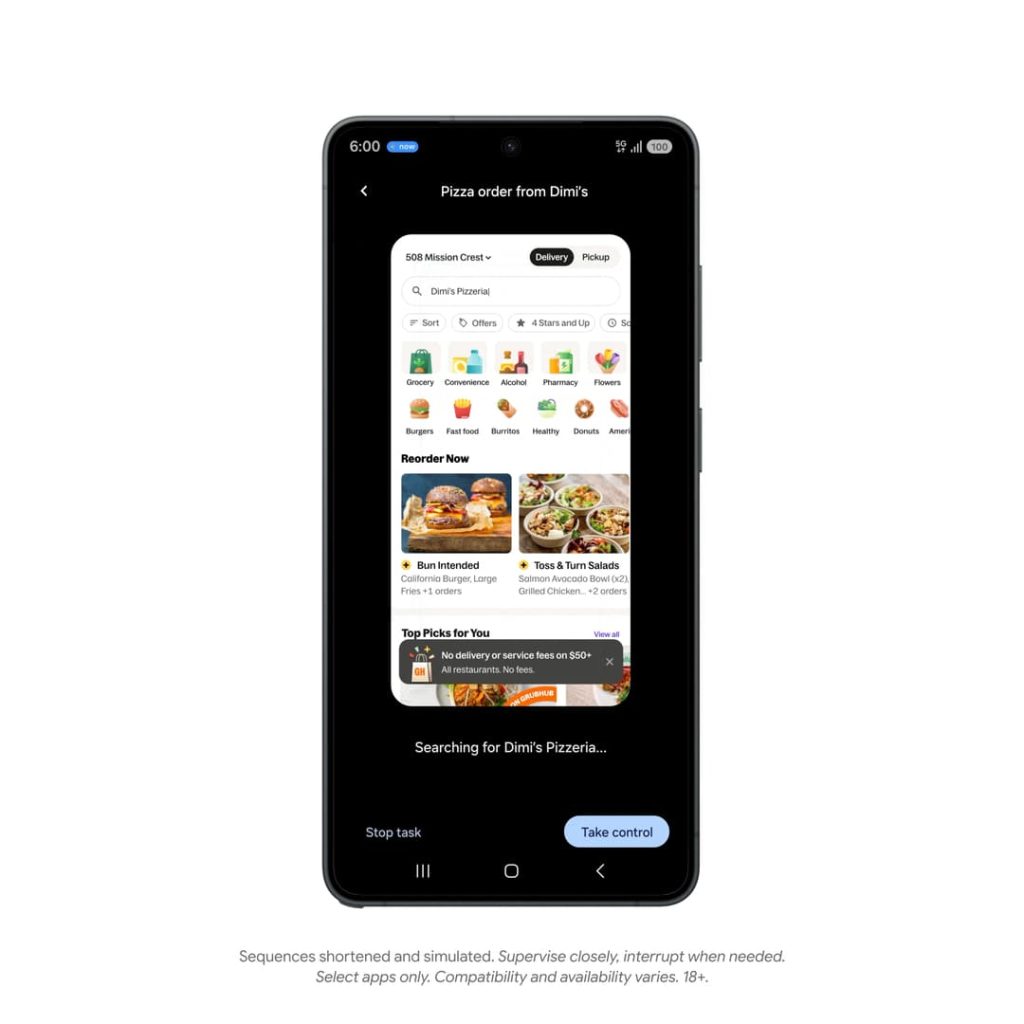
Gemini runs the application in a “secure, virtual window on your phone.” It cannot access the “rest of your device.” What’s happening on that virtual screen is processed in the cloud.
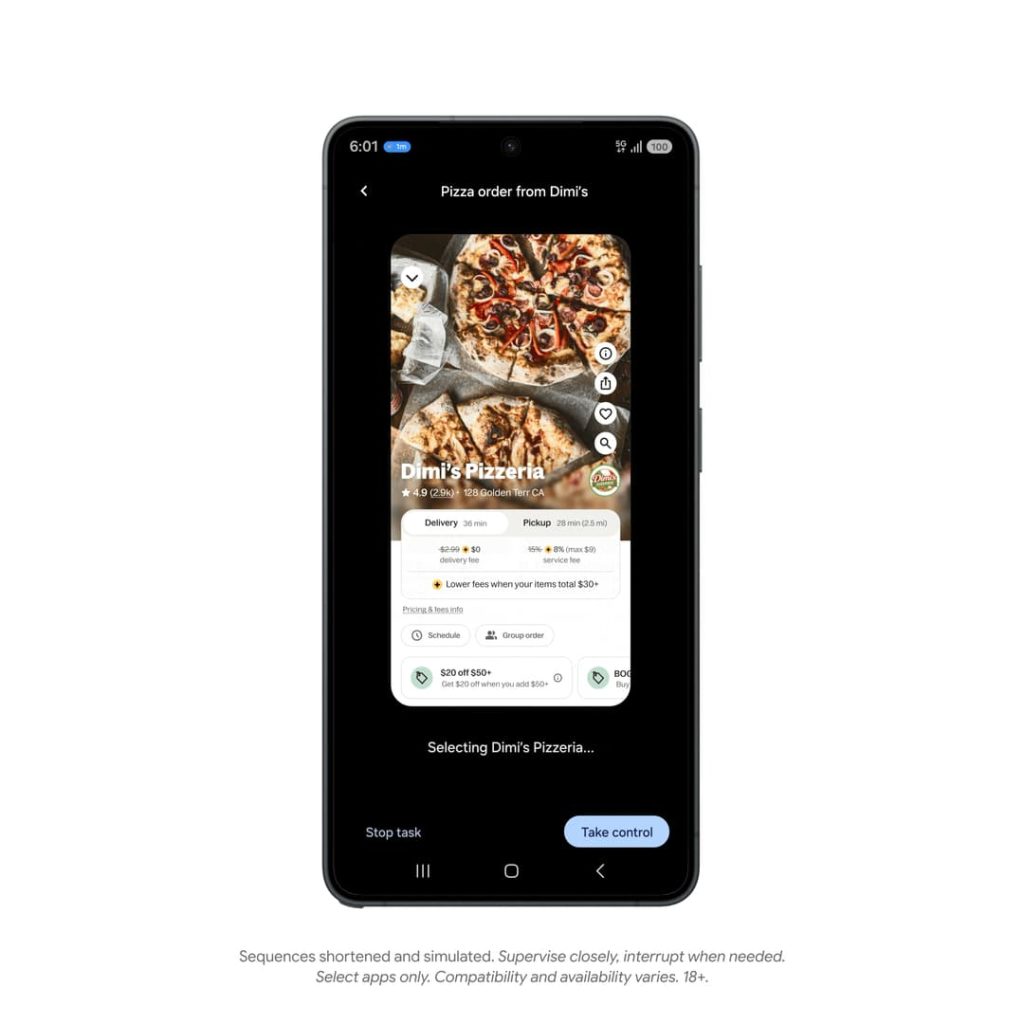
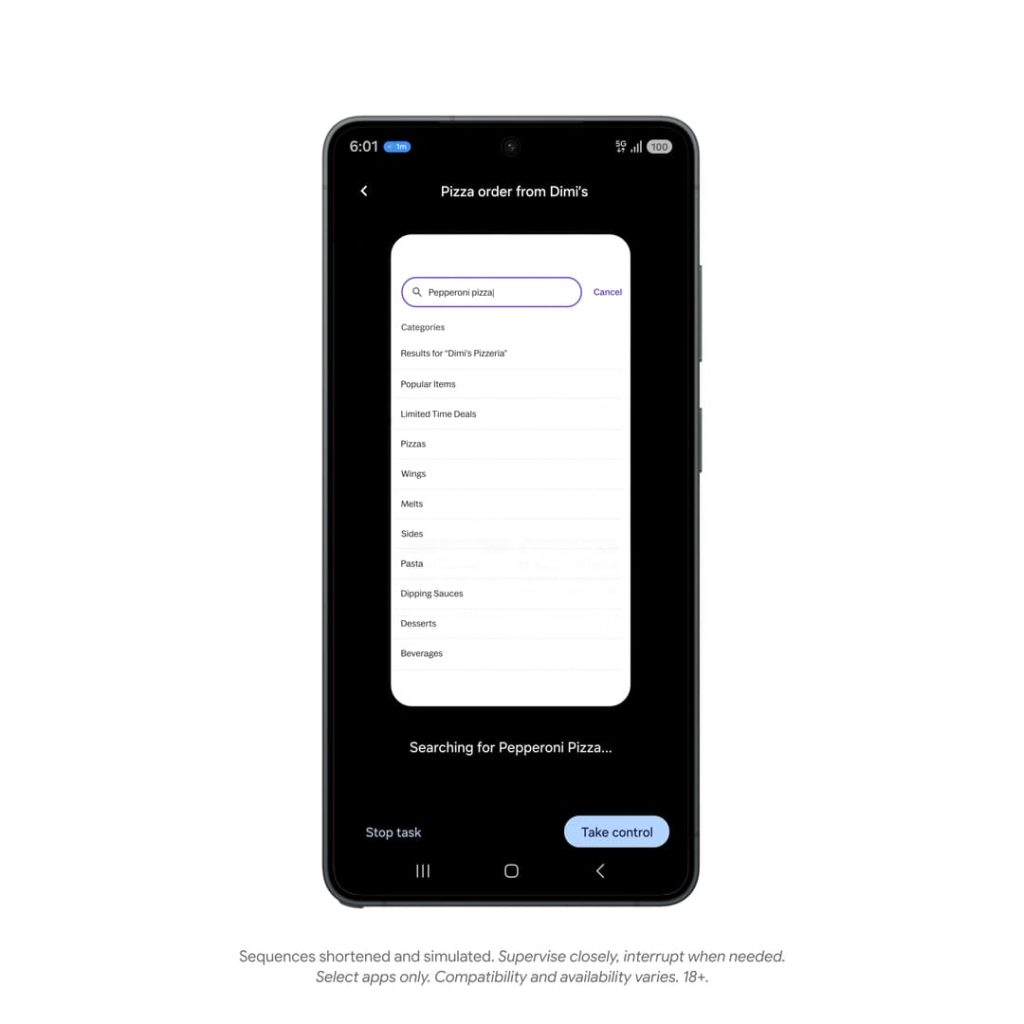
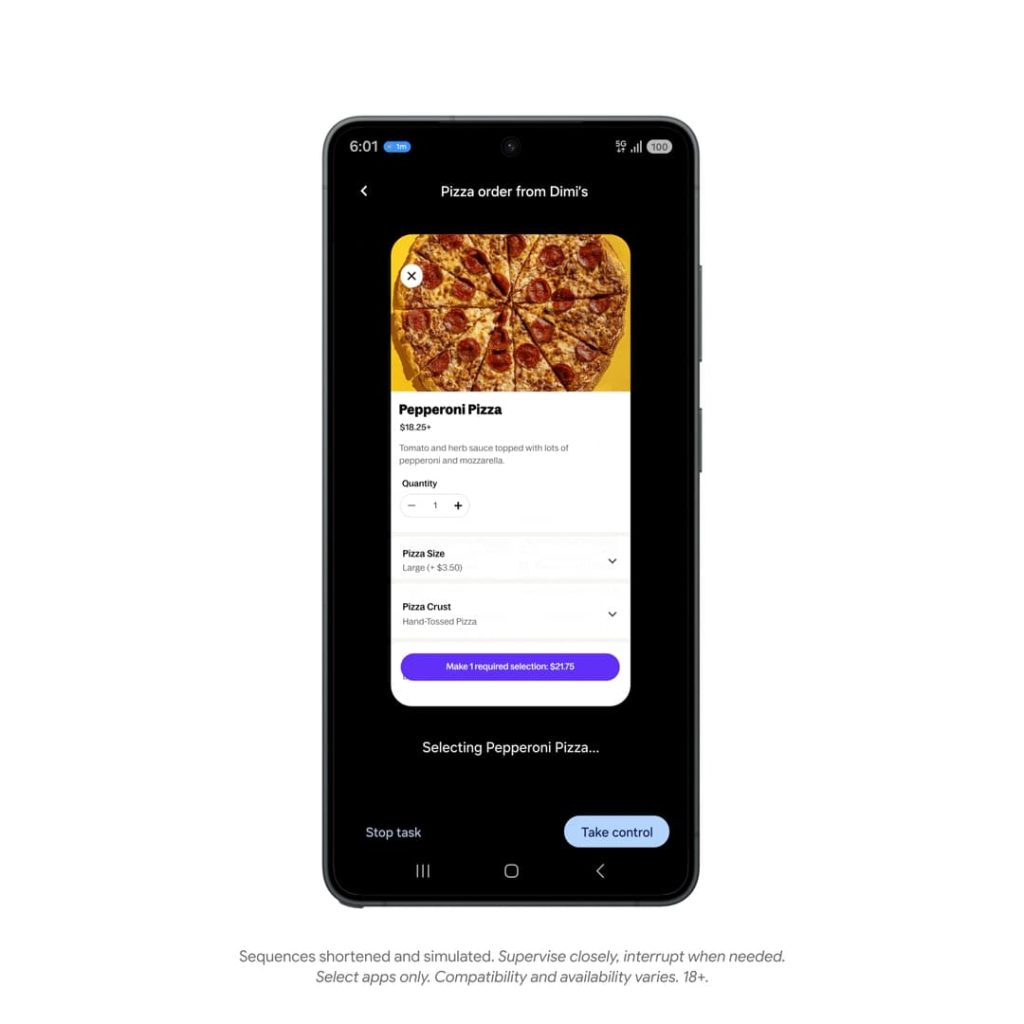
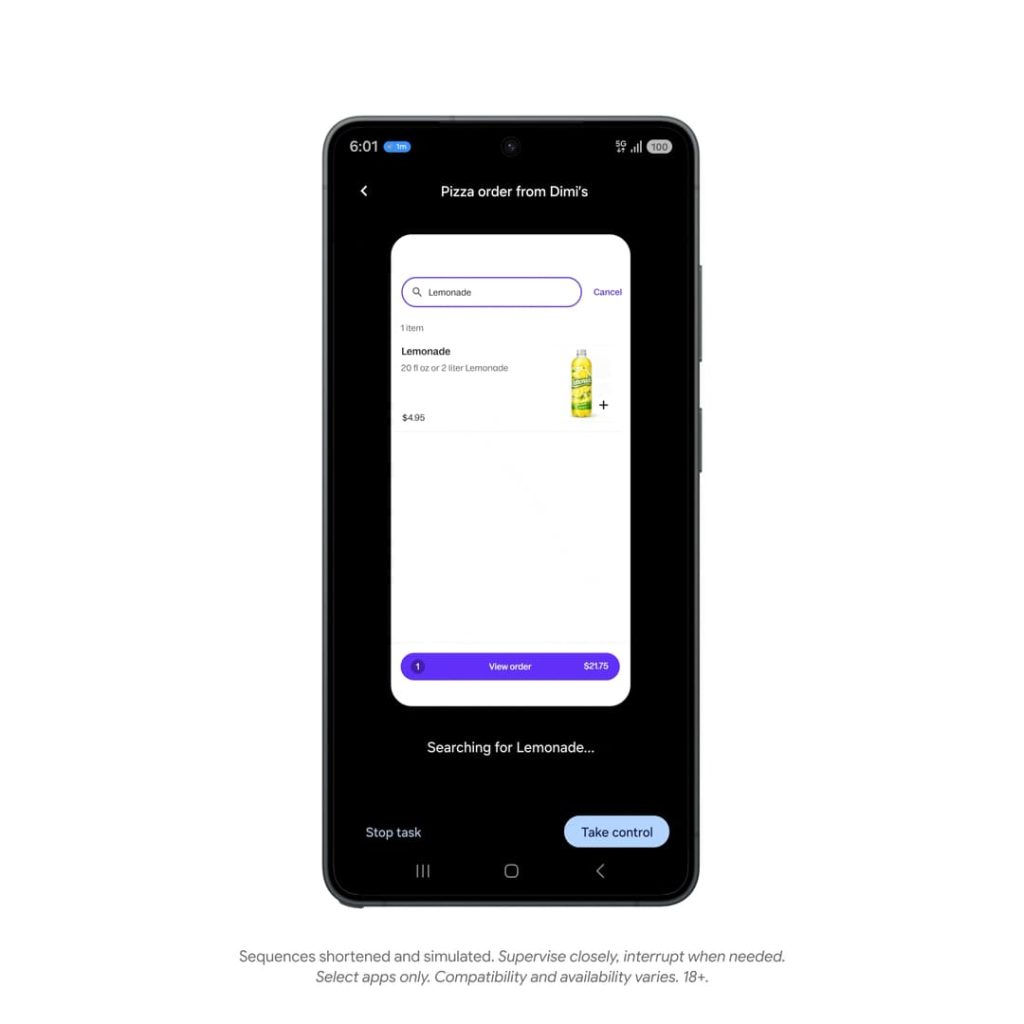
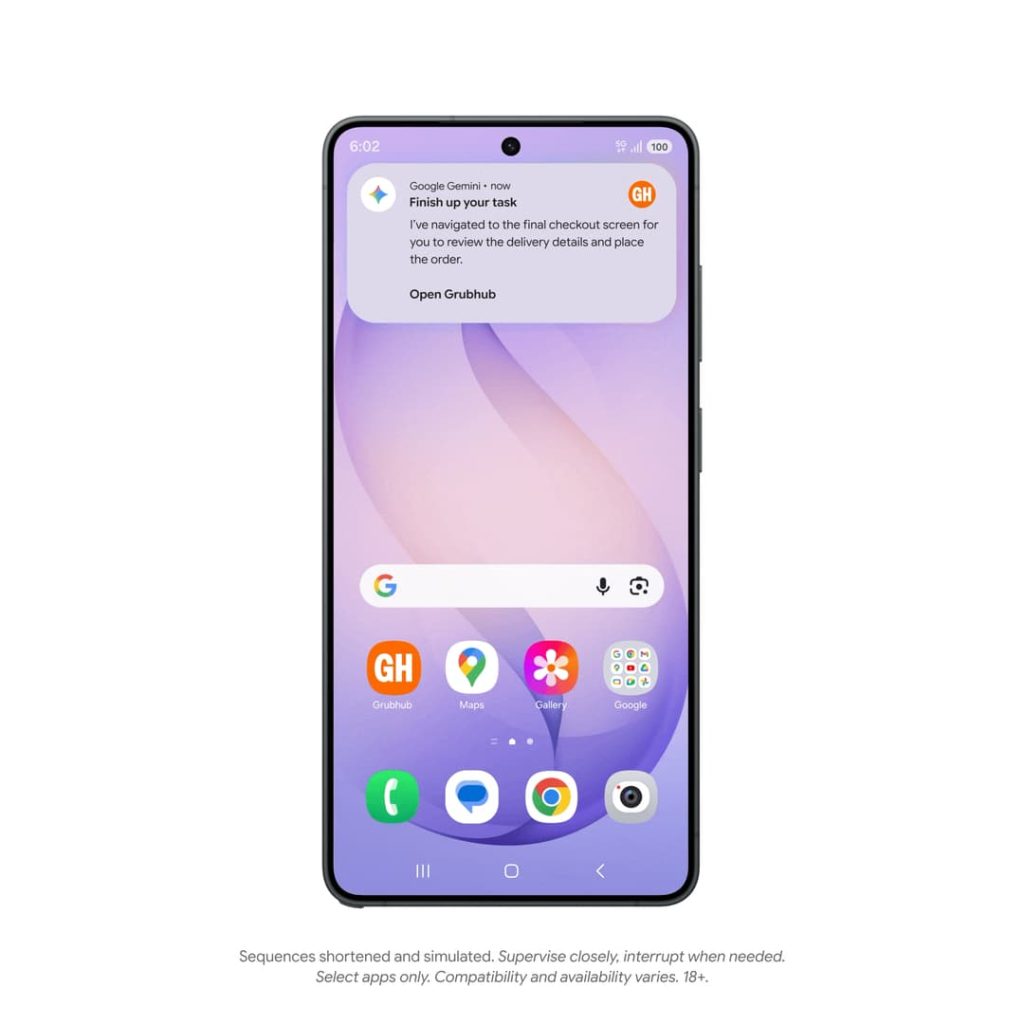
You can view that window and see Gemini scroll, tap, and type in real time, or continue to use your phone and other apps. When Gemini is working in the background, you’ll get notifications that let you jump in.
In the rideshare example, you ask Gemini to book an upcoming ride. Google will proceed to enter the location, pick a ride type, set the pickup time, etc.
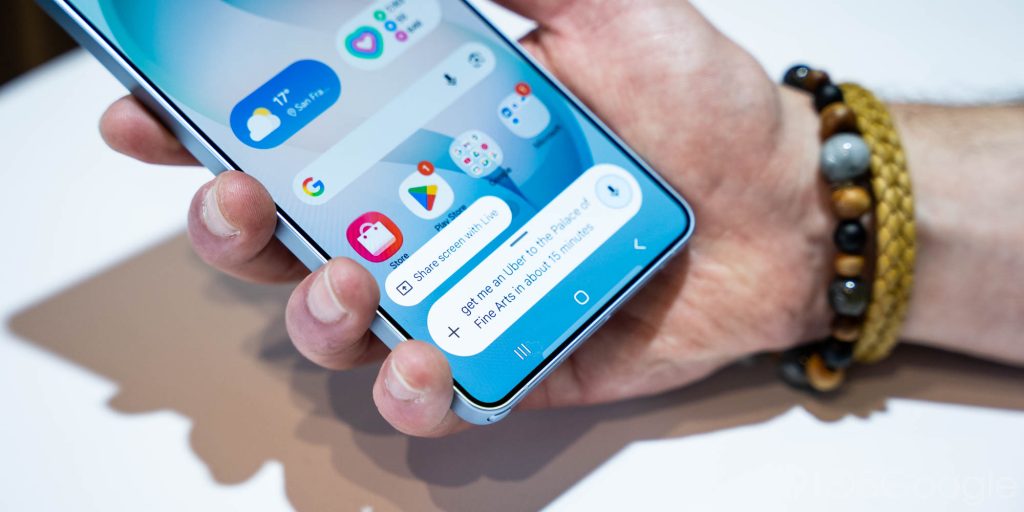
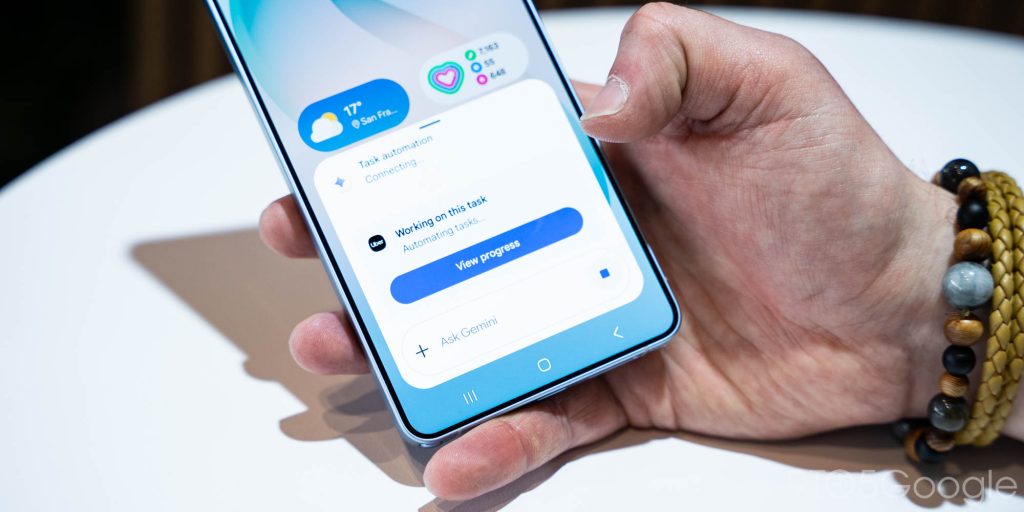
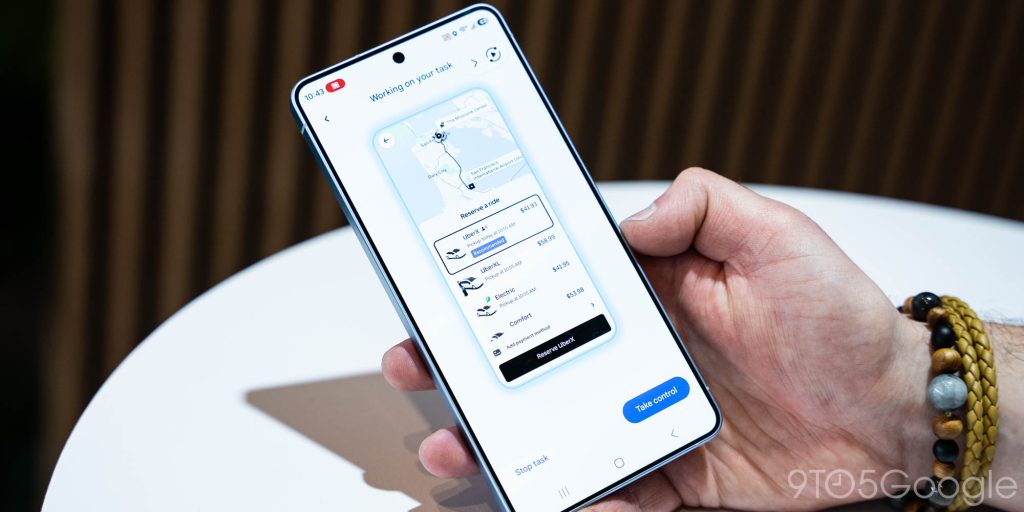
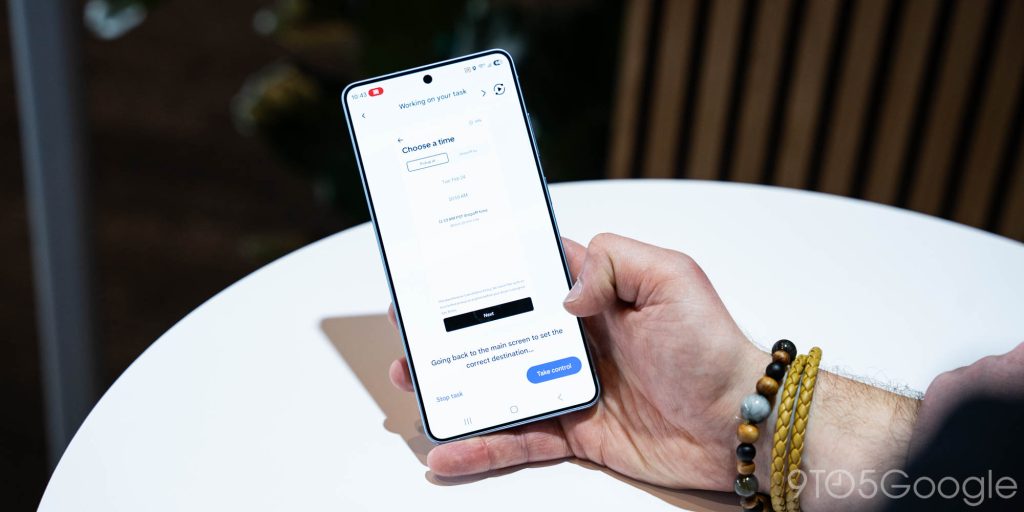
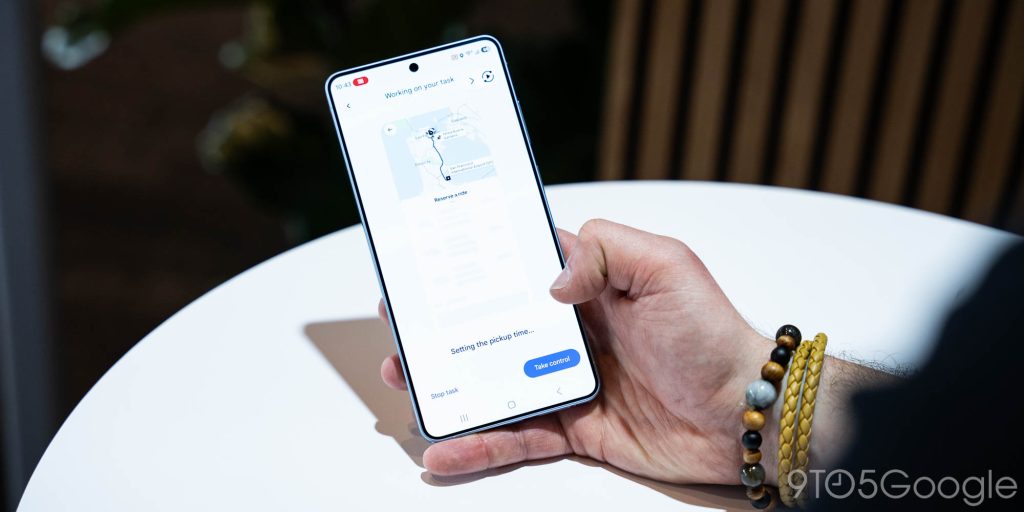
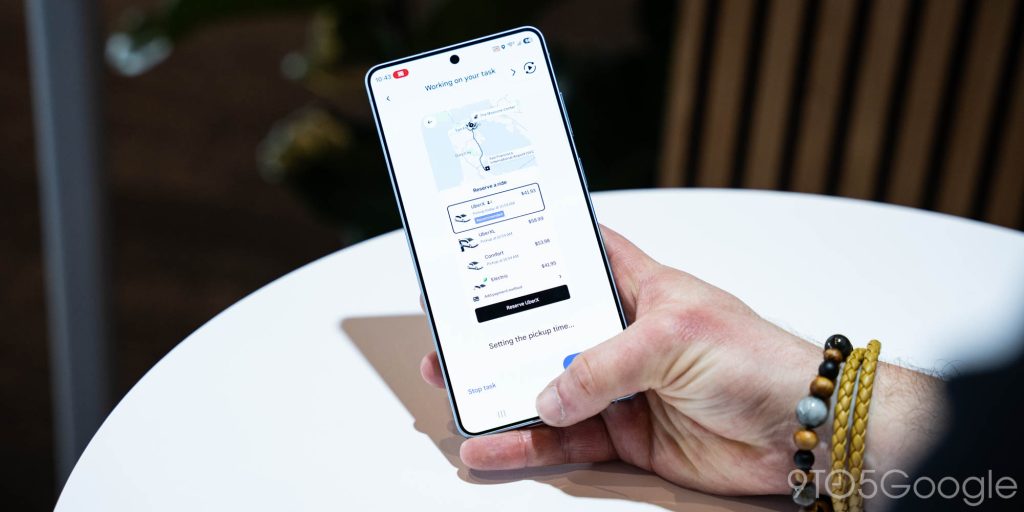
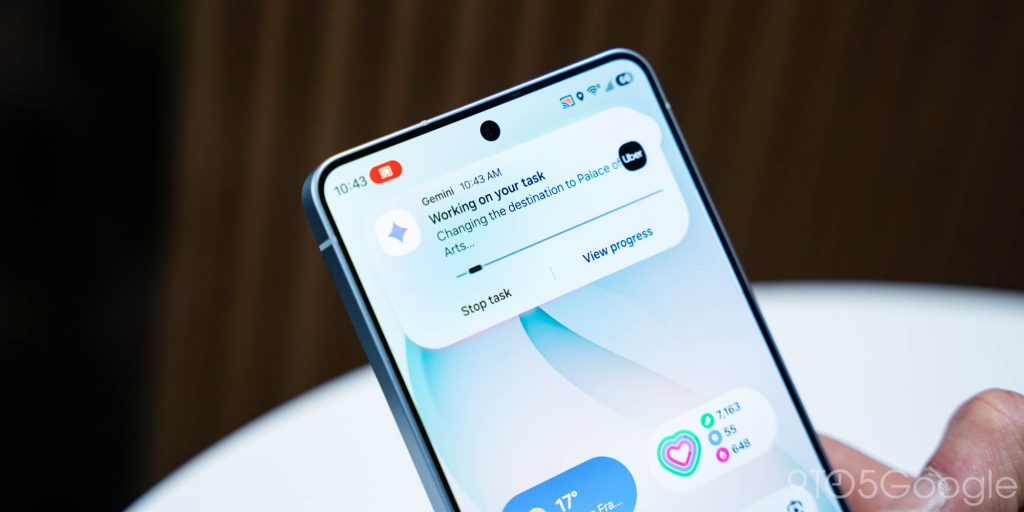
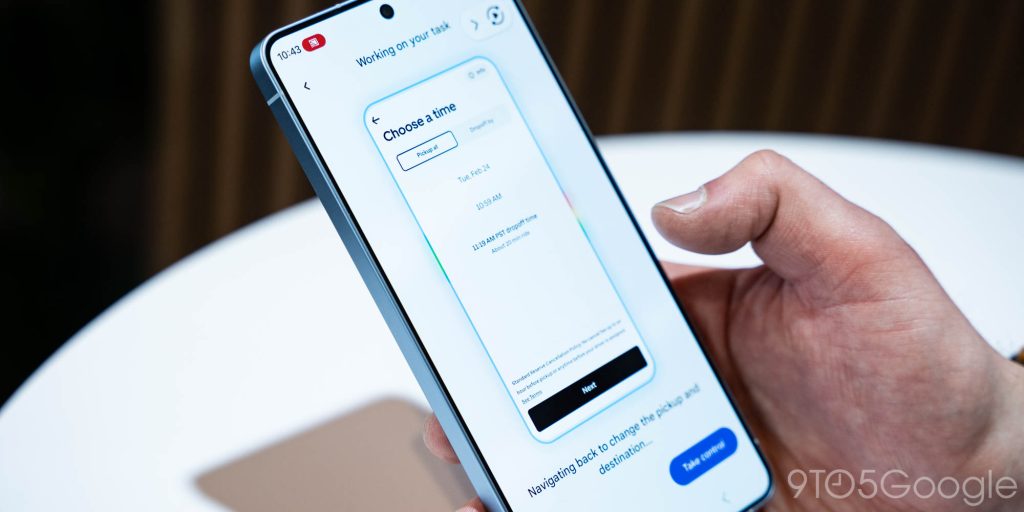
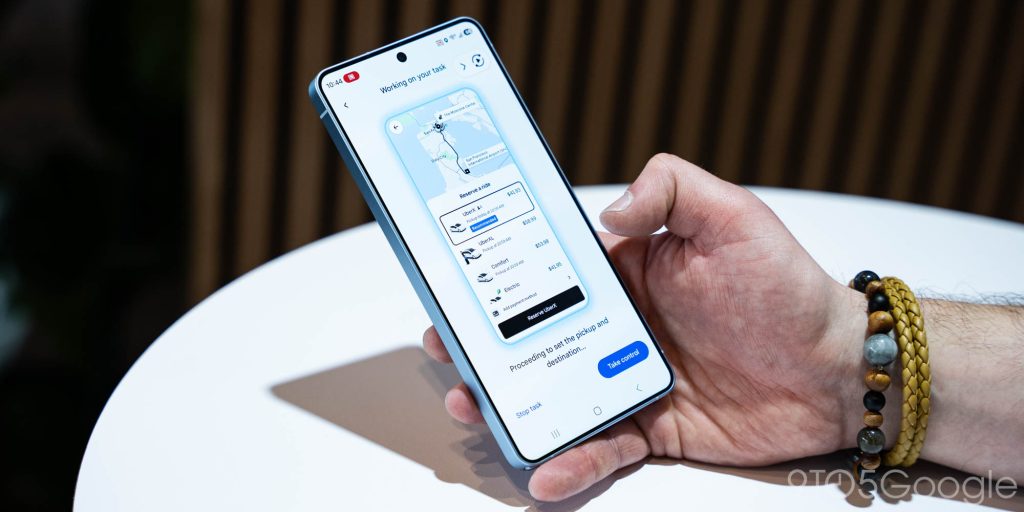
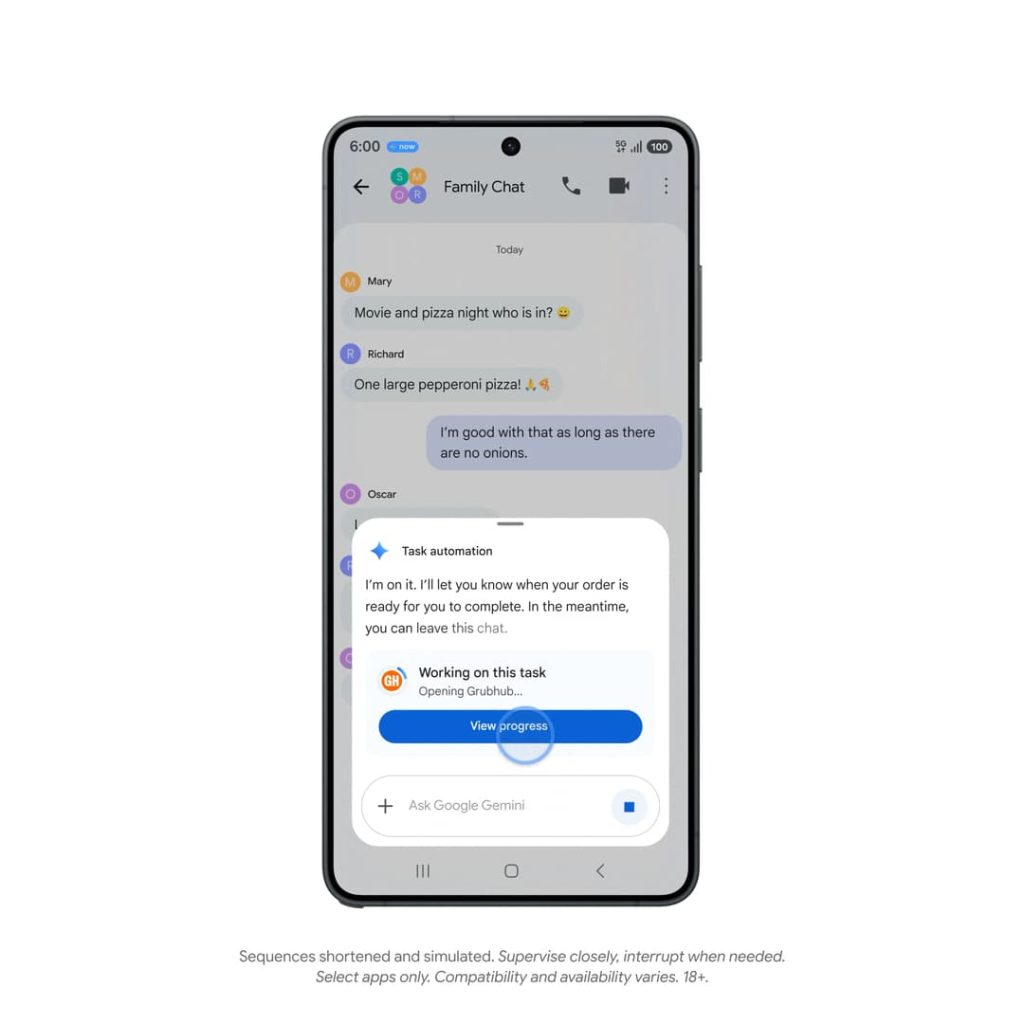
You’ll get a “Working on this task” prompt. Tapping “View progress” opens the secure window and shrunken view of the app. The surrounding interface lets you “Stop task” and “Take control.” Just above that, you get descriptions about what Gemini is doing, like “Setting the pickup time.”
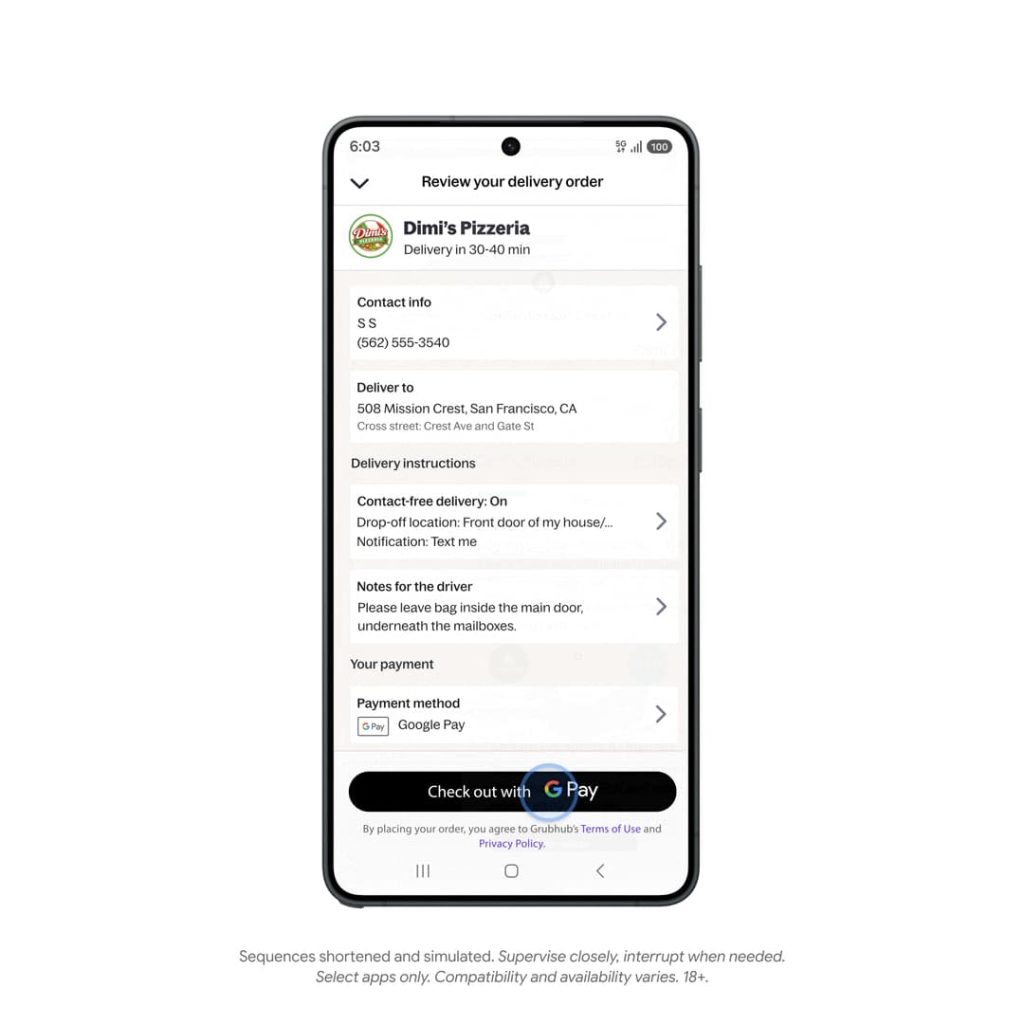
On the safety front, Gemini will prompt you to open the app to tap the actual buy or order button. Additionally, you have to explicitly grant permission before Gemini automation appears.
Automations begin with your command and stop as soon as the task is finished.

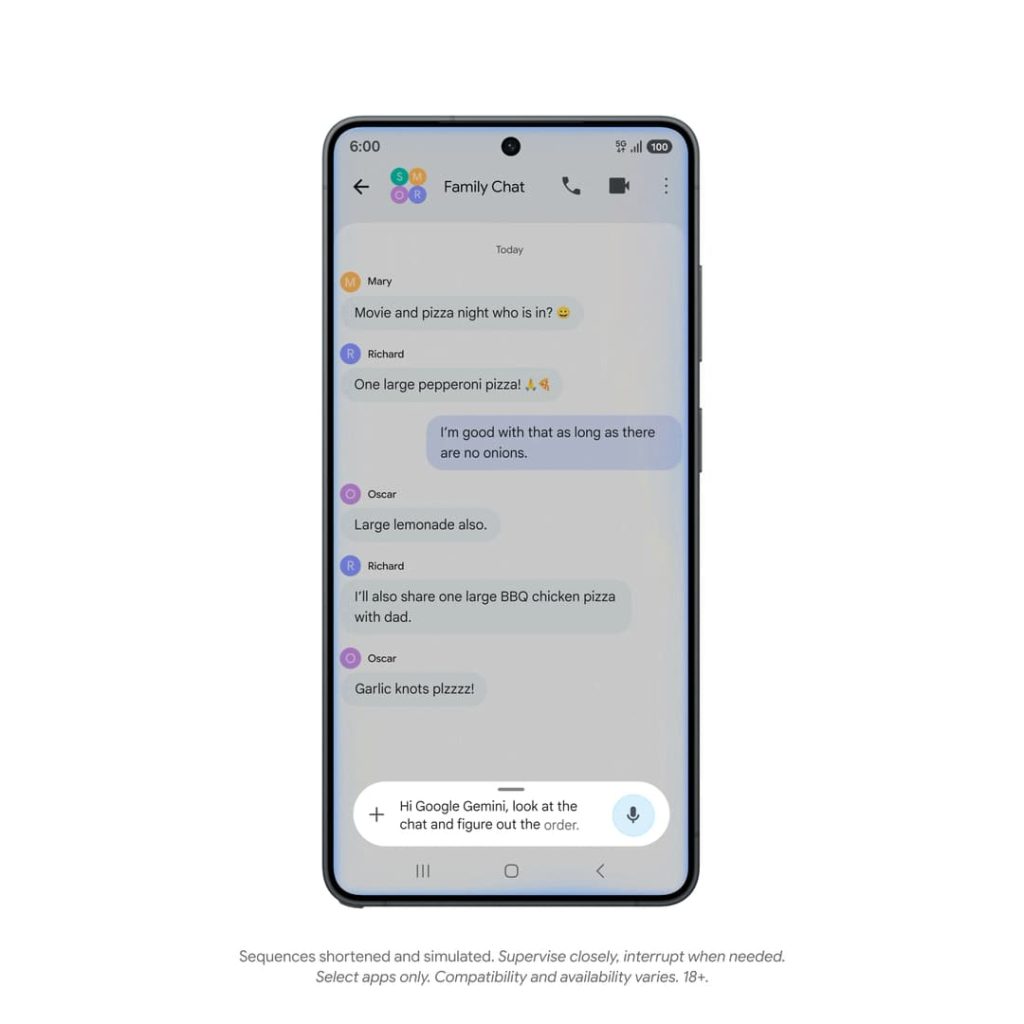
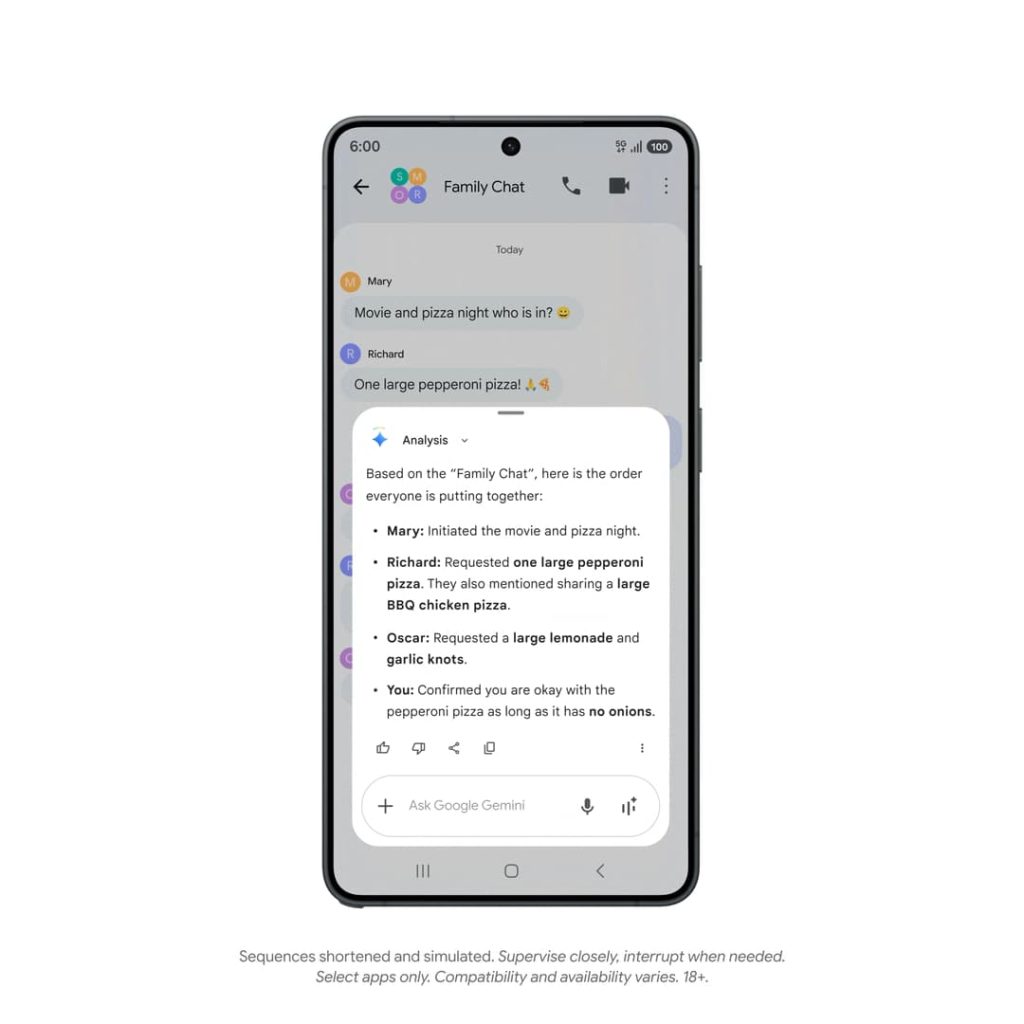
Besides “book a ride home,” other use cases include organizing your dinner order (“reorder my last meal”) or building your grocery cart. The idea is to “offload these tedious, multi-step tasks to Gemini.”
Gemini automation will be available when the Galaxy S26 series hits store shelves on March 11. It will roll out to the Pixel 10, Pixel 10 Pro, and Pixel 10 Pro XL in March. This beta is starting in the US and Korea. Only select apps in those three aforementioned categories will be supported at first.


FTC: We use income earning auto affiliate links. More.



Comments