
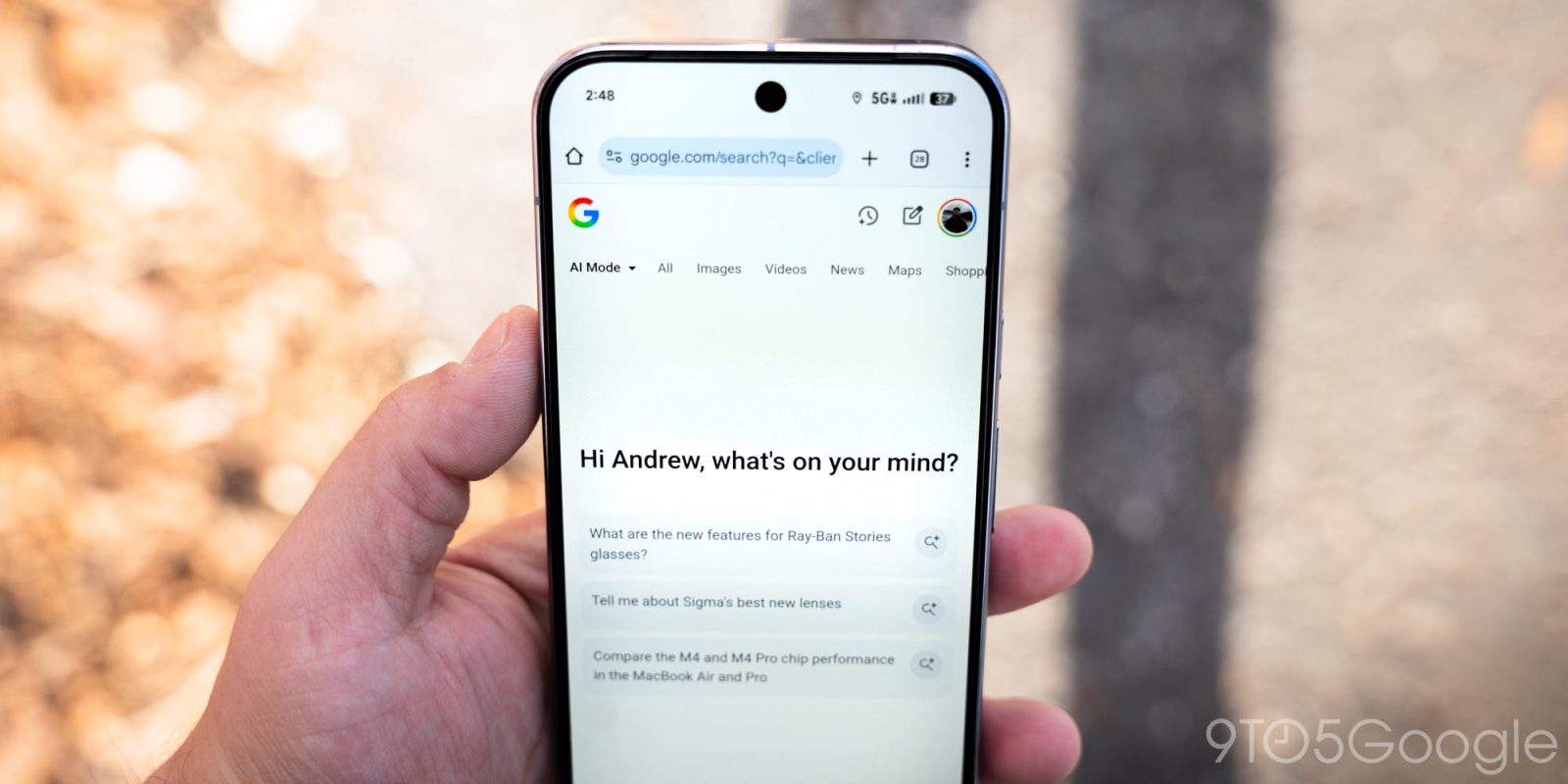
The Google app on Android is rolling out convenient, persistent access to AI Mode history for a more integrated experience.
In the Home tab (Discover feed), Google has replaced the Labs beaker with a button for AI Mode history, which recently switched from a circle to this lined version. Tapping slides over your recent chats with AI Mode to quickly jump back in. This matches the Gemini app’s hamburger menu and makes AI Mode feel more integrated into the overall Search experience.
Old vs. new


The AI Mode homepage has also been tweaked so that the history icon appears at the left for consistency. The back button is replaced by a down chevron at the right.
Search Labs has been moved to the account menu as the first item underneath Settings. This lets you see and join available experiments, as well as exit previews.
This change has been live in the Google app for iOS since December. On the iPhone, you’re able to swipe to open. It’s beginning to appear for users enrolled in the Google app beta on Android (version 17.9).


More on AI Mode:
- NotebookLM adds ‘Cinematic Video Overviews’ as AI Mode Canvas gets upgrades
- Google brings full AI Mode prompt box to Chrome address bar
- Google is making source links a bit more clickable in AI Overviews and AI Mode


FTC: We use income earning auto affiliate links. More.


Comments