
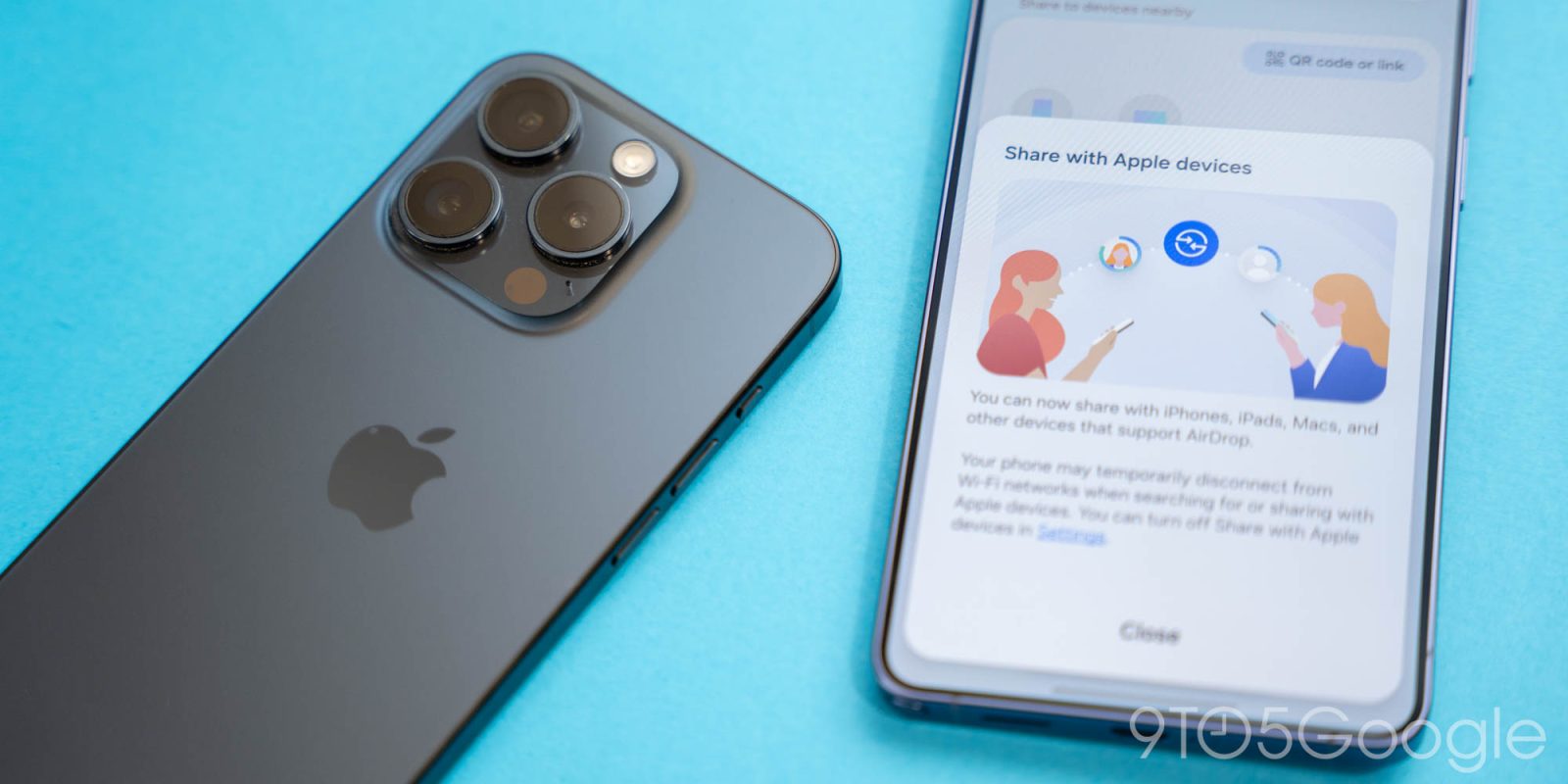
As is the case on the Pixel 10 series, the newly rolling out ability to send files via Apple’s AirDrop on the Galaxy S26 series is quick and easy – “it just works.”
When Google announced that Quick Share on Android would now be cross-compatible with Apple’s AirDrop, I was a little skeptical about how well it would actually work. I was pleased to see that, on Pixel 10, it worked brilliantly.
The same is true about AirDrop support on the Galaxy S26.
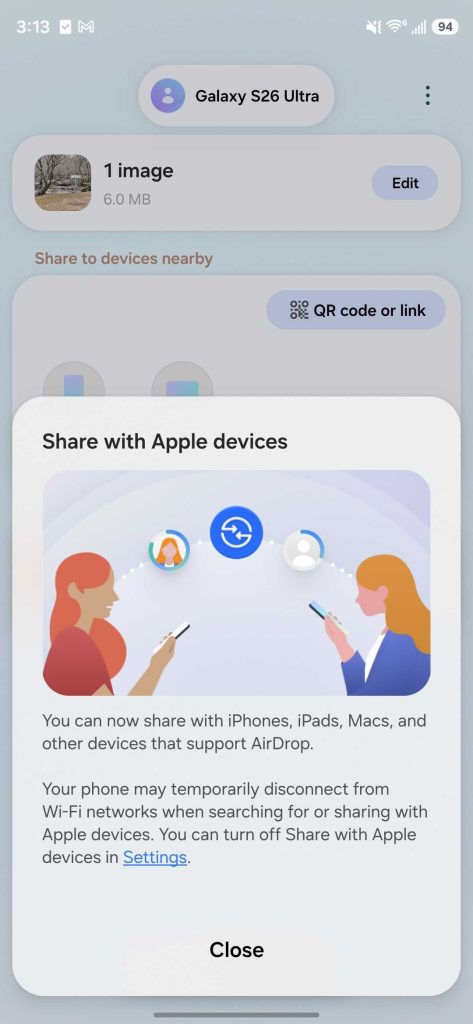
I just updated my Galaxy S26 Ultra to Samsung’s latest software update earlier today and, sure enough, AirDrop is ready and waiting. In fact, Samsung has a pop-up that informs you that this works as soon as you try to send a file over Quick Share for the first time following the update. It’s enabled by default, thankfully, and it works like a charm.
I set my nearby iPhone 15 Pro (which sits at my desk, just begging to be used in rare opportunities like this) and my new MacBook Air to “Everyone” mode on AirDrop and, instantly, they showed as sharing targets on my Galaxy S26 Ultra.
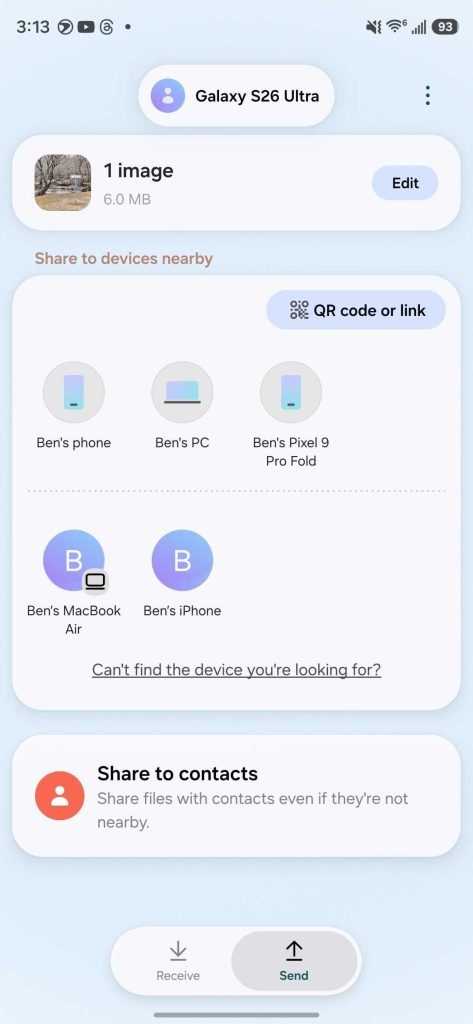
I’d dare say that they show a bit faster compared to some Android devices I’ve tried to use over Quick Share, and much better than the Windows app I constantly have to fight with. Sharing an image with my MacBook took mere seconds, and felt like it was a completely native feature – I guess it is, kind of.
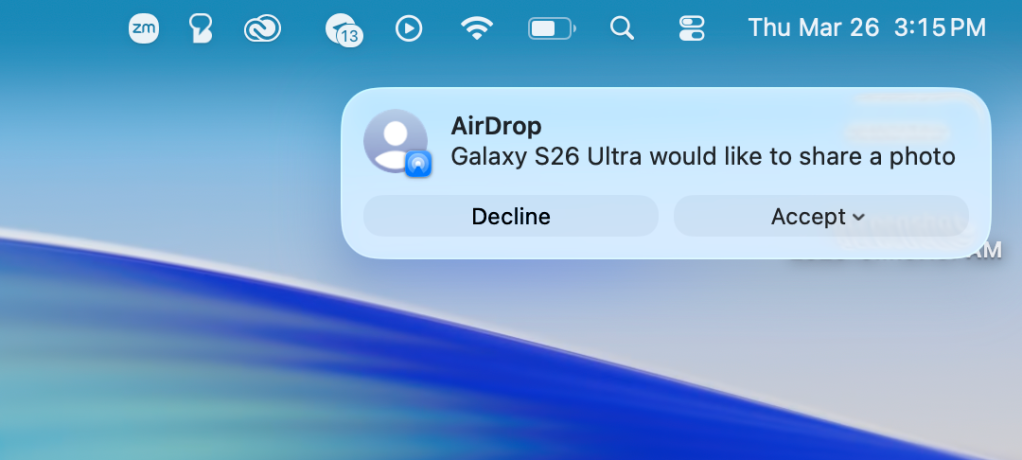
And, that’s kind of it.
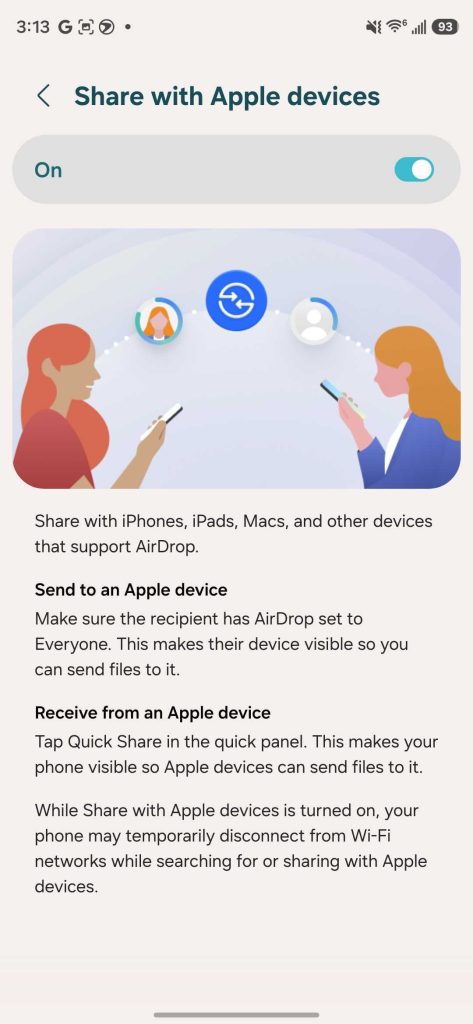
AirDrop on the Galaxy S26 series, like on the Pixel 10, is very straightforward. There’s that one little hurdle of needing to ensure those involved have set their devices to “Everyone” mode – this applies both to the iPhone and Android side, even if you have each other’s contacts shared – but it’s overall very easy and seamless.
I’m really glad to see Google continuing to push this feature, and seemingly at a point where it is confident enough that Apple won’t shut it down. I still wish for the day where AirDrop support is available across all Android devices – my current daily setup of Galaxy Z Fold 7 and Nothing Phone (4a) Pro leaves this feature missing from my actual workflow – but Google is certainly right to keep this rollout on the slower side.
If you’ve already picked up a Galaxy S26, you can check for software updates to look for AirDrop support. It arrives in the latest firmware update that’s widely rolling out globally right now.
More on Samsung:
- Review: I really like the Galaxy S26 Ultra, but they can’t keep getting away with this
- Samsung now rolling out AirDrop support to Galaxy S26 devices in the US
- One UI 8.5 is now in beta on these older Galaxy devices
Follow Ben: Twitter/X, Threads, Bluesky, and Instagram


FTC: We use income earning auto affiliate links. More.



Comments