
After rolling out to Google AI subscribers earlier this month, the Gemini app has now launched notebooks to free users.
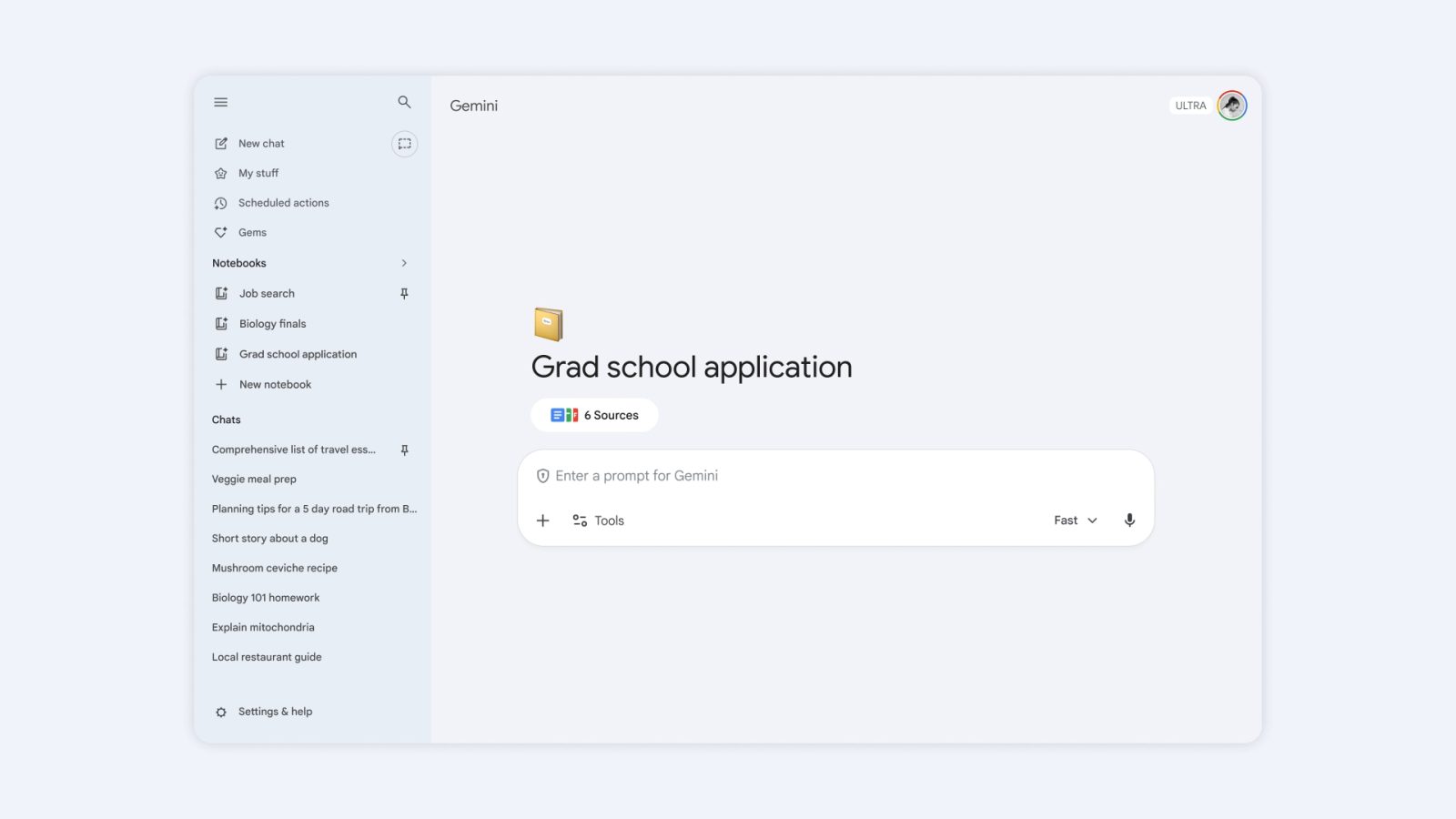
On gemini.google.com, you’ll find a new “Notebooks” section in the side panel above Gems and Chats. These are the same notebooks that appear in the NotebookLM app. As such, you can continue to create Video Overviews, Infographics, and other Studio outputs.
They can be thought of as projects that “give you a dedicated space to organize your chats and files.” Any conversation in the Gemini app can be added to a notebook from the three-dot overflow menu.
Google will “consider all chats in [a] notebook when responding,” though there’s a “notebook memory” setting that can be disabled. There’s also support for providing custom instructions about tone and response format.
When you open a notebook, you can browse sources above the prompt box, while a list of chats appears underneath. You also have access to the full set of Gemini Tools and web search.
Notebooks are now available for free users with up to 50 sources. AI Plus subscribers get 100/notebook, while it’s 300/notebook for Pro and 600/notebook with Ultra.
Looking ahead, notebooks will be “personal knowledge bases shared across Google products.” The company teases “even more helpful features” for notebooks in the future. Notebooks are not yet live in the mobile or Mac apps, with full availability over the “coming weeks.”
More on Gemini app:
- Gemini app using Personal Intelligence, Photos for tailored Nano Banana generation
- Google launches native Gemini app for Mac
- Gemini app starts rolling out Personal Intelligence globally


FTC: We use income earning auto affiliate links. More.


Comments