
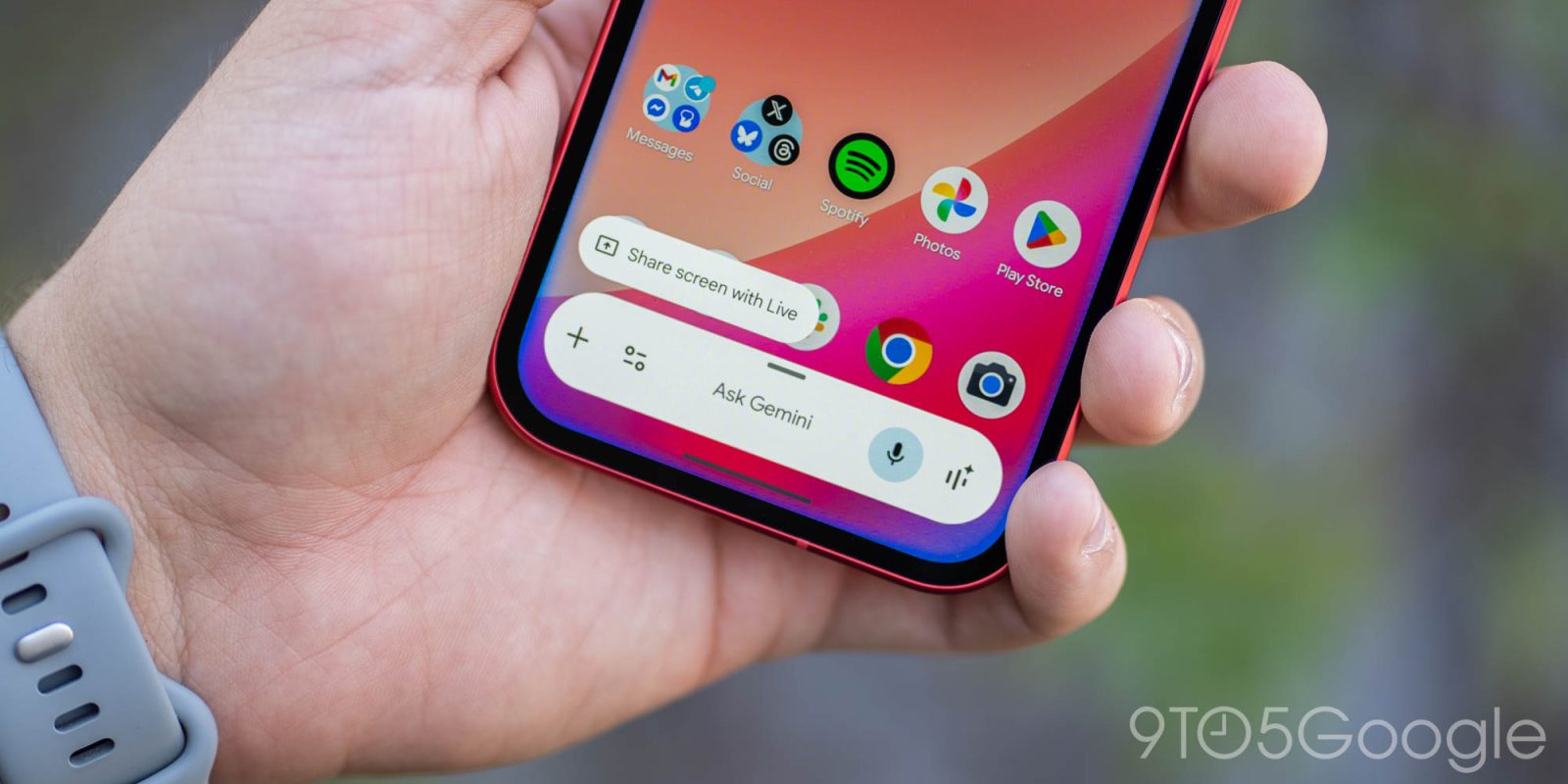
A bug with the Gemini app today is responsible for several recent features being rolled back.
For starters, tapping the ‘plus’ menu in the prompt box no longer lets you upload NotebookLM notebooks, with the design reverting from the list to side-by-side pills. The Tools menu is thankfully not impacted today.
Meanwhile, the “Temporary chat” button has disappeared from the top-right corner next to your avatar. In the profile menu, “Import memory to Gemini” has gone missing.
Top comment by Lee Woods
I thought it was just me that lost the ability to start a new chat without having to go into the hamburger menu.
I hope that this gets addressed soon.
Gemini.google.com is not affected today, and provides a good mobile and Progressive Web App experience if you need any of those features.


In terms of other interface tweaks, the black background has reverted to gray, with the suggested action pills losing their outline as a result.
Outside of the Gemini app, the Android overlay has gone back to the previous design without full access to the Tools menu. The fullscreen glow is also gone, with only the overlay highlighted.
This is a bug happening to Android users in the stable and beta channels with Google app 17.14 over the past day or so. Google will hopefully release a server-side fix to restore those lost features in short order.


FTC: We use income earning auto affiliate links. More.


Comments