
Android’s Quick Share function is rolling out a wave of compatibility updates so users can send and receive files and contacts over AirDrop. Xiaomi joins Google and Samsung with support for Apple’s AirDrop.
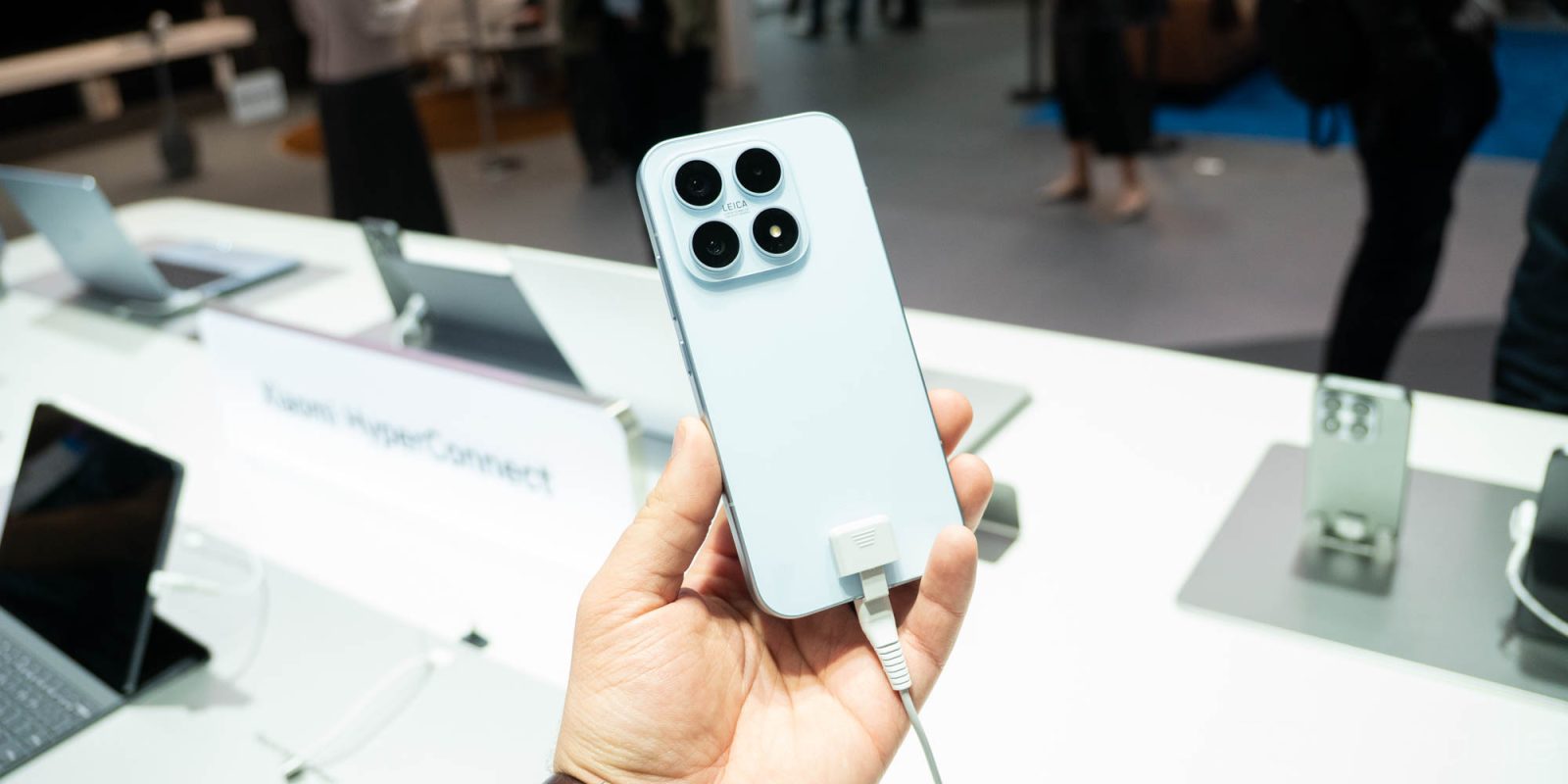
Xiaomi has officially updated Quick Share with support for AirDrop. The company took to Twittter/X to announce the availability in HyperOS3, Xiaomi’s own version of Android 16. The post specifically references the Xiaomi 17T Pro, though it’s possible other devices on HyperOS3 will see the update soon. There are hardware-level restrictions that could prevent that.
Android 16 brought a few changes, but adding AirDrop support to Quick Share might be the most groundbreaking. Calling it that might be counterintuitive, but it’s been a bane of Android’s existence for some time, setting a roadblock between users who want to share files and other data over a faster Bluetooth connection.
Quick Share on devices from Xiaomi and other Android manufacturers makes AirDrop sharing possible, with the condition that iPhone users set their visibility to “everyone for 10 minutes. The setting allows Quick Share to identify and finish a handoff with iOS devices. It doesn’t matter if the other user is in your contacts; the only way this system works is with that one setting.
The AirDrop workaround Xiaomi added has already hit Samsung and Google devices, with plans to bring the update to more phones on the way. Xiaomi was on that list, and it didn’t take very long at all since the announcement in December. The Oppo Find X9 Ultra and Vivo X300 Ultra are two other devices with recently added support.
More on Android:
- Google Pixel reportedly shipped around 800,000 phones in the US in Q1 2026, down 7%
- What’s new in Android’s May 2026 Google System Updates [U]
- Google AI Studio can now build Android apps, Android Studio adds iOS app porting
- This free camera app adapts to your shot and ditches overprocessing, and it’s only on Android [Gallery]


FTC: We use income earning auto affiliate links. More.





Comments