
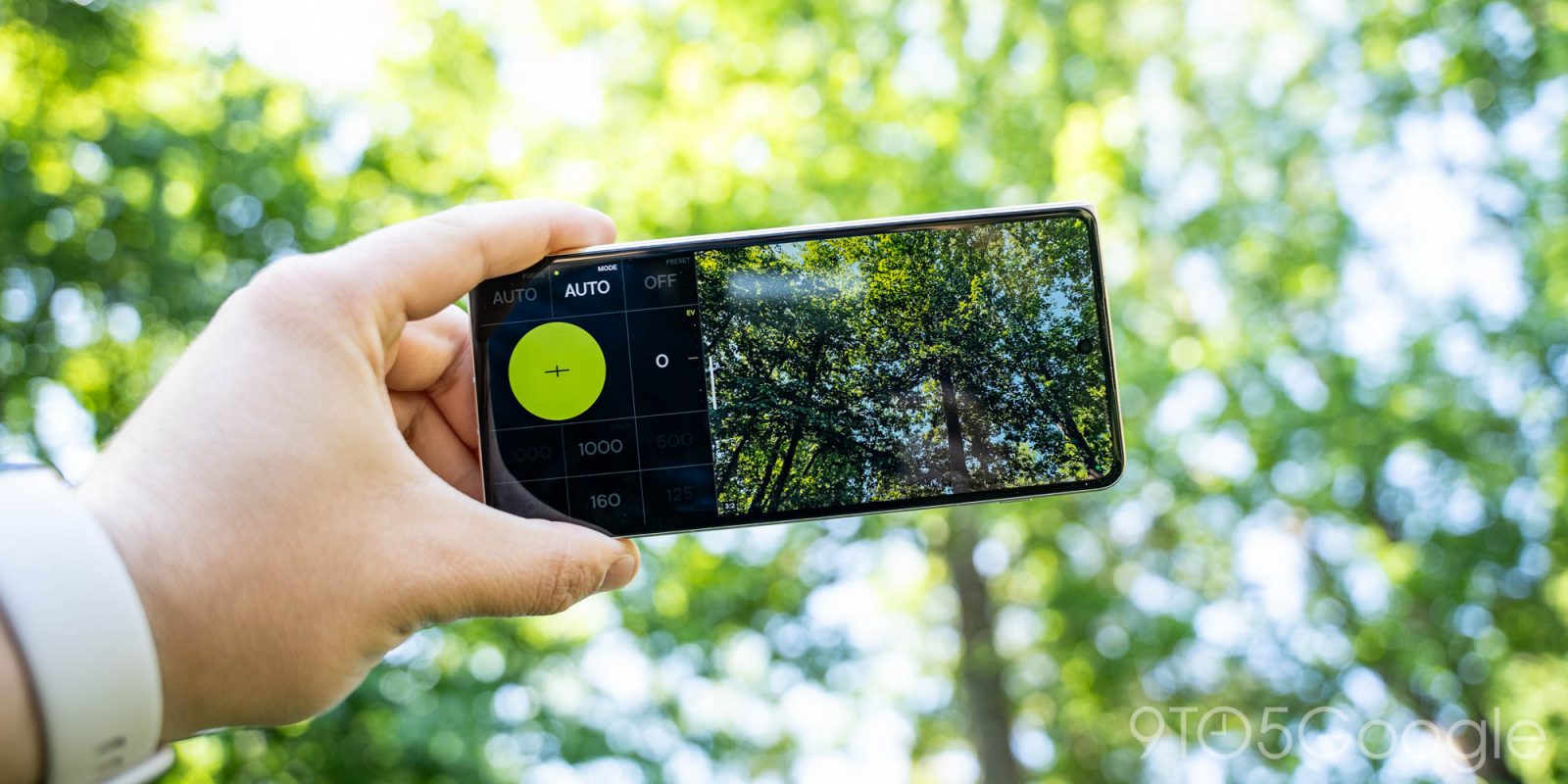
While you’re usually best served by the camera app built into your smartphone, there’s a growing number of third-party apps that can offer a different, often even better experience. Released this week, VWFNDR + MBL is a new camera app that adapts to you as the photographer, putting out results free of excessive processing – and it’s Android-only to start.
VWFNDR is a company that has been building unique camera hardware which, as the company explains, aim to “bring back the fun and magic of photography” through “new hardware, UX, and interface design paradigms.” And there are certainly some very unique projects that have come out of this.
But, now, VWFNDR is releasing a new camera app on Android, “VWFNDR + MBL” – aka “Viewfinder Mobile” – which takes these concepts to your mobile phone. The idea here is to build a camera app that will adapt to you as the photographer, respecting your input and choices.
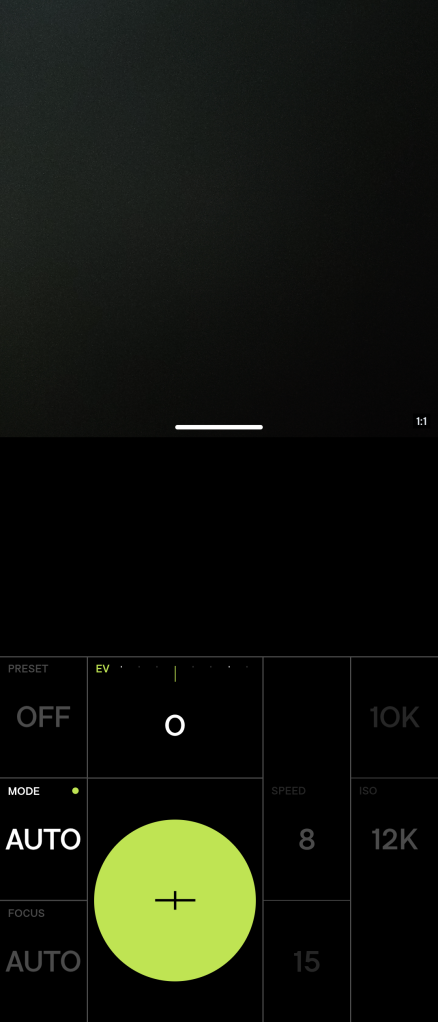
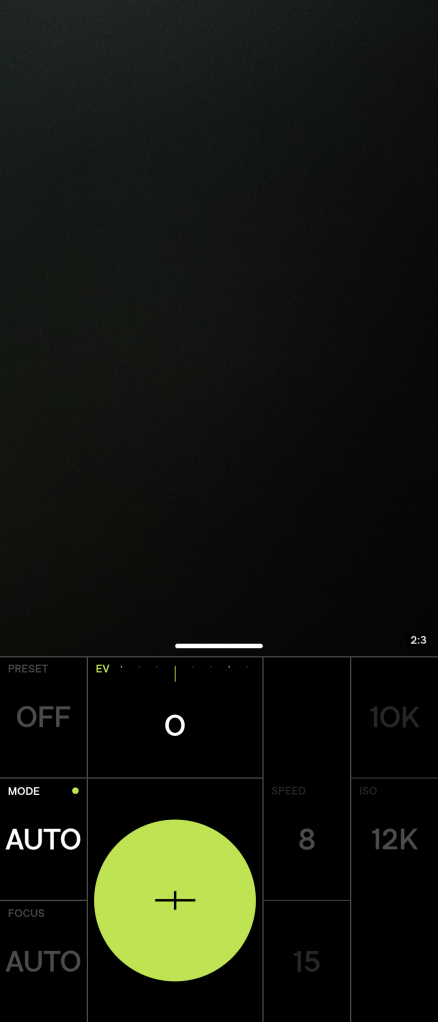
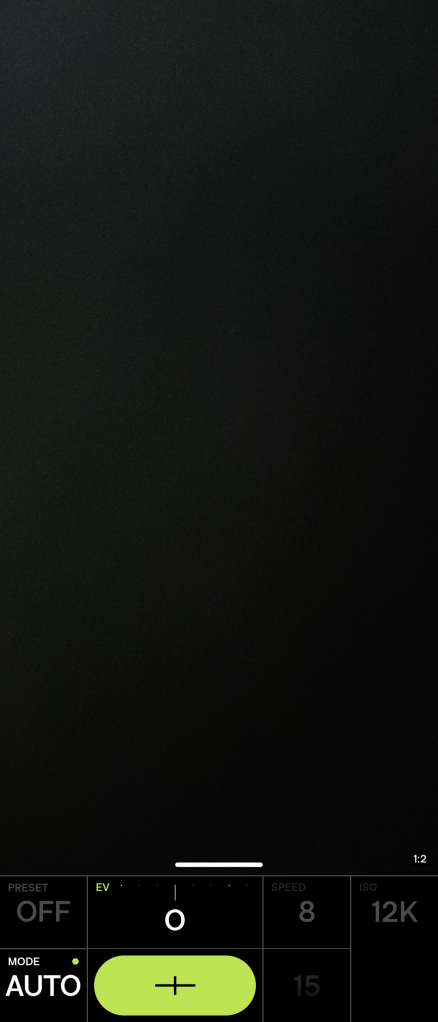
Manual controls are an inherent part of the UI, with shutter speed and ISO sliders front and center, as well as an exposure value setting. The app defaults to “Auto” mode, but you can cycle through typical manual camera modes such as shutter speed priority. You can also adjust the focus distance, or cycle through some camera presets for “Slow,” “Fast,” and “Flash.” The app defaults to capturing both JPG and DNG (RAW) files, and embeds “Content Credentials” with every shot. You can also fully reorder the manual control buttons to whatever layout you prefer.
Perhaps the most clever part of the UX here is that you can swipe between aspect ratios on the fly, jumping between 1:1, 6:7, 3:4, 2:3, 9:16, and 1:2 aspect ratios (reverse it for landscape shots), with the UI adjusting to fit the shot you’re trying to take.. Swiping all of the way down reveals a gallery of shots you’ve taken, including the settings they were taken at.
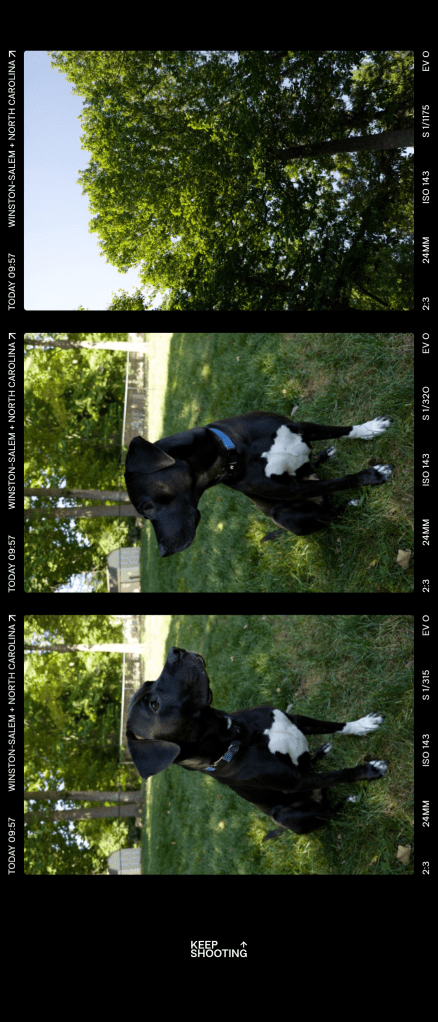
The results from VWFNDR + MBL are pretty stunning, I must say.
Like other minimal processing camera apps, like Zerocam, there’s a distinct difference between this output versus what you get from the built-in camera app. On the Motorola Razr Fold I’ve been testing, which has a pretty solid camera, shots from VWFNDR aren’t as prone to the overbrightening/overprocessing trend we see in modern phones, with the shadows keeping some darkness, and other areas being inherently brighter. In a shot of my dog, Finn, the foreground is dark just as it was in real life, while a section of the yard that was fully exposed to the sunlight is overexposed. It behaves like a normal camera, and the RAW file presents a more true-to-life starting point if you do choose to edit the shot.
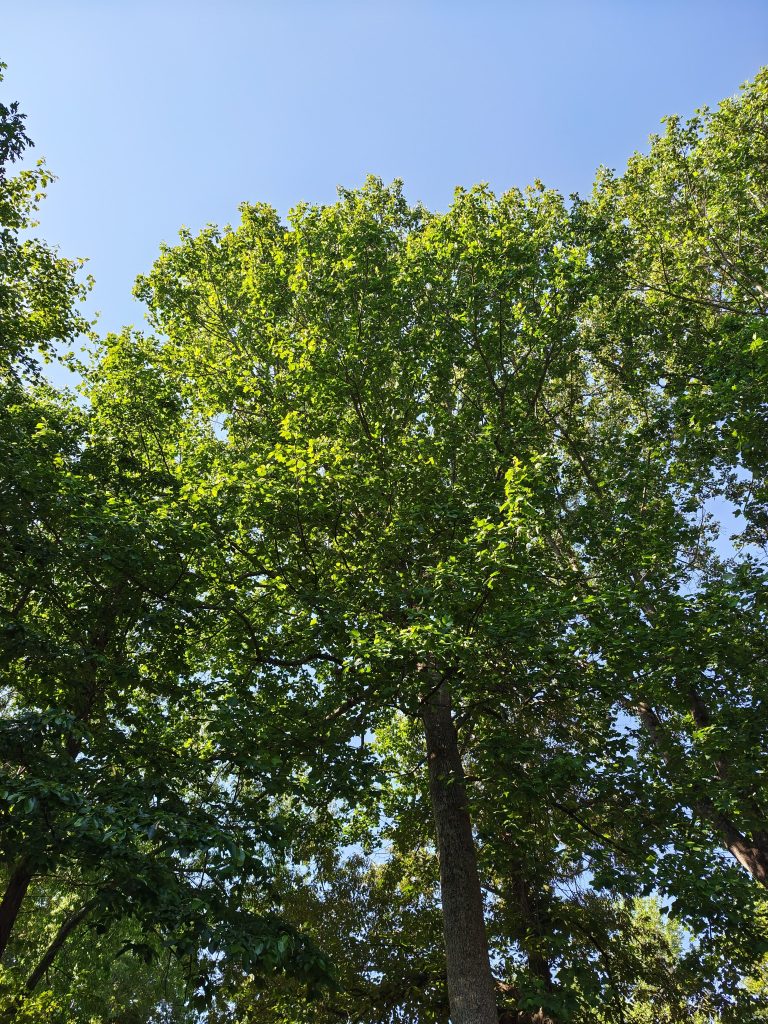
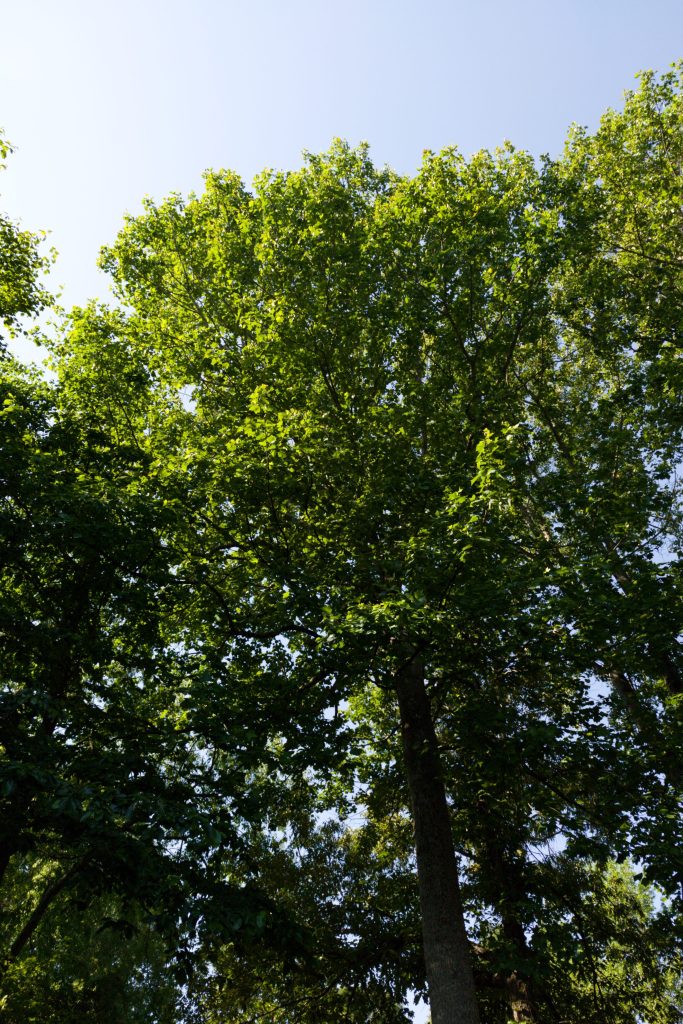
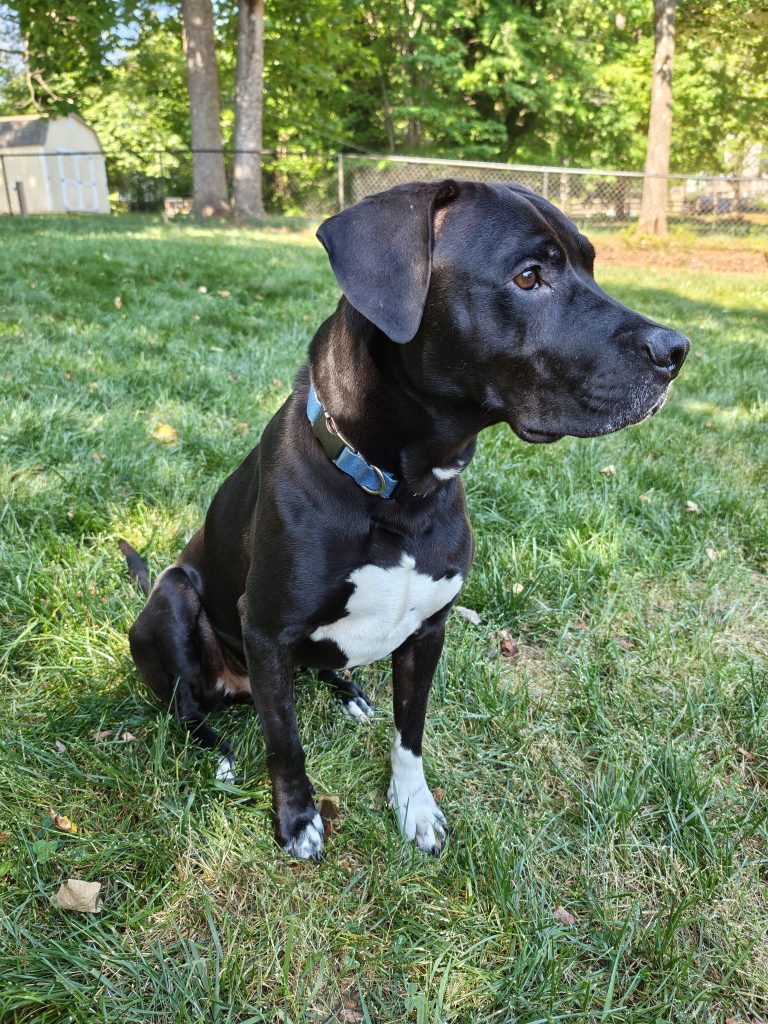
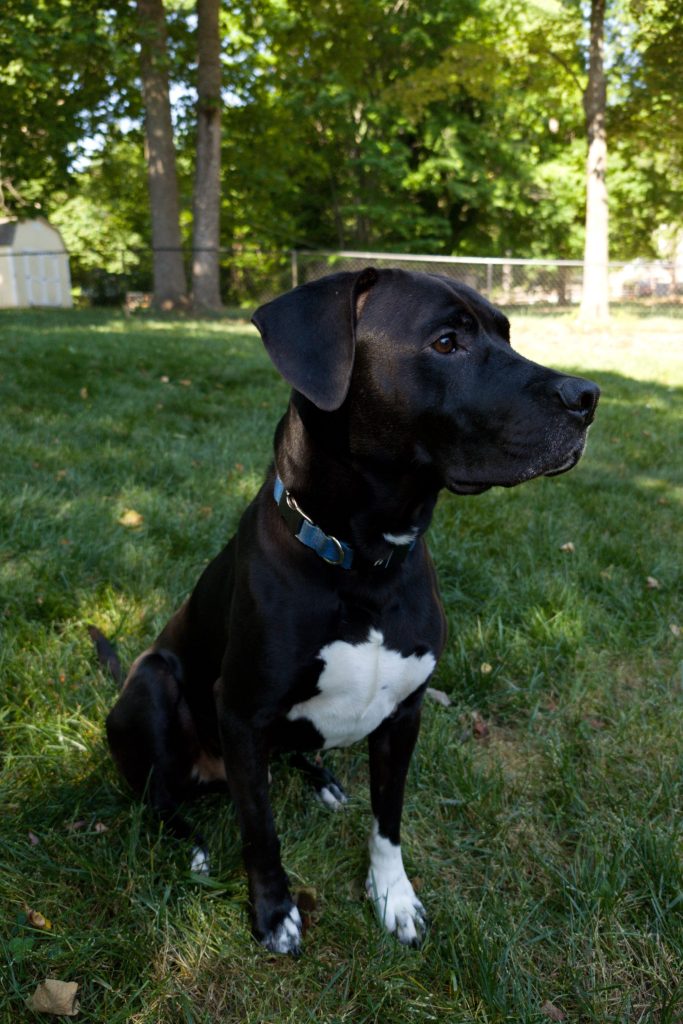
Is that “better” all of the time? Not necessarily, but that’s the beauty of it – you get the choice. The biggest downside here is that you can only use the main lens – telephoto, ultrawide, and even the selfie camera are all not available through the app.
VWFNDR + MBL is available now for download – for free – on the Google Play Store for Android devices, and it’s only available on Android right now. There’s no mention of an iOS release at all.
What do you think of VWFNDR?
More on Android:
- Walmart just launched six new Android 16 tablets starting at $97, and they look shockingly decent
- Sony’s awful ‘AI Camera Assistant’ for Xperia is the final boss of the worst camera trend [Gallery]
- These Android devices will get AirDrop next – here’s why your phone might not
Follow Ben: Twitter/X, Threads, Bluesky, and Instagram


FTC: We use income earning auto affiliate links. More.


Comments