
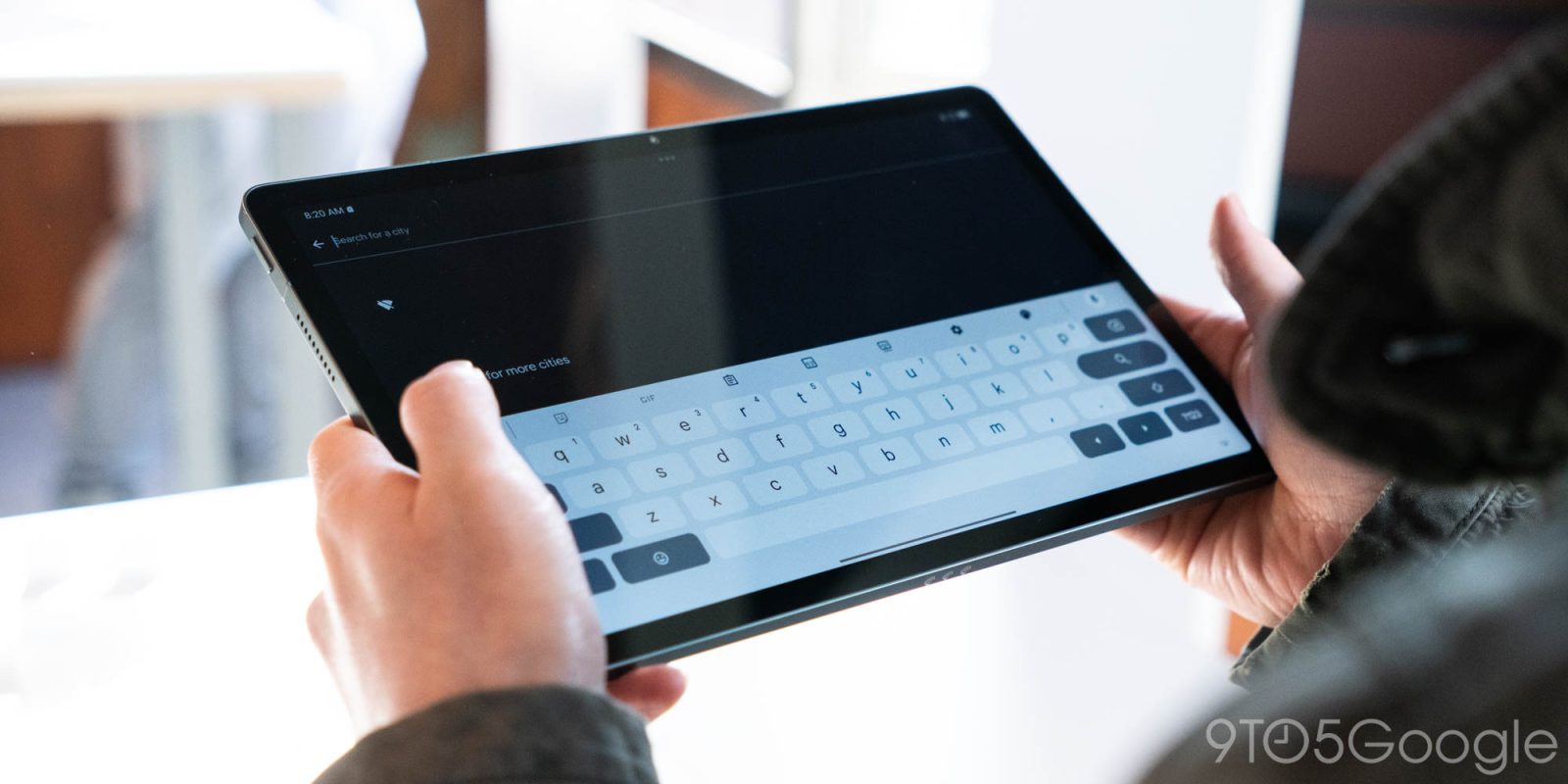
After months of testing, Gboard is now rolling out a redesign of the shortcuts page that leverages Material 3 Expressive.
Previously, the Android keyboard app laid out shortcuts in a grid of small rectangular cards that scrolled vertically. If you resized Gboard to be taller, all tools could fit in one view.
This M3 Expressive redesign places each tool in a rounded pill with an icon followed by its name. The text is much larger than before, but some items like “Writing Tools” will scroll. Each page fits two columns, with this view letting you swipe horizontally to see more.
Old vs. new


Tap the bottom-right corner pencil icon to reorder with more M3 Expressive containers leveraged on the “Hold and drag to customize” page. Shortcuts in the Gboard suggestions strip drop their containers, while the back button is replaced by a close ‘x’ in the top-left.
We’re now seeing this redesign roll out to the Gboard stable channel (version 17.7) as part of a server-side update. A “Customize your menu and shortcuts” banner appears once this is rolled out to your phone or tablet. Testing of this feature first got underway in January.


This joins the Material 3 Expressive redesign of Gboard Settings earlier this year, while we’re still waiting for the pill-shaped keys.


FTC: We use income earning auto affiliate links. More.


Comments