
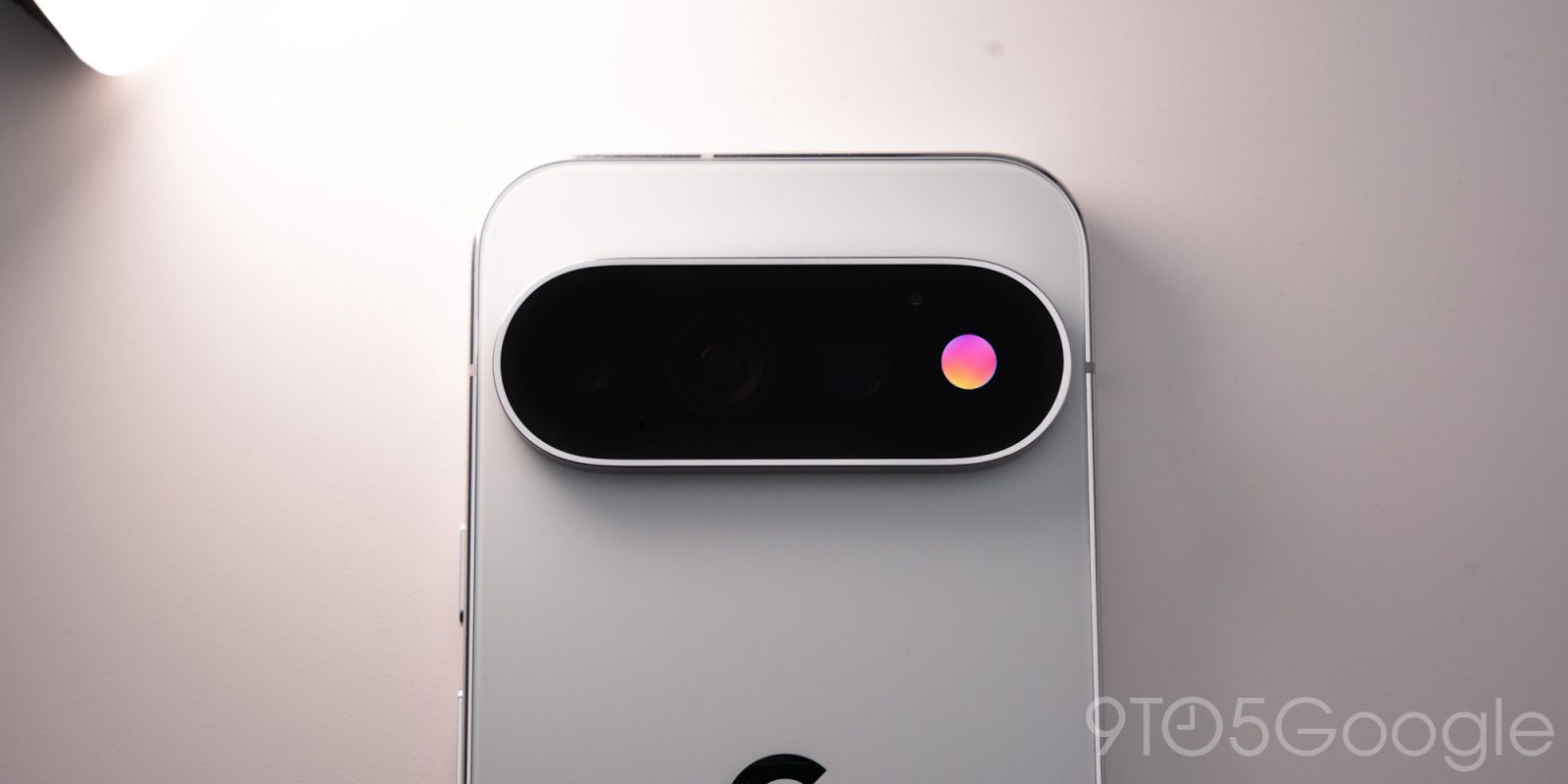
“HiLight” is one of the biggest hardware features on Google’s Pixel 11 Pro devices, but it’s also one that the company hindered by heavily limited what you can do with it. Android being Android, someone already figured out how to hijack “HiLight” and make the Pixel 11 Pro’s RGB light a lot more useful.
Highlighted by David Imel (currently working with The Verge), @Dhananjay_Tech already figured out how to control the Pixel 11 Pro’s “HiLight” LED, even though Google explicitly said it wouldn’t open the feature to third-party developers.
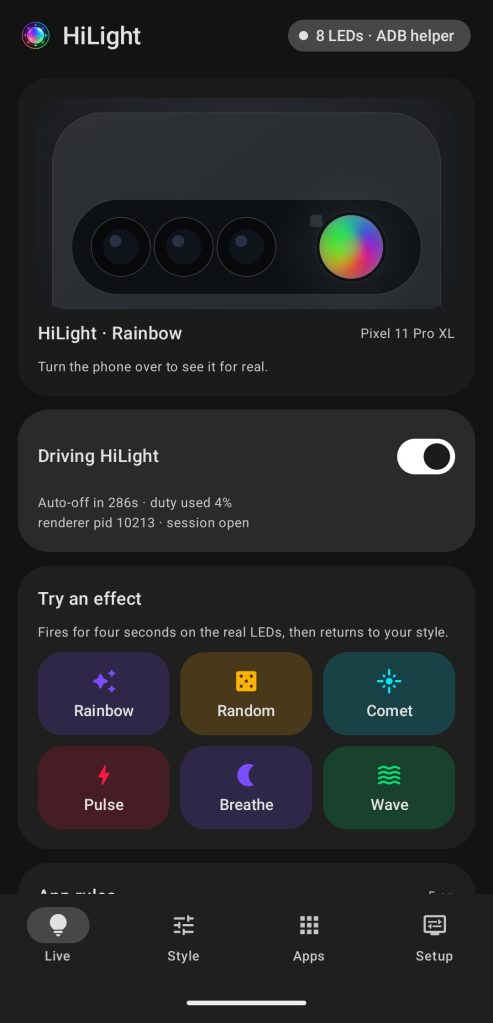
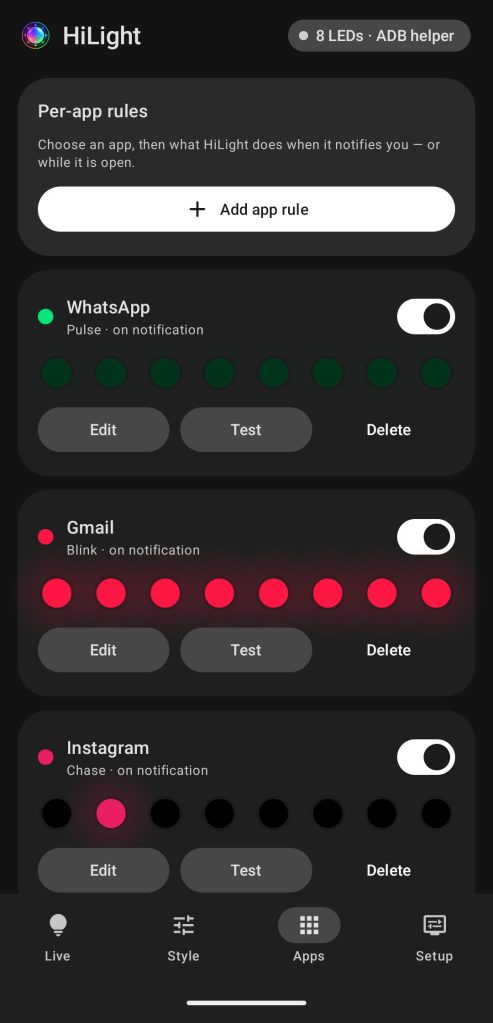
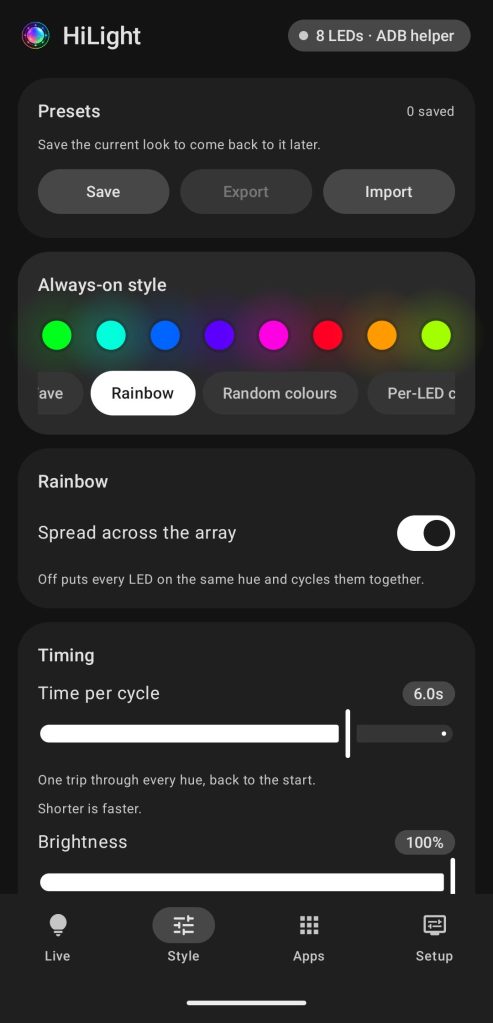
“HiLight Studio” is the result, an app that gives users full control of the Pixel 11 Pro’s light to do basically anything. Where Google solely supports call notifications and a status light for Gemini, this app lets you use it as a notification LED with patterns, custom color choices, and more. It’s customizable on a per-app basis with granular settings beyond that. You can also build and export presets to share with other users. You can also just have “HiLight” active all of the time if you want.
It’s almost exactly what we wanted from this feature.
Top comment by DiamondMaster115
Wow, the hack was super fast.
I honestly thought it was already restricted using the whitelist to Phone by Google, Whatsapp, and Gemini apps only.
The downside? Setup is very complex.
You’ll need to sideload the app from Github, then use Shizuku and ADB sideloading from a computer to finalize the install. Even once installed and active, you’ll need to reactivate the app every time the phone is rebooted. Google didn’t exactly make “HiLight” easy to control – shocker.
It’s still wild to see that someone figured out how to do this on day one, and it just opens up hope that Google might make this all possible directly through the software someday. But, seeing as this is sideloaded and using advanced permissions, install at your own risk.
More on HiLight:
- Pixel 11 Pro Initial Review: Gemini Intelligence is the highlight, not HiLight
- HiLight on the Pixel 11 Pro offers just two features at launch, more coming soon
- Pixel 11 Pro’s ‘HiLight’ is another half-baked feature burdened by bad first impressions
Follow Ben: Twitter/X, Threads, Bluesky, and Instagram


FTC: We use income earning auto affiliate links. More.


Comments