
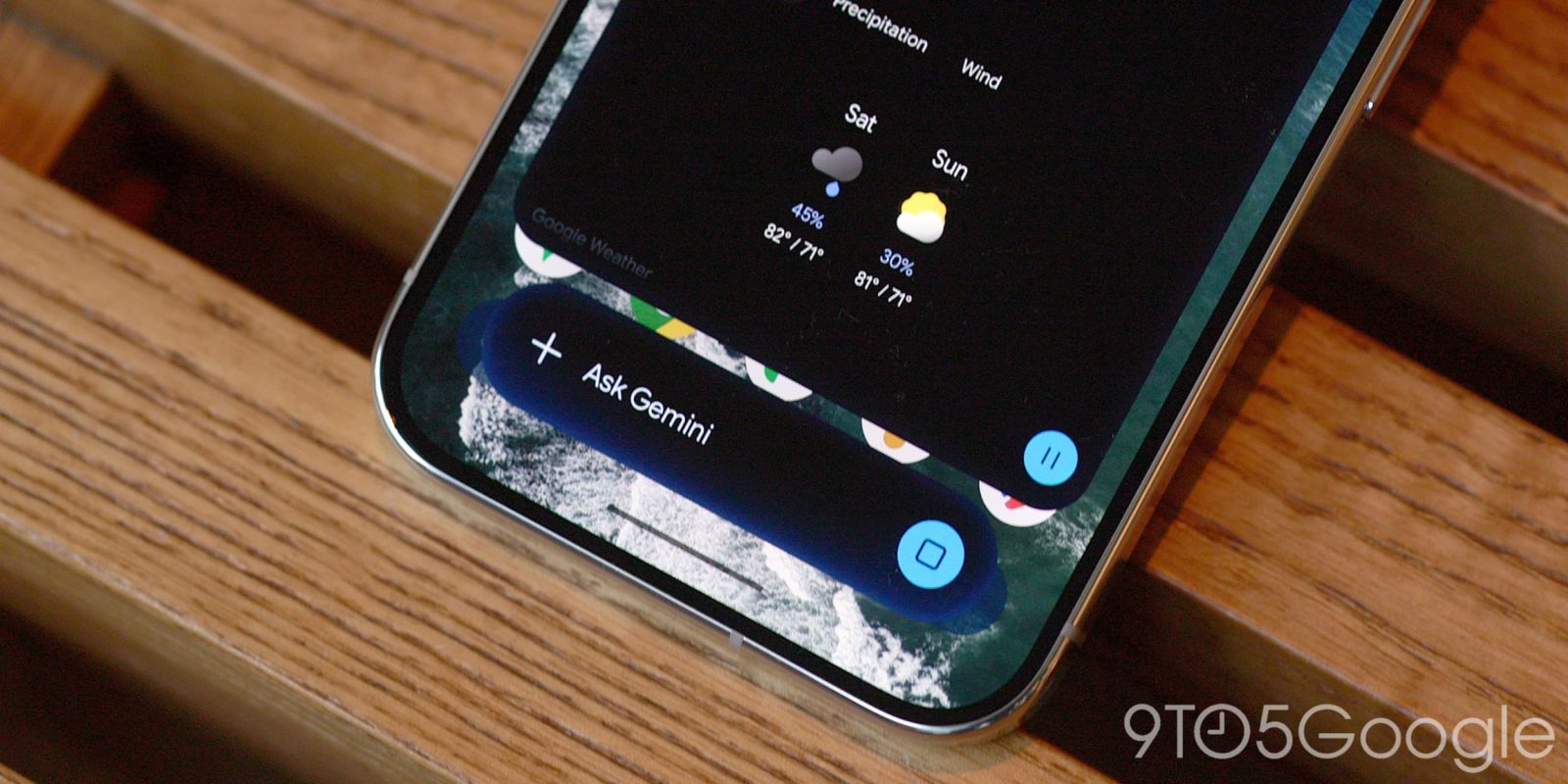
On the Pixel 11 Pro, we’re seeing a new “Device help” tool for the Gemini app that provides personalized and conversational assistance with your phone.
Top comment by B.Hardcheese
I also have this now on a Pixel 10 Pro, non-beta software
From the ‘plus’ menu inside the Gemini app or through the overlay, there’s a new “Device help” tool at the bottom of the list just above Personal Intelligence.


Badged with the “Labs” label, you can “Get help with your device.” The icon being used matches Proactive Assistance. This “Device Help Agent” can manage settings, help troubleshoot issues, and detail features:
- Adjust & customize settings: Change display settings (Dark theme, brightness, screen timeout), sound and vibration modes, Do Not Disturb, and Digital Wellbeing features.
- Troubleshoot issues: Diagnose and resolve problems with Wi-Fi, Bluetooth, mobile data, battery drain, audio, or app performance.
- Manage battery & storage: Check battery usage, set up Battery Saver, review storage breakdown, and find ways to free up space.
- Review apps & permissions: Audit permissions like location, camera, and microphone access, manage app notifications, and configure app timers.
- Learn device features: Provide step-by-step guidance on Pixel features, gestures, camera capabilities, and privacy controls.
That being said, it appears to just be using the existing “Device Assistance” connected app, which was previously called “Utilities.”
As of this morning, we’re only seeing this on Pixel 11 Pro devices after updating to Google app beta 17.52. It’s not available on the base Pixel 11 or older phones we checked.


FTC: We use income earning auto affiliate links. More.


Comments