
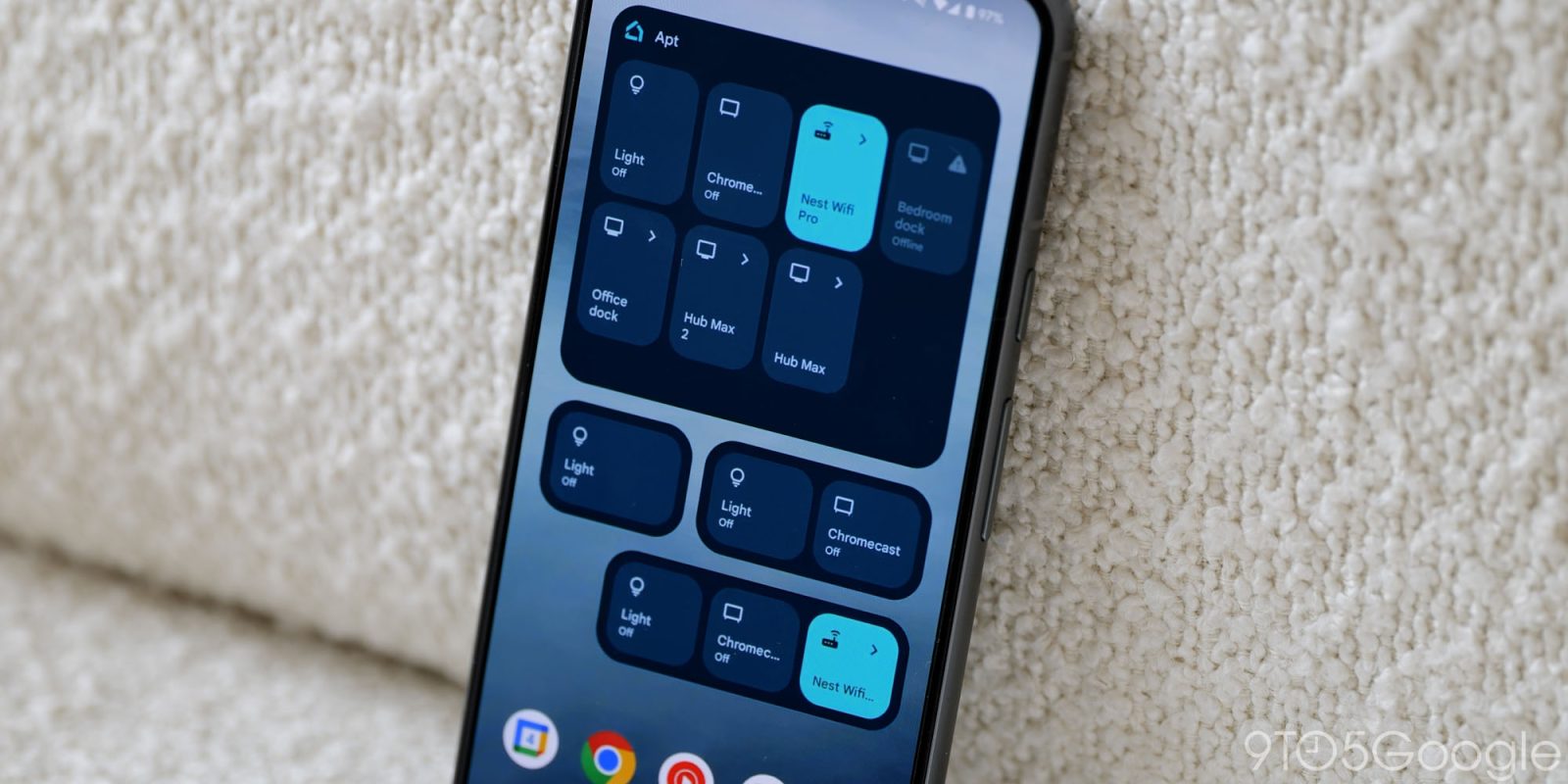
Besides Home MCP, Google today is also rolling out Home app (especially for the homescreen widget) and Gemini for Home voice assistant updates.
The Google Home widget has now been optimized to “pause background updates and polling whenever your phone’s screen is powered off, locked, or running a screensaver.” This helps save battery on your phone and connected cameras, while “ensuring your widgets refresh immediately the moment you unlock your phone.”
Meanwhile, Google has resolved an issue with device tiles for sensors, cameras, and smoke and carbon monoxide detectors. They could previously “appear grayed out after returning from device controller screens.” As such, you no longer have to reload the screen.
Other quality improvements include:
- Smoother multi-account switching: If you have multiple accounts that you use with Google Home, switching between them is now more reliable with fewer “Home not found” errors and preference resets.
- More reliable smart device setup: Addressed several setup and onboarding issues, including eliminating stalls during Wi-Fi pairing. This ensures a smoother, frustration-free onboarding journey when adding new smart devices to your home.
- Smoother Google TV startup: Resolved a startup crash on Google TV devices, ensuring the Google Home experience launches reliably on your television.
- More flexible in-app banners: Improved UI for triggering actions in announcement banners in the Google Home app.
- Smoke alarm notifications: Rolling out improvements to smoke and carbon monoxide alarm notifications to show current device status in the Google Home app after an alarm has already been cleared.
On the camera front, there are three fixes:
- Improved camera live stream tile reliability (Android): Resolved an issue where returning from the full-screen camera view back to the Favorites tab caused live stream tiles to temporarily turn black until manually scrolled. Live feeds now continue streaming seamlessly upon navigating back.
- Smoother camera history scrolling across recording gaps (Android): Video timeline scrolling now smoothly scrolls past unrecorded or offline gaps without freezing.
- Faster switching to live camera stream (iOS): Fixed an issue where tapping the “Live” button while watching recorded events failed to redirect smoothly into the live view, leaving playback paused.
Finally for September 16, 2026, Google has five Gemini for Home voice assistant updates:
- Improved follow up question behavior: Minimized cases where Gemini asks unnecessary follow-up questions or ends conversations awkwardly.
- Fixed TV streaming playback: Fixed an intermittent issue that prevented Gemini from launching TV streaming providers on smart displays.
- Reduced Live Mode interruptions: Addressed an issue where some devices interrupted themselves during Live Mode.
- Reduced Broadcast errors: Resolved an issue where there were error messages when attempting to broadcast. You can now more reliably broadcast across your whole Home.
- Improved Playlist reliability: Fixed some issues where Gemini wasn’t able to identify and play personal playlists.


FTC: We use income earning auto affiliate links. More.


Comments