
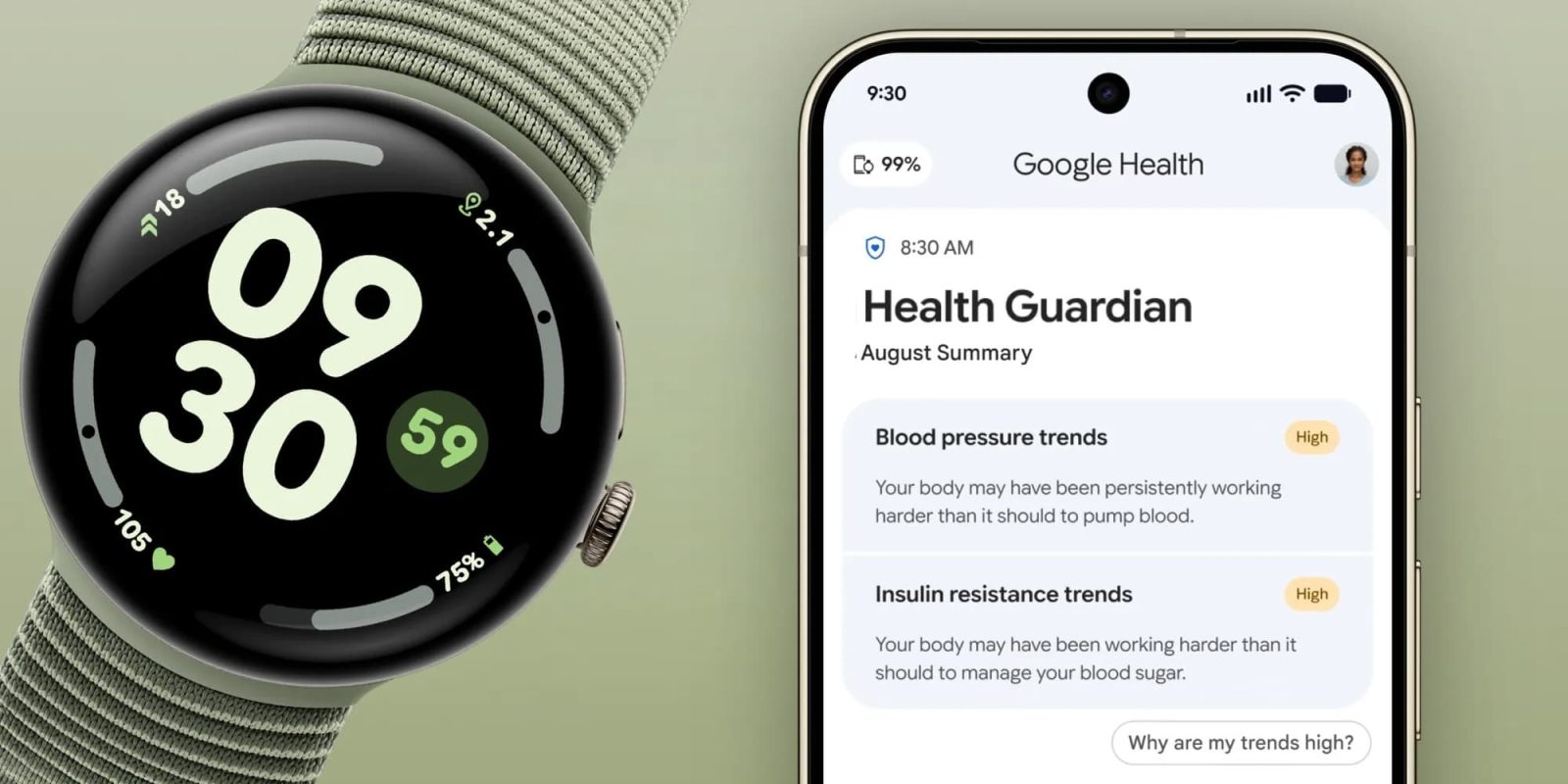
Following yesterday’s announcement, Google Health 5.09 is rolling out with support for the new Health Guardian features on the Pixel Watch.
With version 5.09 for Android, Pixel Watch 3, 4, and 5 users can set up blood pressure trends, insulin resistance trends, and sleep breathing quality metrics. The first monthly Health Guardian summary will appear at the beginning of October, while you can also find information in the Health tab afterwards:
- Blood pressure trends, that allow you to track blood pressure patterns before they can put strain on your heart, will be available in the Heart section of the Health tab if you’ve worn your watch for 5 or more consecutive days in September.
- Insulin resistance trends will be available in the Metabolic section of the Health tab if you’ve worn your watch for 7 or more days and nights in September.
- Sleep breathing quality metrics, so you can learn how your sleep breathing patterns can affect your daily energy, will be available in the Sleep tab and Respiratory section of the Health tab. You’ll be able to see both daily and monthly trends.
There are also three other sets of improvements with Google Health 5.09 on Android and iOS:
Cardio Load for Workouts Started in Other Apps
Since launch, Google Health has allowed you to connect your favorite apps and devices to the Google Health experience. Now, the workouts you track in other apps and devices and sync to Google Health can count toward your Cardio Load, as long as the other app or device has tracked your heart rate data during that workout. This means workouts you track on other wearables like a Garmin or Apple Watch and sync to Google Health will earn Cardio Load.
Nutrition Improvements
- When creating a custom food, you can now toggle food serving units and meal time more easily.
- We’ve resolved an issue with custom food creation on iOS and fixed a bug where deleted items could still appear in your custom food list.
Activity and Fitness Updates
- You now have more options for how you log your completed activities on the Fitness tab. Tap the “Log activity” button to see them all.
- We’ve fixed an issue where some historical step streaks were missing. We are now restoring this data, and your missing streaks will reappear soon.”


FTC: We use income earning auto affiliate links. More.


Comments