
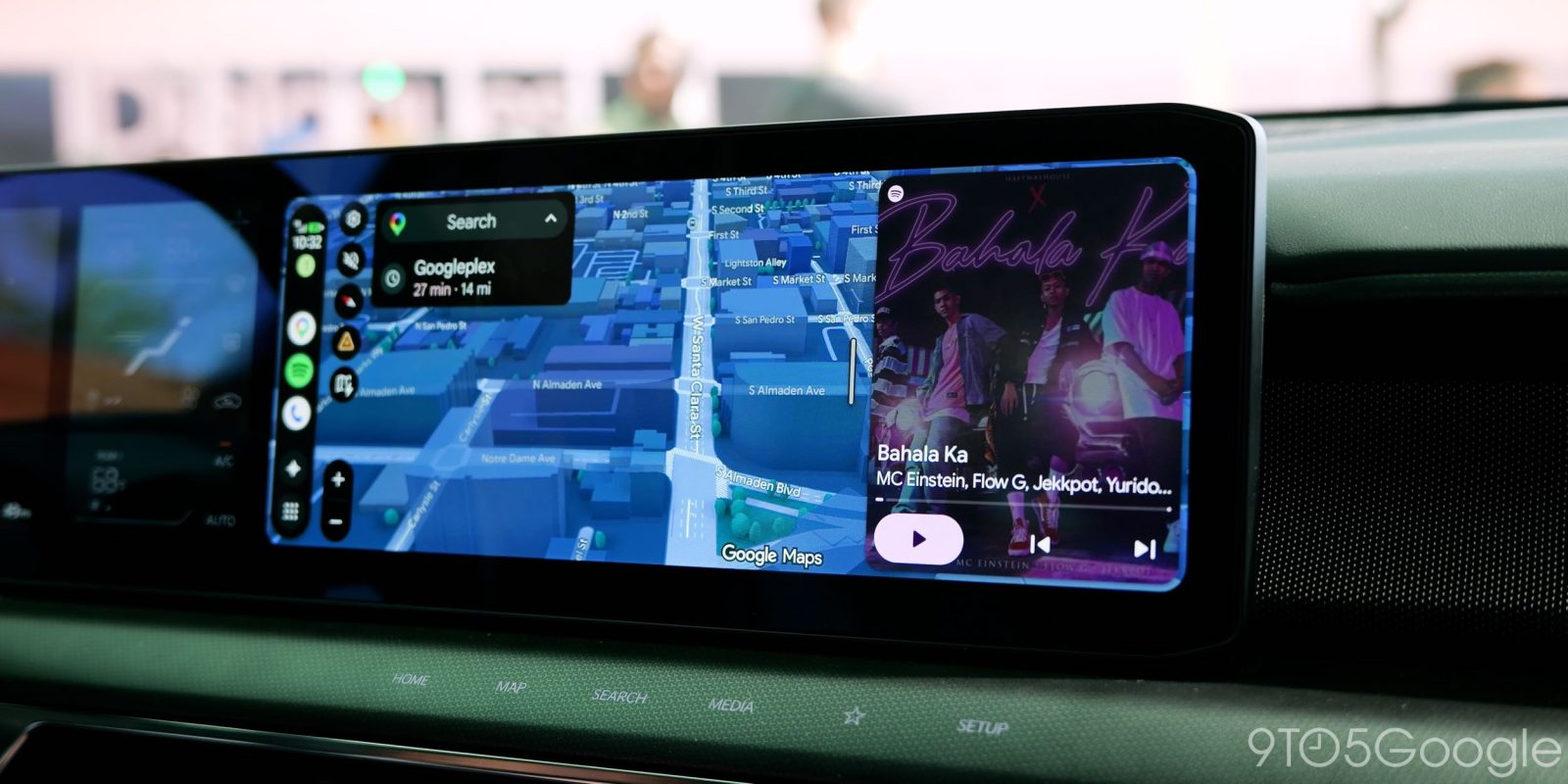
New Android Auto updates tend to be a bit strange, with changes often showing up for some users but not others, but Google has just recapped a handful of Android Auto updates for media apps from the past few months, including confirmation that the squiggly line design is here to stay.
In a Reddit post by Google’s “Community Engagement Manager” for Android, five recent Android Auto updates are confirmed as either rolling out or widely available. The first is the ability to control media from any app, including YouTube and others. We noticed this rolling out back in March of this year for YouTube, and it has since rolled out to more apps. Today’s post confirms it is available for “browser audio streams, and niche media apps” and is designed to work with “any media app.” You can use it for play/pause and skip controls, but you can’t open an app to browse any other data.
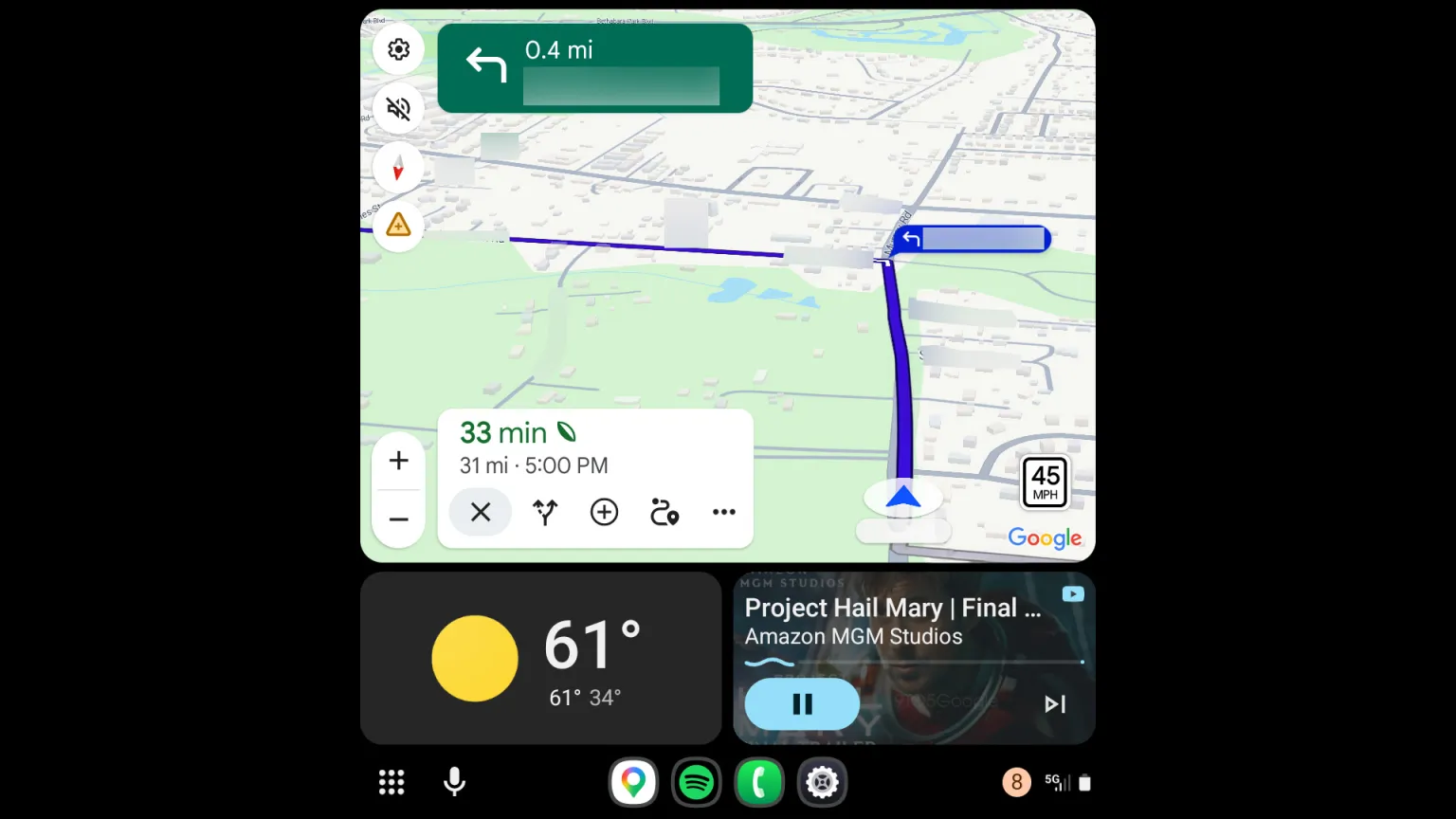
Next up is the redesigned media app player that applies to apps like Spotify, YouTube Music, and Pocket Casts. The new design makes it easier to access playback controls and also better fits on a variety of different screen sizes.
This one has been showing up all year and started rolling out more broadly in July. Today’s post confirms that the in-app UI for media apps on Android Auto will start changing for some apps “in the next few months,” as announced in May.
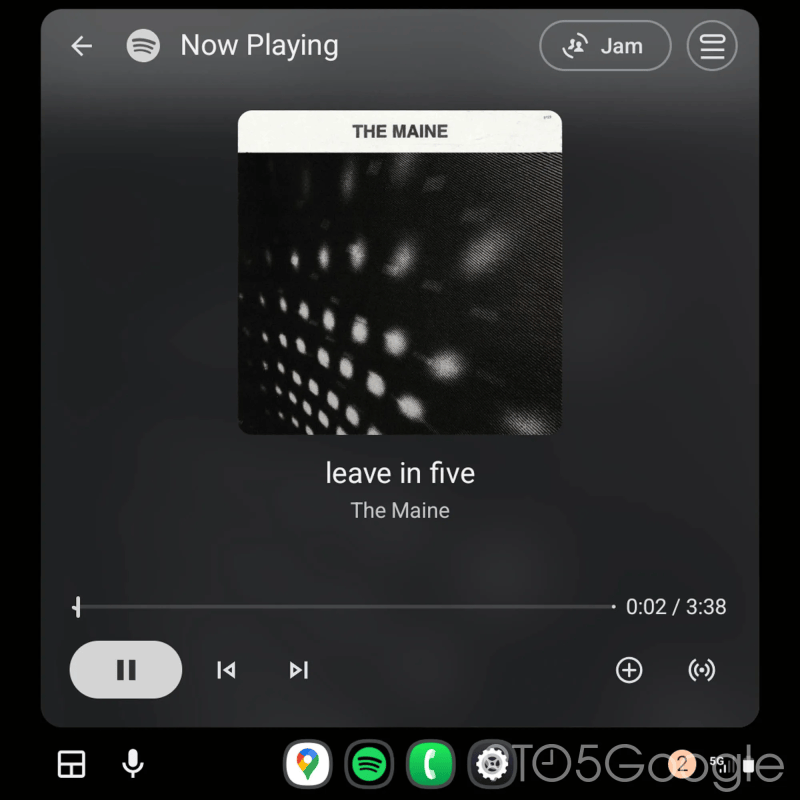
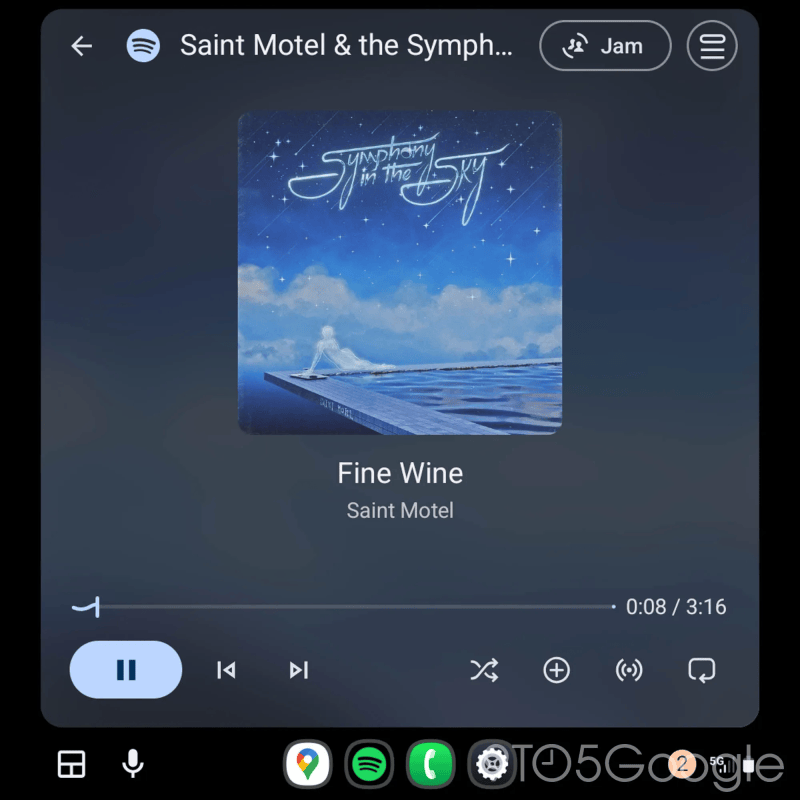
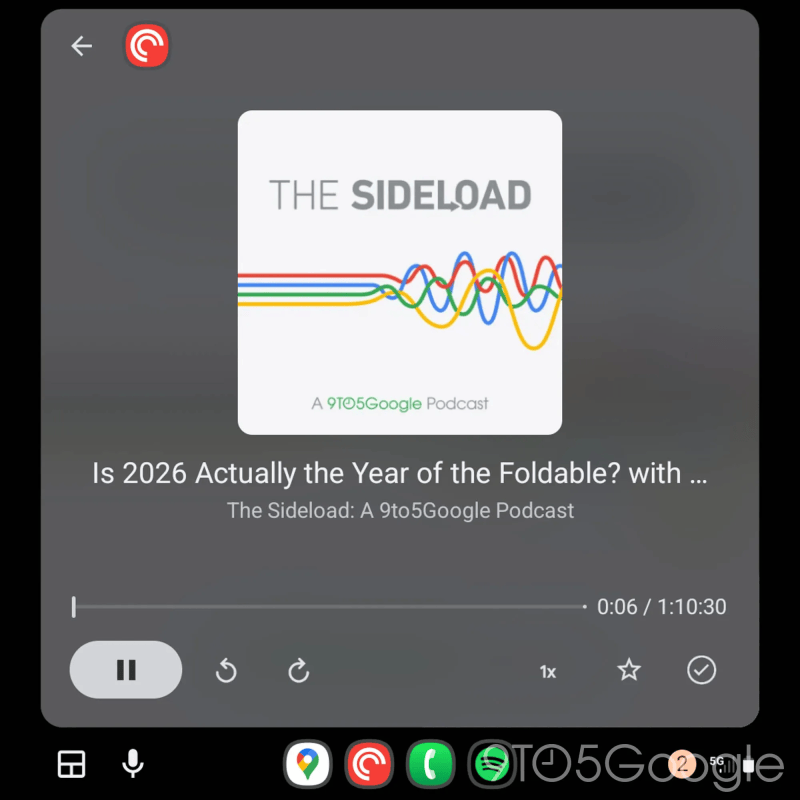
Another new media-focused feature on Android Auto that’s been rolling out is the ability to swipe between active media sessions from the dashboard widget. If you start driving with one app and then switch to another, both will stay readily available for easy access.
A background improvement, Google’s post adds, has been made to autoplay. This includes making it so media apps that you haven’t recently used will “no longer be selected for autoplay,” while Android Auto will also now recognize if you frequently stop autoplay and offer a pop-up that lets you turn off the feature quickly. If you’ve ever noticed issues with autoplay starting even when you have it turned off right after your vehicle turns out, Google also says that a fix is being applied.
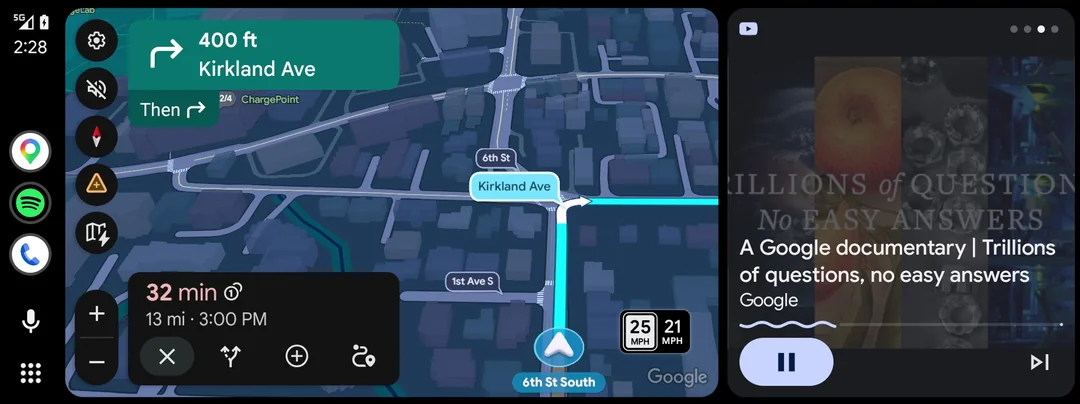
Finally, the post also confirms that the “squiggly line” media player design is here to stay. This one has been showing up for months, but has come and gone for many. Especially in the past few weeks, there have been dozens of reports of the redesign simply vanishing.
The updated design is apparently meant to “make it easier to see where you are in a track at a glance,” but Google is apparently listening for feedback on it – it’s been a rather divisive change among the Android Auto community.
More on Android Auto:
- Android Auto prepares support for Google Pixel’s Magic Cue & Proactive Assistance
- Google aware of Android Auto bug that blocks calls if your foldable phone is closed
- Google Maps update shows traffic lights and stop signs at your next turn on Android Auto, more
Follow Ben: Twitter/X, Threads, Bluesky, and Instagram


FTC: We use income earning auto affiliate links. More.


Comments