
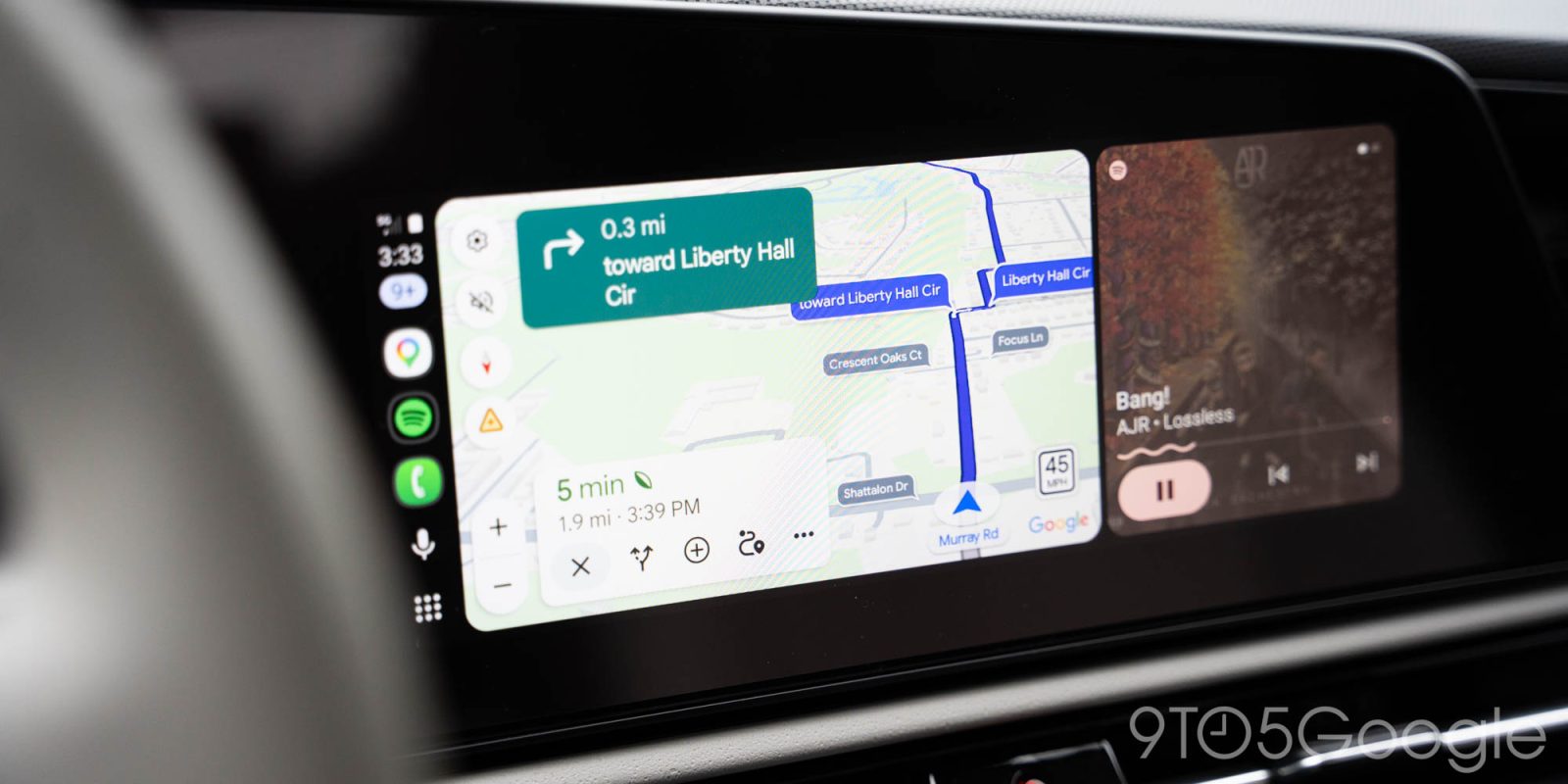
Google Maps is rolling out a new update on Android Auto that makes it easier to know what to expect at your next turn, with a visual indicator to show upcoming traffic lights or stop signs.
It’s been around six years since Google Maps started showing traffic lights and stop signs along your route, but a new tweak gives these more relevance to your actual route. Where Maps previously showed these as fixed parts of the map, there’s a new pop-up that shows what to expect at upcoming intersections.
Top comment by Jimmy cychowski
Those who use kilometers, (I live in Australia), the digital speedometer looks different, it's round not square like photos above, if you speed, the icon will show your current speed in Red, Google maps will show the speed limits for Streets, different roads, however in my experience with Google maps, half the time the information on the legal speed for said road is wrong, and At times very wrong, I've moved on to Waze Maps, I prefer it's design, layout, and the way it shows the digital speedometer and I find the speed limits are more accurate for the same roads, then Google maps.
Alongside the floating name of the street at your next turn, Google Maps on Android Auto now also highlights whether you’ll see a traffic light or a stop sign at that intersection. We first observed this behavior earlier this week, and it’s been showing consistently in the time since. It’s also showing on the phone directly, which means iPhone users seeing the update will likely also see this on CarPlay.
It’s a subtle tweak, but it’s also a very glanceable way to give drivers a better idea of what to expect at a coming intersection, which could be invaluable if you’re driving around an unfamiliar area.
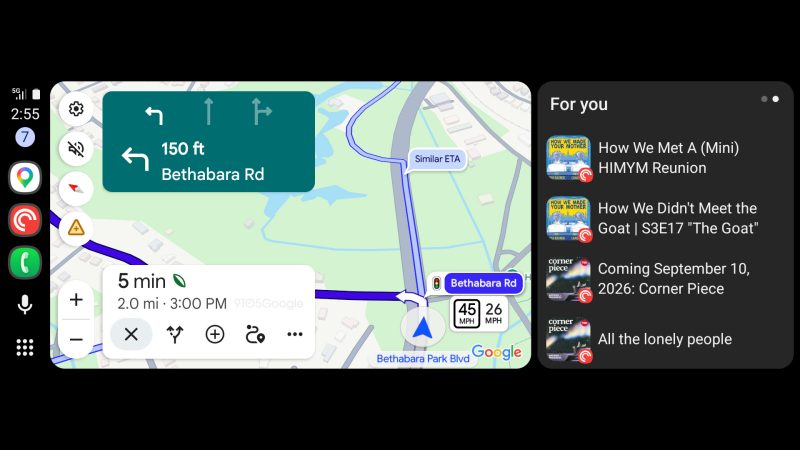
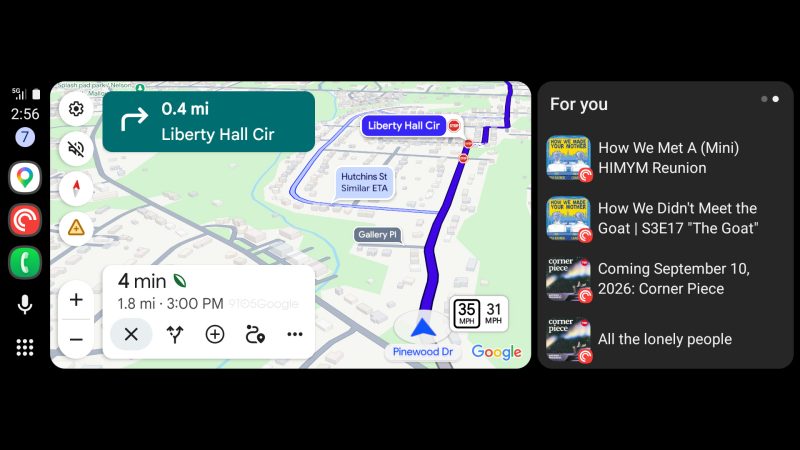
Like many visual updates, this is likely a server-side update for Google Maps. Let us know in the comments below if you’re seeing this update.
More on Google Maps:
- Android Auto update lets you customize your Google Maps ‘driving avatar’ via car display
- Google Maps rolling out Android Auto speed limits and speedometer that show even without navigation
- Google Maps is finally going to bring turn-by-turn navigation to Korea
Follow Ben: Twitter/X, Threads, Bluesky, and Instagram


FTC: We use income earning auto affiliate links. More.



Comments