
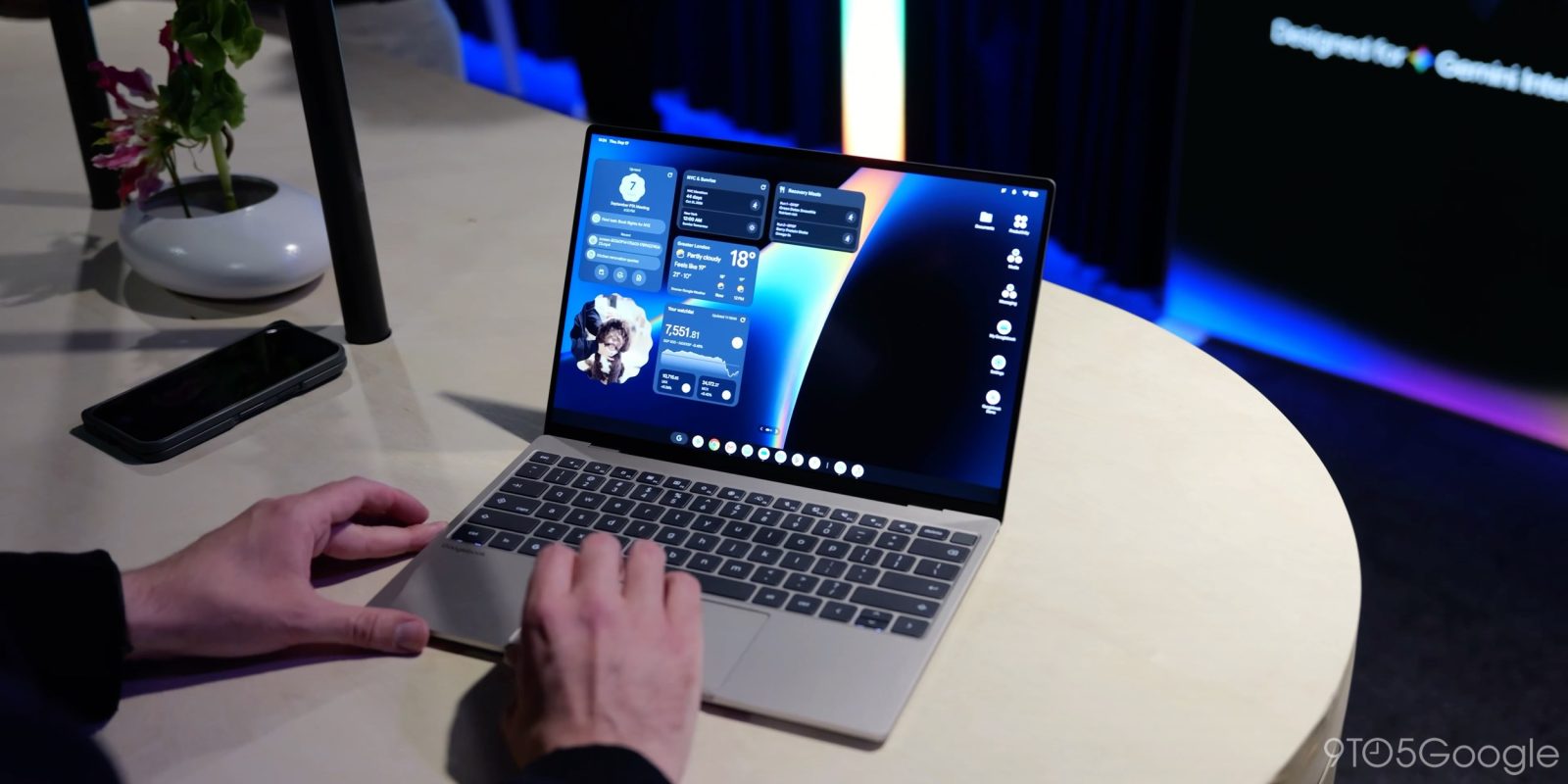
Googlebook is an Android-based platform and, with that, comes the potential to do a bit more with it. Google has confirmed you can unlock the bootloader on a Googlebook, and now Magisk root support is already in the works.
On a support page, Google details how you can unlock the bootloader on a Googlebook. Google says that a “developer or advanced user can unlock their device’s bootloader to install a custom version of the operating system or test an app,” but stresses that “most users don’t need to unlock their Googlebook’s bootloader.”
Like on a Pixel or other Android phone that easily supports bootloader unlock, you’ll need to enable OEM unlocking via the Settings menu and Developer options, then press and hold Esc + F2 and press the power button, releasing all keys when the screen lights up. From there, bootloader unlock is located under “advanced options.”
And, with that, root support is also coming.
Magisk developer John Wu confirmed on Twitter/X that support for Magisk is in the works for Googlebook. In a separate post, Wu called Googlebook “the ideal platform for Android modding” since modern Android smartphones suffer from broken apps including banking apps when they are rooted. Wu says that there are some tweaks needed to bring Magisk and, in turn, all of the benefits that come with a rooted device to Googlebook, but it’s coming.
More on Googlebook:
- Googlebooks with Intel chipsets might have trouble with ‘complex’ Android apps
- Fantastical’s long-awaited Android debut begins today on Googlebook
- Google Antigravity Googlebook app hits the Play Store
Follow Ben: Twitter/X, Threads, Bluesky, and Instagram


FTC: We use income earning auto affiliate links. More.


Comments