
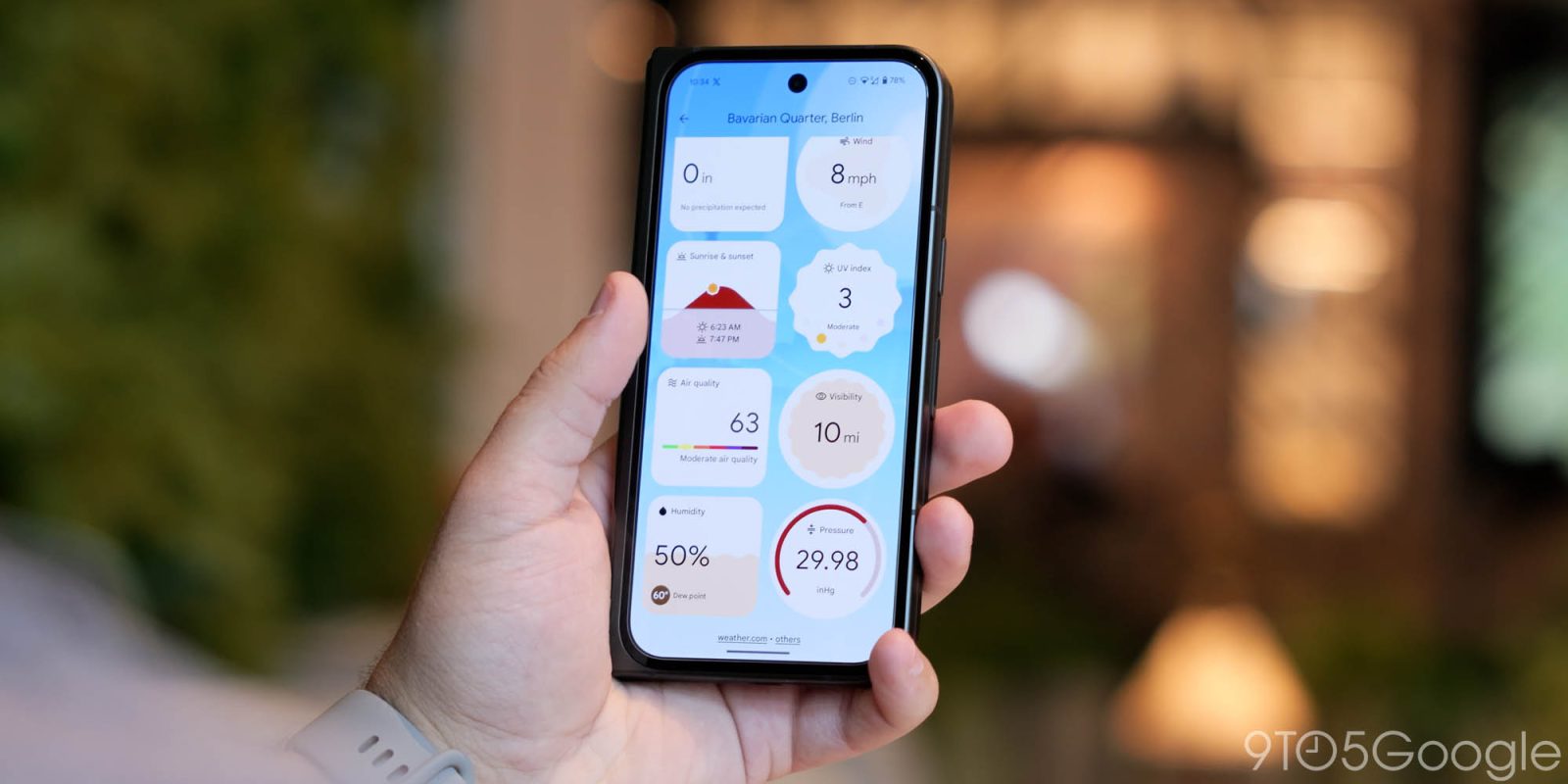
Google is rolling out a new update to the Pixel Weather app which makes it considerably easier to change the units of measurement throughout the app. Here’s what’s new.
Having debuted on the Pixel 9 series and since expanded to older models, there haven’t been any major updates to Google’s new Pixel Weather app to date. The last notable update rolled out in November with pollen counts and support for “immersive vibrations.”
Now, version 1.0.20250106 is rolling out with a helpful change.
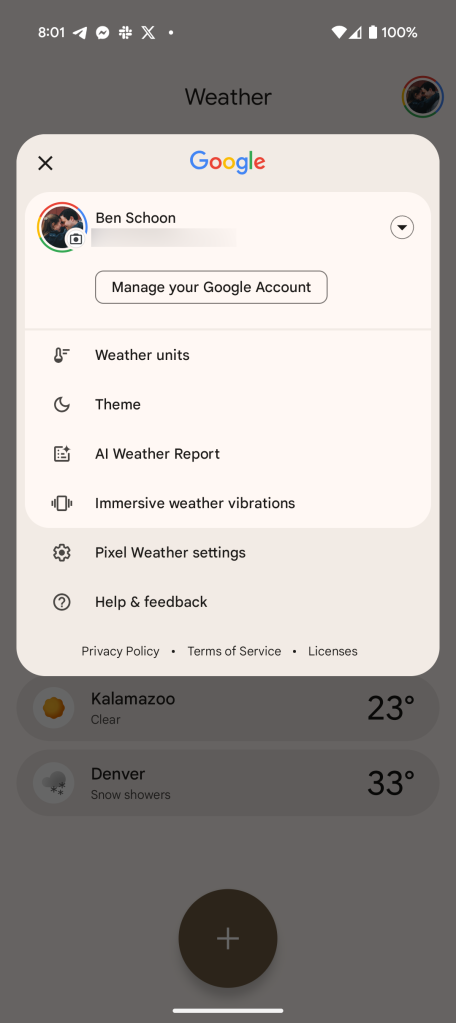
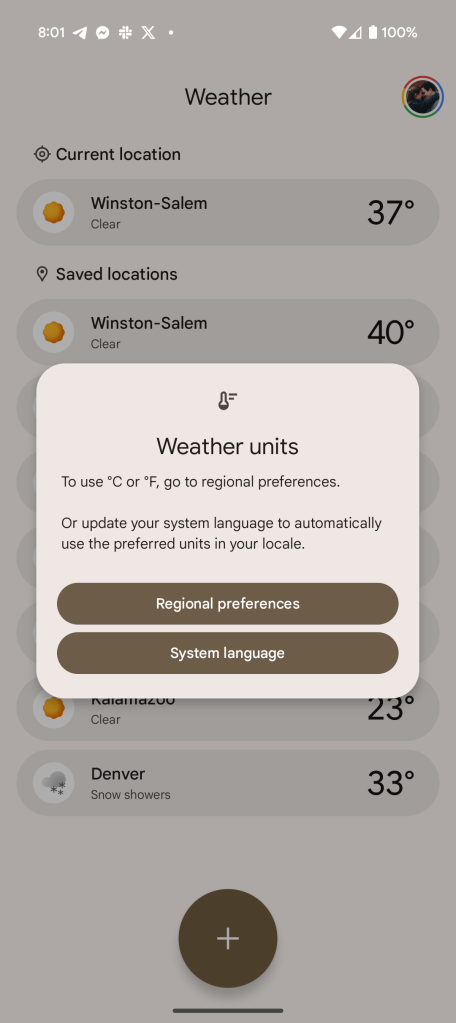
The ability to adjust measurements is useful for any weather app, but the Pixel Weather app didn’t make it particularly easy. A “Weather units” pop-up required used to either update their system language or adjust their “Regional preferences.” Both settings would have impacts beyond just the Pixel Weather app.
Top comment by matteventu
They've actually recently fixed some of the major annoyances I had with this app.
Tapping on the "tomorrow's forecast" notification or Ata-a-Glance panel would still take you to the current weather, not tomorrow's. This has been fixed for one of them, not the other (can't remember between At-a-Glance and the push notification) <- this is something the old Google-based weather app did perfectly well
When leaving the app, it won't remain in the "overview" screen
Still to fix:
Having the "number" of the day in the 19-day forecast view (Google Weather already has it)
Fixing the stuttering/frame drops when scrolling while the "weather animation" is playing
Adding some more transitions between the different screens as you navigate among them within the app
I still don't particularly like it, the Google Weather app is objectively better designed (aside from a couple of things in which Pixel Weather has the edge), but at least it's becoming usable.
Edit: oh, and the "AI weather report" remains one of the dum*est things I've ever seen. Like, pure un-utility at its peak.
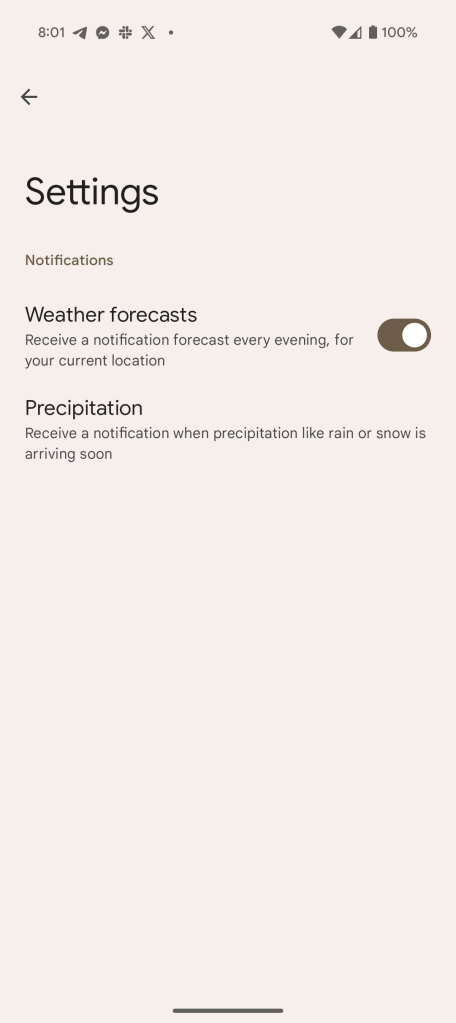
In this latest update, Google has adjusted this to allow for more granularity. Newly added “Temperature” and “Weather units” sections in Pixel Weather’s settings menu allow for changes for each unit of measurement. These include:
- Precipitation: Inches, Centimeters, Millimeters
- Wind Speed: Meters per second, Kilometers per second, Miles per hour, Knots
- Barometric Pressure: Hectopascals, Millibars, Millimeters of mercury, Inches of mercury
- Visibility: Meters/kilometers, Feet/miles
Changing these will have no impact on other apps. Adjusting the measurement of temperature between Fahrenheit and Celsius, though, will still require changing your “regional preferences.”
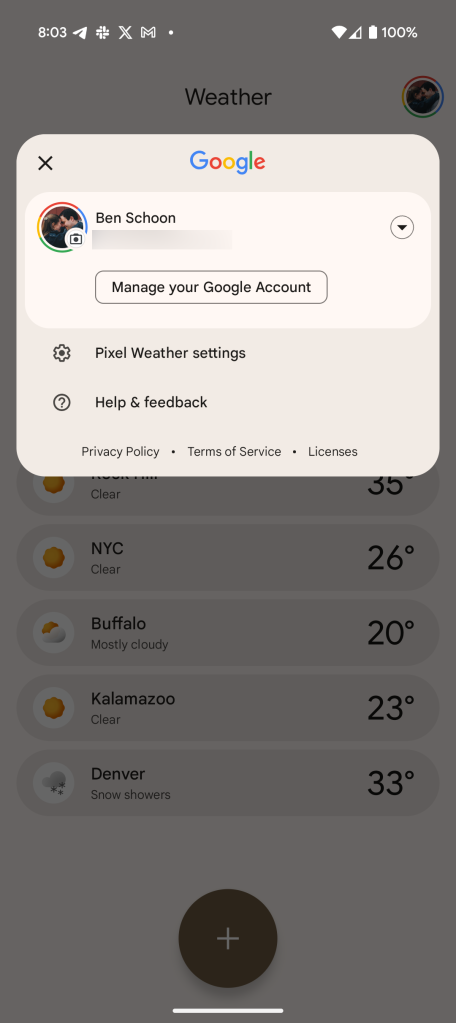
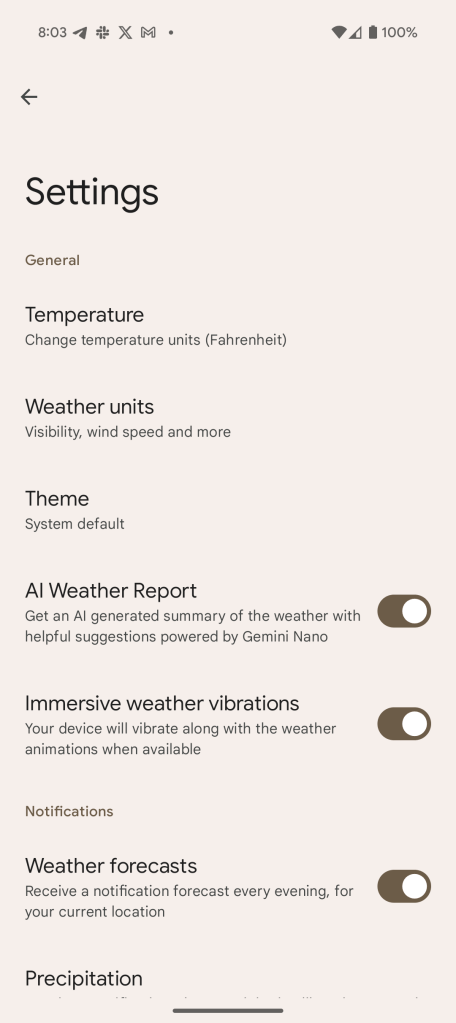
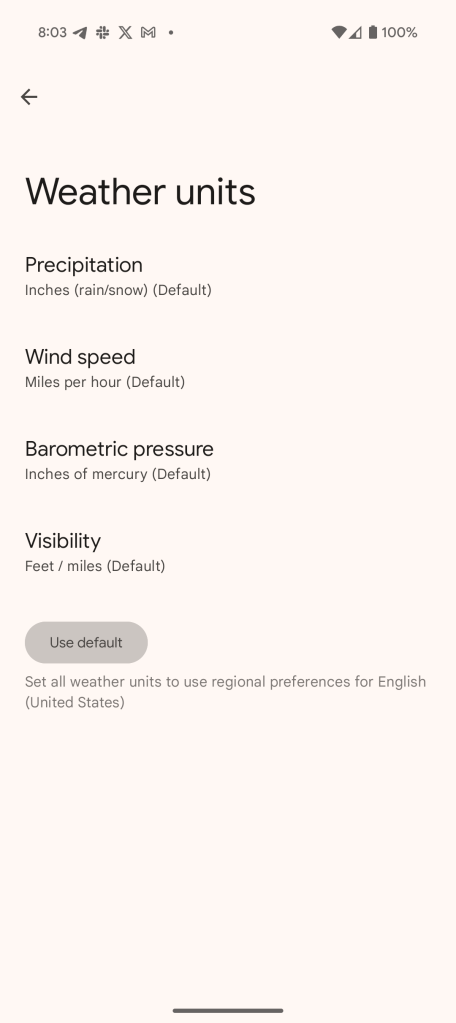
This change is now rolling out via the Play Store to compatible Pixel devices.
More on Pixel Weather:
- Pixel Weather rolls out Pollen count and ‘Immersive’ vibrations
- Google on why Pixel Weather doesn’t have Froggy
- Kudos, Pixel Weather, on a job… successfully done
Follow Ben: Twitter/X, Threads, Bluesky, and Instagram


FTC: We use income earning auto affiliate links. More.


Comments