
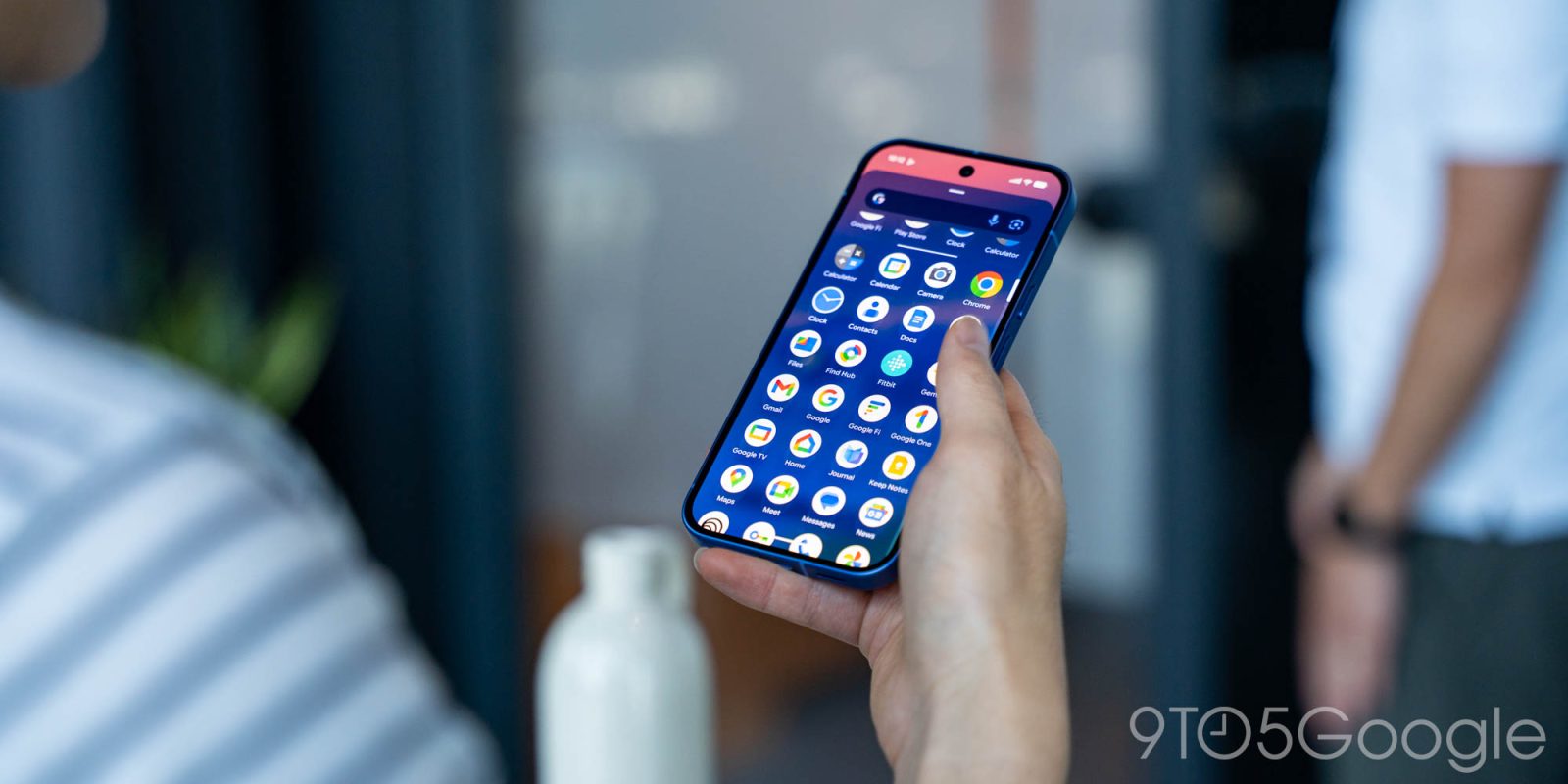
In the past few days, tapping the Pixel Launcher search bar opens a different screen powered by the Google app. This is not a bug and an intentional change.
Previously, the bar at bottom of your homescreen would open Pixel Launcher search. This translucent sheet with your wallpaper remaining visible at the top prompts you to “Search web and more.” There’s a row of app suggestions with previous queries housed in Material 3 Expressive containers.
Pixel Launcher vs. Google app


Now, you get a fullscreen experience powered by the Google app that is several years old, and the experience you get on every other Android device when you tap the Google Search bar homescreen widget. It’s also what you get when opening the full Google app to start a search.
You can still launch apps this way, but you lose app search and shortcuts for Clock, Contacts, Pixel Tips, Play Store, Settings, and Wallet.
Google tells us that this change is intentional and not a bug. In fact, it was announced as part of the November 2025 Feature Drop as “An upgraded home screen search bar.”
Easily access AI Mode, our most powerful AI search experience, right from your Pixel’s home screen search bar.
Top comment by Artur Skvorcov
Even though I care about functionality, the thing that disturbs me the most is the fact that now the search process is not aligned with Material expressive and completely lack animations. I hope they will either make Google search on Android more useful and update the Google app's design or just return back to the old way which worked perfectly good.
That’s presumably referring to the button at the right after voice search and Lens.
This update lets you quickly start and resume AI Mode journeys, so you can dig deeper on the web. You’ll also see more suggested apps in the top row, making it seamless to continue exploring on your device.
The main point of this update appears to be more immediate access to past AI Mode queries. This feels unnecessary, or at the very least something that can be added to the modern Pixel Launcher search UI.
Overall, this is an unfortunate visual and functional regression, though the former would be mitigated if the Google app finally modernized this screen.
You can still access Pixel Launcher search via the bar at the top of the app grid. You can get the old experience by enabling “Swipe up to start search,” though this is definitely breaking muscle memory.


FTC: We use income earning auto affiliate links. More.



Comments