
In August of 2024, Google Messages started testing a circular redesign of read receipts. This has been slowly rolling out since then, and there now looks to be wide availability for beta users.
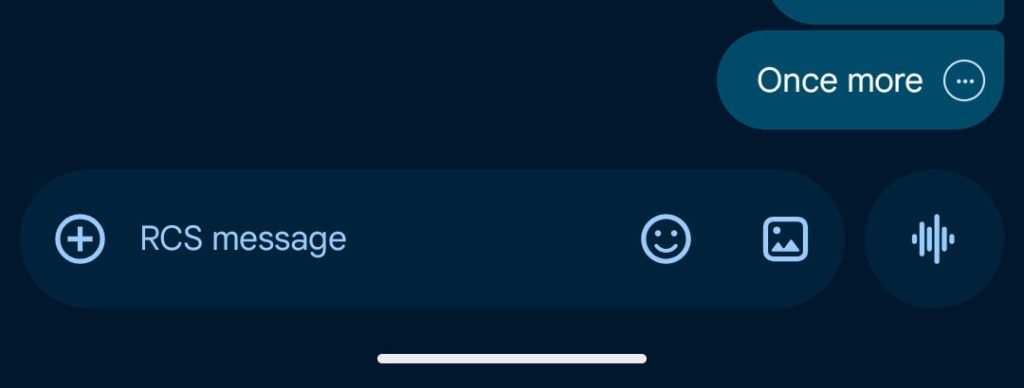
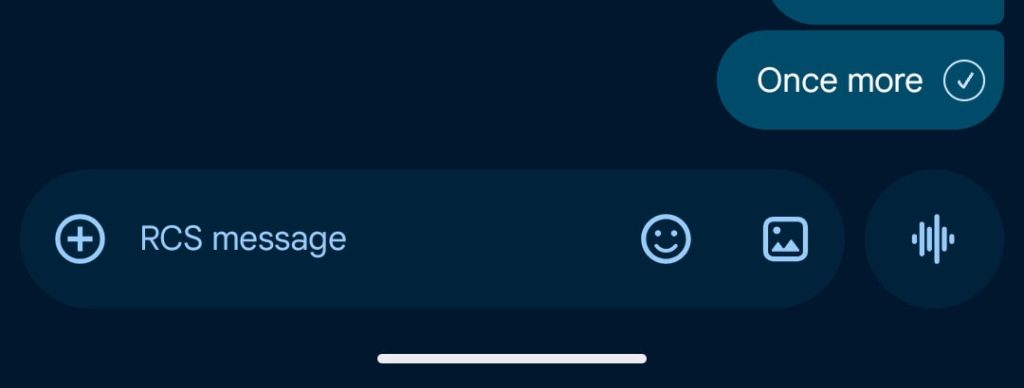
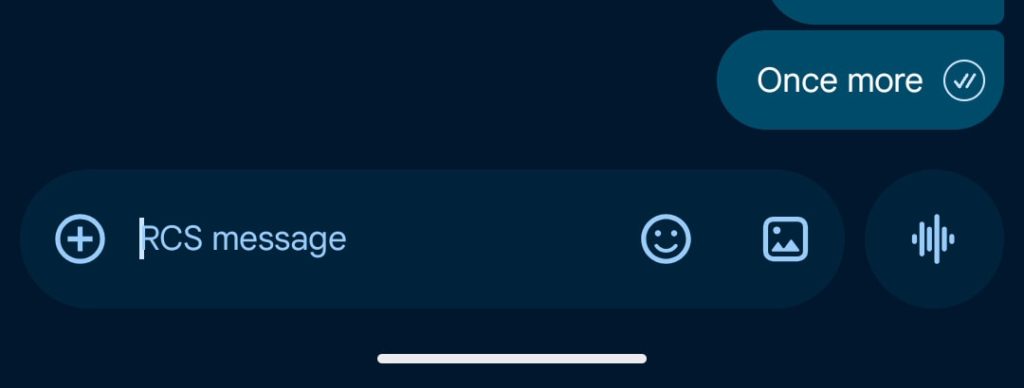
Instead of appearing below the message bubble, read receipts are now integrated into the bottom-right corner. This also applies to standalone media. Additionally, the double bubble design is replaced by one circle with four states:
| Ellipsis | Sending |
| Single check with ring | Sent |
| Double check with ring | Delivered |
| Double check solid circle | Read |
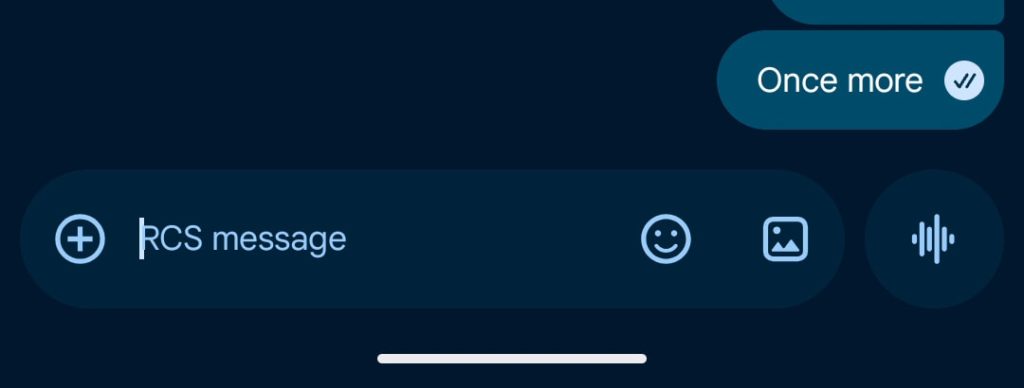
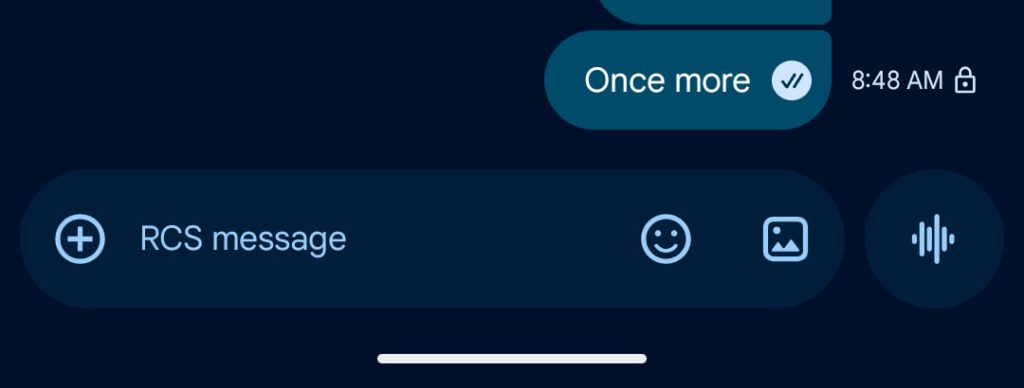
To see what time a message was sent, as well as the RCS encryption lock, you now swipe left. Tapping, like before, results in a bounce animation to signal the new behavior. Swipe right to reply to a message.
The new read receipts also appear in the main conversation list.
Google has been testing this redesign for some time. Some stable users have seen this for months. On the beta, it has rolled out and then been pulled (for some) a handful of times.
As of beta version 20260220_01_RC00 this week, Google Messages looks to be widely rolling out the circular read receipts redesign for testers. It’s clear this is the final design, but the rollout has been quite protracted.

More on Google Messages:
- Google Messages preps Find Hub location sharing integration
- Google, Apple start testing encrypted RCS on Android and iOS 26.4
- Google Messages preps Smart Reply ‘Tap to Edit’ that doesn’t instantly send


FTC: We use income earning auto affiliate links. More.



Comments