
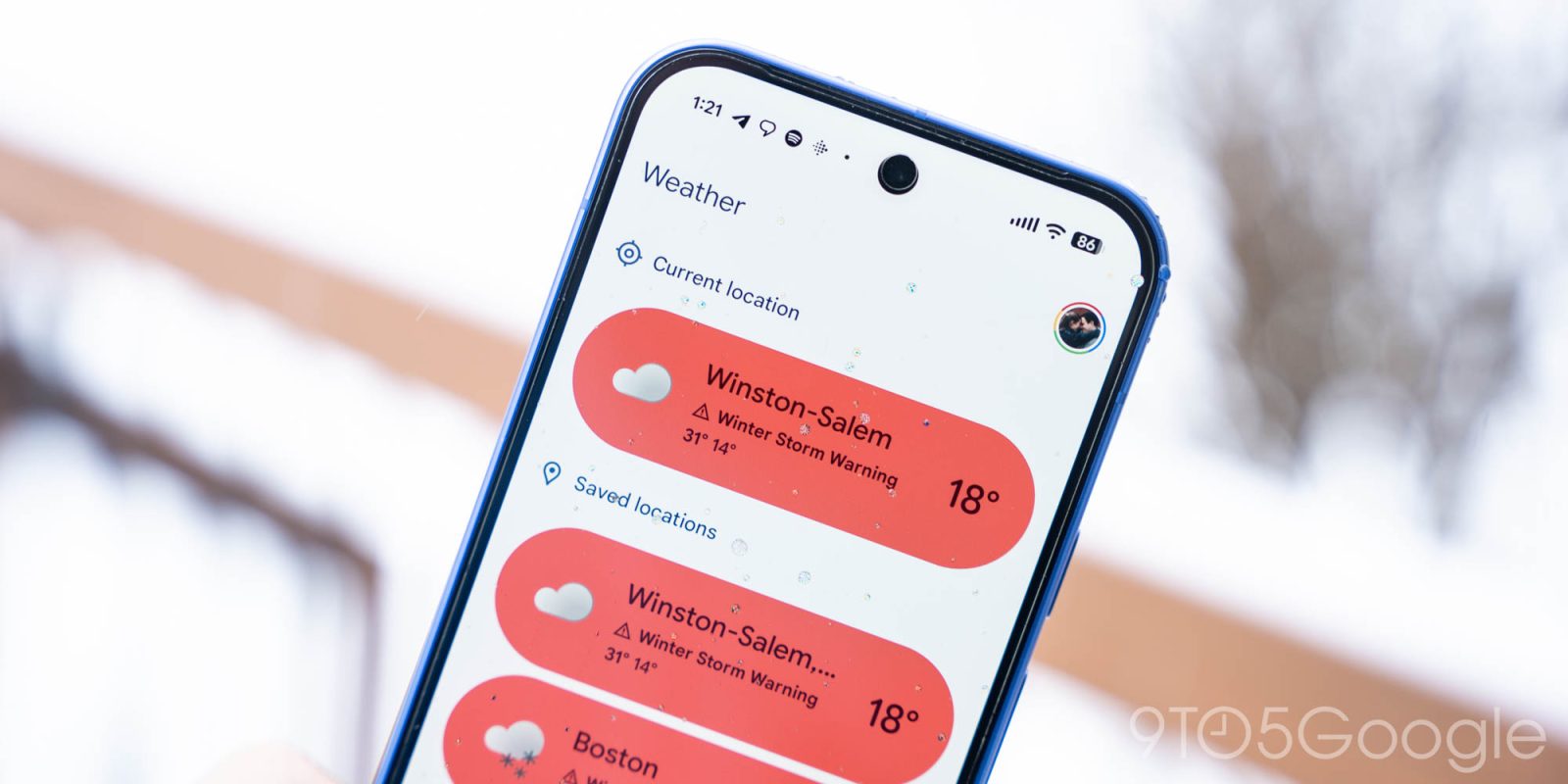
Google has made a pair of weather tweaks to Pixel Weather and the Clock app (version 8.6).
Besides the new icon set and background changes, the latest update to Pixel Weather also makes sizing tweaks to the “Forecasted weather” widget that increase padding.
For example, at 5×3 — depending on your device’s Display size — you’ll no longer see a line at the bottom for tomorrow’s forecast. Going to 5×4 only gives you two (vs. three) days, while it’s four (vs. five) days at 5×5. While you see less information, the additional spacing addresses some visual bugs.
Version 1.2.20251230.x of Pixel Weather widely rolled out last week.
Top comment by android2288214
I don't get why it shows "now" in the hourly forecast on the weather widget. That is already displayed above and if they removed it, you would get another hour listed instead. I have sent feedback about this before.
Old vs. new


Meanwhile, the updated icon set introduced with Pixel Weather is coming to Google Clock with version 8.6. The World Clock drops the monochrome set for colorful icons. This is a reversal from version 7.14 of the app last June.
This update to Google Clock is still rolling out via the Play Store. Weather integration is exclusive to Pixel devices.


Google has also rolled out a small update to Google Calculator with version 9.1. There are no apparent changes.


FTC: We use income earning auto affiliate links. More.



Comments