
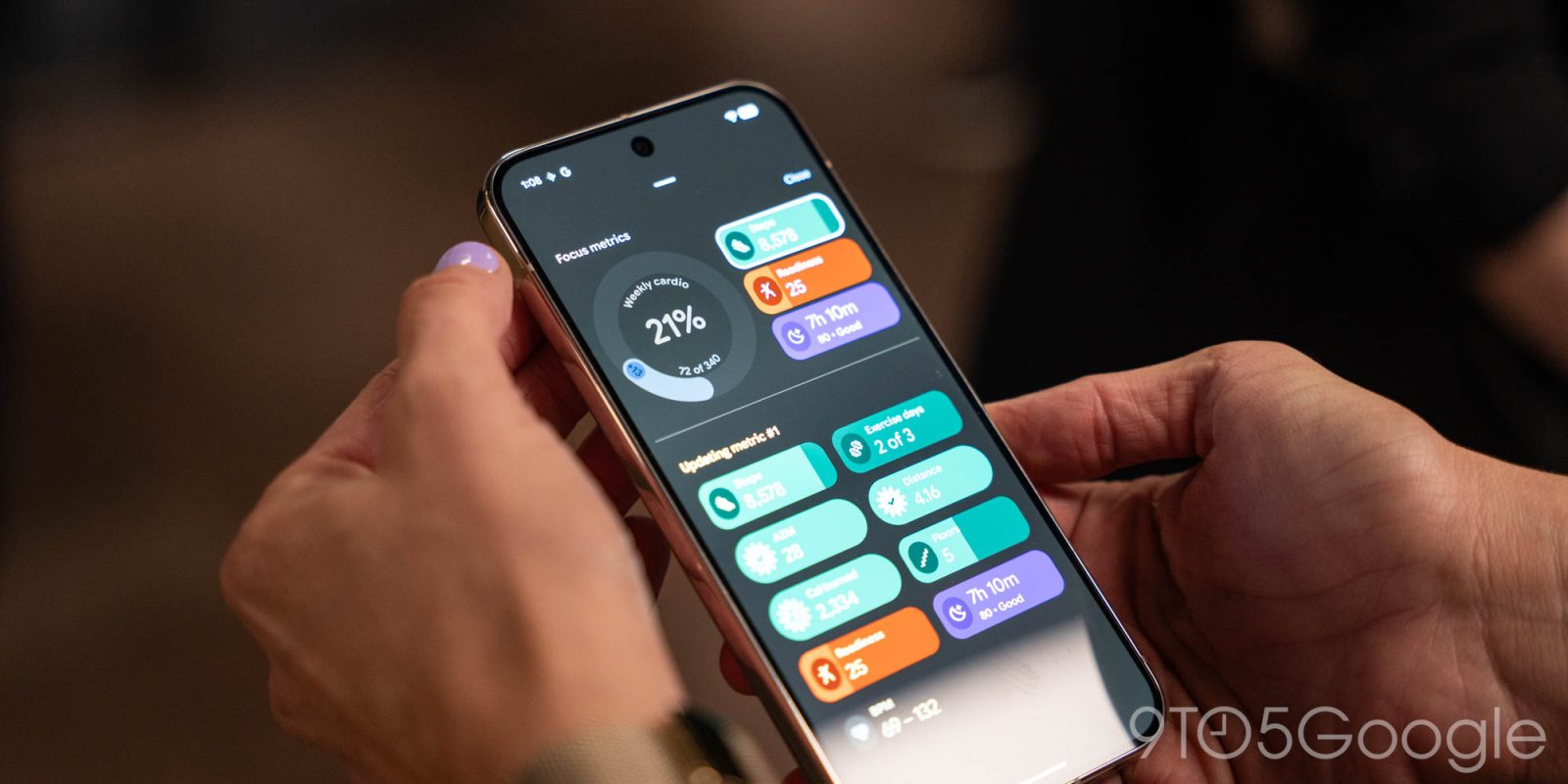
Google has confirmed that a fix is rolling out for an error affecting Fitbit calorie goals, while it also seems that stat-counting errors for step counts and other metrics on Pixel Watch appear to be fixed – but there is a workaround if you’re still having trouble.
Beyond just step, heart rate, and other tracking stats, the Fitbit app can also be used to track what you eat and help give you a calorie range to work within. For the past couple of weeks, though, a number of Fitbit users have noticed that calorie goals have been all out of whack, leaving “calories left” blank or incorrect.
Google says a fix is currently rolling out.
The cause of the problem was identified and “Mario S,” a Fitbit moderator, says that the fix should be available to everyone in “the next few days.”
…Our team found the cause of the issue and are currently fixing it.
Personalized calorie goals should now be showing up correctly. Please note that if you manually set a fixed goal as a temporary workaround, that fixed goal will remain until you change it.
You might still see an error message when creating or updating a food plan, but we expect to have this resolved within the next few days.
Meanwhile, Pixel Watch owners are still seeing doubled stats and problems with step counting following recent updates. The root cause of this one is unclear, but you might see inflated step counts or some wild cardio load numbers in the Fitbit app that simply don’t align with reality – personally, Fitbit says I exceeded my cardio goal by 234% last week, despite the fact that I was basically stuck in my desk chair Monday-Thursday.
The problem is still happening for many, though some have noticed their numbers are back to normal.
It seems that a reboot or dead battery on the watch has helped some, but a workaround for others has been to clear the cache on the Fitbit app. In either case, this seems to at least temporarily stop the double-counting errors.
Let us know in the comments below if you’re still seeing problems.
More on Fitbit:
- Fitbit improves sleep tracking, new Sleep Score and health records coming
- Fitbit Coach preview expanding internationally, coming to iOS
- Fitbit extends Google Account deadline to May 2026, with data deleted shortly after
Follow Ben: Twitter/X, Threads, Bluesky, and Instagram


FTC: We use income earning auto affiliate links. More.



Comments