
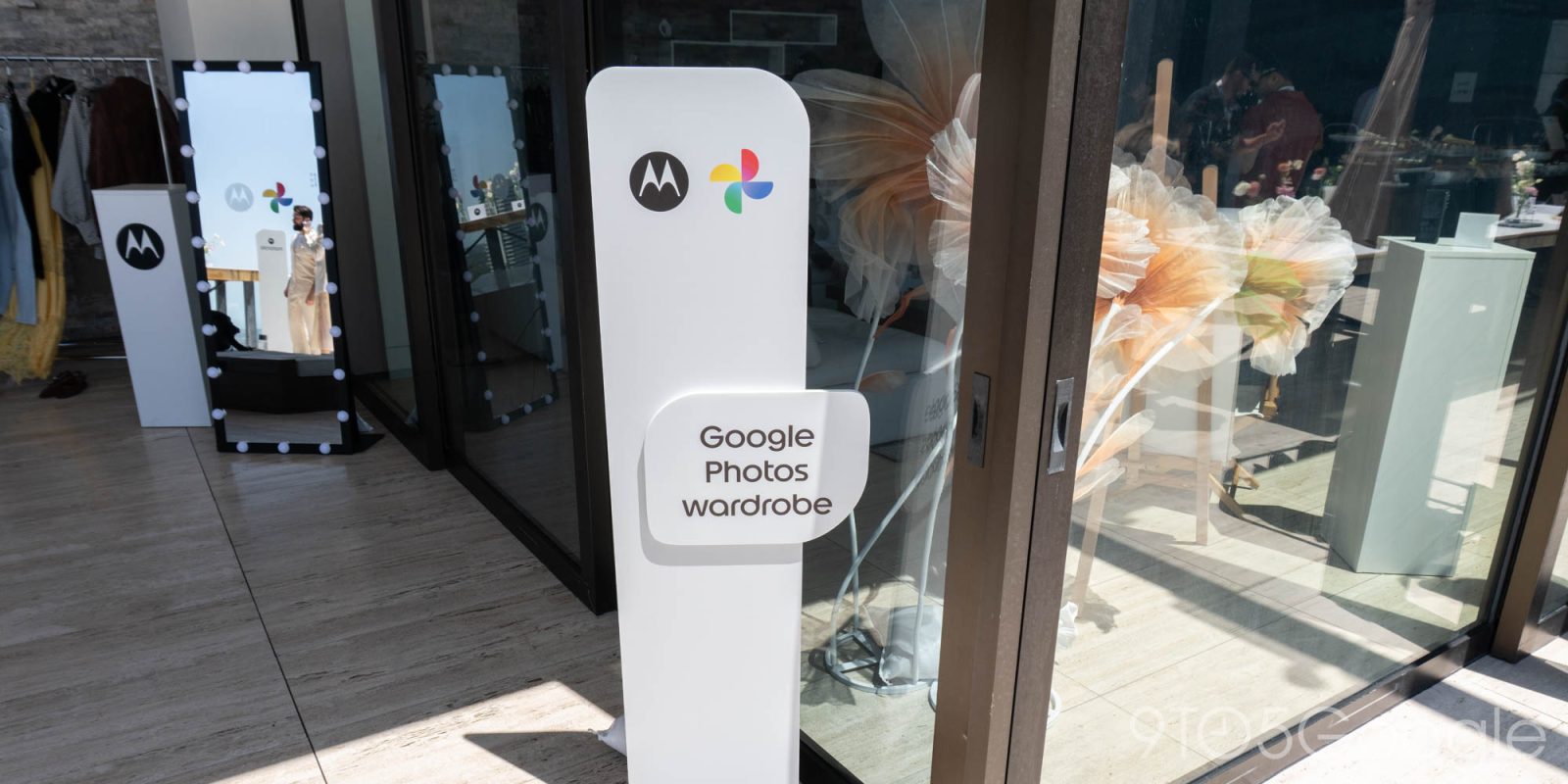
Motorola today announced its 2026 flip-style Razr lineup with a new AI-powered Google Photos feature called “Wardrobe.”
Google Photos will look through your library and identify clothes and accessories you’ve worn to generate “clean, snapshot images of the pieces.”
Once available, “Wardrobe” will appear in the Collections tab alongside your People and Albums. This new page is grouped by “Items” and “Outfits.” The latter shows clothing you can pair with a virtual try-on capability — just like Google Search — that uses a digital avatar of you. This image can be easily shared with friends and saved as part of a digital moodboard.


Tap the “Create” FAB (floating action button) to manually mix and match, with your wardrobe organized by Tops, Bottoms, Skirts, Dresses, Jewelry, and more.
With wardrobe, a user can save their favorite looks and get inspired by the clothes they already own.
Google Photos Wardrobe will start rolling out this summer. It’s coming first to Android (note the floating toolbar redesign below) and then iOS.
Google Photos is Motorola’s default gallery app, and the other integration today is Memories appearing in the Daily Drops “personalized content feed that refreshes twice a day based on users’ interests.” This is the same Memories carousel that appears at the top of the Google Photos app.
The Daily Drops feed features the latest headlines, calendar overview, and weather updates. Motorola notes how this is “the first time memories have been integrated in this type of personalized content feed on a mobile device.”
Finally, Android’s Live Update notifications will appear on the cover screen of the new Razr phones announced today.


FTC: We use income earning auto affiliate links. More.



Comments