
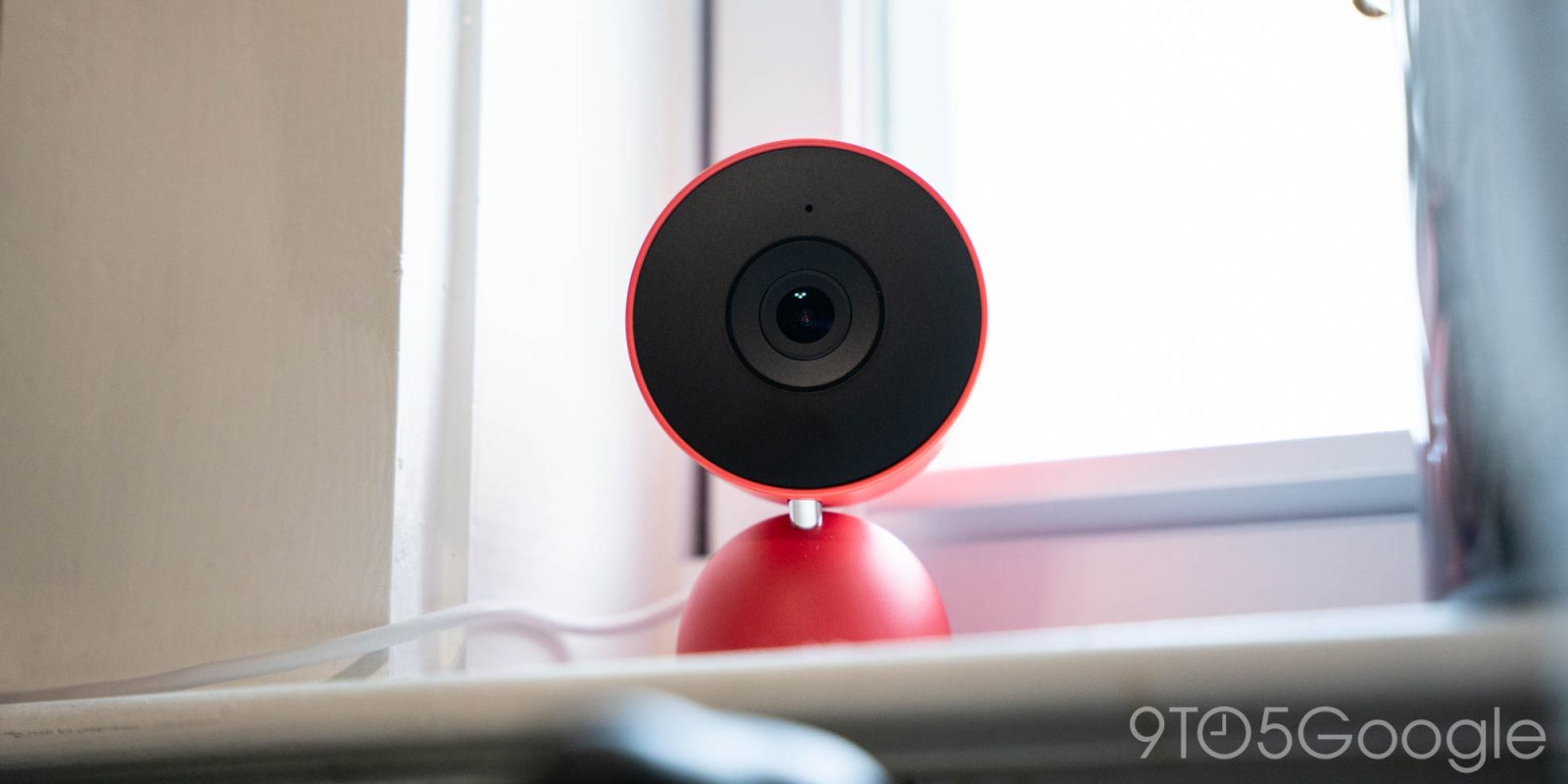
“Familiar Faces” in Google Home have been a bit of a mess for years now, but Google is trying to address this pain point of Nest Cam with two key changes – and I’ll take just about anything at this point.
Since the 2021 reboot of Nest hardware, Google has pitched Familiar Faces as one of the big selling points of the modern Nest Cam. Using face detection and a growing library of faces, your camera would be able to tell you who’s at the front door without delay. It’s a good pitch, and one that ADT tried to build on by using this data to help unlock the door and disarm your security system.
The problem? It really doesn’t work all that well.
Familiar Faces just falls, well, on its face, all too often. From not recognizing someone it sees on a daily basis to thinking one person is someone else entirely and every other mistake in between, this feature often feels like more of an annoyance than a benefit. I’m a Nest Cam owner on the daily, and I can’t tell you how annoying it is that my cameras never seem to know who anyone is. I’ve gone through my account several times over the years to “reset” these faces, gone in occasionally to manually adjust what faces Google erroneously put on another person, and so on, but every single time, it just degrades back to the point of being more annoying than anything else. Gemini was supposed to lend a hand here but, if it has, I certainly haven’t noticed.
Google now says it’s making two changes to address this shortcoming. Firstly, a new thumbs up/down feedback tool will be added. This will give users a quicker way to tell Google that, “hey, that’s wrong.” The other change being made is to the library, where Google will throw out “blurry, ghosted, non-frontal, or small faces” to make the library easier to wade through when you do go in to manually make corrections.
Top comment by Whispy_Snippet
I wish there was a way to turn off the spoken "someone's at the front door" notification that comes immediately after the door chime with the Nest doorbell. I know someone is at the door - the doorbell just rang! I only need to hear a voice if it's a familiar face.
Google explains:
- “Thumbs up/down” buttons: We launched feedback buttons on familiar faces previews. Over time this will help make familiar face detection more accurate when it sends you alerts.
- Face library management: Familiar face detection now automatically excludes low-quality examples—such as blurry, ghosted, non-frontal, or small faces—to maintain a clean and effective face library.
I don’t think either of these will be particularly earth-shattering in terms of impact, but I’m just glad to see Google finally addressing the problem. The bar is very low after five years of dealing with this same situation.
What do you think?
More on Google Home:
- Google Home update delivers huge automation expansion, Nest Cam upgrades for all
- Gemini for Home voice assistant gets Gemini 3.1 upgrade
- Google Home will roll out Gemini upgrades more widely in Europe, Asia-Pacific this week
Follow Ben: Twitter/X, Threads, Bluesky, and Instagram


FTC: We use income earning auto affiliate links. More.



Comments